
Samsung Messages Gets a Stability Boost with Latest Update
SammyGuru is reader-supported. We have affiliate and sponsored partnerships, so we may earn a commission when you buy through links on our site — at no extra cost to you. Learn more.
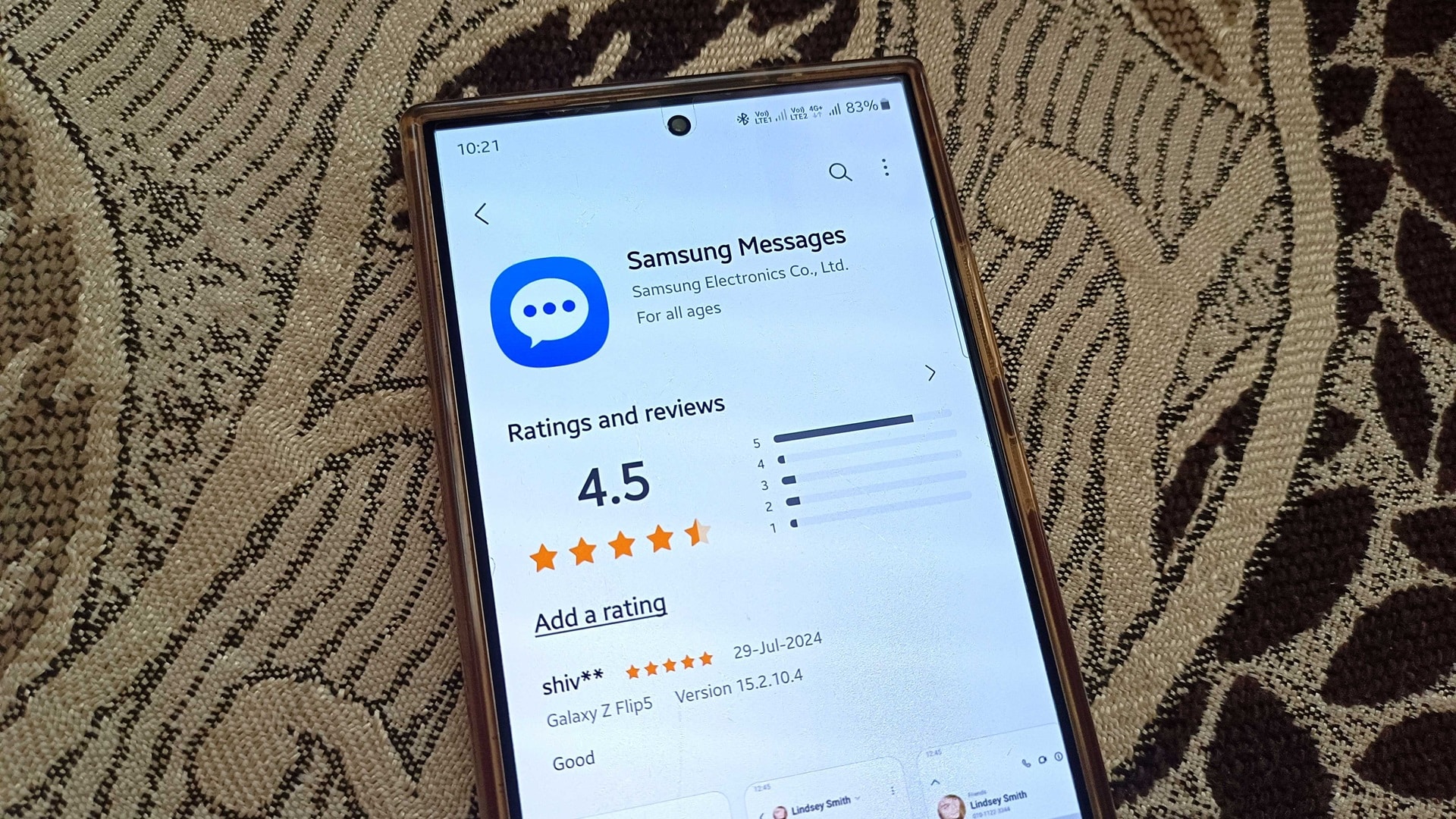
Samsung has released a new update for its Messages app. The company is rolling out version 13.5.11.5 of the app with bug fixes and functional optimizations, allowing for smoother performance. The update, available via the Galaxy Store, doesn’t bring any new features or UI changes.
Samsung Messages updated with bug fixes and optimizations
Earlier this year, Samsung made a bold decision to replace its Messages app with Google Messages on Galaxy devices in the US. The latter comes preloaded on the Galaxy Z Fold 6 and Flip 6 stateside and is the default messaging app. While you can still download Samsung Messages and switch to it, the company likely plans to phase out its in-house messaging service globally over the next few years.
For the time being, Samsung Messages is very much alive and kicking. The company just issued an update to improve its performance. While you aren’t getting any new features or changes, the update addresses some bugs with message delivery and notifications. These bug fixes should improve the messaging performance and media management functions of Samsung Messages for a more stable messaging experience.
Samsung released this update a few days ago, but it’s showing up to more users today. To check for updates on your Galaxy device, open the Galaxy Store app, go to the Menu tab on the bottom bar, and select Updates. You will see a list of all available app updates. The latest update brings version 13.5.11.5 of Samsung Messages. If you don’t see any, wait a few days and check again following the same steps.
Alternatively, you can open this link on your Galaxy device to directly go to the Samsung Messages app page in the Galaxy Store. If an update is available, you should see an Update button at the bottom of the screen. Note that some updates are rolled out in phases and take time to reach all users globally.

Written by
Sumit AdhikariSumit, a life-long Samsung user, is passionate about technology and has been professionally writing on tech since 2017. He’s a mathematics graduate by education and enjoys teaching basic mathematics tricks to school kids in his spare time. Sumit believes in artificial intelligence and dreams of a fully open, intelligent and connected world.

Follow us on Google Discover & set us as a preferred source in Google News
Share this Post
___________________________


New Blog Posts
___________________________

Samsung Quietly Listed a New Entry Level 990 PCIe 4.0 SSD
It drops DRAM for HMB

Samsung’s First Bone-Conduction Earbuds May Be Called Galaxy Able
Name hidden no more

Samsung Accidentally Confirms Galaxy Watch 9 and Galaxy Watch Ultra 2
Coming very soon







