Samsung’s New Home Up Update Transforms One UI 9 Customization

SammyGuru is reader-supported. We have affiliate and sponsored partnerships, so we may earn a commission when you buy through links on our site — at no extra cost to you. Learn more.
Samsung may have finally released the One UI 9 version of Home Up, one of the most popular modules in the Good Lock suite. While we do not have the update on any of our Galaxy S26 units running One UI 9 Beta 3, a few users claim to have received the new version (18.0.00.24). It introduces a redesigned dock customization system, powerful multi-finger gestures, and additional personalization options that give Galaxy users far more control over the home screen experience.
Home Up lets you customize your Galaxy like never before
The biggest visual addition is the ability to completely redesign the Favorites dock at the bottom of the home screen. Instead of the standard translucent dock, Home Up now lets users apply their own background using solid colors, gradient backgrounds, patterned tiles, or even custom images. Samsung also includes controls for blur, shadow, transparency, and corner radius, allowing users to create everything from a subtle glass-like effect to a completely custom dock design.
The update goes beyond the home screen as well. Users can now customize the Edge Panel background with similar controls, including adjustable blur and transparency for a cleaner, more polished appearance.
All the updates brought by Samsung One UI 9 combined may not be as many as what Home Up has delivered this time.
The latest version of Home Up 18.0.00.24 has added the ability to adjust the background color of the Edge Panel. This is my “homework” setup, feel free to use it as… pic.twitter.com/NemdpBUt17
— Ice Universe (@UniverseIce) July 10, 2026
Moreover, Samsung has introduced a brand-new multi-finger gesture system. Home Up now supports gestures using up to five fingers, dramatically expanding what users can do without pressing a button. Supported gestures include swipe up, down, left, and right, pinch in and out, single and double tap, and long press. Each gesture can be assigned to a different action, making the feature highly customizable. You can use the gestures to go Home, open Recent Apps, switch apps, take a screenshot, open the notification panel, and more.
Samsung hasn’t stopped at simply adding gestures. The company also provides numerous settings to fine-tune how they work. Users can adjust the swipe distance required to trigger a gesture, enable vibration feedback, and even turn on a glow animation when gestures are recognized. If you like, there’s also an option to disable gestures while the keyboard is open and exclude specific apps where gestures shouldn’t work.
Home Up 18.0.00.24 will gradually reach all Galaxy S26 units running the One UI 9 Beta. It’s unclear if Samsung plans to expand the beta program to more devices. The stable rollout may begin in a couple of months.

Written by
Sumit AdhikariSumit, a life-long Samsung user, is passionate about technology and has been professionally writing on tech since 2017. He’s a mathematics graduate by education and enjoys teaching basic mathematics tricks to school kids in his spare time. Sumit believes in artificial intelligence and dreams of a fully open, intelligent and connected world.

Follow us on Google Discover & set us as a preferred source in Google News
Share this Post
___________________________


New Blog Posts
___________________________

Samsung Turns to Sun Valley as it Hunts for More AI Chip Customers
This could allow the Korean foundry to win AI chip-making orders
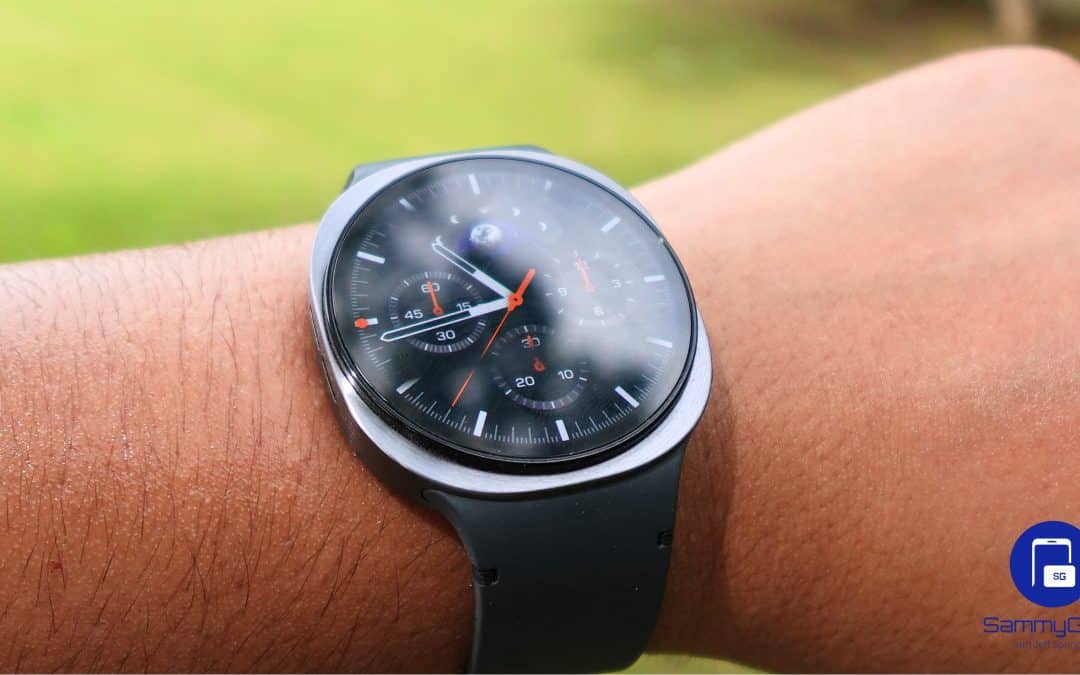
Galaxy Watch to Help Researchers Study Brain Health
This could support digital biomarkers for cognitive function

Someone Already Used Samsung’s Galaxy Z Fold 8 and Shared These First Impressions
Leaker says: Great hardware, but software still has room to improve