Galaxy Book 6 Enterprise Edition Brings Stronger Security and AI Features
SammyGuru is reader-supported. We have affiliate and sponsored partnerships, so we may earn a commission when you buy through links on our site — at no extra cost to you. Learn more.
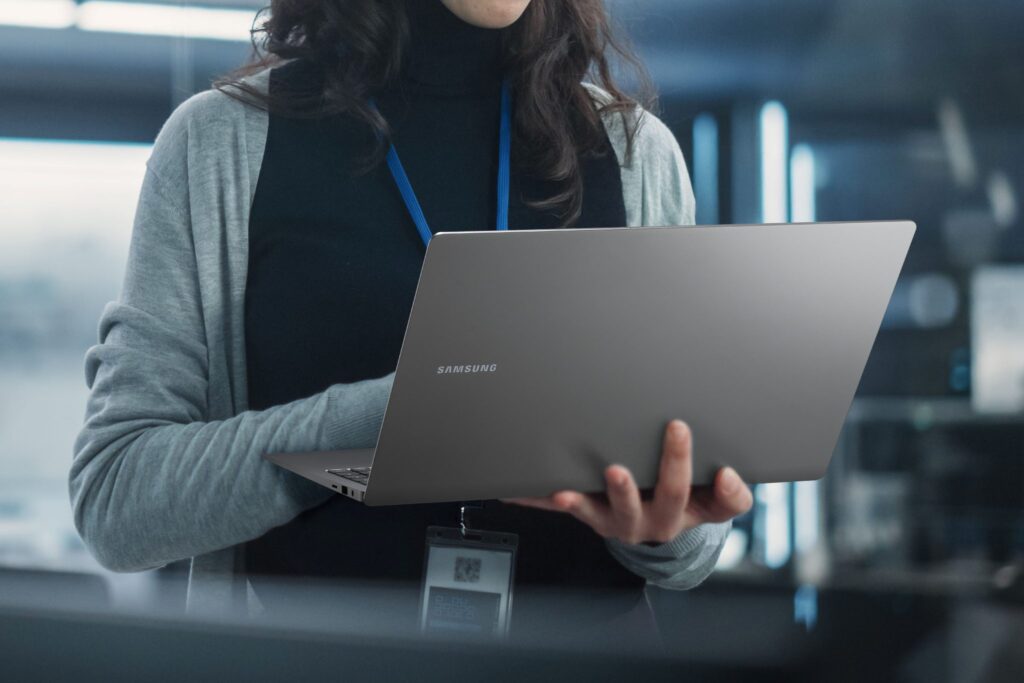
After unveiling the Galaxy Book 6 series, Samsung has now taken the wraps off the Galaxy Book 6 Enterprise Edition, which, as the name suggests, is designed specifically for business customers. It’s based on the regular Galaxy Book 6, but it adds a layer of enterprise-focused features aimed at IT teams and large organizations.
What’s different about the Galaxy Book 6 Enterprise Edition?
One of the main differences between the regular and Enterprise Edition of the Galaxy Book 6 is the processor. Unlike the consumer model, this version uses Intel Core Ultra Series 3 chips with Intel vPro. That means better remote management, stronger security controls, and more stability for companies handling large device fleets.
Businesses can also opt for custom OS imaging, tweak BIOS settings, add company branding, and use asset tagging to track devices. There’s also support for Windows Autopilot, which helps IT teams set up laptops quickly without hands-on configuration.
As with any enterprise-focused laptop, security can’t be compromised. It aligns with standards set by the National Institute of Standards and Technology for system integrity and firmware protection. It also includes a discrete Trusted Platform Module, which handles encryption keys securely at the hardware level.
There’s also Samsung Knox, which adds another layer of protection across the system. Users get biometric login options, including a fingerprint sensor and an IR camera for Windows Hello.
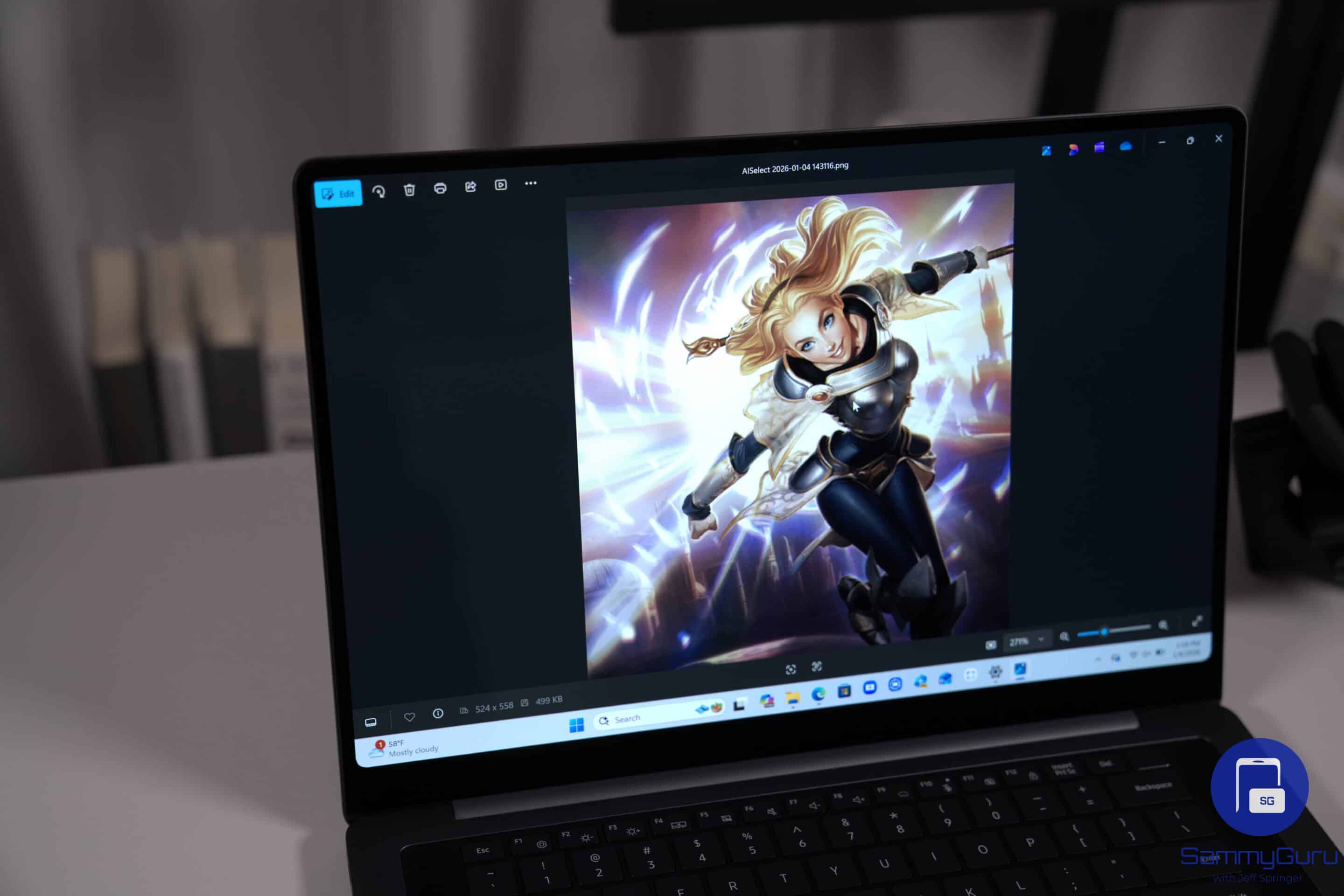
On the performance side, the laptop packs an NPU capable of up to 49 TOPS, which helps with AI-driven features. Samsung is bundling tools like AI Select for quick on-screen actions, Note Assist for summarizing meetings, and Intelligent Search to find files using simple prompts.
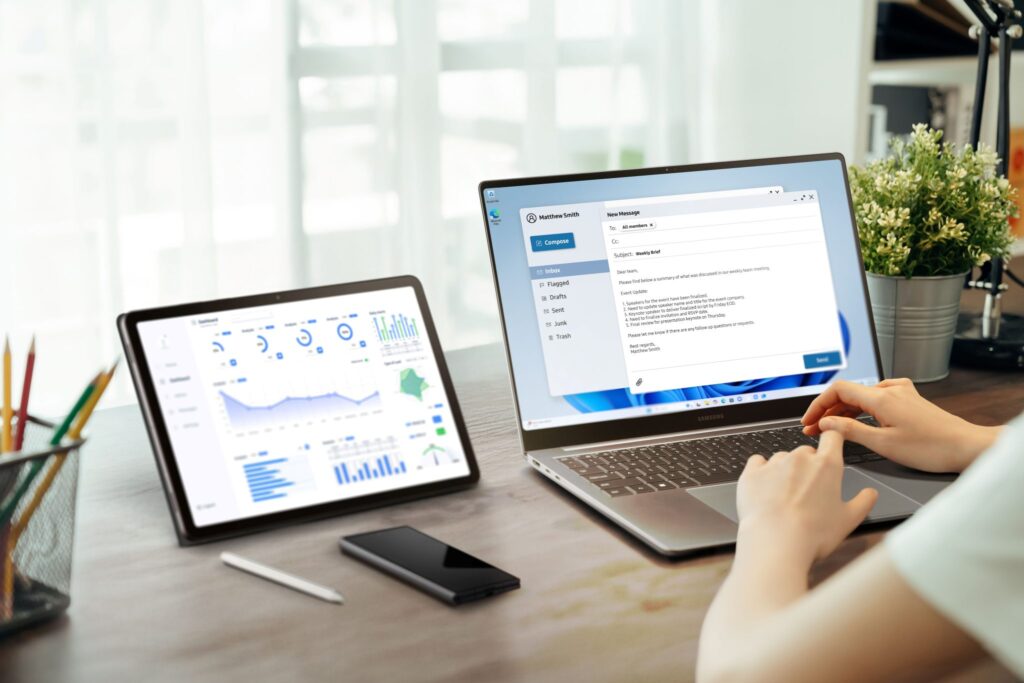
Like other Galaxy devices, this one works well within the ecosystem. Features such as Quick Share, Multi Control, and Second Screen make it easier to move files, control multiple devices, or extend your workspace across screens.
The overall design stays close to the standard model. It comes in 14-inch and 16-inch sizes. Samsung says it can deliver up to 24 hours of video playback, along with fast charging support. Pricing hasn’t been revealed yet.

Written by
Abhinav AnandAbhinav Anand is the News Editor at SammyGuru and a technology journalist based in New Delhi. Before joining SammyGuru, he contributed to numerous outlets, including Android Headlines, ExtremeTech, The Mac Observer, Financial Express, Economic Times, iGeeksBlog, KnowTechie, PhonesWiki, SlashGear, and more. You can reach him at [email protected].

Follow us on Google Discover & set us as a preferred source in Google News
Share this Post
___________________________


New Blog Posts
___________________________
Google Photos Rolls Out New Floating Bottom Bar on Android
It floats
Introducing SammyGuru Rewards — Read, Earn, and Redeem
Our biggest update yet

Samsung’s Odyssey G8 Will Power Crimson Desert Demos at Gamescom 2026
In Cologne, August 36-August 30