Samsung Fixes Routines+ Touch Macro Issue in One UI 8.5
SammyGuru is reader-supported. We have affiliate and sponsored partnerships, so we may earn a commission when you buy through links on our site — at no extra cost to you. Learn more.
Samsung has released a new update for its Routines+ module with version 1.1.20. The update fixes a touch macro action error in One UI 8.5, improving the reliability of automation features for beta testers. Display Assistant also received official One UI 8.5 support with a recent update. These updates should reach all eligible devices in the coming weeks.
New Routines+ update fixes touch macro error in One UI 8.5
Earlier this month, Samsung officially kicked off its One UI 8.5 beta program. The beta is currently available for the Galaxy S25, Galaxy S25+, and S25 Ultra in select regions, including the US. As this is an early software build, Samsung continues to address bugs and compatibility issues in its Good Lock modules.
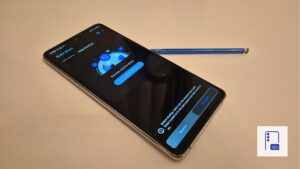
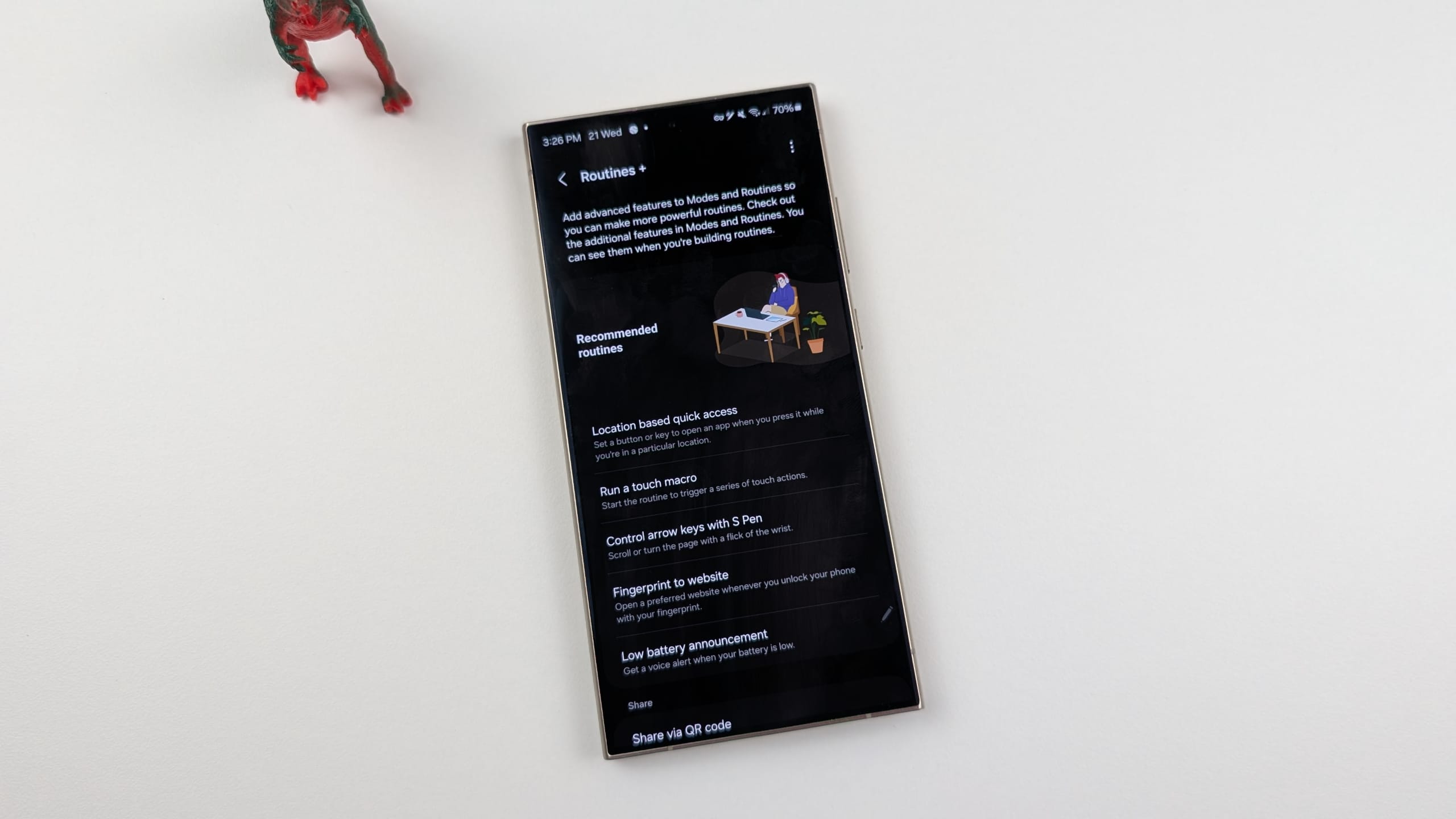
The company has now addressed an issue with Routines+, part of the Good Lock suite. This app expands Samsung’s built-in Modes & Routines feature by offering advanced automation tools not available by default. One of the key features is Touch Macro, which lets users record a sequence of taps and swipes on the screen and replay them automatically as part of a routine. For example, it can navigate through the menu of an app while triggering specific actions.
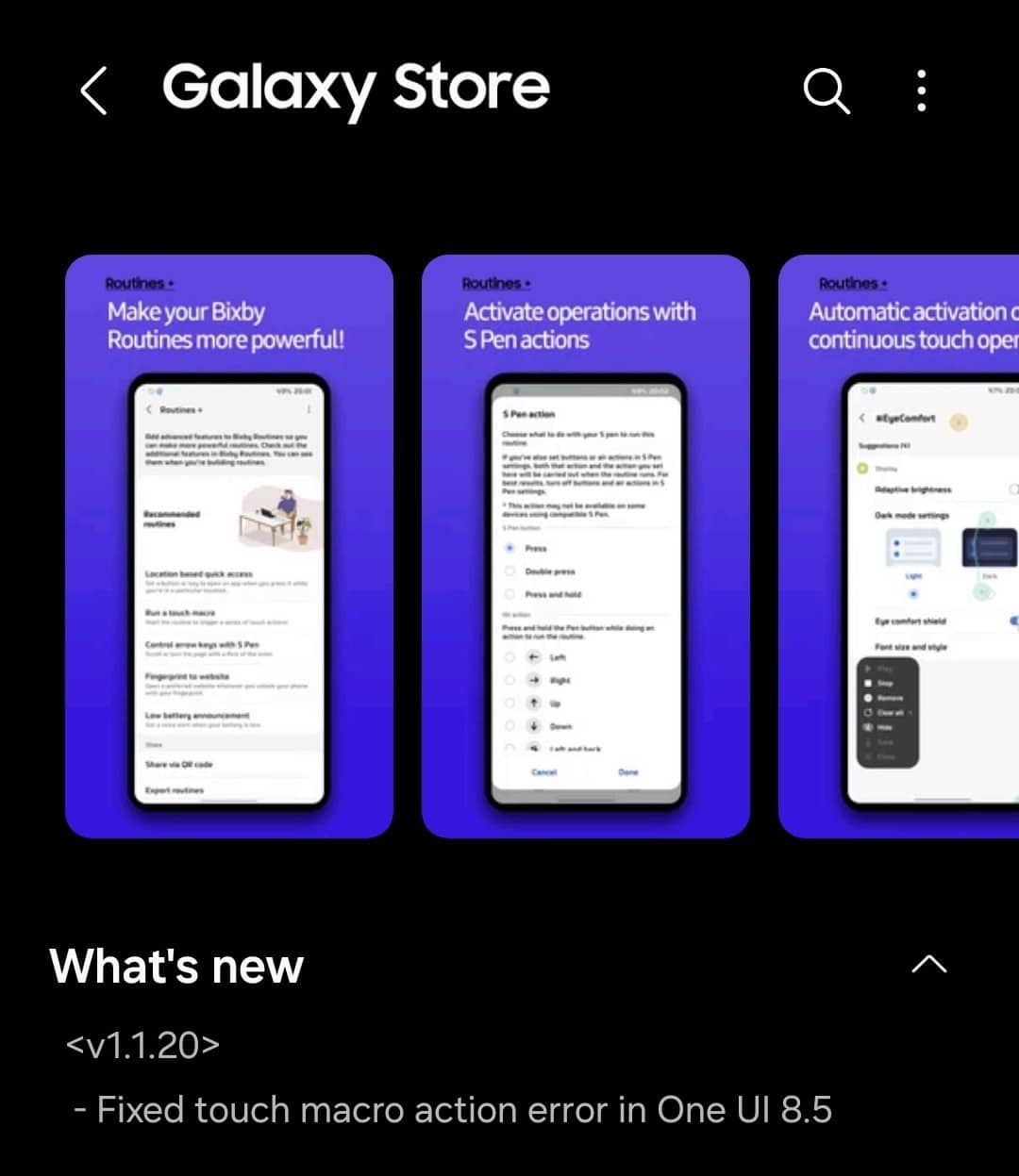
Following the rollout of the One UI 8.5 beta, some users are experiencing an issue with Touch Macro actions. Thankfully, Samsung has now fixed this problem with the release of Routines+ version 1.1.20. So, if you are a beta tester and rely on automation, you should update to the latest version as quickly as possible. This will ensure that recorded touch actions work seamlessly without interruptions.
Samsung has also updated the Display Assistant app, enhancing its stability in One UI 8.5. To update, you need to first open the Good Lock app and then go to the Plugins tab. Now tap the Update button next to Routines+ and Display Assistant. Alternatively, you can visit the Galaxy Store and search for these apps. Note that Samsung usually rolls out app updates in stages, so it may take a few days before the new versions hit your device.

Written by
Binay KonwarBinay Konwar started his blogging journey in 2014 and has since written plenty of tech articles. At present, he is working as a News Writer at SammyGuru, covering everything about Samsung. He holds a Master's degree in Mathematics, but his real passion lies in tech and writing. In his free time, he enjoys playing chess and watching movies.

Follow us on Google Discover & set us as a preferred source in Google News
Share this Post
___________________________


New Blog Posts
___________________________
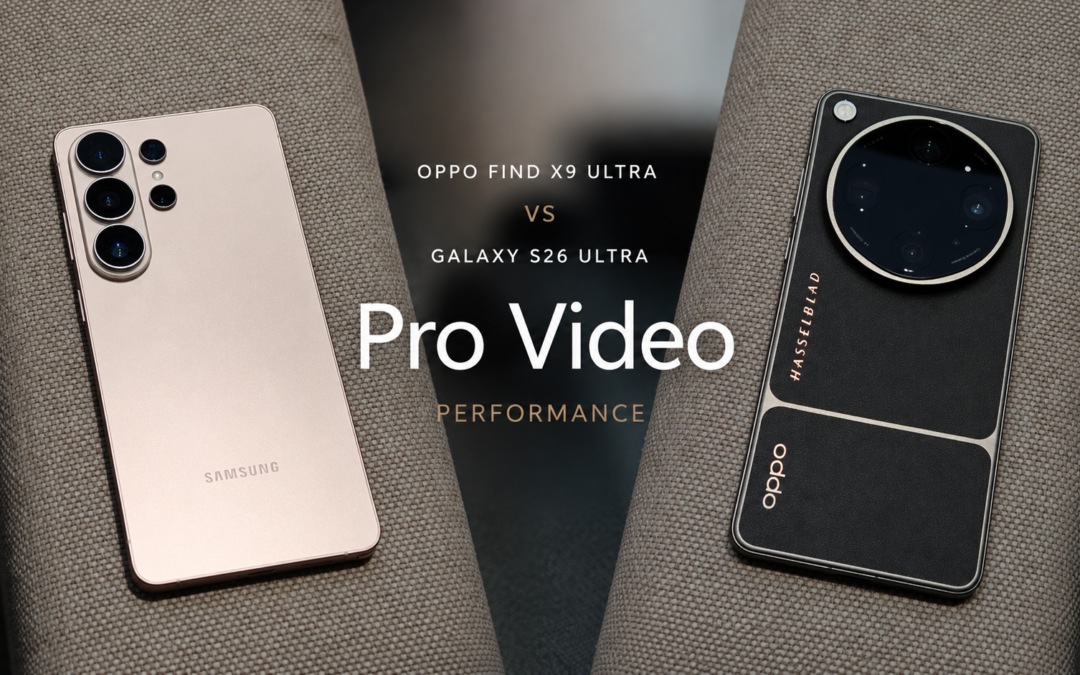
OPPO Find X9 Ultra vs Galaxy S26 Ultra: Pro Video Performance
Pro Video doesn’t follow the same script as Auto Video

Quick Share and AirDrop Found Vulnerable to Nearby Wireless Attacks
The good news is that most of the flaws have already been patched
Breaking: Samsung Officially Teases New Galaxy Z Fold 8 (Wide)
“New Shape. New Joy” it is!