Samsung Fixes Annoying Galaxy Buds App Crash Issue
SammyGuru is reader-supported. We have affiliate and sponsored partnerships, so we may earn a commission when you buy through links on our site — at no extra cost to you. Learn more.
Are you facing the “Galaxy Buds keeps stopping” error every time you take your Galaxy Buds out of the case? Well, you are not alone. Many Galaxy users recently reported a crash issue in the Galaxy Buds app. The good news is that Samsung has now fixed it with the latest version of the app.
New Galaxy Buds app update fixes crash when earbuds connect
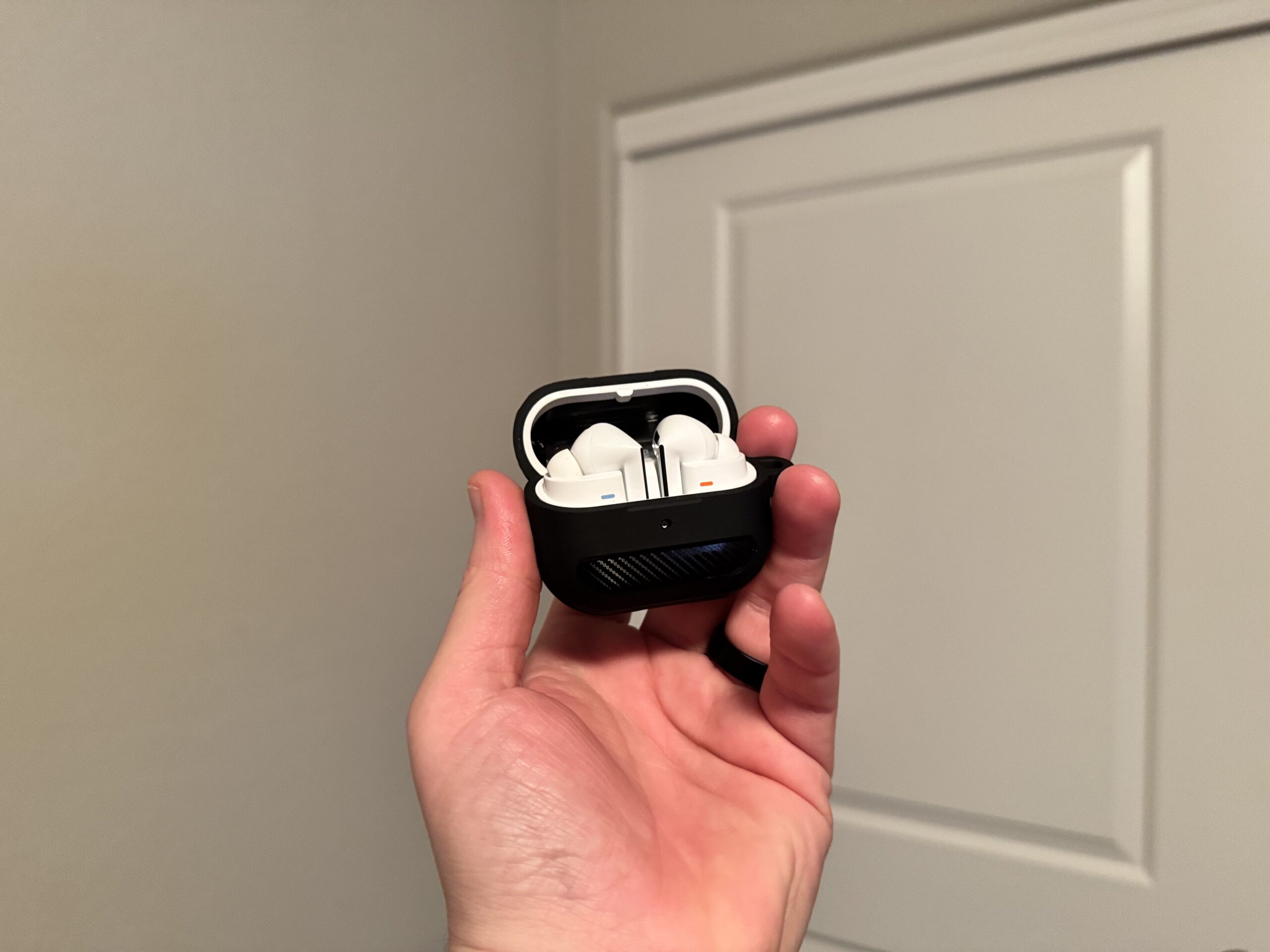
Samsung’s Galaxy Buds app comes pre-installed on Galaxy smartphones and tablets. It lets users manage and customize their Galaxy Buds experience. For example, users can check battery levels, control noise cancellation, switch to ambient sound, and adjust sound quality using equalizer presets. However, it looks like a recent bug caused the app to crash whenever the earbuds were connected.
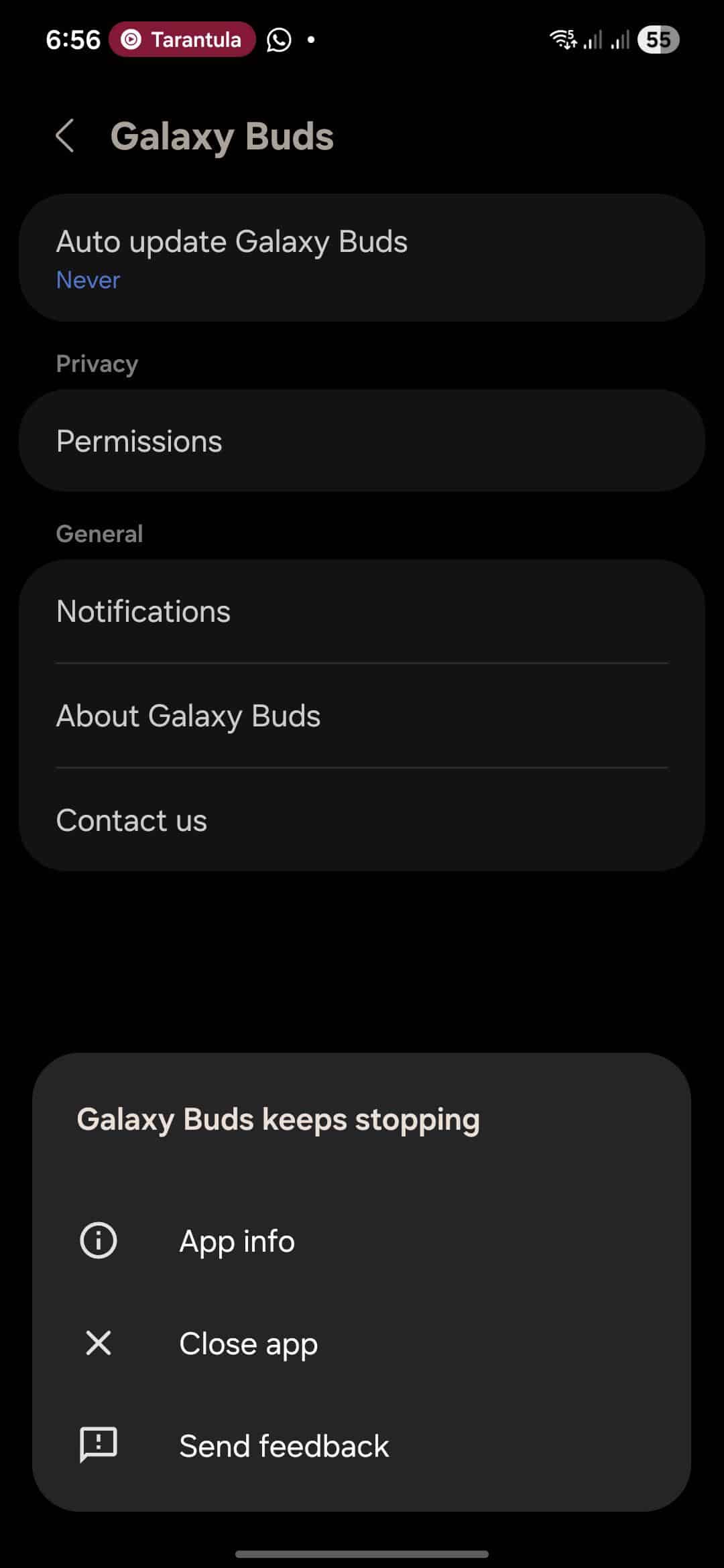
On Reddit, several Galaxy Buds users, including the Galaxy Buds FE, Buds 2 Pro, and Buds 3 Pro, confirmed the issue. Thankfully, Samsung has acknowledged the problem and released a fix. “If you are using or have used a Galaxy Buds device, we have confirmed that you may encounter a ‘Galaxy Buds keeps stopping’ pop-up when using the Galaxy Buds app (version v8.0.00.2300) with a Bluetooth device connected,” said a community moderator.
The moderator said that version 8.0.00.2500 or above of the Galaxy Buds app has addressed the bug. If you are facing the error message, you should update the app as soon as possible. To do so, open the Galaxy Store, tap Menu, and then go to Updates. From there, you will see an Update button next to the Galaxy Buds. Simply tap on it to install the latest version. This should stop the crashing issue.
As of this writing, the most recent version of the Galaxy Buds app is 8.0.00.2600. However, you may not see this update right away, as Samsung usually rolls it out gradually to users through the Galaxy Store.

Written by
Binay KonwarBinay Konwar started his blogging journey in 2014 and has since written plenty of tech articles. At present, he is working as a News Writer at SammyGuru, covering everything about Samsung. He holds a Master's degree in Mathematics, but his real passion lies in tech and writing. In his free time, he enjoys playing chess and watching movies.

Follow us on Google Discover & set us as a preferred source in Google News
Share this Post
___________________________


New Blog Posts
___________________________
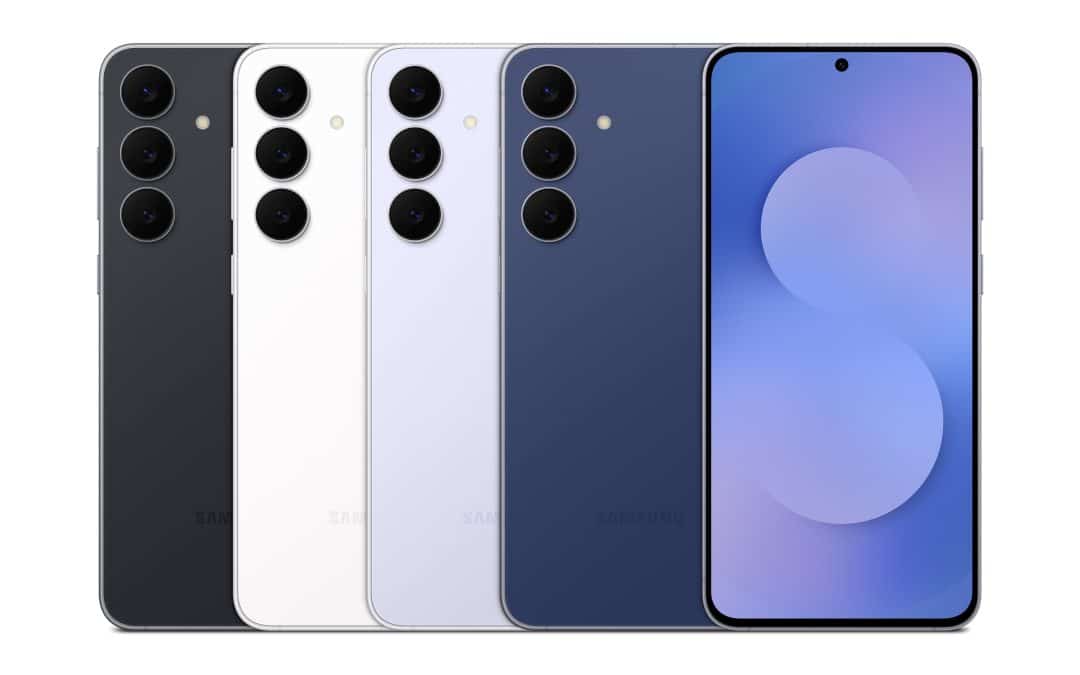
Grab the Galaxy S25 FE for Only $429.99 With This Woot Deal
Galaxy S25 FE is an even better buy after this massive Woot discount
Galaxy Devices That Have Received June 2026 Security Update
List of Galaxy devices picking up June 2026 security update
Galaxy Buds 3 FE Hit Lowest Price Ever With Prime Day Discount
Score Galaxy Buds 3 FE at a record low during Prime Day 2026