
Samsung Enhances LockStar With More AOD and Unlock Customization
SammyGuru is reader-supported. We have affiliate and sponsored partnerships, so we may earn a commission when you buy through links on our site — at no extra cost to you. Learn more.
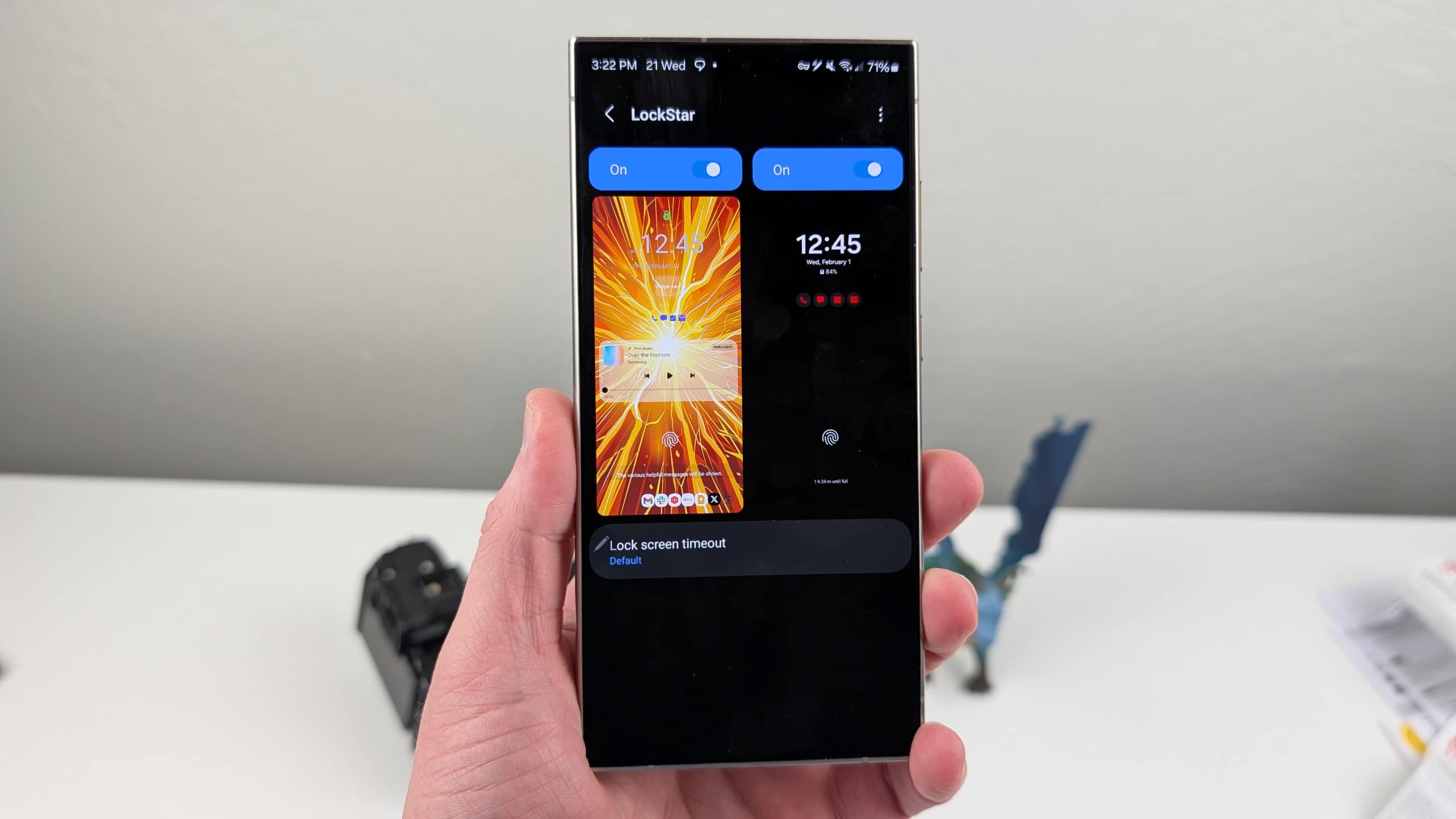
Samsung has released a new update for its LockStar app, part of the broader Good Lock suite. The app adds a couple of new features and improves some existing ones. There’s something new for both One UI 8 and One UI 8.5 users, enhancing lockscreen customizations.
LockStar update brings new features to Galaxy users
Last month, Samsung rolled out a major update for LockStar on One UI 8.5. Most notably, it introduced customizable unlock animations, allowing users to fine-tune how their Galaxy phones behave during unlocking. The latest update, version 8.5.00.10, adds a new “Swirl” animation type, taking the total options to 12. Samsung has also improved the visibility of the status bar when customizing unlock animations.
Additionally, LockStar gets improvements to the manual brightness range for full-screen Always On Display (AOD). This feature also debuted with the previous update. Earlier, LockStar didn’t support manual brightness controls for full-screen AOD. These features are limited to One UI 8.5.
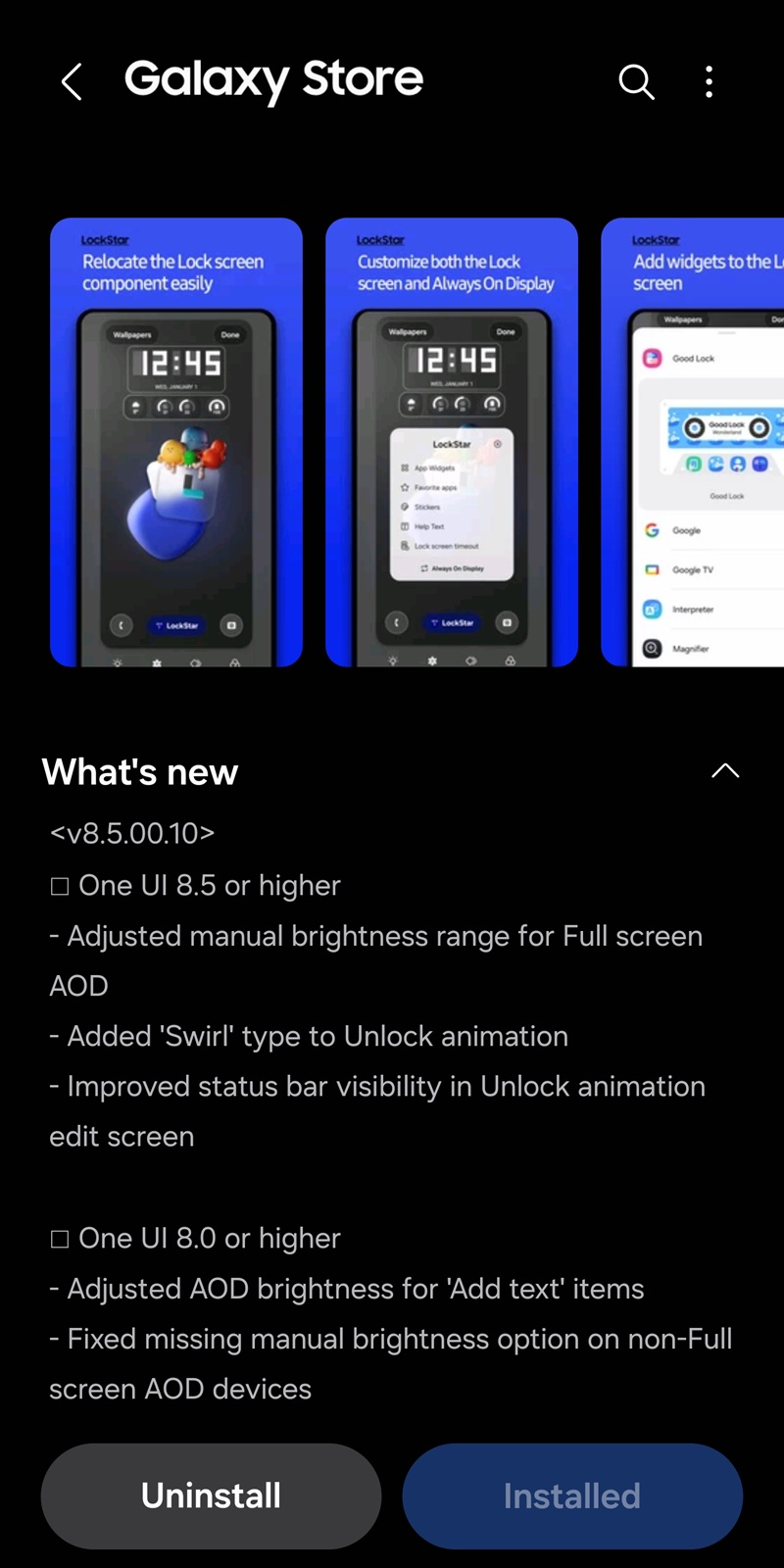
Meanwhile, Samsung is pushing some improvements to LockStar for One UI 8 users as well. The new update enhances AOD brightness for “Add text” items and adds a manual brightness option for non-full-screen AOD devices. These upgrades give Galaxy users better control over their lock screens.
If you use LockStar on your Galaxy, the latest update should be available for you soon. You can check for updates manually from the Galaxy store (hamburger menu > Updates) or the Good Lock app. Since the rollout began recently, it could take a while for the new version to show up for everyone worldwide.
Samsung’s Good Lock suite also includes a bunch of other apps for customizing the home screen, quick settings, edge panels, wallpapers, keyboard, themes, navigation, sound panel, and other UI elements. These apps receive regular updates with new features and improvements. We will let you know when there’s a new update in the Good Lock family.

Written by
Sumit AdhikariSumit, a life-long Samsung user, is passionate about technology and has been professionally writing on tech since 2017. He’s a mathematics graduate by education and enjoys teaching basic mathematics tricks to school kids in his spare time. Sumit believes in artificial intelligence and dreams of a fully open, intelligent and connected world.

Follow us on Google Discover & set us as a preferred source in Google News
Share this Post
___________________________


New Blog Posts
___________________________

Samsung Quietly Listed a New Entry Level 990 PCIe 4.0 SSD
It drops DRAM for HMB

Samsung’s First Bone-Conduction Earbuds May Be Called Galaxy Able
Name hidden no more

Samsung Accidentally Confirms Galaxy Watch 9 and Galaxy Watch Ultra 2
Coming very soon







