Samsung Calendar Widget Text Turns White After One UI 7 Update — Here’s the Fix
SammyGuru is reader-supported. We have affiliate and sponsored partnerships, so we may earn a commission when you buy through links on our site — at no extra cost to you. Learn more.
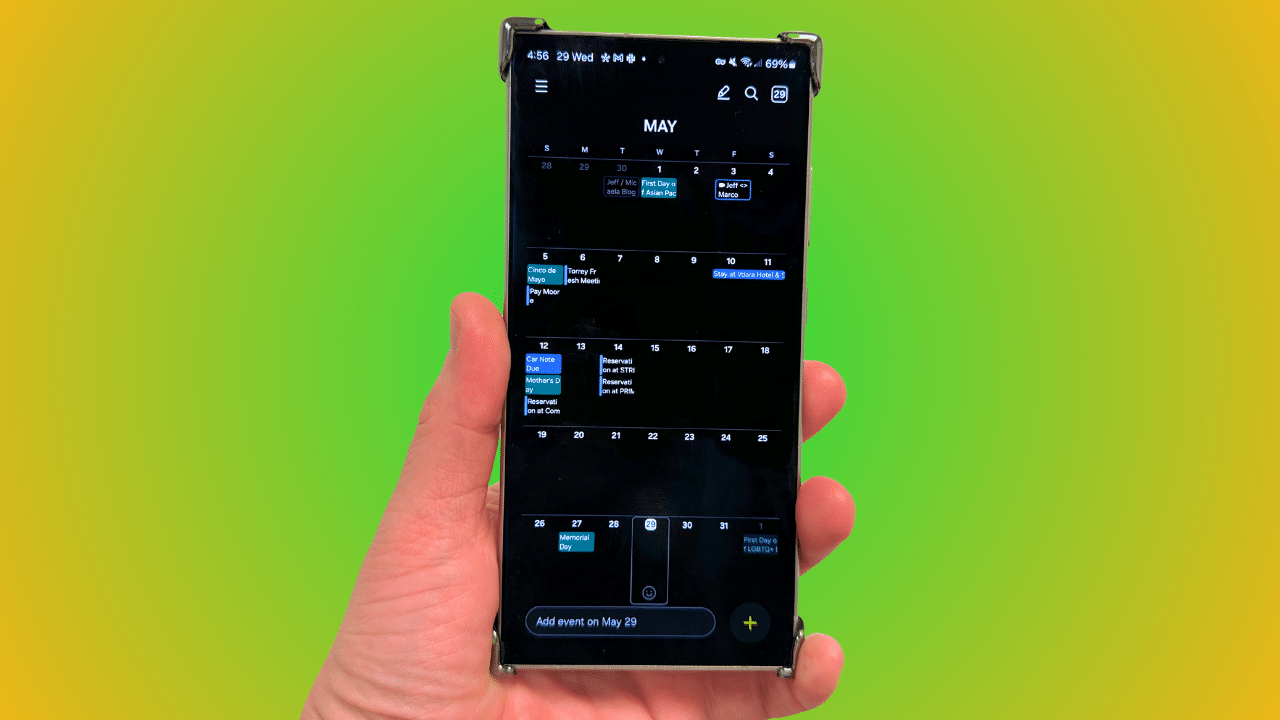
It looks like a strange bug within the calendar widget is affecting some Galaxy users running One UI 7. The bug causes the text in the calendar widget to appear white, making it impossible to read. The good news is that Samsung is aware of the issue and has provided a quick solution.
Samsung confirms calendar widget issue in One UI 7, fix available now
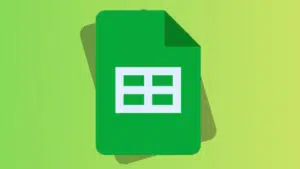
Samsung’s calendar widget lets Galaxy users create events and tasks effortlessly. With One UI 7, the company has further enhanced its functionality for a seamless user experience. For example, you now have more control over which calendars show up on your calendar widgets. However, the latest software also brings a weird bug that’s affecting the visibility of text within the widget.
Specifically, some users have noticed that the calendar text turns white after updating to One UI 7. This has frustrated many users who rely on the widget to view their daily schedules. Acknowledging the issue, a Samsung community moderator recently said, “We have confirmed that settings are not reflected properly due to differences in widget properties in the latest Galaxy software, One UI 7.0.”
The moderator also shared a temporary solution that can help right away. You just need to delete the calendar widget and then add it back to the home screen. This will refresh the widget settings and should set the correct text color. So, to get things back to normal, simply tap and hold the calendar widget and hit the Remove option. You can then add it back to your home screen from the widgets menu.
While this is just a temporary fix, Samsung has promised to roll out a permanent fix through a software update. The fix will arrive with the upcoming Calendar app update, so keep an eye out for the latest version through the Galaxy Store. Once available, update to the latest build to restore proper widget behavior.

Written by
Binay KonwarBinay Konwar started his blogging journey in 2014 and has since written plenty of tech articles. At present, he is working as a News Writer at SammyGuru, covering everything about Samsung. He holds a Master's degree in Mathematics, but his real passion lies in tech and writing. In his free time, he enjoys playing chess and watching movies.

Follow us on Google Discover & set us as a preferred source in Google News
Share this Post
___________________________


New Blog Posts
___________________________
Galaxy S26 FE Korean Variant Spotted on Geekbench with Slightly Lower Scores
Samsung will likely unveil the device this fall

More Galaxy Watch Models Get New Update in the US — Brings an Important Fix
May 2026 update now available for Galaxy Watch 6 and older models

The Pope Uses Samsung: Leo XIV Confirms He Owns a Galaxy Phone and Watch
Pope Leo XIV is a Samsung fan