
One UI 7 Rollout Resumes for Galaxy Z Fold 6, Flip 6 and More
SammyGuru is reader-supported. We have affiliate and sponsored partnerships, so we may earn a commission when you buy through links on our site — at no extra cost to you. Learn more.
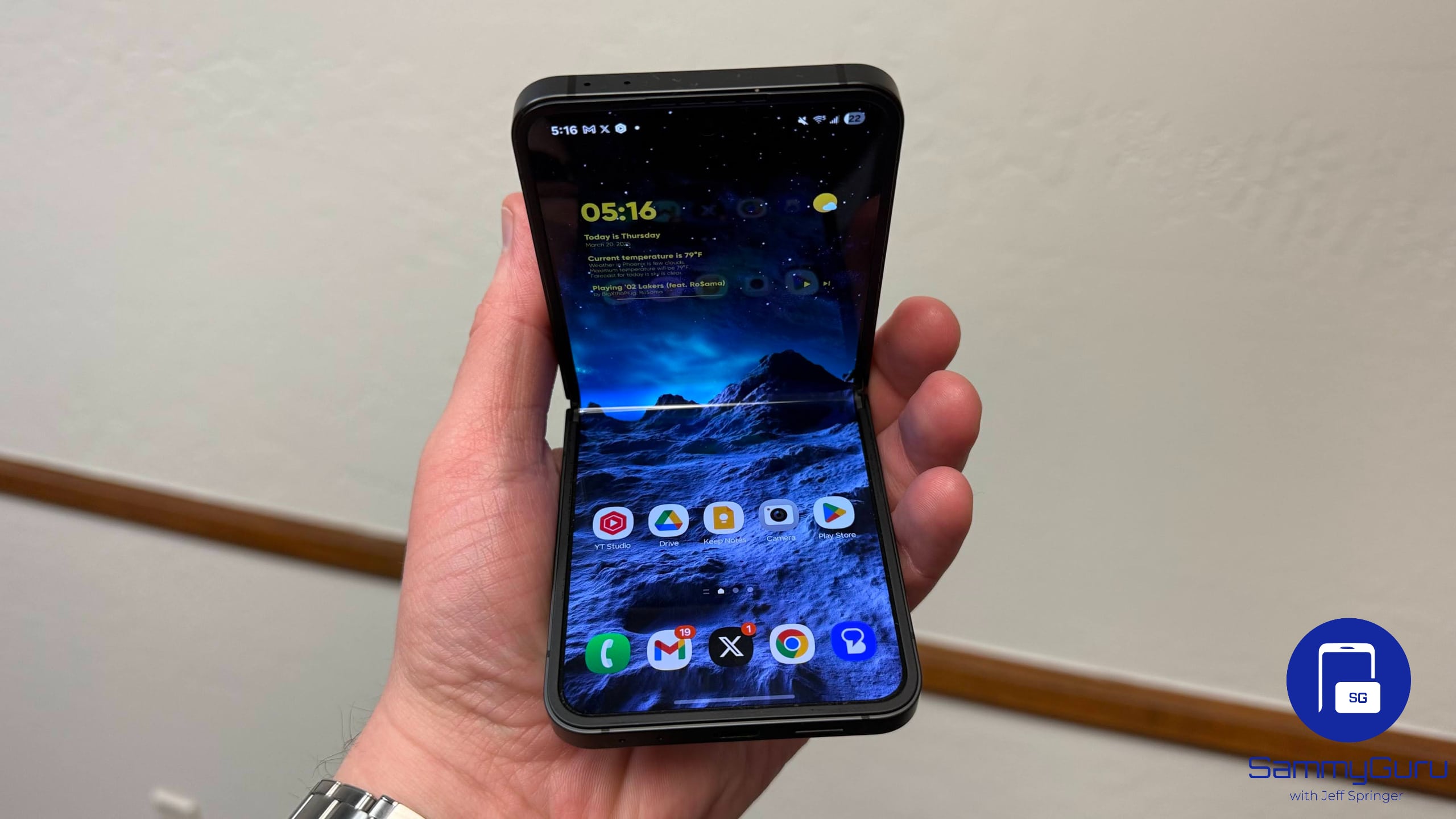
Samsung’s One UI 7 rollout is back on track after a week-long hiatus. The company has now released a fresh update for all four supported devices: Galaxy S24, Galaxy Z Fold 6, Galaxy Z Flip 6, and Galaxy Z Fold Special Edition (SE). The latest release is essentially a hotfix for the bugs that sneaked in through the original build pushed last week.
Galaxy Z Fold 6 and Flip 6 also get a new One UI 7 update
Samsung paused the One UI 7 update less than a week after its release because of serious bugs. When the rollout was halted, the big Android 15 update was available for the four aforementioned models in South Korea, Europe, the US, and Canada. The company has now resumed the rollout, starting in Korea. Other markets should get it soon.
All four devices are getting the same build version (YD9), which Samsung also pushed to the Galaxy S25 series recently. Note that Galaxy S24, Fold 6, Flip 6, and Fold SE users who installed the original One UI 7 build will get a small patch addressing the undisclosed bug. Users who are yet to update their phones will receive a much bigger OTA package, potentially weighing over 5GB.
Samsung has yet to confirm when the One UI 7 update will go global. If not for the bugs, it would have rolled out in the rest of the world this week. We will let you know as soon as we have more information. You can always check for updates manually by navigating to Settings > Software update > Download and install on your Galaxy smartphone.
Based on Android 15, Samsung’s One UI 7 update brings a cleaner design, improved performance, and smarter AI-powered features to Galaxy devices, alongside better privacy controls, notification management, and battery optimization. Visual tweaks, smoother animations, and deeper Galaxy AI integration make the experience more intuitive.

Written by
Sumit AdhikariSumit, a life-long Samsung user, is passionate about technology and has been professionally writing on tech since 2017. He’s a mathematics graduate by education and enjoys teaching basic mathematics tricks to school kids in his spare time. Sumit believes in artificial intelligence and dreams of a fully open, intelligent and connected world.

Follow us on Google Discover & set us as a preferred source in Google News
Share this Post
___________________________


New Blog Posts
___________________________

Samsung Quietly Listed a New Entry Level 990 PCIe 4.0 SSD
It drops DRAM for HMB

Samsung’s First Bone-Conduction Earbuds May Be Called Galaxy Able
Name hidden no more

Samsung Accidentally Confirms Galaxy Watch 9 and Galaxy Watch Ultra 2
Coming very soon







