
One Hand Operation+ 8.5.11 Update Fixes Quick Tools Brightness Bug
SammyGuru is reader-supported. We have affiliate and sponsored partnerships, so we may earn a commission when you buy through links on our site — at no extra cost to you. Learn more.
Samsung is rolling out another update to One Hand Operation+, the second within the past week. The latest release, version 8.5.11, addresses a Quick Tools bug and improves app stability. The update should soon be available for Galaxy users worldwide.
New One Hand Operation+ update addresses a Quick Tools bug
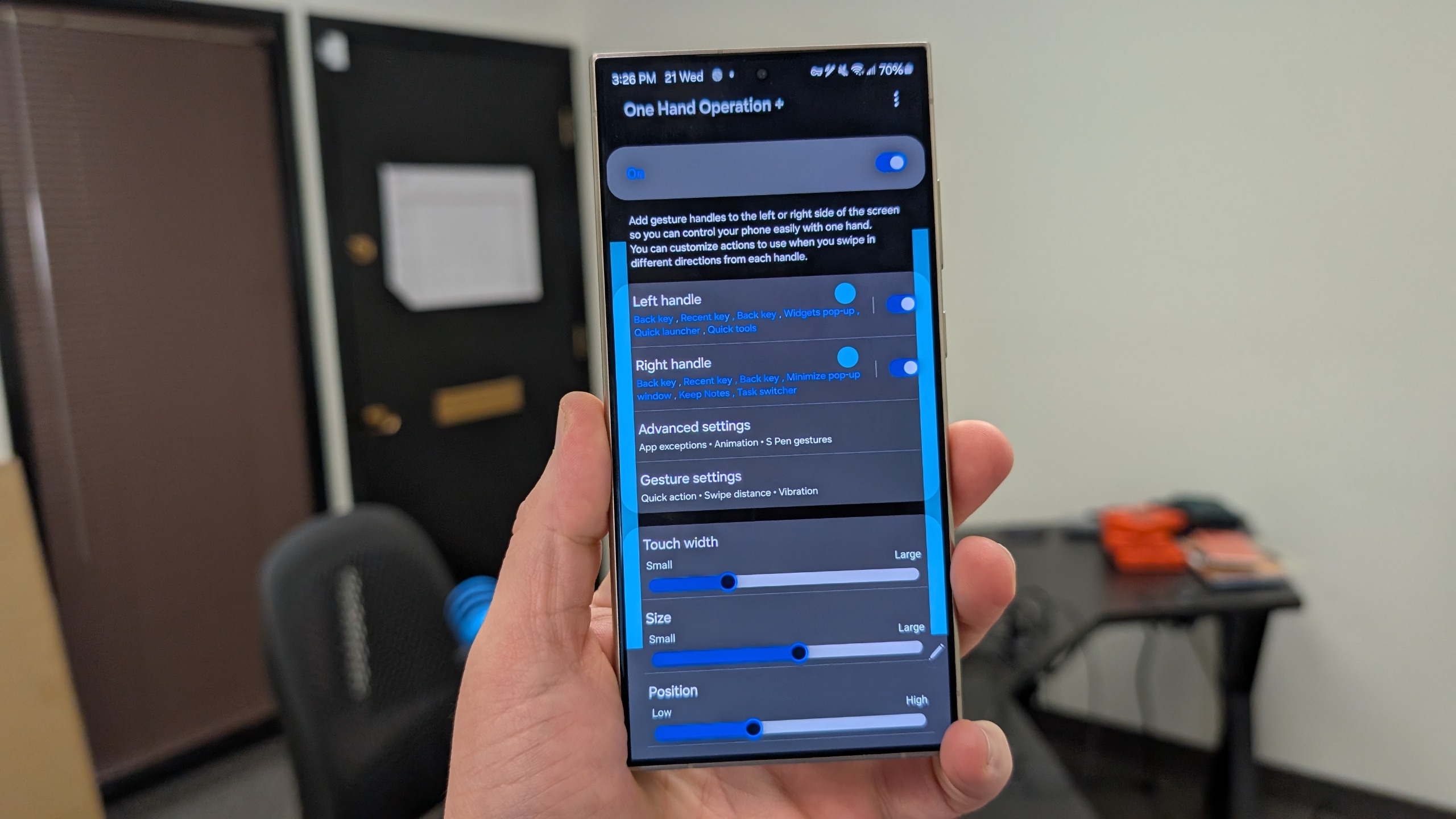
One Hand Operation+ is one of the most practical modules in Samsung’s Good Lock suite. It makes navigating large-screen Galaxy phones and tablets much easier with one hand. You can place custom gesture handles along the left or right edge of the display, allowing you to perform essential functions with just a swipe. This is especially useful on today’s bigger devices, where reaching the top corners with one hand can be awkward.
Version 8.5.11 of One Hand Operation+ addresses a brightness control malfunction issue in Quick Tools. While we didn’t encounter any major issues when adjusting the screen brightness using Quick Tools via this app, Samsung may have noticed some bugs potentially cause problems. It quickly rolled out a patch to fix the bug.
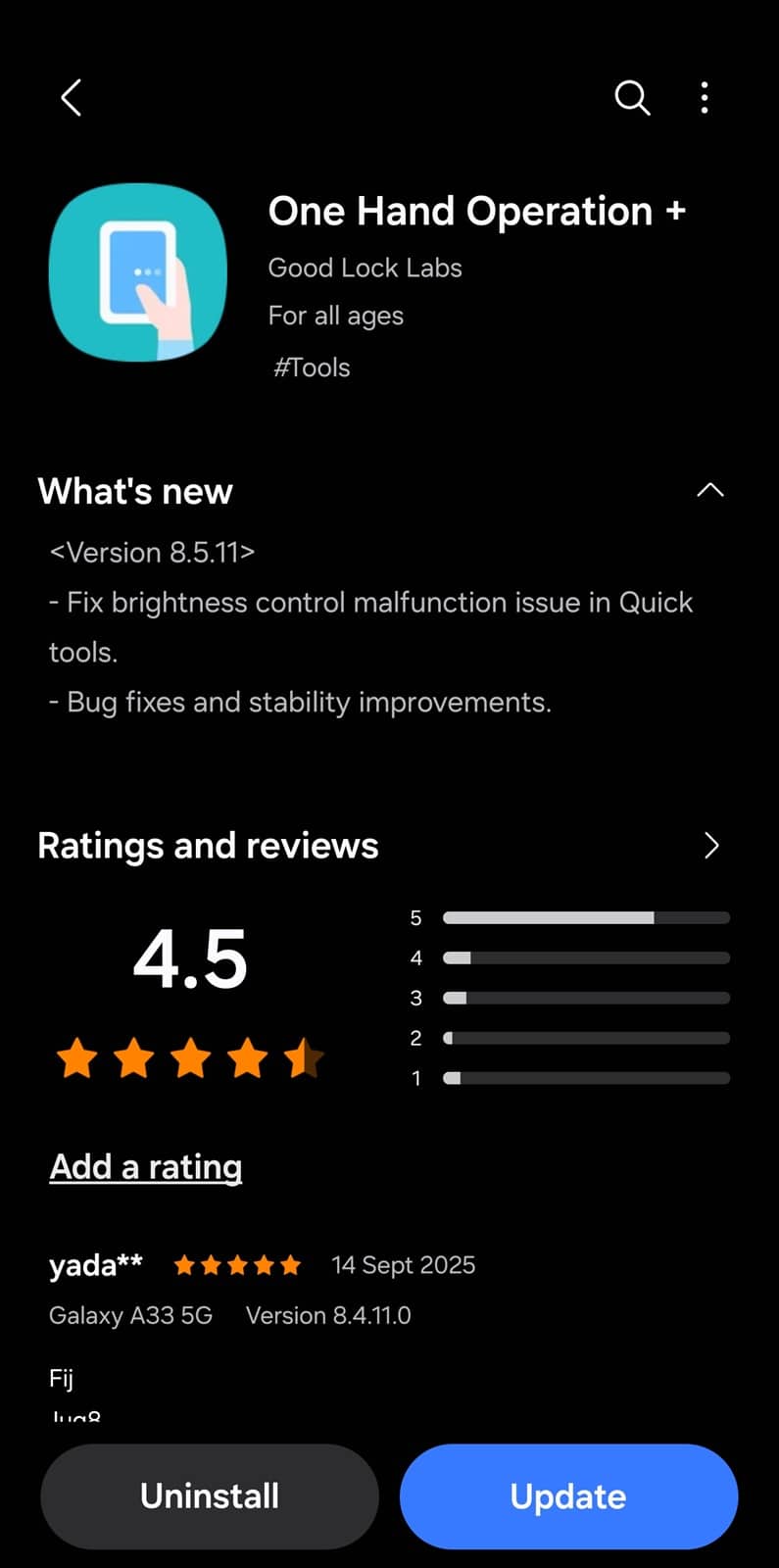
Samsung’s release notes mention additional bug fixes and stability improvements, which typically mean minor optimizations for smoother everyday performance. As said earlier, this update comes less than a week after the previous release (version 8.3.19), which also contained several bug fixes. These frequent updates should ensure a more stable One Hand Operation+ experience.
If you use this app for custom gestures on your Galaxy phone, head over to the Good Lock app to download the latest version. You can also install the new update through the Galaxy Store (Menu > Updates), or simply click this link. We will keep you posted as Samsung regularly updates its Good Lock modules with new features, bug fixes, and stability improvements.

Written by
Sumit AdhikariSumit, a life-long Samsung user, is passionate about technology and has been professionally writing on tech since 2017. He’s a mathematics graduate by education and enjoys teaching basic mathematics tricks to school kids in his spare time. Sumit believes in artificial intelligence and dreams of a fully open, intelligent and connected world.

Follow us on Google Discover & set us as a preferred source in Google News
Share this Post
___________________________


New Blog Posts
___________________________

Samsung Quietly Listed a New Entry Level 990 PCIe 4.0 SSD
It drops DRAM for HMB

Samsung’s First Bone-Conduction Earbuds May Be Called Galaxy Able
Name hidden no more

Samsung Accidentally Confirms Galaxy Watch 9 and Galaxy Watch Ultra 2
Coming very soon







