
NotiStar and Keys Cafe Get Updates with Bug Fixes and Improvements
SammyGuru is reader-supported. We have affiliate and sponsored partnerships, so we may earn a commission when you buy through links on our site — at no extra cost to you. Learn more.
Samsung has released new updates for NotiStar and Keys Cafe, two of its popular modules in the Good Lock suite. The updates bring lots of improvements in different areas, along with bug fixes for a seamless Galaxy experience. As usual, the company is rolling out the updates in phases, so it could take a few days or weeks to reach all eligible devices.
Samsung pushes new updates for NotiStar and Keys Cafe
If you are unfamiliar, NotiStar lets you keep a history of notifications, even when you dismiss one from the regular panel. As such, you do not miss important messages or alerts. It looks like some users were facing app freezing issues and duplicate notifications. The good news is that version 8.0.88.0 has now fixed the issues, making the app more reliable.
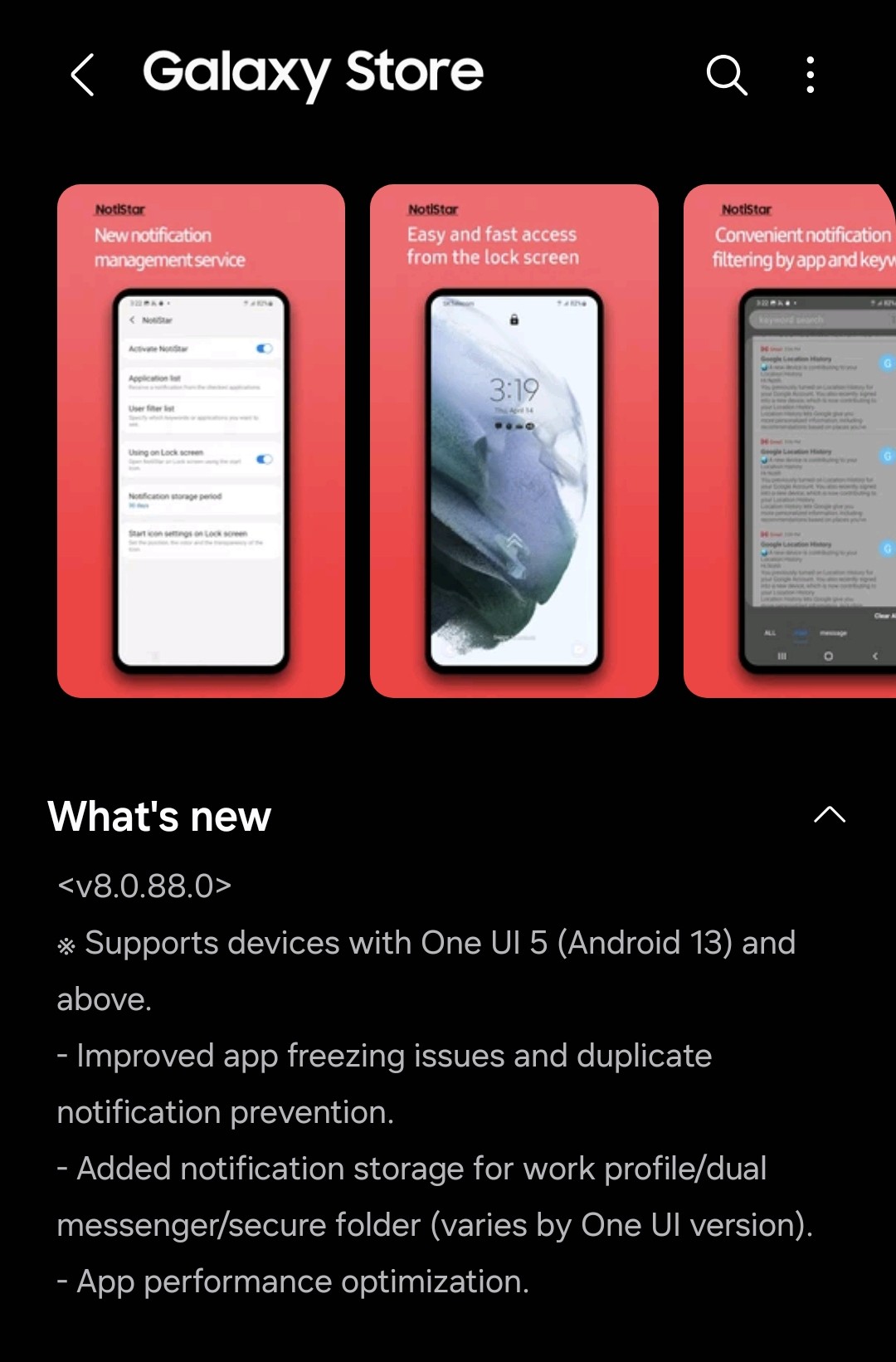
Furthermore, the company brings notification storage for work profile, dual messenger, and secure folder. However, the feature varies depending on the device’s One UI version. On top of that, the update has optimized the app’s performance, allowing you to experience a faster and smoother experience.
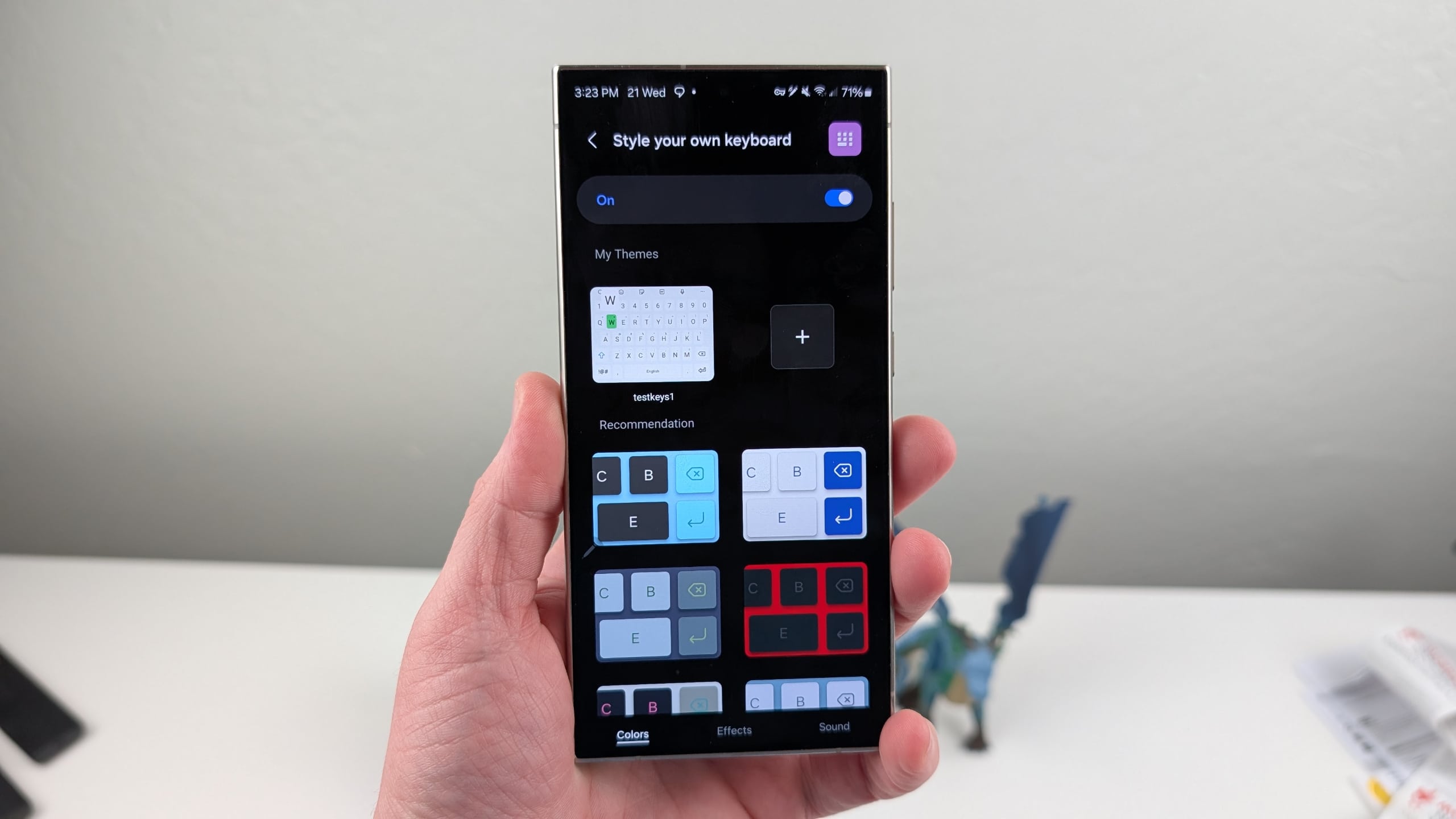
Meanwhile, Keys Cafe has received an update with version 1.8.05.4. For the uninitiated, Keys Cafe is a keyboard customization module offering custom colors, key sizes, touch sounds, and more. However, a bug was occasionally resetting customizations, resulting in users losing their setup. Thankfully, the new update has fixed the frustrating issue.
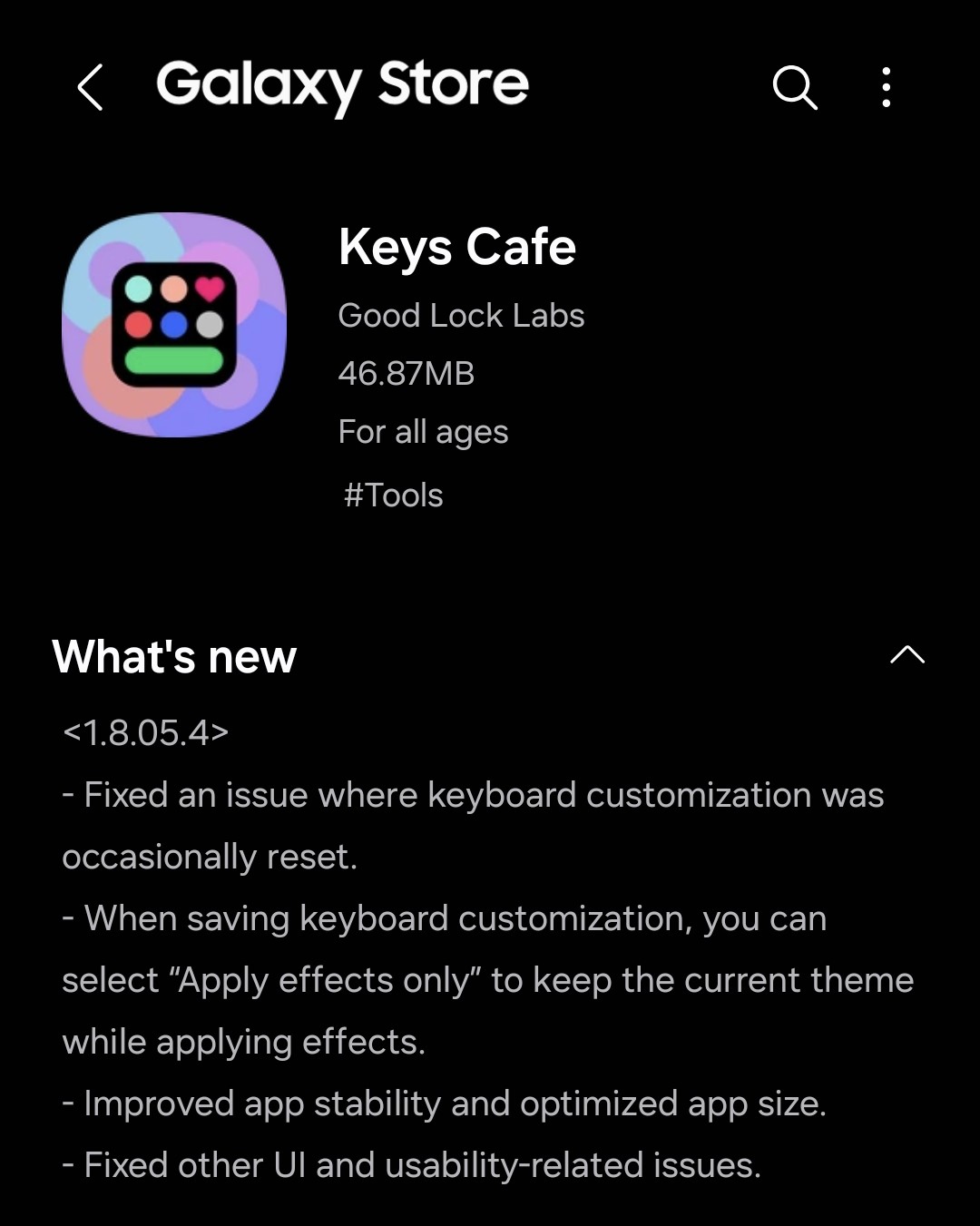
Additionally, the update brings an option called “Apply effects only,” which shows up when saving keyboard customization. Selecting this option lets you apply effects to the keyboard without changing the current theme. It also improved app stability while optimizing app size. Samsung has also fixed a bunch of user interface and usability issues for a more reliable keyboard customization experience.
To check for the updates, open the Good Lock app, go to the Plugins tab, and look for NotiStar and Keys Cafe. If available, make sure to install the latest build to enjoy all key enhancements.

Written by
Binay KonwarBinay Konwar started his blogging journey in 2014 and has since written plenty of tech articles. At present, he is working as a News Writer at SammyGuru, covering everything about Samsung. He holds a Master's degree in Mathematics, but his real passion lies in tech and writing. In his free time, he enjoys playing chess and watching movies.

Follow us on Google Discover & set us as a preferred source in Google News
Share this Post
___________________________


New Blog Posts
___________________________

Samsung Quietly Listed a New Entry Level 990 PCIe 4.0 SSD
It drops DRAM for HMB

Samsung’s First Bone-Conduction Earbuds May Be Called Galaxy Able
Name hidden no more

Samsung Accidentally Confirms Galaxy Watch 9 and Galaxy Watch Ultra 2
Coming very soon







