Google Wallet Now Supports Aadhaar Digital IDs in India
SammyGuru is reader-supported. We have affiliate and sponsored partnerships, so we may earn a commission when you buy through links on our site — at no extra cost to you. Learn more.
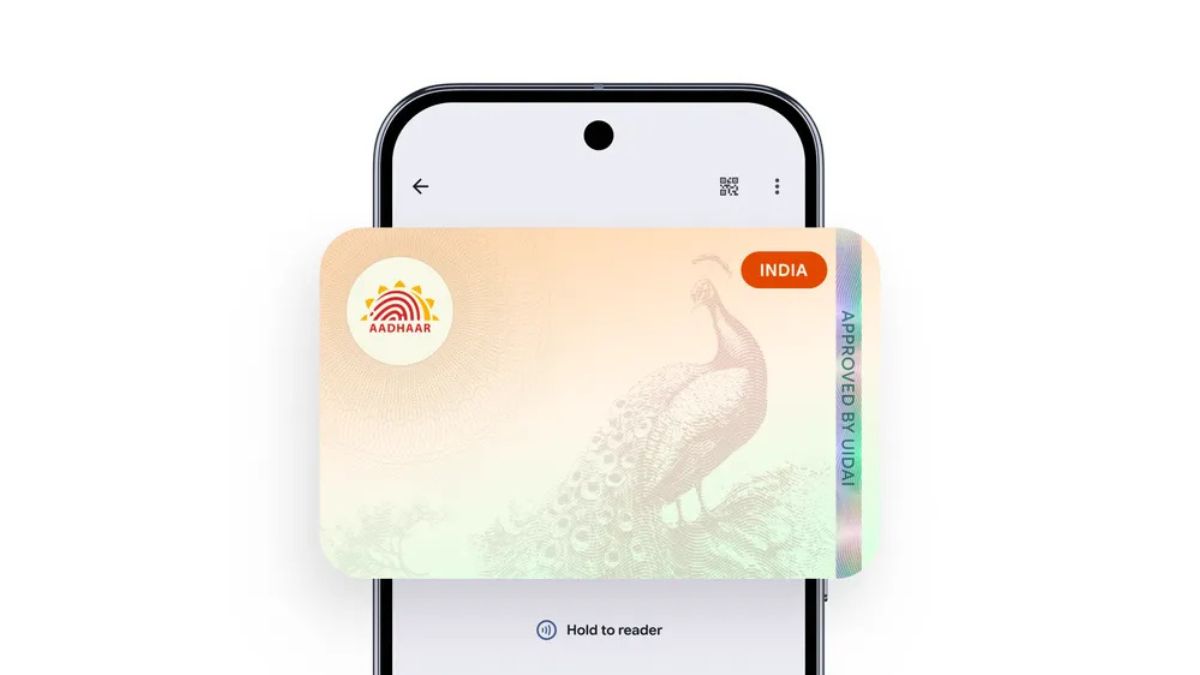
Google Wallet continues to expand its digital identity services to benefit more users worldwide. The app now supports Aadhaar verifiable credentials in India, letting users store a digital version of the ID card. This means users can use it for quick verification across partner services.
India’s Aadhaar now works with Google Wallet
Managed by the UIDAI, Aadhaar is India’s identity system required for services such as banking and government schemes. Now you can securely add your Aadhaar details to Google Wallet and access them whenever identity proof is required. As a result, it reduces the need to carry physical documents.
“This new capability creates a secure, digital-first ID and makes it easier to verify identity for everyday conveniences,” said Google. However, at the moment, the number of services supporting the feature appears limited. The initial set of partners includes PVR INOX, BharatMatrimony, Snabbit, Mygate, and Atlys. Google is expected to work with more partners in the country to expand its availability.
The best thing is that you don’t need to worry about security if you integrate your Aadhaar credentials into Google Wallet. Your digital ID is stored in an encrypted form, meaning only the owner can access it with your personal authentication. Moreover, you can review exactly what information the app will share. If a phone is lost or stolen, you can remotely erase the digital ID. This ensures that your sensitive information does not reach the wrong hands.
To add your Aadhaar card to Google Wallet, you will need a phone running Android 9 or above. The device should have a screen lock set for security, and the Aadhaar app installed. Open Google Wallet and tap the Plus button. Then select Aadhaar, which will redirect you to the Aadhaar app. After that, sign in with your details and follow the on-screen steps to complete the setup.
Meanwhile, Google Wallet brings the ability to create an ID pass (based on passport information) to more countries. The newly added countries include Singapore, Taiwan, and Brazil.

Written by
Binay KonwarBinay Konwar started his blogging journey in 2014 and has since written plenty of tech articles. At present, he is working as a News Writer at SammyGuru, covering everything about Samsung. He holds a Master's degree in Mathematics, but his real passion lies in tech and writing. In his free time, he enjoys playing chess and watching movies.

Follow us on Google Discover & set us as a preferred source in Google News
Share this Post
___________________________


New Blog Posts
___________________________
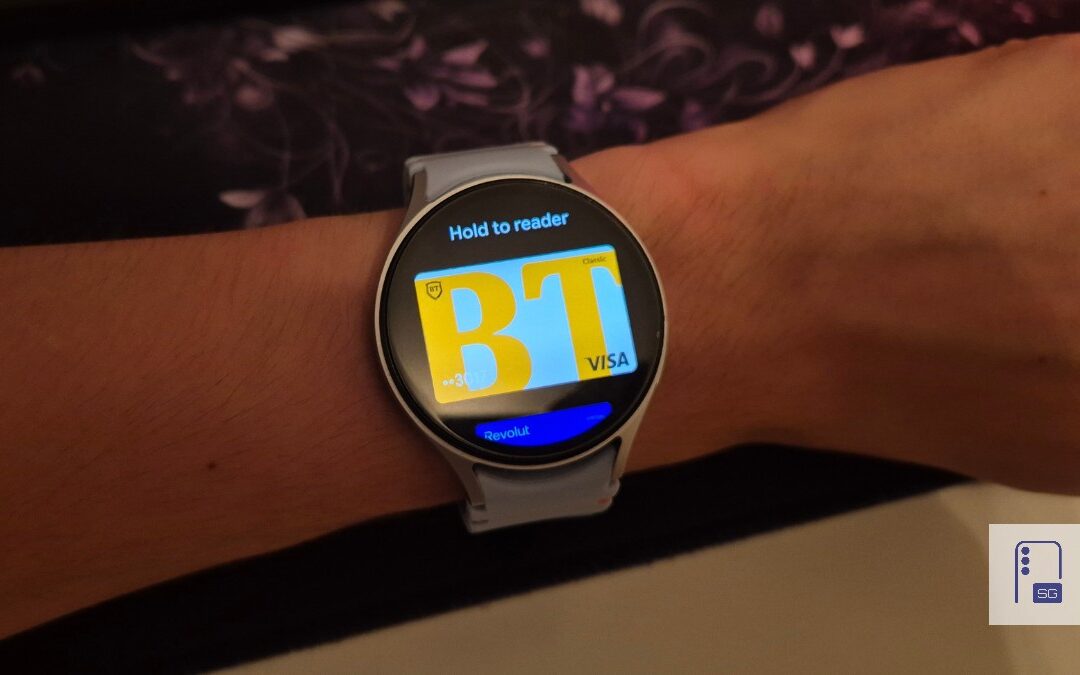
Google Wallet Finally Fixes One of Its Most Annoying Wear OS Quirks
Finally, one can manage all of my receipts from both devices

Samsung Quietly Listed a New Entry Level 990 PCIe 4.0 SSD
It drops DRAM for HMB

Samsung’s First Bone-Conduction Earbuds May Be Called Galaxy Able
Name hidden no more