Google Play Store Now Wants You to Slide to Buy, Not Just Tap
SammyGuru is reader-supported. We have affiliate and sponsored partnerships, so we may earn a commission when you buy through links on our site — at no extra cost to you. Learn more.
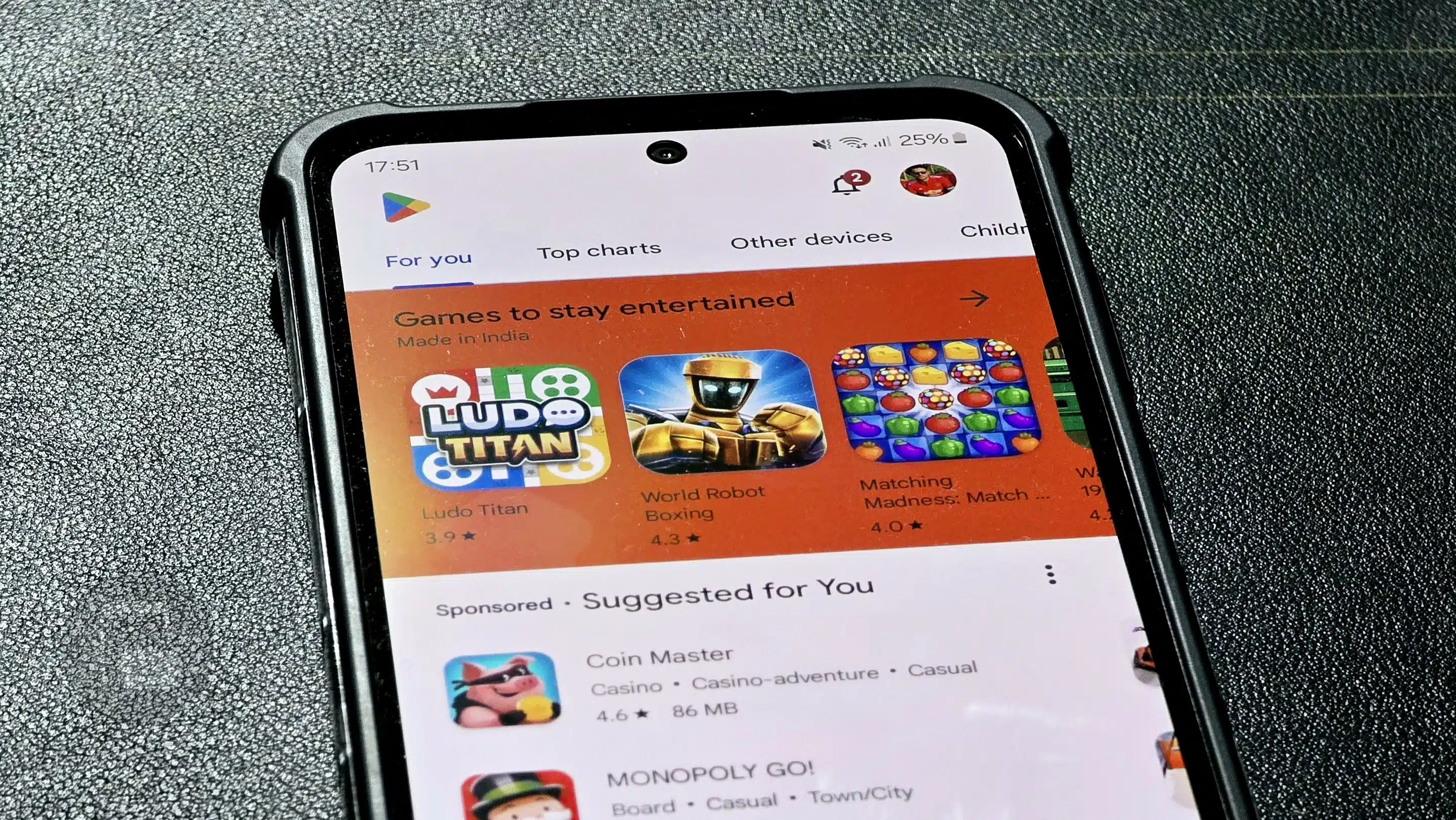
Have you ever accidentally bought something on the Play Store? No, we’re not talking about those impulsive buys that everyone is guilty of, but a straight-up accidental purchase. Well, Google is now making it harder to buy stuff on the Play Store, and that is actually a blessing in disguise. Keep reading, and you’ll see why.
Google Play Store’s Slide to buy might help prevent accidental purchases
Google Play Store is now rolling out an update with some much-needed changes, one of which replaces the one-tap buy button with a new “Slide to buy” gesture. It is being widely released with Play Store version 46.5.19-31, as noted by 9to5Google. Before, when you wanted to buy an app, book, movie, or TV show, you simply tapped a blue “Buy” button at the bottom of the payment screen. Below you can check a screenshot provided by the publication.

Now, instead of tapping, you have to slide a pill-shaped button with a circular handle. The handle has two arrows pointing the way, and there is a little bounce animation the first time you see it to show you the ropes.
Google says this change will prevent accidental purchases. It makes perfect sense because buying digital content can be quick and easy, which sometimes leads to unintentional taps. Even before this update, Google required two taps on opposite ends of the screen to confirm a purchase. But now, it is a tap followed by a deliberate slide.
This slide-to-buy feature is showing up everywhere you buy stuff through Google Play. That means it is in the Play Store app itself, in third-party apps using Google Play billing, and also in the Google TV app when you rent or buy movies and shows. If you are running Play Store version 46.5.19-31 or newer, you will see this new sliding confirmation. It is rolling out widely, so it should hit most users soon if it hasn’t already.

Written by
Abhinav AnandAbhinav Anand is the News Editor at SammyGuru and a technology journalist based in New Delhi. Before joining SammyGuru, he contributed to numerous outlets, including Android Headlines, ExtremeTech, The Mac Observer, Financial Express, Economic Times, iGeeksBlog, KnowTechie, PhonesWiki, SlashGear, and more. You can reach him at [email protected].

Follow us on Google Discover & set us as a preferred source in Google News
Share this Post
___________________________


New Blog Posts
___________________________
Spotify Now Lets You Pin Up to 20 Items in Your Music Library
Sometimes the smallest tweaks end up stealing the show
How to Watch Galaxy Unpacked on July 22 and What We Expect
A lot, honestly

Samsung’s Floating AI Data Centers Move One Step Closer to Reality
Samsung says its floating AI data centers could be ready in 2028