Google Messages May Get a Trash Folder for Deleted Chats
SammyGuru is reader-supported. We have affiliate and sponsored partnerships, so we may earn a commission when you buy through links on our site — at no extra cost to you. Learn more.
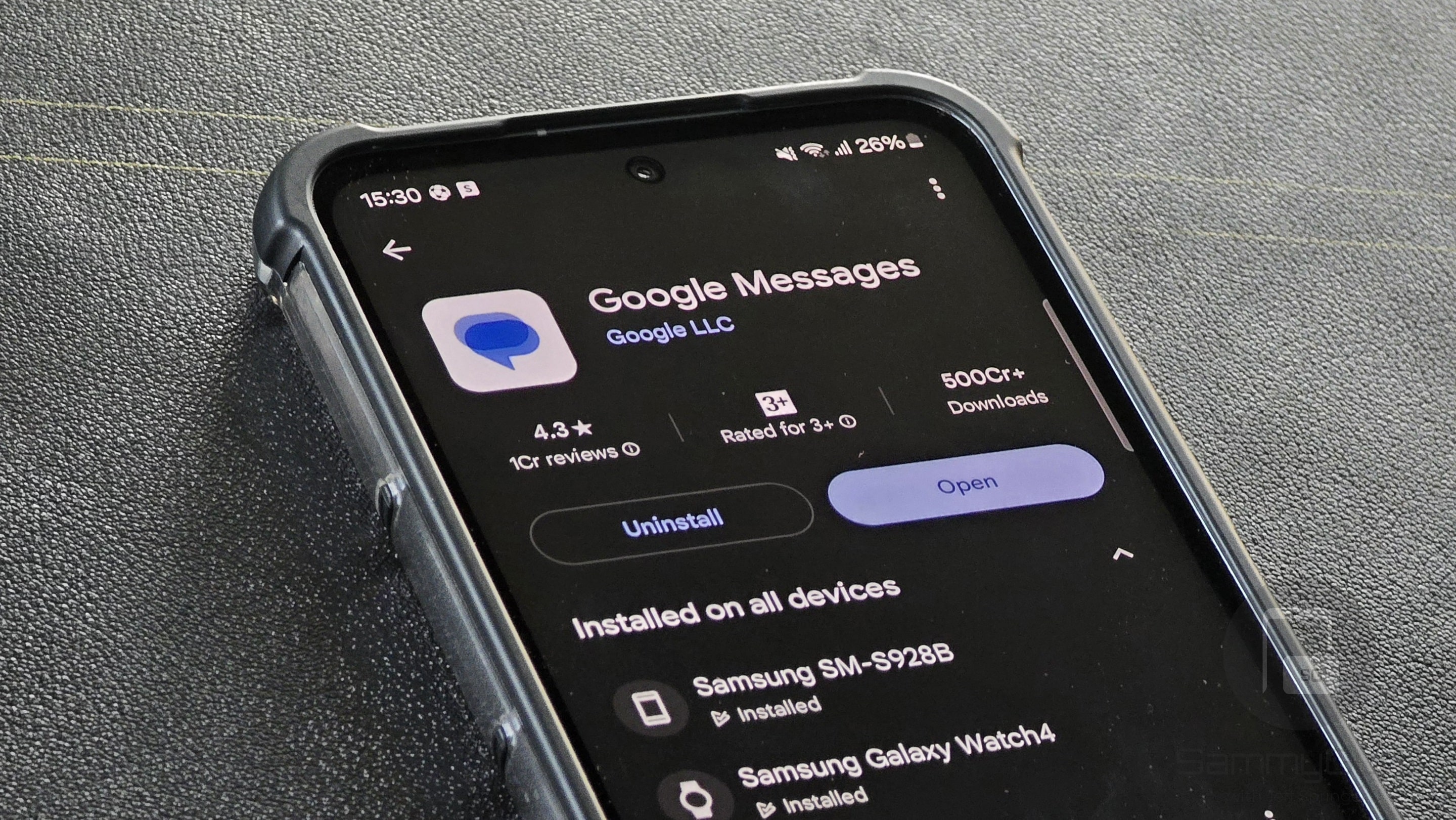
Google Messages might soon make it easier to manage deleted messages. The Mountain View company is reportedly working on a Trash folder for its messaging app, letting you store deleted messages temporarily. This will give users a second chance to restore those deleted messages before they are permanently removed after a certain period. The feature is currently in development, so you won’t be able to experience it right away.
Google is testing a way to restore deleted messages from its texting app
Right now, Google Messages lets you either archive or delete conversations. The former hides a conversation from your inbox while keeping it saved on your device. The latter removes the chat permanently, meaning you can’t bring it back once deleted. This is perfectly fine until you accidentally delete an important conversation. Thankfully, Google may now let you recover those deleted messages.
While digging through the Google Messages beta build, the folks over at Android Authority discovered multiple strings of code that point to a Trash folder. The publication expects the feature could work just like it does in Gmail. That means when you delete a conversation, it will move to the Trash folder and stay there for 30 days. After this period, the app will permanently delete those chats, with no option to recover them.
While the outlet failed to activate the feature in the app’s user interface, the hidden clues suggest that it is still in early development. It may take a few weeks or months before making it available to the general public.
Meanwhile, the October 2025 Play Services update introduces a new Sensitive Content Warnings feature in Google Messages. This tool can now detect and blur explicit media in shared videos. A few weeks ago, the messaging platform brought the ability to remove a sent message from everyone’s device.

Written by
Binay KonwarBinay Konwar started his blogging journey in 2014 and has since written plenty of tech articles. At present, he is working as a News Writer at SammyGuru, covering everything about Samsung. He holds a Master's degree in Mathematics, but his real passion lies in tech and writing. In his free time, he enjoys playing chess and watching movies.

Follow us on Google Discover & set us as a preferred source in Google News
Share this Post
___________________________


New Blog Posts
___________________________
Exclusive: Here’s Your First Look at the Galaxy Watch 9 and Galaxy Watch Ultra 2 Watch Faces
Five new faces
Google Wallet Finally Fixes One of Its Most Annoying Wear OS Quirks
Finally, one can manage all of my receipts from both devices

Samsung Quietly Listed a New Entry Level 990 PCIe 4.0 SSD
It drops DRAM for HMB