Google Drive for Android Now Lets You Chat With Gemini About Your Files
SammyGuru is reader-supported. We have affiliate and sponsored partnerships, so we may earn a commission when you buy through links on our site — at no extra cost to you. Learn more.
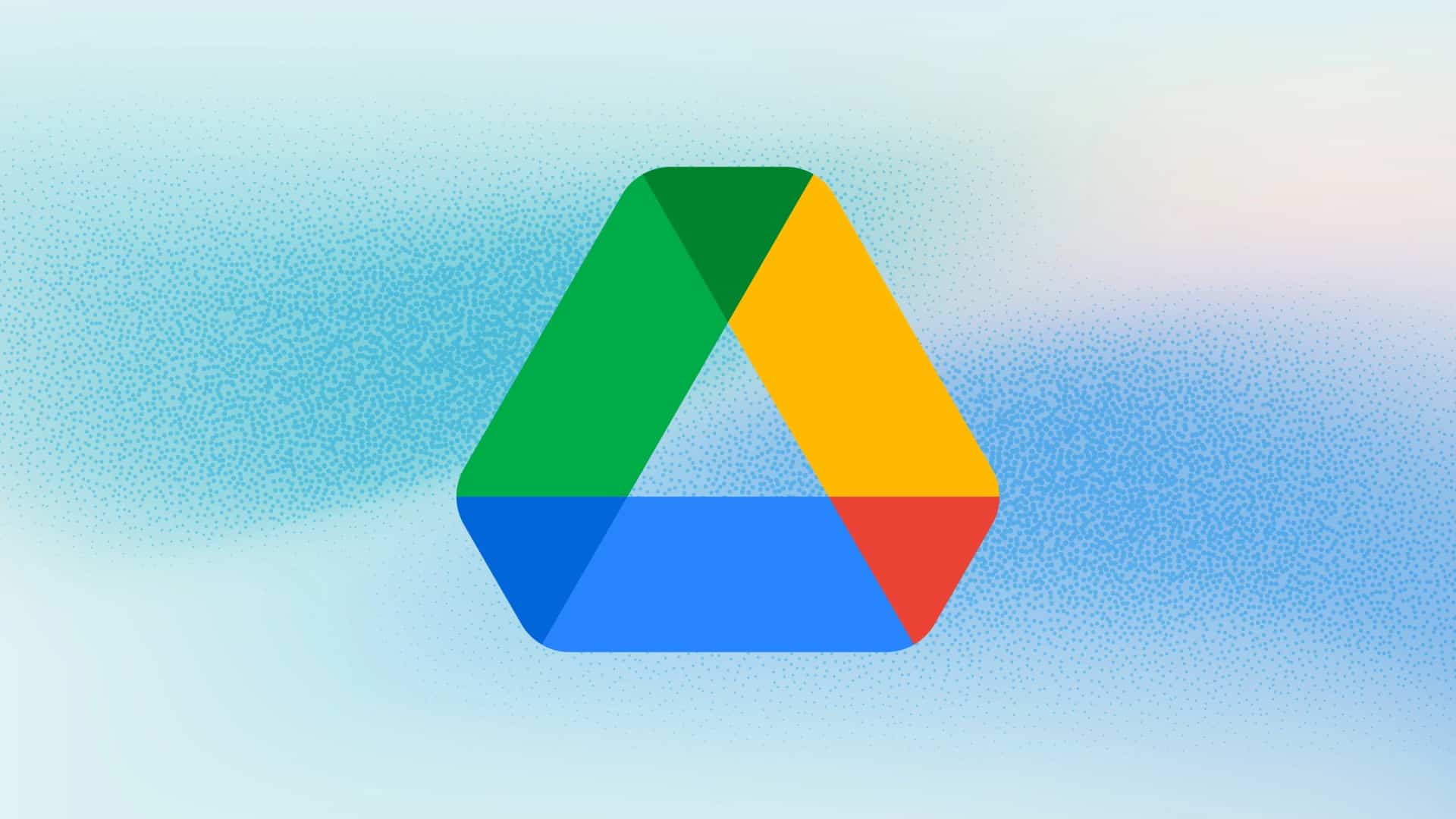
Google is bringing two useful AI features to the Drive app on Android and iOS. If you use Google Drive on your Galaxy phone or tablet, you’ll soon be able to access Ask Gemini and AI Overviews without switching to the web. These additions should help you find what you need faster and save you from opening file after file.
Google rolls out Ask Gemini and AI Overviews to Drive on mobile
AI Overviews appears at the top of your Drive search results and gives you a quick summary pulled from multiple files. Instead of digging through documents one by one, you can get the information you’re looking for in seconds. If you want to learn more, you can jump into Ask Gemini with just a tap.
Ask Gemini lets you have natural conversations about your files and folders in Drive. You can ask follow up questions, revisit previous chats, and search across Drive, Gmail, Chat, Calendar, and even the web when supported. Google says your existing permissions and security policies still apply, so Gemini only accesses content you’re allowed to see.
Google is rolling out both features in English first, with support for 28 more languages arriving over the next several weeks. However, not everyone will get them. As mentioned in a post, you’ll need a Google AI Pro or Google AI Ultra subscription, or a qualifying Google Workspace Business, Enterprise, or Education plan. If you use a regular Google account, you’ll have to wait until Google decides to expand availability.

Written by
Abhinav AnandAbhinav Anand is the News Editor at SammyGuru and a technology journalist based in New Delhi. Before joining SammyGuru, he contributed to numerous outlets, including Android Headlines, ExtremeTech, The Mac Observer, Financial Express, Economic Times, iGeeksBlog, KnowTechie, PhonesWiki, SlashGear, and more. You can reach him at [email protected].

Follow us on Google Discover & set us as a preferred source in Google News
Share this Post
___________________________


New Blog Posts
___________________________
Plot Twist: Galaxy Z Flip 7 FE Is Actually a Great Deal Now
It finally lives up to the FE name
Samsung May Leave Exynos Out of the Galaxy A18 Entirely
Exynos out