Galaxy Z Fold 7, Flip 7, Watch 8 Series Reservations: How to Claim Free One UI 8 Wallpaper Pack

SammyGuru is reader-supported. We have affiliate and sponsored partnerships, so we may earn a commission when you buy through links on our site — at no extra cost to you. Learn more.
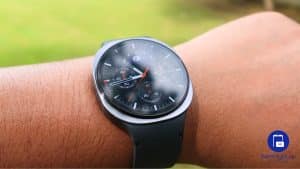
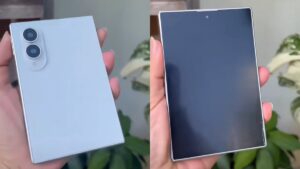
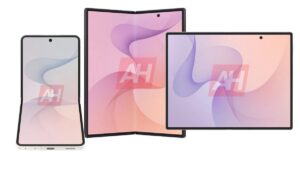
Samsung has finally opened reservations for its upcoming devices, including the Galaxy Z Fold 7, Z Flip 7, and the Galaxy Watch 8 series, which also includes the new Watch Ultra (2025). If you’ve already checked out the perks that come with reserving your preferred device, you’ll want to know how to claim the free One UI 8 wallpaper pack.
Before we go any further, it’s important to understand the difference between reservations and pre-orders. A reservation simply shows your interest in a product and doesn’t commit you to buying it. A pre-order, however, means you’re actually placing an order before the product becomes available in stores.
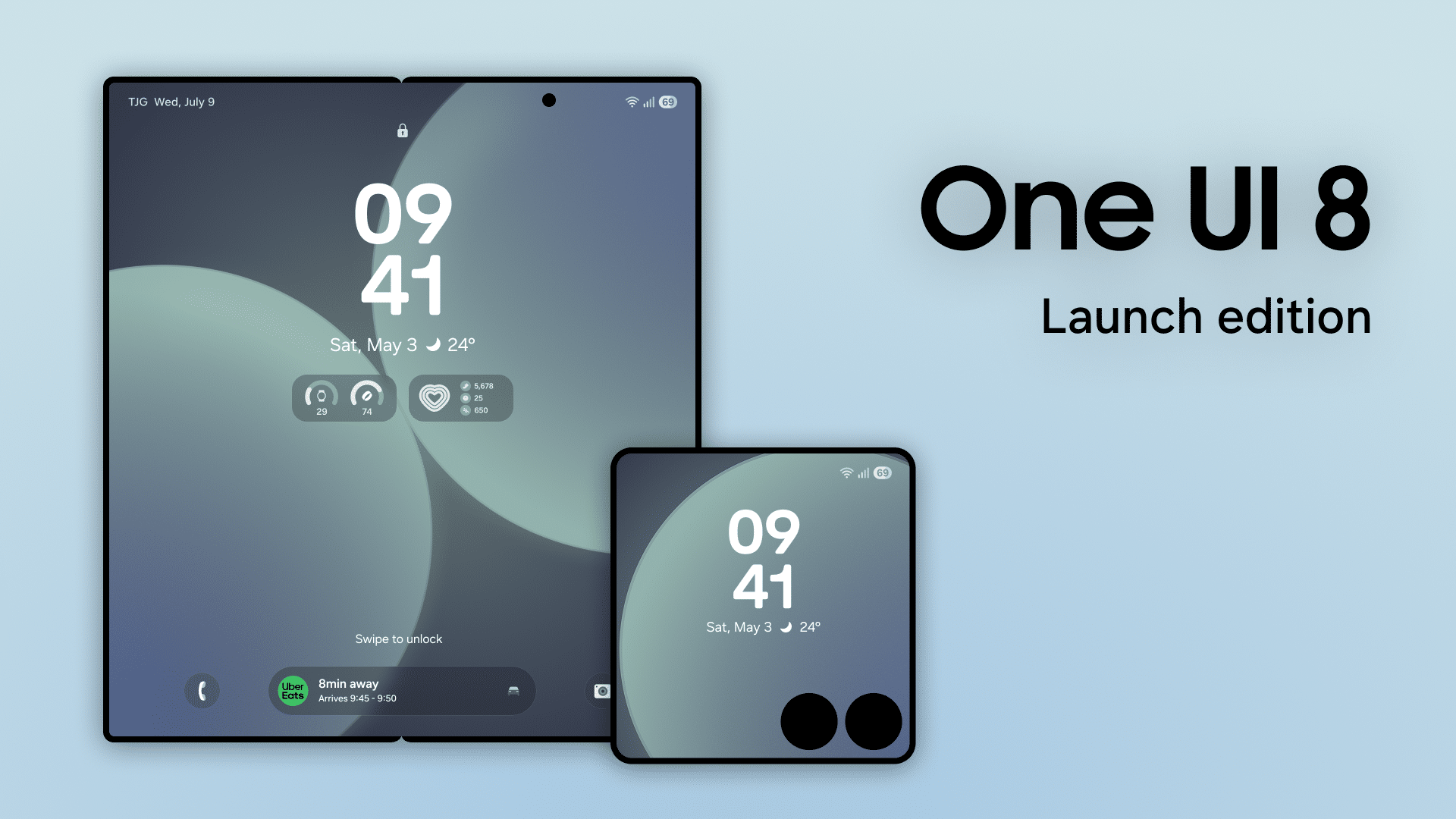
Pre-orders often come with extra perks, and when combined with a reservation, you qualify for additional bonuses. Now that that’s clear, let’s go over how to claim your free One UI 8 wallpaper pack.
How to claim free One UI 8 Wallpaper pack from SammyGuru
To claim your free One UI 8 wallpaper pack, start by making sure you have successfully reserved either Galaxy Z Fold 7, Z Flip 7, or Galaxy Watch 8 series. If you haven’t done that yet, follow the reservation link, select what you chose, and take a screenshot as proof of your reservation. Be sure to follow these on time, as the One UI 8 wallpaper pack is limited-supply.
Once you have your screenshot, fill out the Google Form. You will need to upload the screenshot and provide your name and email address. This information allows us to send the wallpaper pack directly. After completing these steps, you’ll soon have your One UI 8 wallpaper pack. Please allow some time for delivery
If you experience any issues or have questions during the process, reach out to us on X at @sammygurus. We’re happy to assist and make sure you receive your wallpapers without any trouble.

Written by
Abhinav AnandAbhinav Anand is the News Editor at SammyGuru and a technology journalist based in New Delhi. Before joining SammyGuru, he contributed to numerous outlets, including Android Headlines, ExtremeTech, The Mac Observer, Financial Express, Economic Times, iGeeksBlog, KnowTechie, PhonesWiki, SlashGear, and more. You can reach him at [email protected].

Follow us on Google Discover & set us as a preferred source in Google News
Share this Post
___________________________


New Blog Posts
___________________________

Samsung Turns to Sun Valley as it Hunts for More AI Chip Customers
This could allow the Korean foundry to win AI chip-making orders

Samsung’s New Home Up Update Transforms One UI 9 Customization
Home Up lets you customize your Galaxy like never before
Galaxy Watch to Help Researchers Study Brain Health
This could support digital biomarkers for cognitive function