Galaxy Z Fold 6 and Flip 6 also get Stable One UI 8.5 Update
SammyGuru is reader-supported. We have affiliate and sponsored partnerships, so we may earn a commission when you buy through links on our site — at no extra cost to you. Learn more.
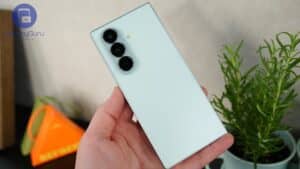
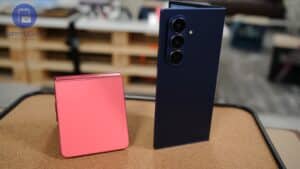
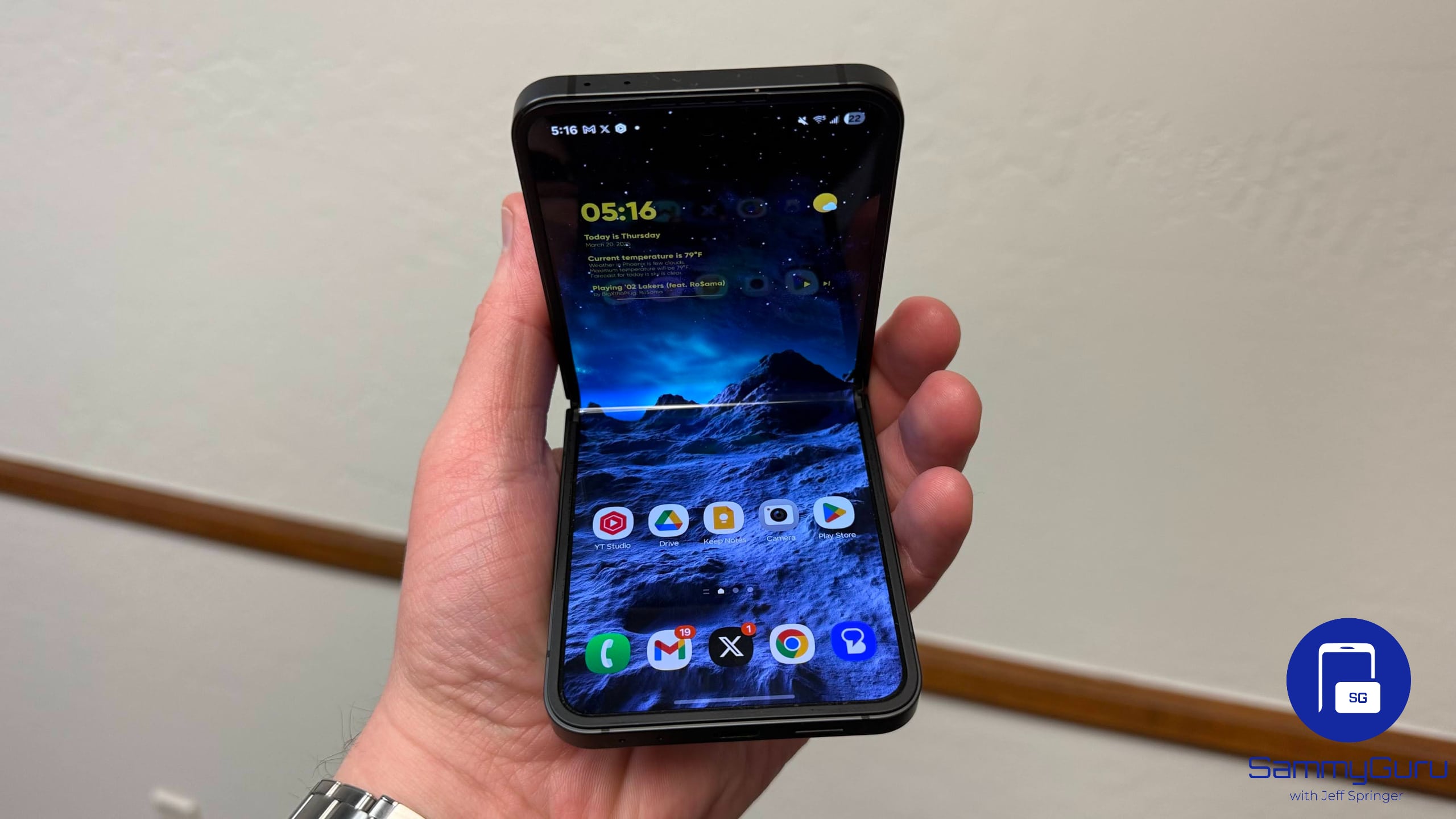
Samsung has officially started rolling out the stable version of One UI 8.5 for the Galaxy Z Fold 6 and Flip 6. The update is now live for beta users in South Korea, with non-beta users likely to receive it soon. A broader international expansion is expected in the coming days.
One UI 8.5 stable rollout begins for Galaxy Z Fold 6 and Flip 6
Last week, Samsung released the One UI 8.5 update for its 2025 flagships in South Korea, including foldables. The company recently began a global rollout for those devices. Now, it has kicked off the stable rollout of the update for its 2024 foldables, the Galaxy Z Fold 6 and Flip 6.
As expected, South Korea is the first market to receive the update. Samsung traditionally starts major One UI releases in its home country before gradually expanding to global markets. However, a wider global availability of One UI 8.5 for the Galaxy Z Fold 6 and Flip 6 should not take long.
One UI 8.5 is not a radical redesign, but it delivers a noticeable layer of polish across the user experience. Samsung has refined animations throughout the interface and improved multitasking behavior for large-screen devices. The company has optimized split-screen transitions, app continuity behavior, and floating window interactions to make multitasking feel more fluid on the Fold 6.
Additionally, Flip 6 users benefit from refinements to cover screen interactions and widget responsiveness. The update also carries over several intelligent software features first introduced on the Galaxy S26 series. Samsung has continued its push toward AI-assisted experiences across Galaxy devices, although some Galaxy AI features are not supported on older models.
With the Galaxy Z Fold 6 and Flip 6 now getting the stable One UI 8.5 update, the Galaxy S24 series should join the party soon. Users can manually check for the update by navigating to Settings > Software update > Download and install. Since Samsung is rolling out the update in stages, it may not appear immediately for everyone. Users in some regions may need to wait a little longer before the stable build becomes available.

Written by
Sumit AdhikariSumit, a life-long Samsung user, is passionate about technology and has been professionally writing on tech since 2017. He’s a mathematics graduate by education and enjoys teaching basic mathematics tricks to school kids in his spare time. Sumit believes in artificial intelligence and dreams of a fully open, intelligent and connected world.

Follow us on Google Discover & set us as a preferred source in Google News
Share this Post
___________________________


New Blog Posts
___________________________
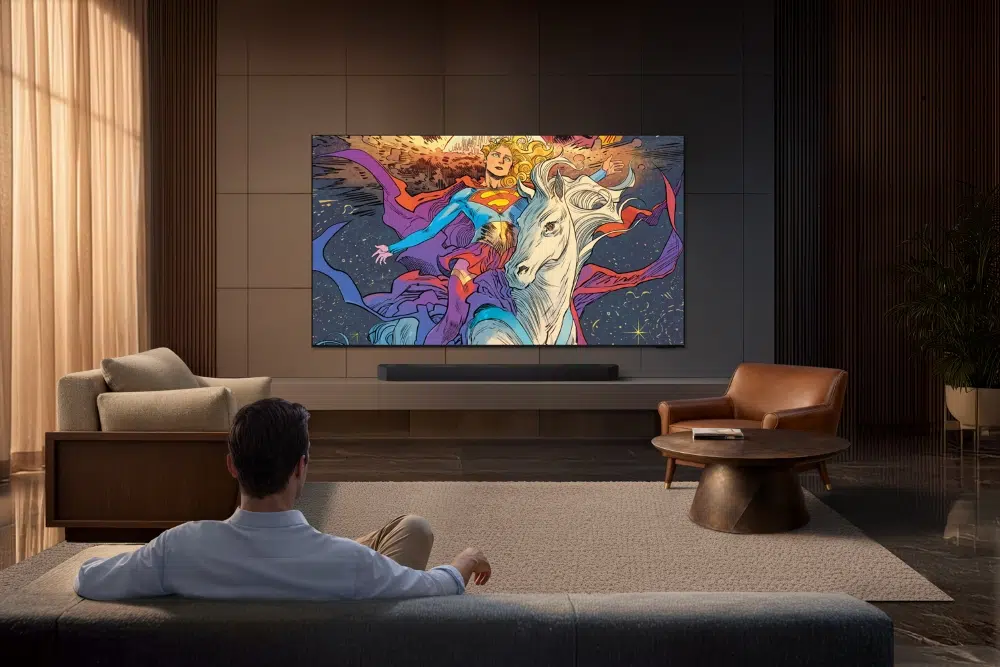
Samsung Adds Supergirl Collection to Art Store With Big Giveaway
Samsung pushes Supergirl launch with art, TVs, and giveaways

Samsung Secures Apple’s Nod to Make Foldable iPhone OLED Modules
This comes after the display maker proved its production quality
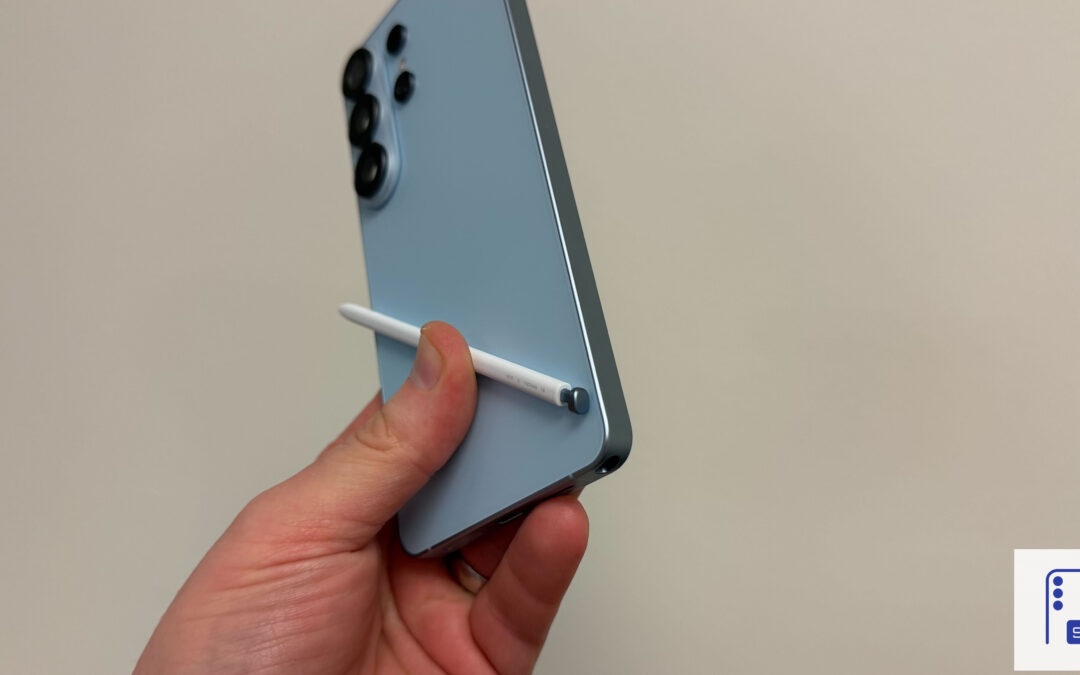
Galaxy S26 Ultra Hits Lowest Price in the US for Prime Day
Now’s the best time to buy the Galaxy S26 Ultra