Galaxy S26 Ultra Portrait Video Guide: How to Get the Best Bokeh in Motion

SammyGuru is reader-supported. We have affiliate and sponsored partnerships, so we may earn a commission when you buy through links on our site — at no extra cost to you. Learn more.
In this article
- What Portrait Video Is Really Doing
- Where Edge Detection Starts to Break
- Why Motion Exposes the Illusion
- The Real Reason Behind the Limitations
- Why It Looks Cinematic—Until It Doesn’t
- The Shift: From Simulation to Control
- Why Manual Focus Holds Up Under Pressure
- Resolution Freedom Changes the Outcome
- Live Focus Control: Where It Becomes Real
This Galaxy S26 Ultra Portrait Video guide isn’t really about getting better bokeh. It’s about understanding why what looks cinematic at first starts to fall apart the moment the scene becomes real. The difference between a convincing portrait video and a flawed one comes down to a handful of underlying factors, each quietly determining whether the effect holds up or falls apart under pressure.
What Portrait Video Is Really Doing
Portrait video does not create depth in the optical sense. It interprets depth. The system identifies a subject, separates it from the background, and applies simulated blur in real time, frame by frame, without the ability to refine or revisit what it just processed.
Every frame is a decision. To maintain continuity, the system predicts subject position and updates the mask continuously. In stable scenes, this works well. The subject appears clean, the background falls away naturally, and the image feels consistent, not because it is perfect, but because nothing is pushing against it.
Where Edge Detection Starts to Break
Edge detection in Portrait video is not designed for precision under pressure. It is designed to keep up. Fine details like hair, fingers, and fast transitions require more processing time than each frame allows.
So the system simplifies. Instead of refining edges, it preserves the subject as a whole. Tracking remains stable, but edges begin to flicker, soften, or briefly collapse into the background. The blur isn’t breaking, but the system is choosing what to sacrifice. And it consistently sacrifices accuracy to maintain continuity.
Why Motion Exposes the Illusion
Video removes the safety net. There is no multi-frame correction, no refinement after capture, only continuous, real-time decisions. Each frame is processed independently, with no guarantee of stability between them.
This isn’t depth. It’s interpretation, repeated 30 times per second. As movement increases, the system keeps updating but never fully settles. The subject remains locked, but the relationship between subject and background shifts subtly from frame to frame, often making the footage look unstable.
The Real Reason Behind the Limitations
These limitations are not accidental, but protective. Portrait video operates within a fixed processing budget. The reliance on the main lens, cropped zoom levels, and UHD at 30fps all exist to keep segmentation stable under real-time constraints. Push beyond that, and the system loses balance.
Higher resolutions or frame rates would demand more precise segmentation per frame, increasing instability rather than improving quality. Even at 3x, the system is not using true telephoto depth; it is scaling and reinterpreting the same data. The image appears closer, but it doesn’t become more real.
Why It Looks Cinematic—Until It Doesn’t
Portrait video performs best when the scene stays predictable. A clearly defined subject, a clean background, and minimal motion allow the system to maintain a consistent interpretation across frames.
In that moment, it works. But real scenes don’t stay controlled. As soon as motion, overlapping elements, or textured backgrounds enter the frame, the system begins recalculating continuously. Small inconsistencies start to appear, especially around edges. And once they appear, they don’t fully disappear. Consistency was never guaranteed; it was assumed.
The Shift: From Simulation to Control
Switching to Pro Video with manual focus removes the need for interpretation altogether. There is no subject masking, no edge detection, and no segmentation trying to keep up with motion.
There is only focus. Instead of asking the system to decide what should be blurred, you define it directly through lens behavior. The background falls out of focus, not because it was separated, but because it was never in focus to begin with. That difference is fundamental.
Why Manual Focus Holds Up Under Pressure
Manual focus does not react to the scene. It remains consistent within it. As long as focus distance is controlled, the relationship between subject and background does not need to be recalculated every frame. It simply holds.
Edges stay intact because they are not being reconstructed. Moving subjects remain solid because nothing is trying to isolate them artificially. The blur behaves naturally because it is optical, not simulated. The system stops guessing and starts rendering.
Resolution Freedom Changes the Outcome
Pro Video unlocks the full capability of the camera system without introducing instability. You are no longer restricted to a single lens behavior or a limited processing window. Higher resolutions, multiple frame rates, and different shooting profiles all remain consistent because they are not dependent on segmentation. And this is where the gap stops being subtle.
With Portrait video, the output is locked — UHD at 30fps, standard processing, and a predefined look designed to survive real-time constraints. It works within that boundary, but it cannot evolve beyond it.
Pro Video removes that boundary completely. You can shoot in 8K, adjust frame rates freely, and capture in APV LOG while still achieving natural depth through manual focus. The result is not just higher resolution, but also a fundamentally different type of image.
Because nothing is baked in, performance does not degrade as complexity increases. The image scales with the hardware, not against the processing pipeline. What you see is not being interpreted differently per frame, but it is being captured as it is.
Portrait video gives you a finished effect.
Pro Video gives you something you can shape.
Live Focus Control: Where It Becomes Real
The most practical shift comes from control during recording. With manual focus, you can adjust focus live, track your subject, or transition between elements in the frame without relying on automated decisions. And the difference is immediate.
Focus transitions feel intentional because they are optical. There are no artificial edges trying to keep up, no flickering boundaries, and no instability under motion. Depth changes naturally, matching the behavior of the scene itself. It doesn’t try to simulate a cinematic look. It behaves like one.


Follow us on Google Discover & set us as a preferred source in Google News
Share this Post
___________________________


New Blog Posts
___________________________
Spotify Could Use Gemini in Smart Glasses to Play Music Inspired by Your Surroundings
The integration could also make playlist creation easier
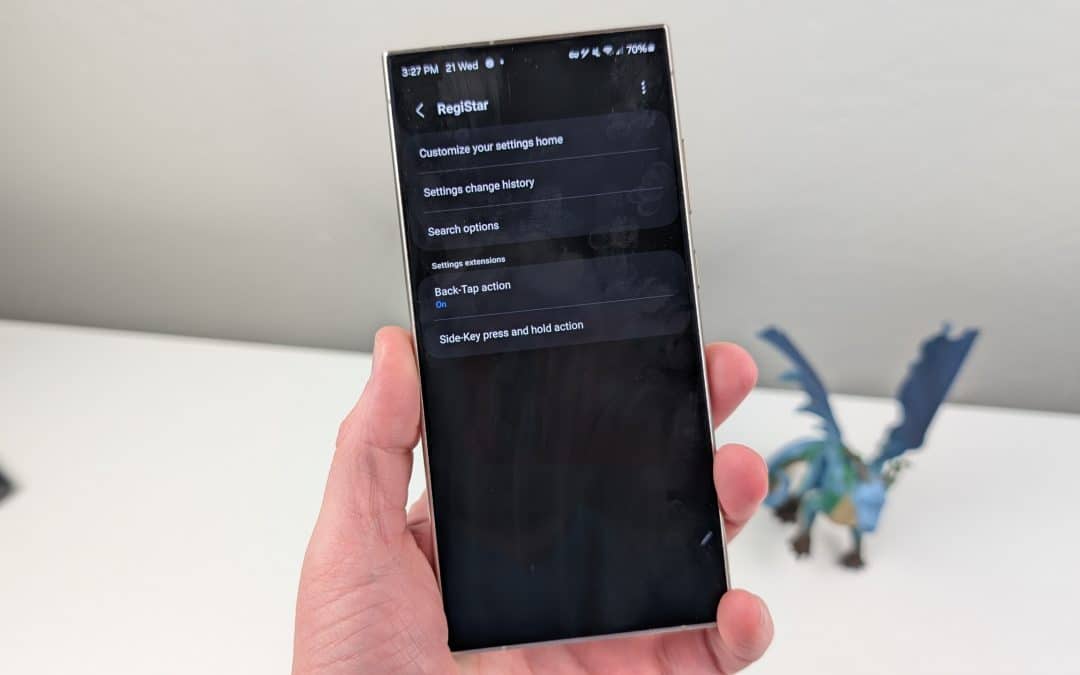
Samsung’s RegiStar App Has Annoying Galaxy Buds Bug, but One UI 9 Fixes it
On One UI 8.5, Galaxy Buds shortcut disappears after using RegiStar

Samsung Turns to Sun Valley as it Hunts for More AI Chip Customers
This could allow the Korean foundry to win AI chip-making orders