Galaxy S26’s First Update Reaches the US with new Inactivity Restart Feature

SammyGuru is reader-supported. We have affiliate and sponsored partnerships, so we may earn a commission when you buy through links on our site — at no extra cost to you. Learn more.
Samsung has expanded the rollout of the first software update for the Galaxy S26 series to the United States. The rollout, which initially started in South Korea and later reached parts of Europe and India, is now making its way to American users shortly after the phones’ global launch. The update is available for all three models and brings important security improvements along with a new device protection feature.
First Galaxy S26 update reaches US users
The first firmware update for the Galaxy S26, S26+, and S26 Ultra in the US carries the February 2026 Android security patch, which addresses more than 30 vulnerabilities affecting Android and Samsung software. The new OTA (over the air) package can be identified by the firmware build ending in AZC7. Download sizes vary depending on the model and variant, but the carrier-unlocked S26 Ultra is getting a 548MB update.
Samsung’s official changelog doesn’t mention anything more than last month’s security patch. However, there could be some hidden software optimizations nd bug fixes for smoother everyday performance. The Galaxy S26 trio is also picking up Samsung’s new Inactivity Restart feature, designed to improve device security.
This feature automatically restarts the phone if it remains locked and unused for 72 hours. After the restart, the device enters a more secure state that requires the user’s passcode for unlocking. The feature is enabled by default, helping ensure sensitive data remains protected if the device is lost, stolen, or left unused for an extended period of time.
Galaxy S26 users in the US can check for their first update by navigating to Settings > Software update > Download and install. If the update is available for your device, the phone will begin downloading it in the background. Samsung is likely to continue refining the Galaxy S26 experience with additional updates in the coming weeks, so stay tuned.

Written by
Sumit AdhikariSumit, a life-long Samsung user, is passionate about technology and has been professionally writing on tech since 2017. He’s a mathematics graduate by education and enjoys teaching basic mathematics tricks to school kids in his spare time. Sumit believes in artificial intelligence and dreams of a fully open, intelligent and connected world.

Follow us on Google Discover & set us as a preferred source in Google News
Share this Post
___________________________


New Blog Posts
___________________________
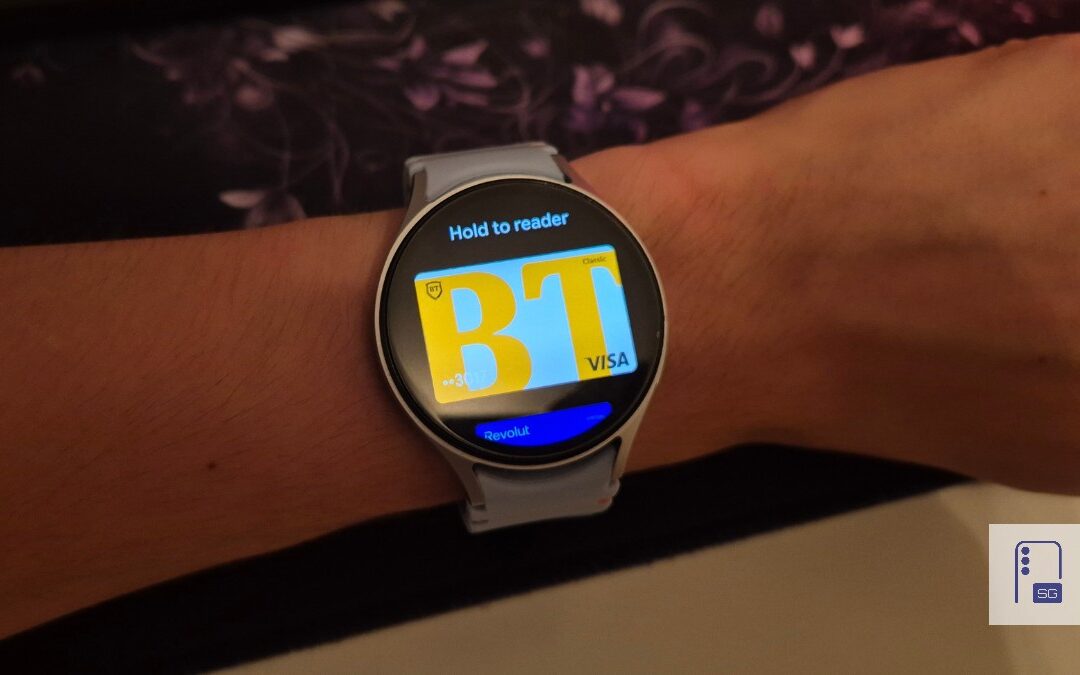
Google Wallet Finally Fixes One of Its Most Annoying Wear OS Quirks
Finally, one can manage all of my receipts from both devices

Samsung Quietly Listed a New Entry Level 990 PCIe 4.0 SSD
It drops DRAM for HMB

Samsung’s First Bone-Conduction Earbuds May Be Called Galaxy Able
Name hidden no more