Samsung Pushes First Galaxy S26 Update in Global Markets
SammyGuru is reader-supported. We have affiliate and sponsored partnerships, so we may earn a commission when you buy through links on our site — at no extra cost to you. Learn more.
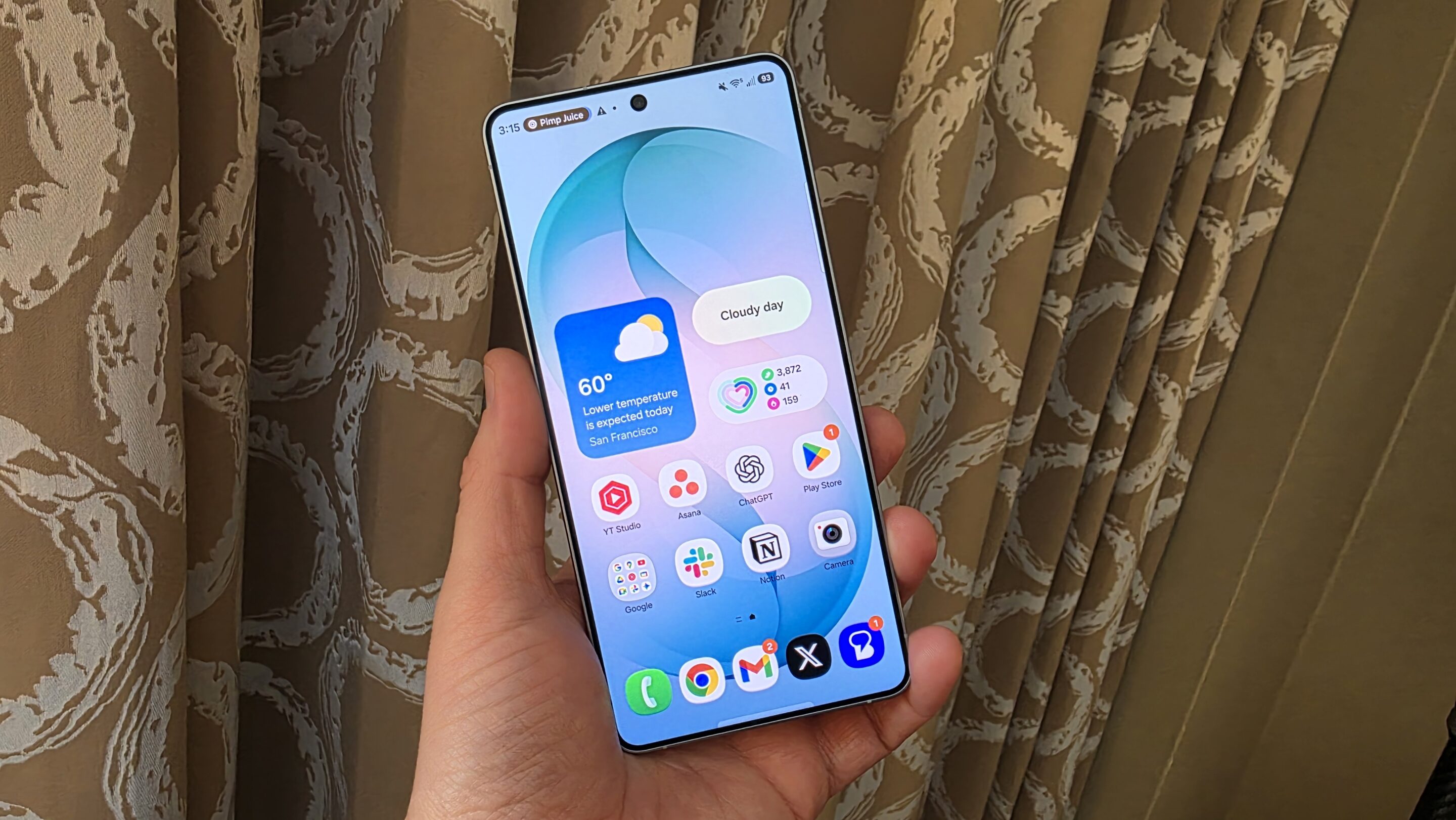
If you are buying a Galaxy S26, you might have a new update waiting for you out of the box. Samsung is already rolling out the first software update for the new flagships in several markets. The rollout began in Korea and has since expanded to Europe and India. It should soon hit the US and the rest of the world.
Galaxy S26 pre-orders end soon — your last chance to secure a FREE Mystery Box containing a 65W charger, case, USB-C earphones, and more accessories.
Galaxy S26’s first update goes global
Samsung will start general sales of the Galaxy S26 series on Wednesday, March 11. Ahead of that, the company is pushing an update to the devices. Korean users received the update with the firmware build version AZC7, and the same build is now rolling out in other regions. The S26 Ultra’s download file weighs 563MB in India (via Samsung Community), though the exact size varies depending on the model and region.

The first firmware update for the Galaxy S26 lineup focuses primarily on system stability and reliability improvements. The phones launched with the January security patch, and the latest release upgrades them to the February 2026 security patch, addressing multiple vulnerabilities and strengthening overall system protection.
Samsung may also be pushing some software optimizations to the devices. However, there are no notable new features in tow, at least none we know of. If we find anything notable, we will make sure to let you know. Samsung could follow up with another update for its latest flagships in the coming weeks.
Galaxy S26 users can check for updates from Settings > Software update > Download and install. If an update shows up, you can proceed to download it. Since the devices support Seamless Updates, downloading and installation will take place in the background. You simply need to restart your phone to complete the process. You won’t have to stare at a lengthy update screen during installation.

Written by
Sumit AdhikariSumit, a life-long Samsung user, is passionate about technology and has been professionally writing on tech since 2017. He’s a mathematics graduate by education and enjoys teaching basic mathematics tricks to school kids in his spare time. Sumit believes in artificial intelligence and dreams of a fully open, intelligent and connected world.

Follow us on Google Discover & set us as a preferred source in Google News
Share this Post
___________________________


New Blog Posts
___________________________
Samsung’s HBM4E Reliability Yield Surpasses 70%
This suggests the chip could soon enter the stable production stage

Apple May Have Just Made Samsung’s Next Price Hike Much Easier
AI is making your next phone more expensive
Samsung Cancelling Galaxy S26 Edge was a Mistake
Galaxy S25 Edge failed because its creator lacked faith in its capability