
Galaxy A36 Kicks Off Six-Year Update Cycle with a Security Patch in the US
SammyGuru is reader-supported. We have affiliate and sponsored partnerships, so we may earn a commission when you buy through links on our site — at no extra cost to you. Learn more.
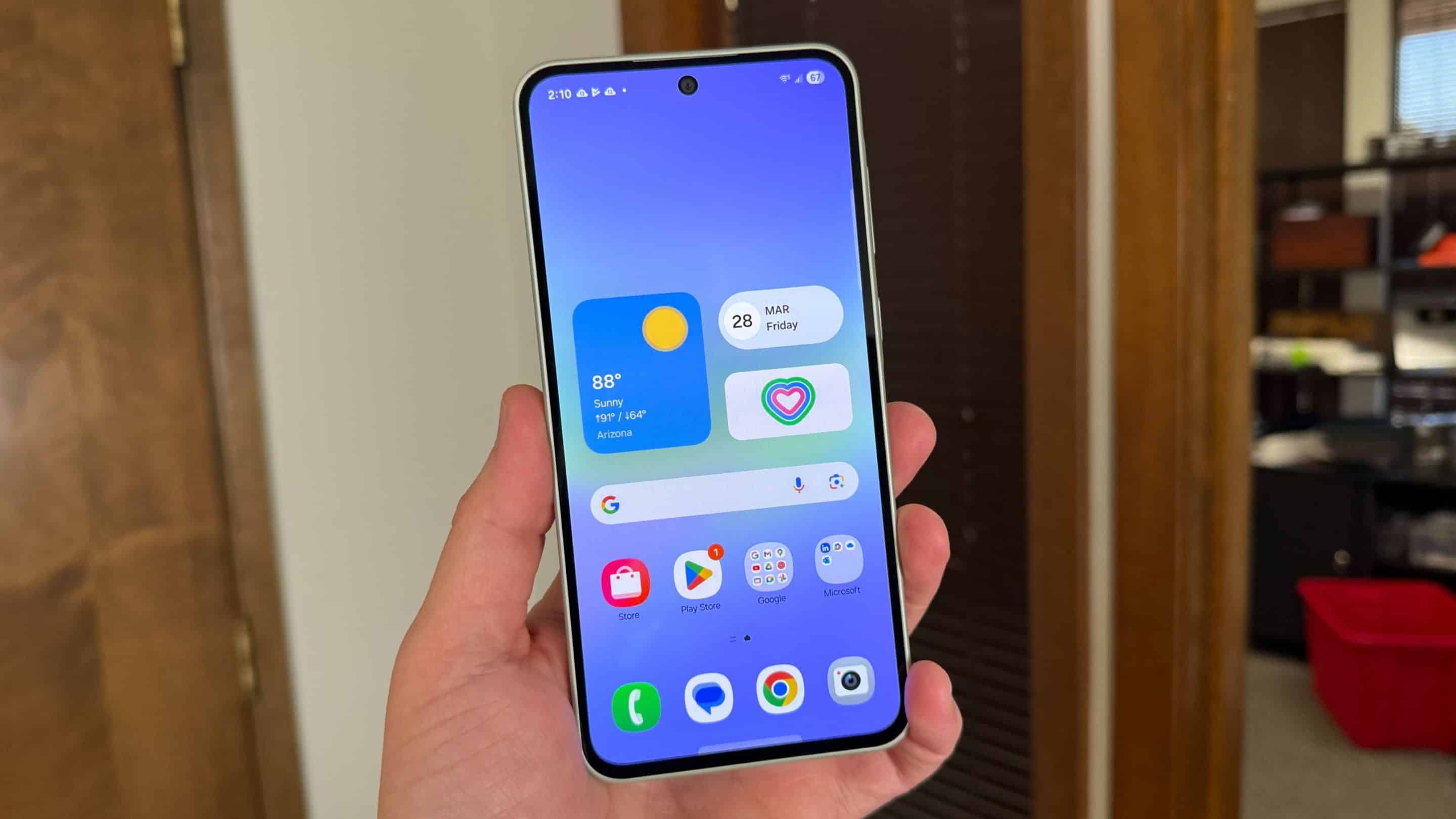
Just days after launching the Galaxy A36 in the US, Samsung is rolling out the first software update for the device. The new mid-range phone is receiving the February security patch — not the latest, as Samsung has already released the April update. However, this update marks the beginning of the Galaxy A36’s six-year update journey.
Galaxy A36 gets its first software update in the US
Starting late 2024, Samsung offers six years of Android OS and security updates to its mid-range phones — seven years for flagships. The Galaxy A36 is covered under the new policy. Launched last month, this phone will get updates until sometime in 2031. It arrived with Android 15-based One UI 7 and will receive new features up to One UI 13, which should bring Android 21.
Between all these feature updates, Samsung will roll out dozens of security patches to this phone. The first of those is now available for users in the US. The Galaxy A36’s first update comes with the firmware build number A366USQU1AYBB. It contains the February 2025 security patch and nothing more.
Samsung should soon roll out a newer security update to this phone. The update should also gradually expand to other regions over the next few weeks. The Galaxy A36 already runs One UI 7, so don’t expect major feature updates anytime soon. Samsung is currently preparing to roll out One UI 7 to 2024 and older Galaxy devices. The rollout begins on April 7, with the Galaxy S24 leading the charge.
If you use a Galaxy smartphone or tablet, you can check for new updates from the Settings app. Open the app, go to the Software update menu, and tap Download and install. If an update is available for your Samsung gadget, you’ll be prompted to download it. You can check back anytime if there’s no update available today.

Written by
Sumit AdhikariSumit, a life-long Samsung user, is passionate about technology and has been professionally writing on tech since 2017. He’s a mathematics graduate by education and enjoys teaching basic mathematics tricks to school kids in his spare time. Sumit believes in artificial intelligence and dreams of a fully open, intelligent and connected world.

Follow us on Google Discover & set us as a preferred source in Google News
Share this Post
___________________________


New Blog Posts
___________________________

Samsung Quietly Listed a New Entry Level 990 PCIe 4.0 SSD
It drops DRAM for HMB

Samsung’s First Bone-Conduction Earbuds May Be Called Galaxy Able
Name hidden no more

Samsung Accidentally Confirms Galaxy Watch 9 and Galaxy Watch Ultra 2
Coming very soon







