
Chinese Bixby Is More Powerful Than Perplexity-Powered Bixby
SammyGuru is reader-supported. We have affiliate and sponsored partnerships, so we may earn a commission when you buy through links on our site — at no extra cost to you. Learn more.
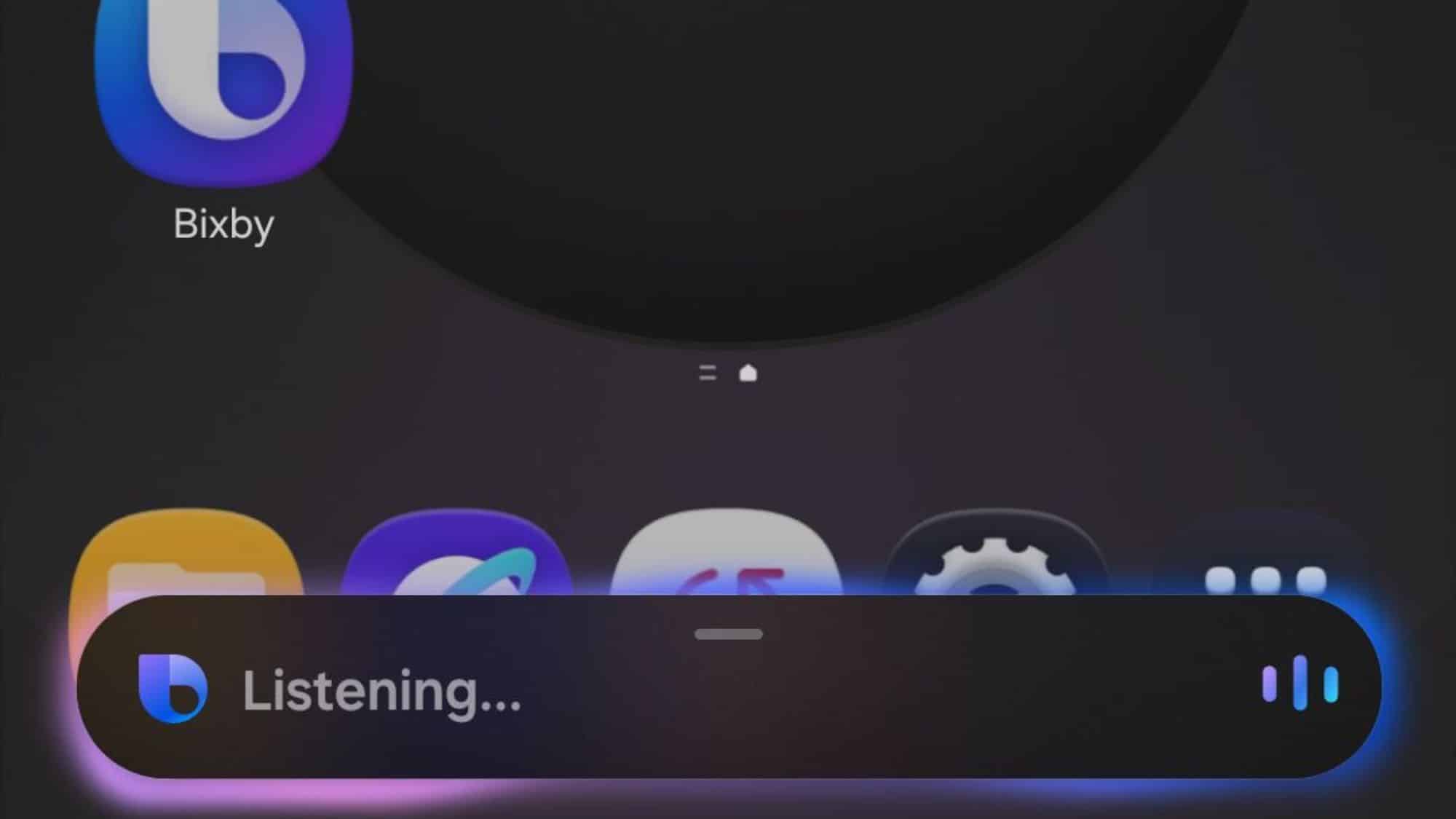
It’s no secret that Samsung is advancing Bixby, its in-house assistant, by integrating Perplexity. We’ve already had a closer look at this upgrade, and now the Chinese version of Bixby, which integrates both Perplexity and DeepSeek, has emerged. This version features Bixby Live with a ton of tools, making it more powerful than the global one.
Bixby Live brings next-level interaction with AI features
Tipster Galaxy Techie recently shared new details about the improved version of Chinese Bixby coming to One UI 8.5. This version introduces Bixby Live, similar to Gemini Live, that brings a host of new capabilities to the assistant. Now you can interact with the assistant in more dynamic ways, asking questions using Circle to Ask. Moreover, you can generate AI podcasts, music, images, videos, and documents.
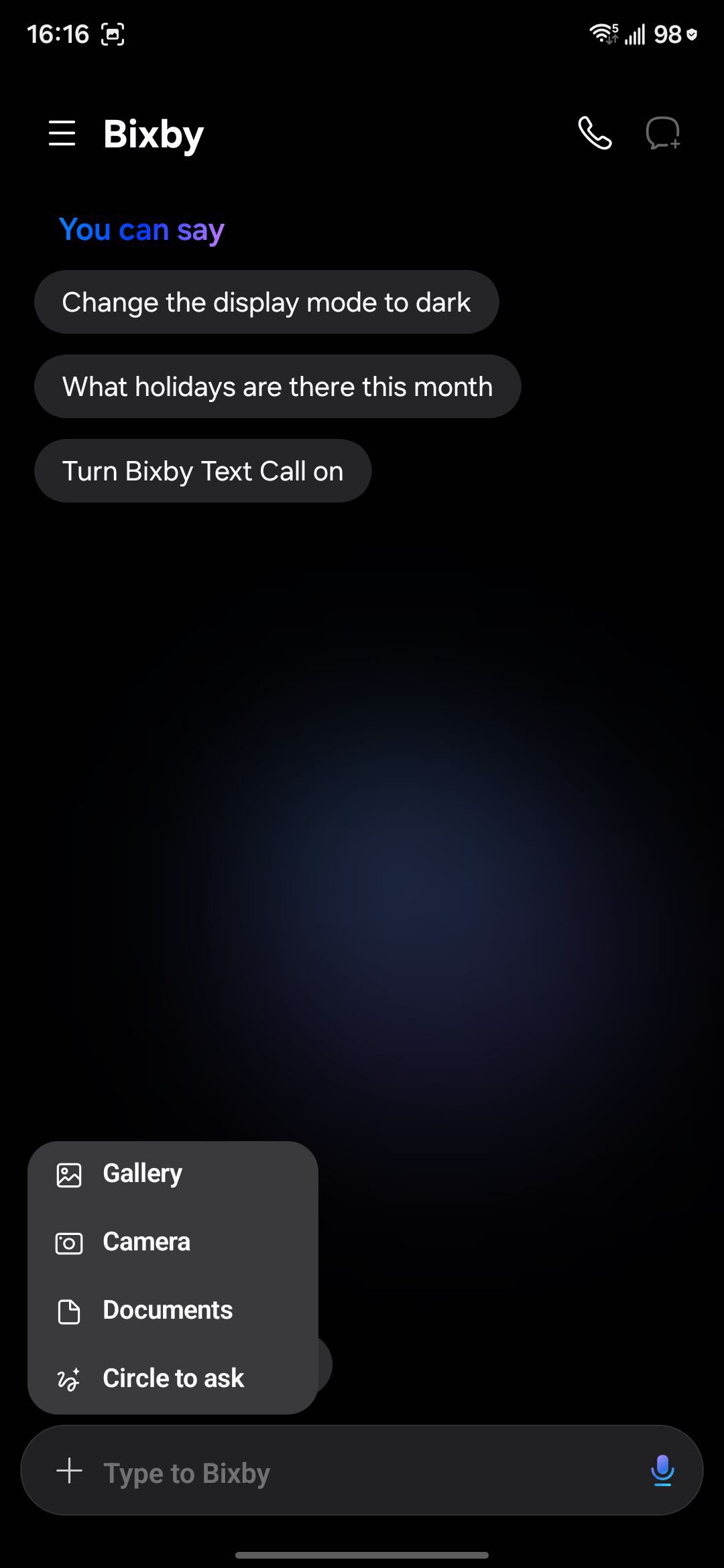
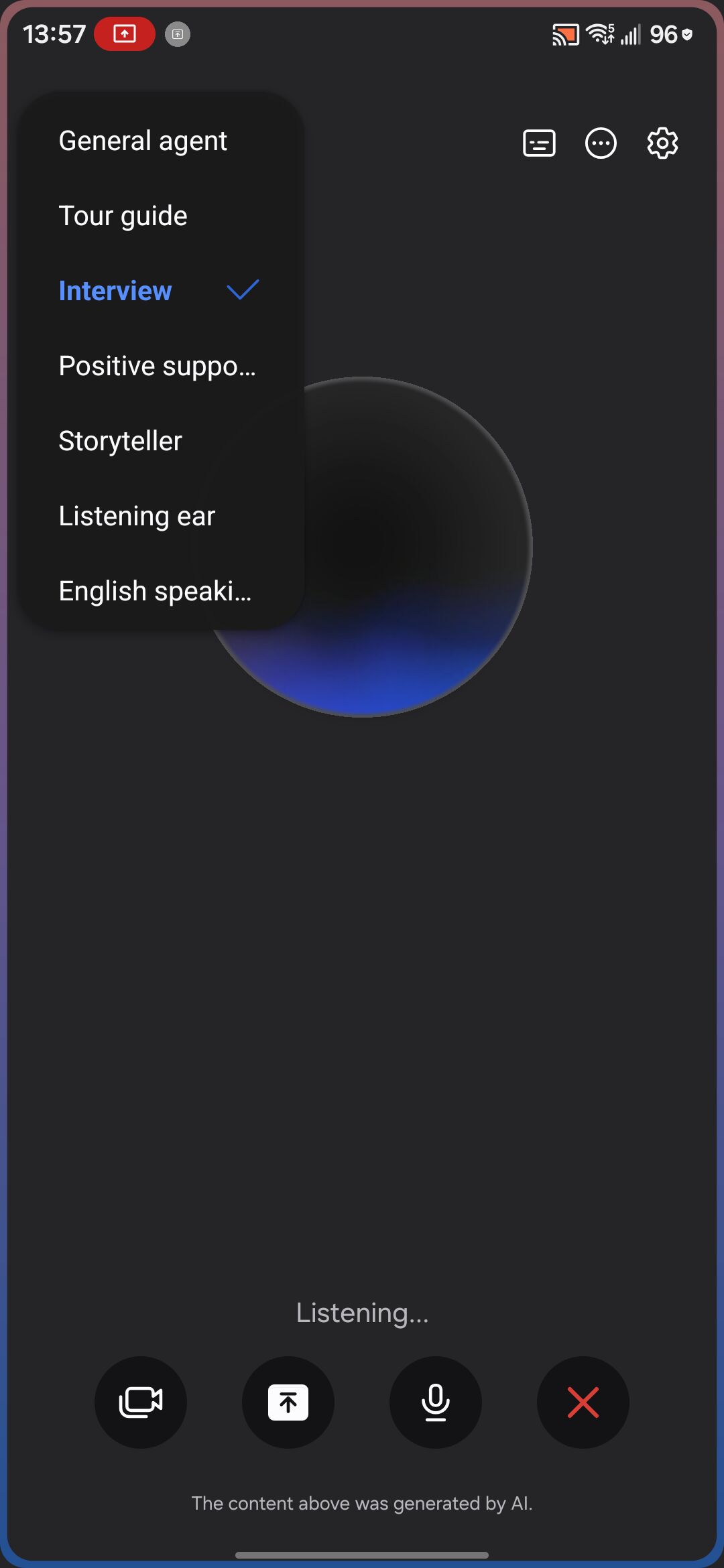
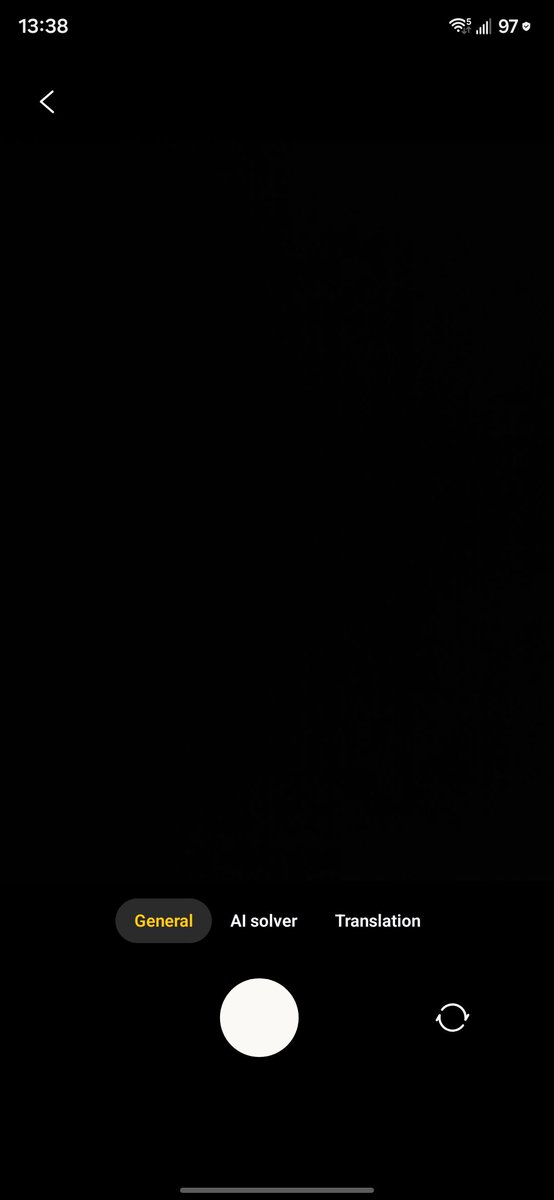
Bixby Live features eight specialized agents that help you with different needs. These include General, Tour guide, Interview, Positive support, Storyteller, Listening ear, English speaking, and Dress matching. The AI assistant can also analyze content from the screen and the camera to give you real-time answers. When using the camera, it offers three options: General, AI Solver, and Translation.
Furthermore, you can attach multiple images and documents to Bixby Live. You can also choose to share a single app or your entire screen. Bixby Live offers a bunch of advanced features such as deep thinking, AI music playback, intelligent execution, AI generation, document mind map, English speaking practice, and more. The assistant lets you export results as PDF, Word, or text files, and you can attach images when using Bixby Live.
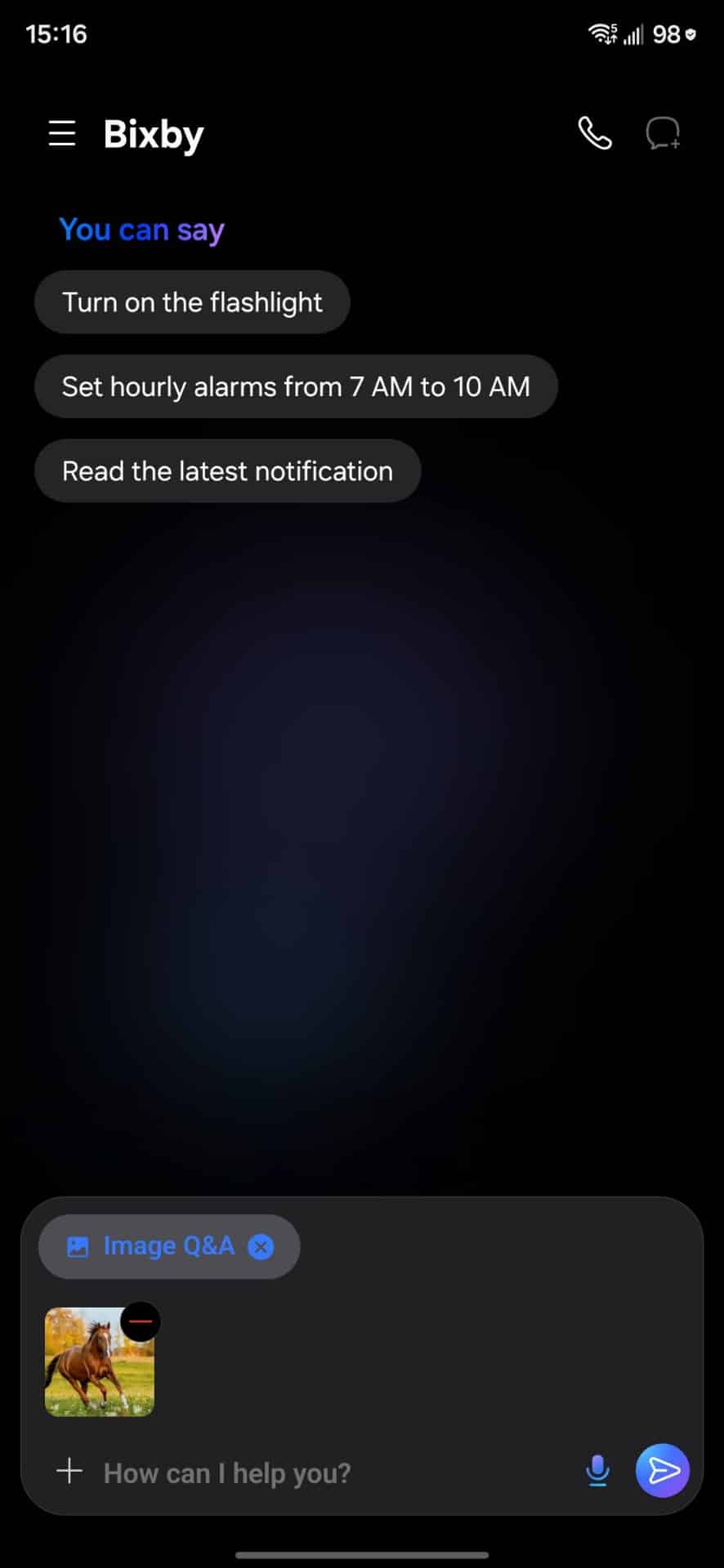
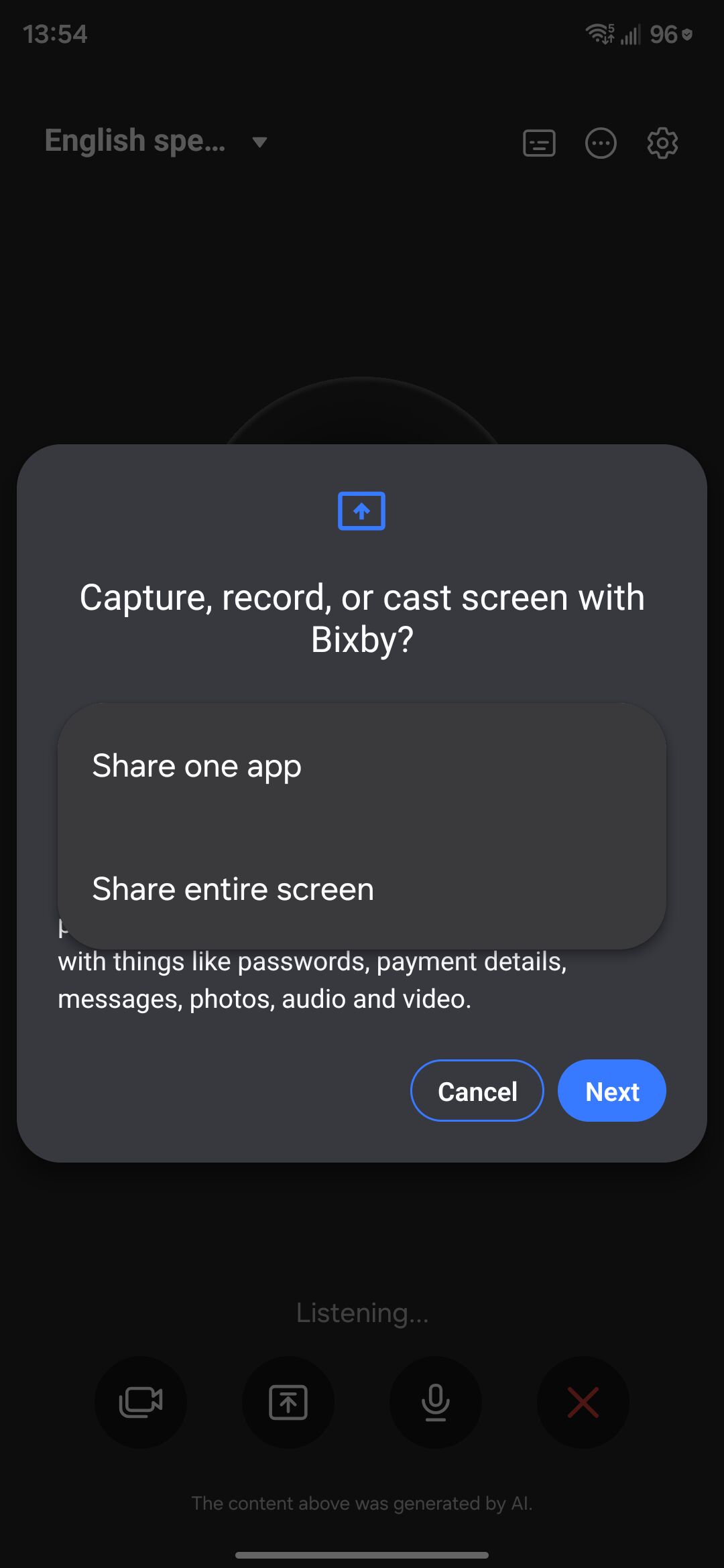
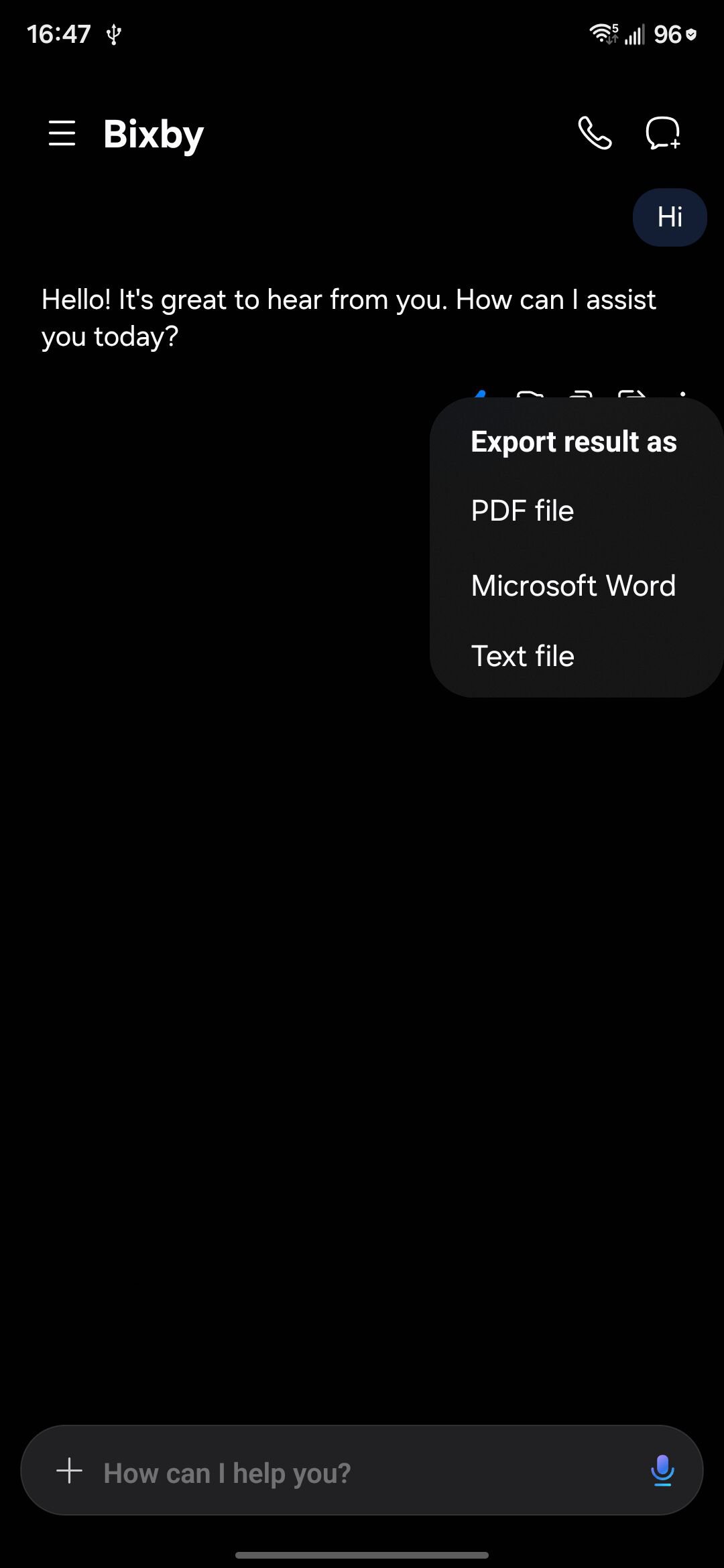
In case of inactivity, Bixby Live automatically stops, keeping the assistant efficient. It also supports instant recording and simultaneous questioning. All AI-generated content is stored in a library tab, while responses are saved in a conversation tab.
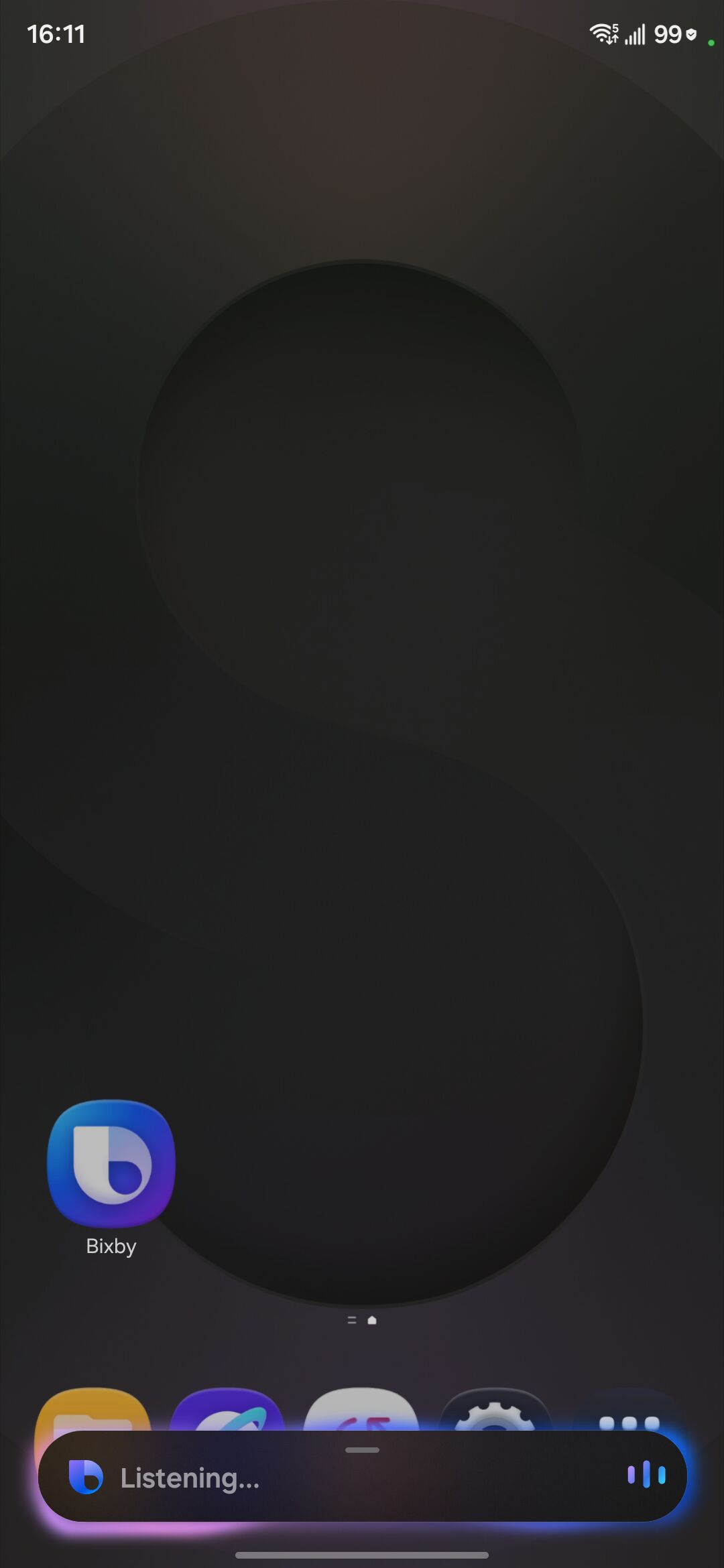
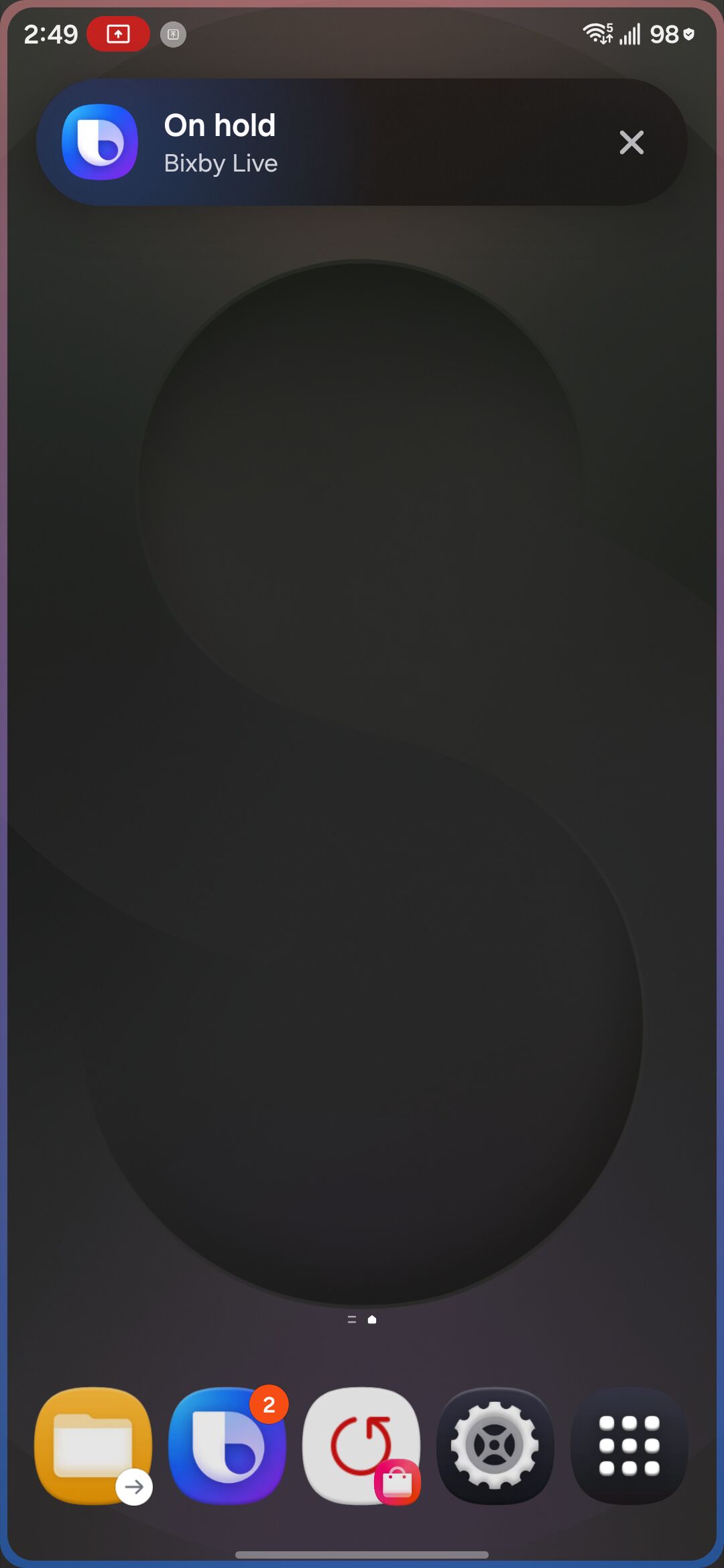
Samsung has also redesigned the floating UI with a new pill-shaped layout. The assistant shows Live notifications in the status bar and on the lock screen, with glowing animations along the screen edges. We’ll let you know when the company officially reveals Bixby’s new features.

Written by
Binay KonwarBinay Konwar started his blogging journey in 2014 and has since written plenty of tech articles. At present, he is working as a News Writer at SammyGuru, covering everything about Samsung. He holds a Master's degree in Mathematics, but his real passion lies in tech and writing. In his free time, he enjoys playing chess and watching movies.

Follow us on Google Discover & set us as a preferred source in Google News
Share this Post
___________________________


New Blog Posts
___________________________

Samsung Quietly Listed a New Entry Level 990 PCIe 4.0 SSD
It drops DRAM for HMB

Samsung’s First Bone-Conduction Earbuds May Be Called Galaxy Able
Name hidden no more

Samsung Accidentally Confirms Galaxy Watch 9 and Galaxy Watch Ultra 2
Coming very soon







