CapCut Pad Arrives on Galaxy Tabs With Desktop-Style Editing
SammyGuru is reader-supported. We have affiliate and sponsored partnerships, so we may earn a commission when you buy through links on our site — at no extra cost to you. Learn more.
Android tablets are finally getting a proper version of CapCut, which is aptly called Capcut Pad. The company officially announced the arrival of Capcut Pad in a post on X. It brings a tablet-optimized experience instead of the stretched phone phone interface.
CapCut Pad adds pro-level editing tools to Android tablets
CapCut Pad was first introduced for iPad in late 2025, but Android users had to wait. That changes with this release, which is designed to take advantage of larger displays. For Galaxy Tab users in particular, this means a more practical editing workspace.
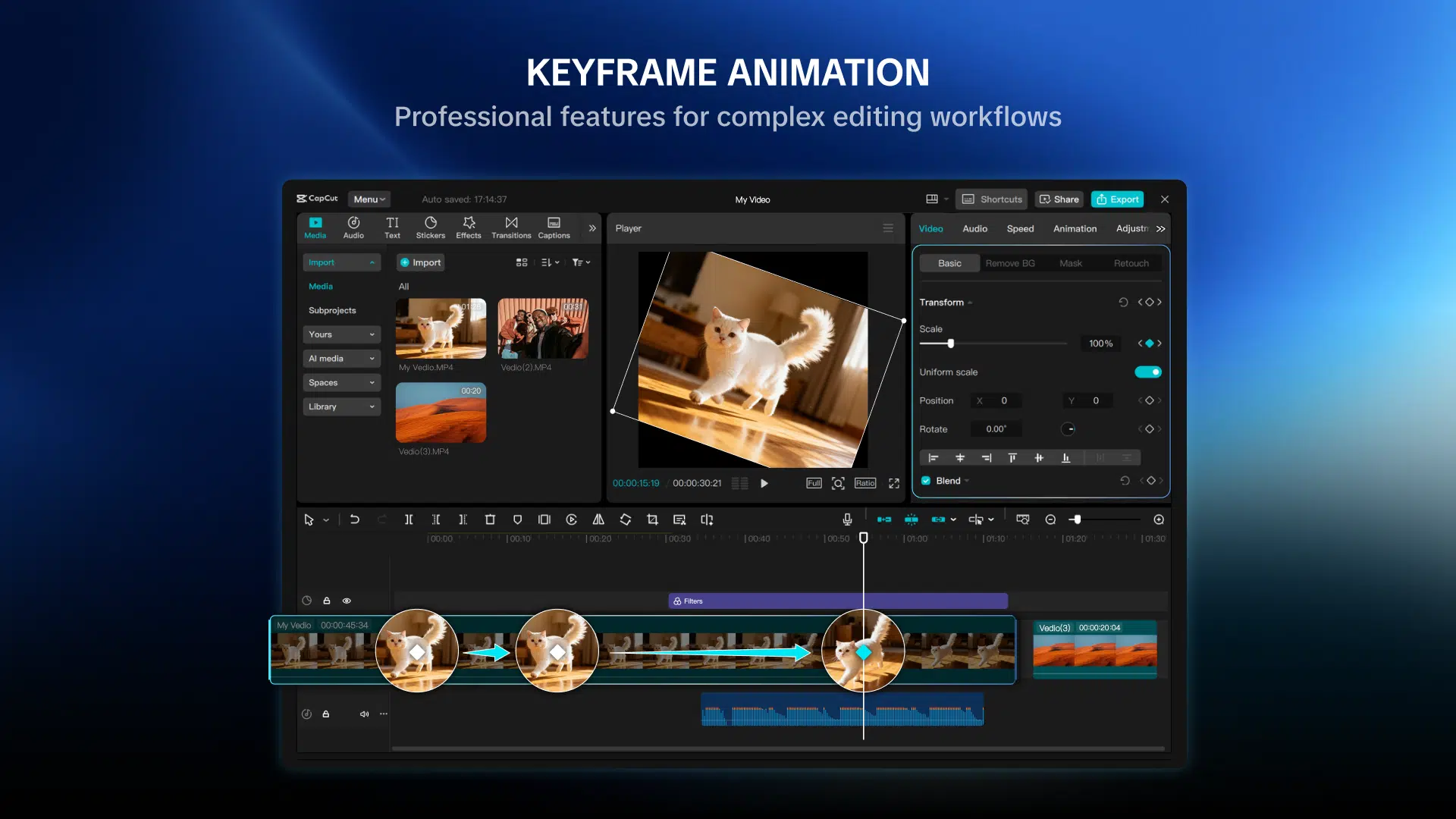
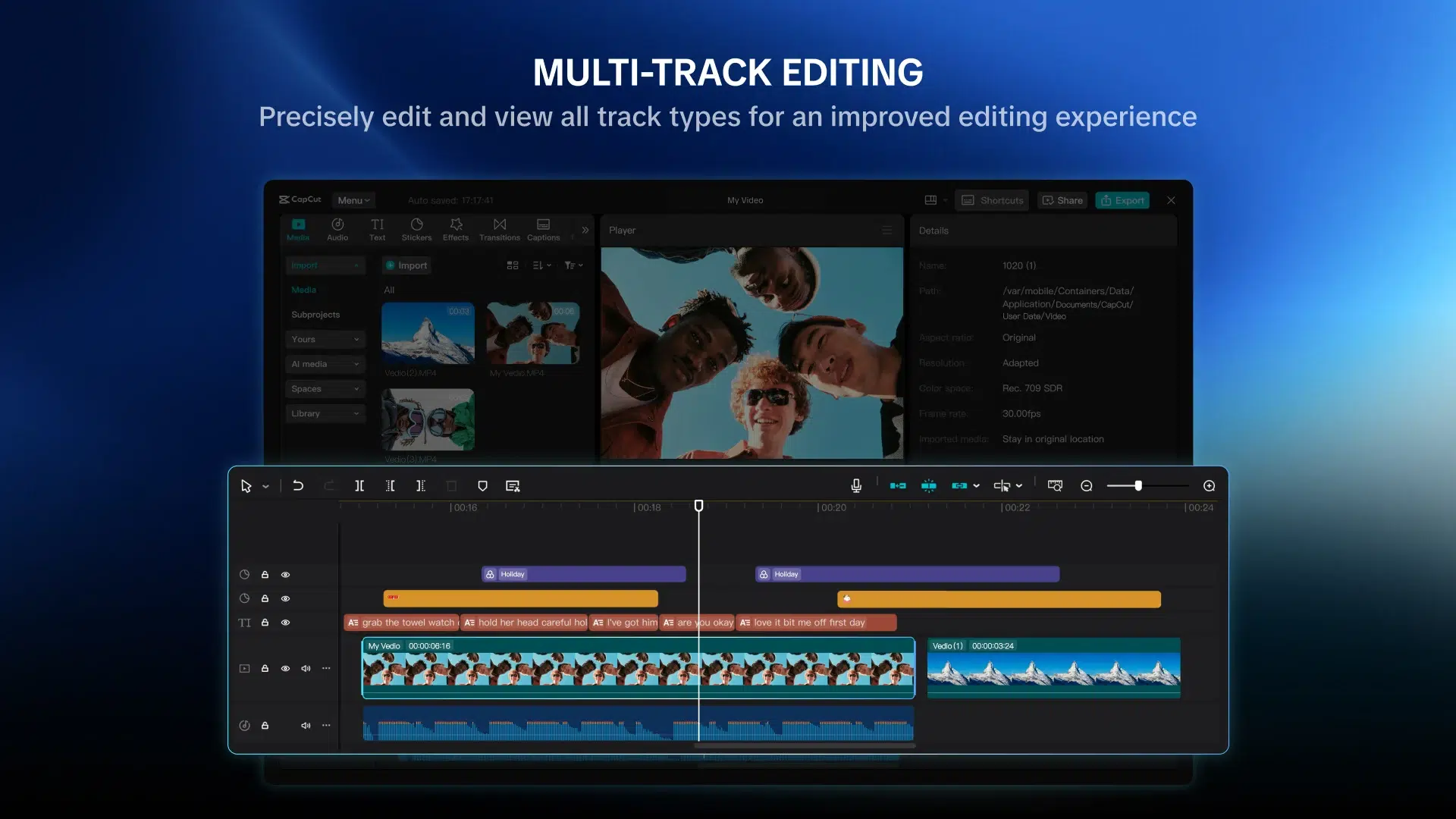
The app promises a desktop-like editing experience with a redesigned interface. Users get a multi-track timeline, better control over clips, and more precise editing tools. This should make tasks like trimming, layering, and syncing content far easier compared to the mobile version.
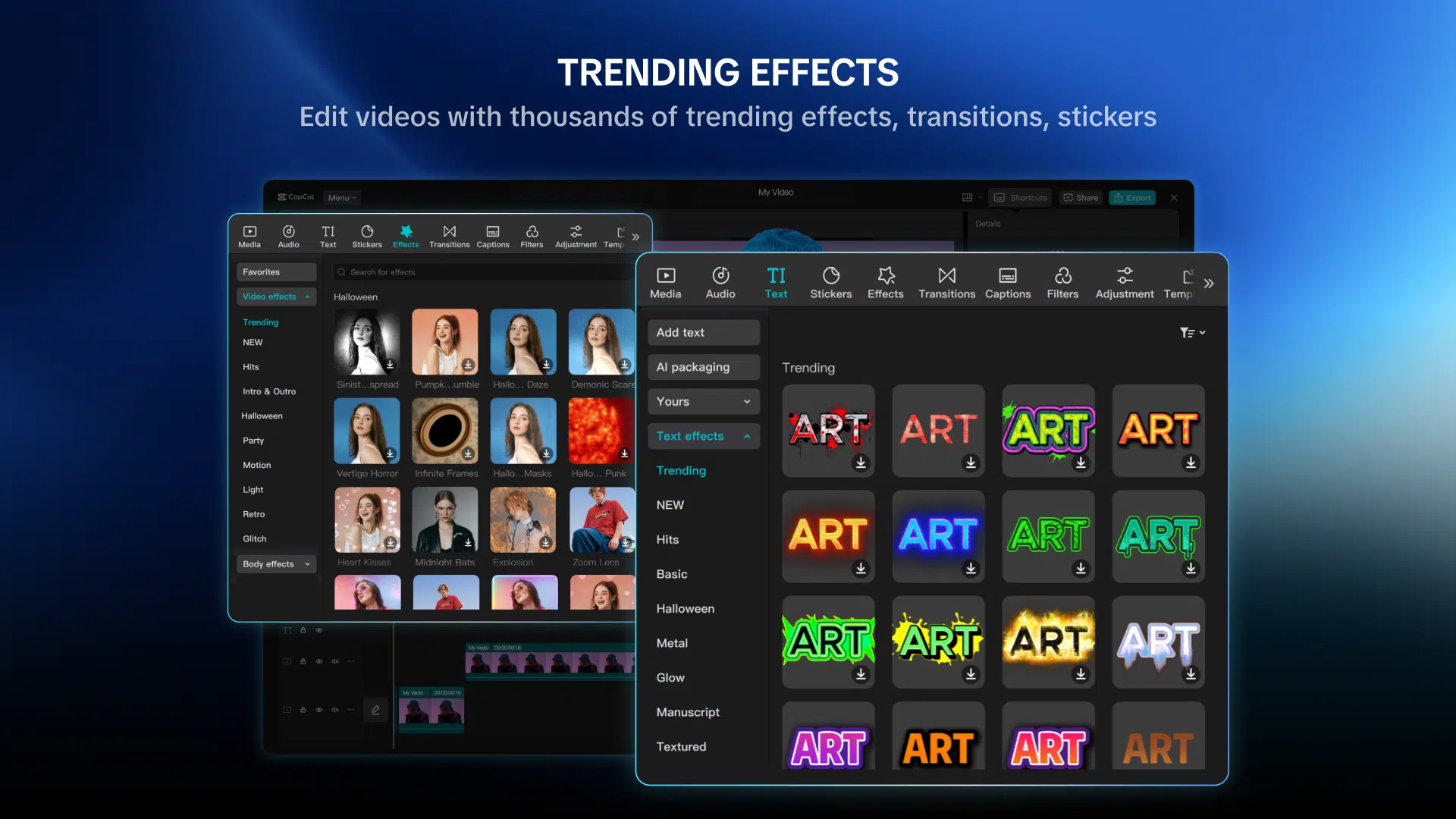
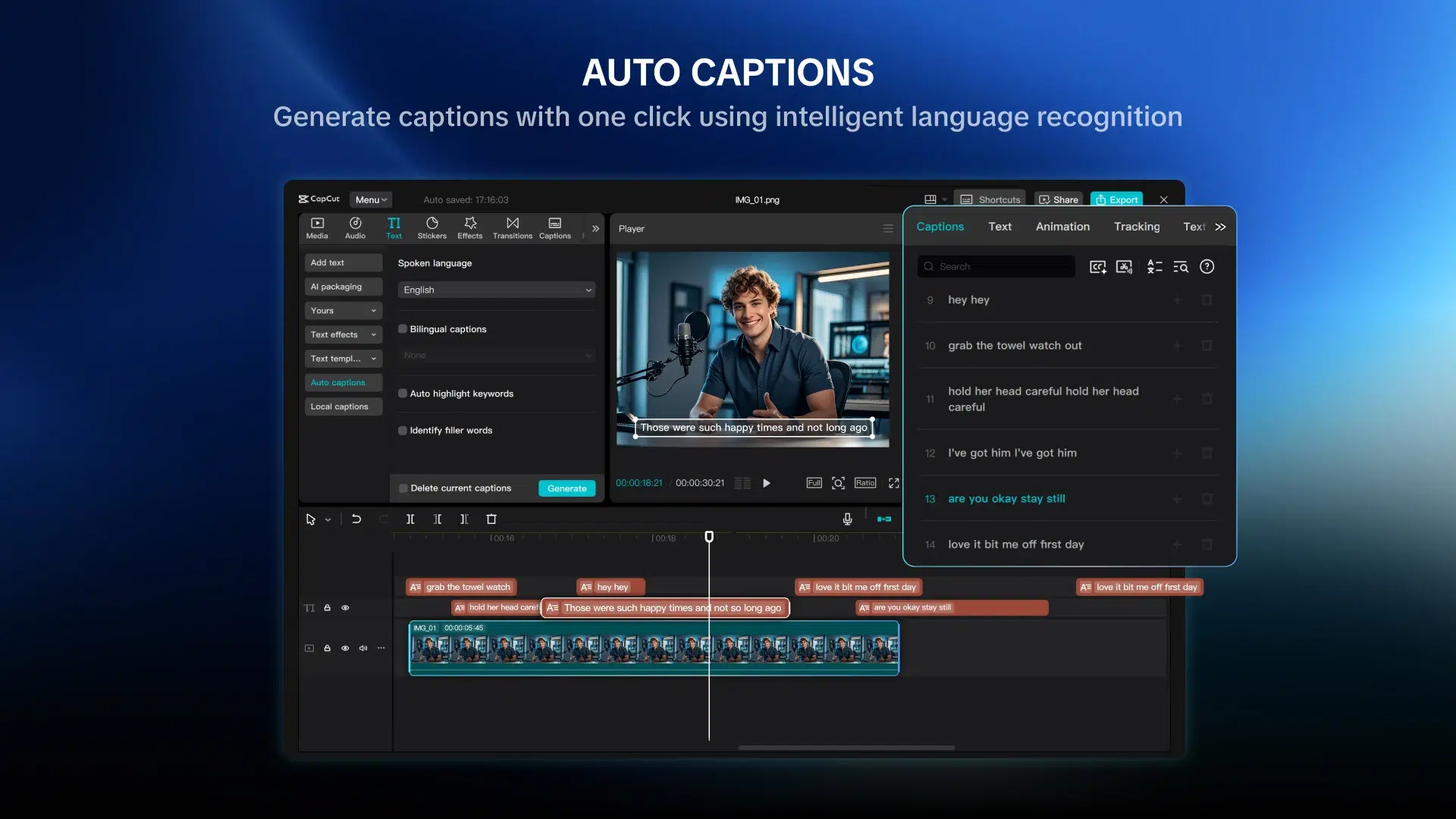
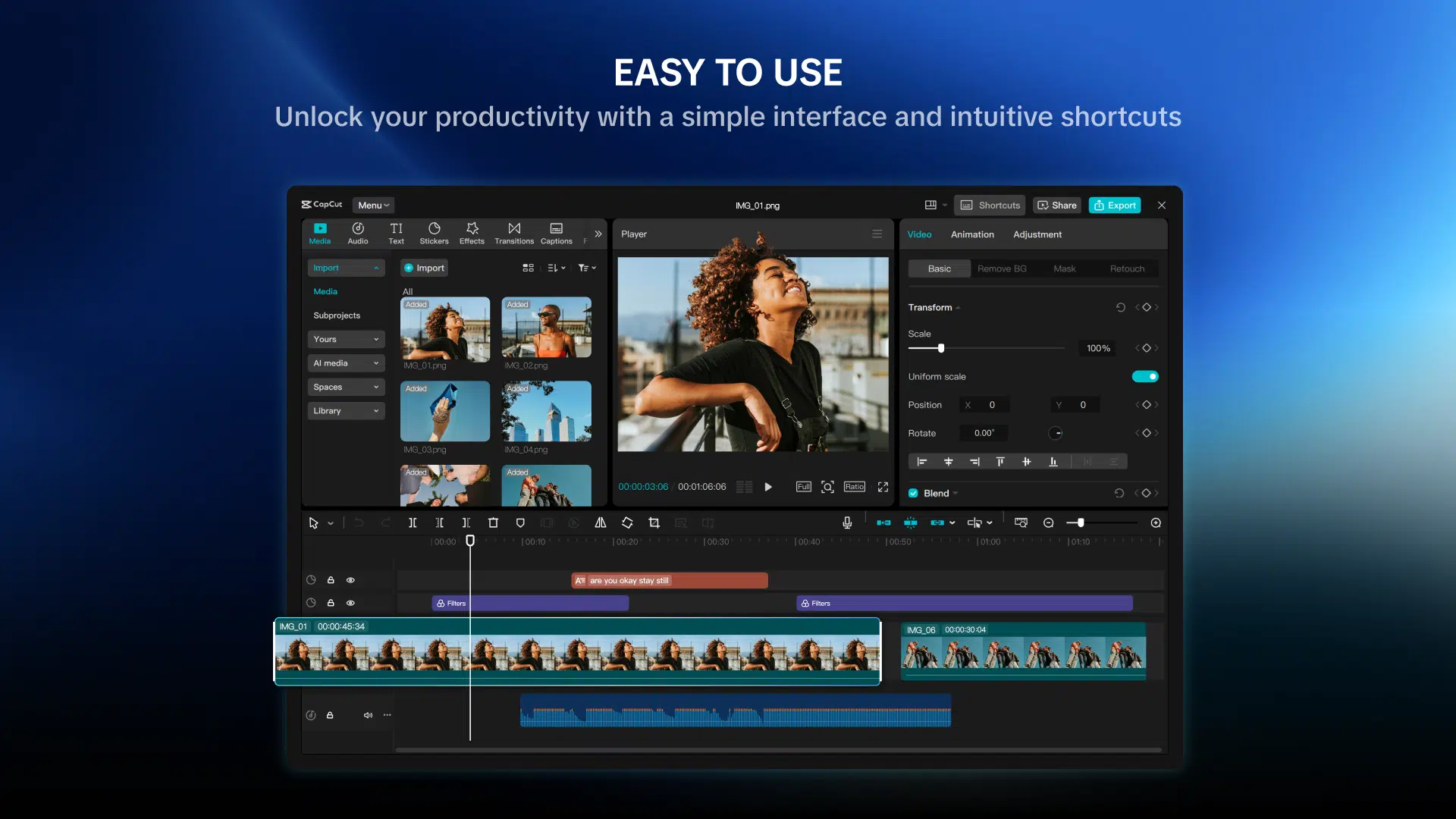
CapCut is also bringing its advanced toolkit to tablets. Features include keyframe animation, chroma key support, video stabilization, and AI-powered tools such as background removal. These are features that many Samsung users typically rely on laptops for, now available on a tablet.
Another highlight is cross-device syncing. You can start editing on your phone, continue on a desktop, and finish on your tablet. Combined with support for exporting videos in up to 4K at 60fps with HDR, the app is clearly targeting serious creators.
The app is free to download, and CapCut is currently offering all features at no cost for a limited time. However, like the mobile version, some tools may eventually require a subscription. Pricing is not officially listed, but existing plans start at around $10 per month.

Written by
Abhinav AnandAbhinav Anand is the News Editor at SammyGuru and a technology journalist based in New Delhi. Before joining SammyGuru, he contributed to numerous outlets, including Android Headlines, ExtremeTech, The Mac Observer, Financial Express, Economic Times, iGeeksBlog, KnowTechie, PhonesWiki, SlashGear, and more. You can reach him at [email protected].

Follow us on Google Discover & set us as a preferred source in Google News
Share this Post
___________________________


New Blog Posts
___________________________

Introducing SammyGuru Rewards — Read, Earn, and Redeem
Our biggest update yet

Samsung’s Odyssey G8 Will Power Crimson Desert Demos at Gamescom 2026
In Cologne, August 36-August 30
Galaxy S25+ and Galaxy Tab A11 Are Cheaper Than Ever at Walmart
Your wallet will thank you