Google Photos Rolls Out New Floating Bottom Bar on Android
SammyGuru is reader-supported. We have affiliate and sponsored partnerships, so we may earn a commission when you buy through links on our site — at no extra cost to you. Learn more.
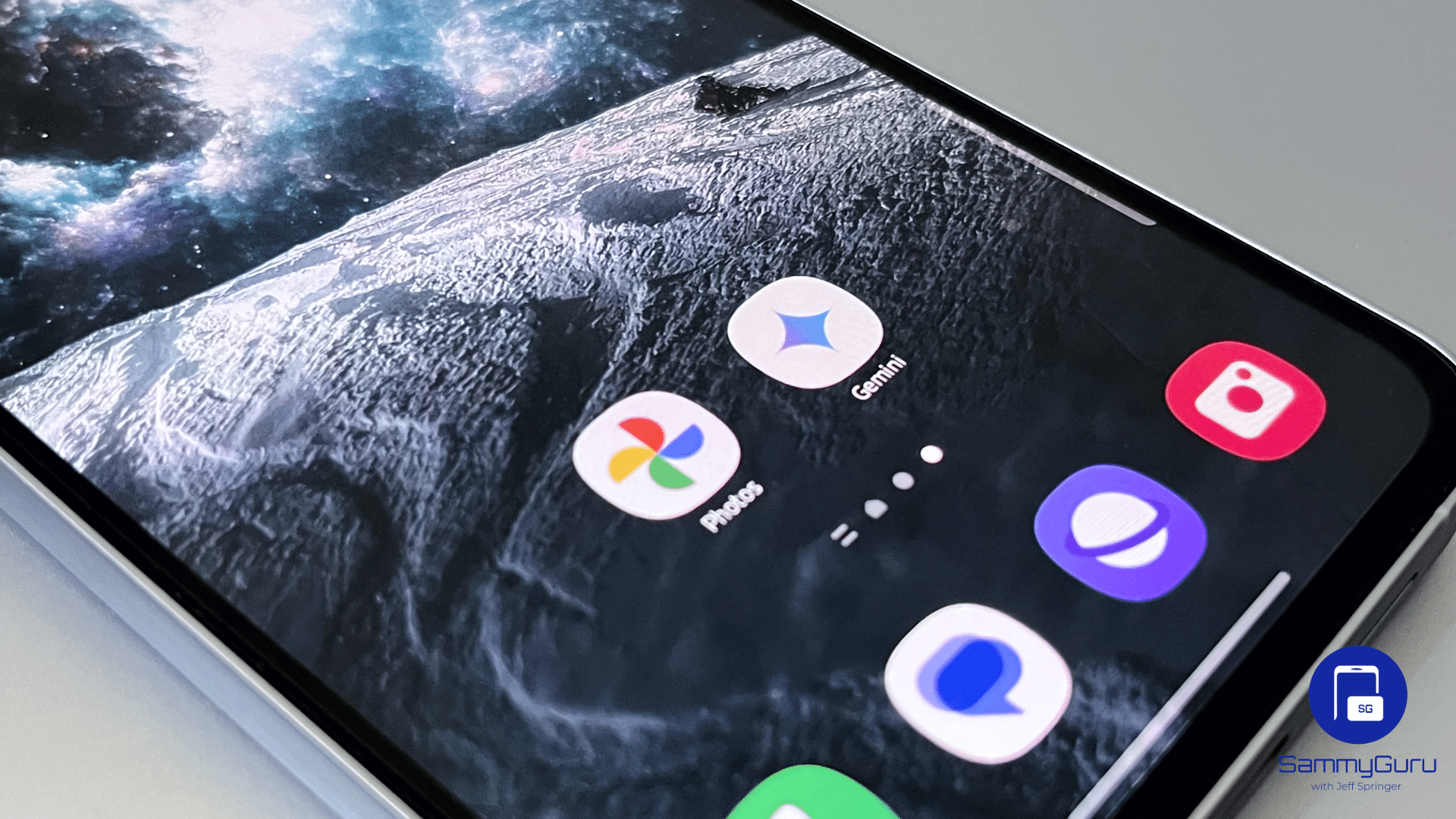
Google is always adding a bunch of features across its apps. In the latest, Google Photos is rolling out a redesigned navigation bar on Android. The new design is now reaching more users through a server side update, making the app look cleaner while freeing up a bit more screen space.
Google Photos is rolling out a new floating bottom bar
Instead of a full width bottom navigation bar, Google Photos now uses a floating pill that sits slightly above the bottom edge of the display (via 9to5Google). It includes tabs for Photos, Collections, and Create, while Search has moved into a separate circular button on the right. The change lets more of your photo library remain visible around the navigation controls.
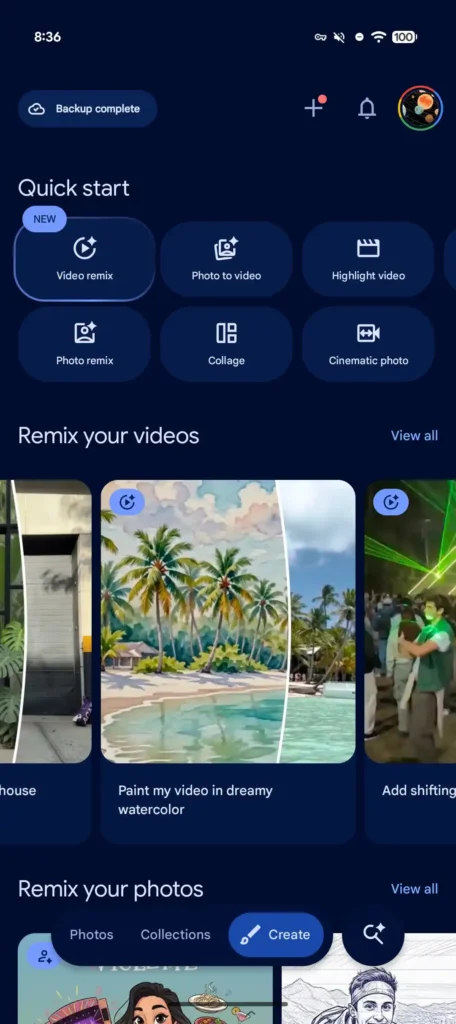
Google has also tweaked how dates appear when browsing your library. Rather than displaying them directly in the grid, the app now shows a floating date pill at the top. It disappears shortly afterward to keep the interface uncluttered.
If you prefer the previous layout, Google hasn’t taken that option away. You can open the three dot menu in the Photos tab, head to Photos view settings, and enable Show dates in grid. That restores the older layout with labels such as Today and Yesterday displayed directly in your photo timeline.
The redesigned navigation bar is rolling out with version 7.82 of Google Photos, although the feature is being enabled through a server side update. That means installing the latest version doesn’t guarantee you’ll see it immediately. If it hasn’t appeared yet, it should arrive over the coming days.
This isn’t the only recent addition to Google Photos. Google has also started rolling out AI powered Video Remix, which lets users apply effects such as relighting, background replacement, and artistic styles to videos. However, those features require a Google AI Plus, Pro, or Ultra subscription.

Written by
Abhinav AnandAbhinav Anand is the News Editor at SammyGuru and a technology journalist based in New Delhi. Before joining SammyGuru, he contributed to numerous outlets, including Android Headlines, ExtremeTech, The Mac Observer, Financial Express, Economic Times, iGeeksBlog, KnowTechie, PhonesWiki, SlashGear, and more. You can reach him at [email protected].

Follow us on Google Discover & set us as a preferred source in Google News
Share this Post
___________________________


New Blog Posts
___________________________
Introducing SammyGuru Rewards — Read, Earn, and Redeem
Our biggest update yet
Samsung’s Odyssey G8 Will Power Crimson Desert Demos at Gamescom 2026
In Cologne, August 36-August 30
Galaxy S25+ and Galaxy Tab A11 Are Cheaper Than Ever at Walmart
Your wallet will thank you