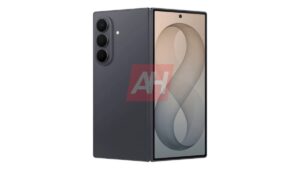
Galaxy Z Fold 7, Flip 7, TriFold, and More Get Samsung’s July 2026 Update

SammyGuru is reader-supported. We have affiliate and sponsored partnerships, so we may earn a commission when you buy through links on our site — at no extra cost to you. Learn more.
Samsung has kicked off the July 2026 security update rollout for Galaxy smartphones and is already moving at a brisk pace. After the Galaxy S26 and S25 lineups, the update has hit recent foldables as well. The Galaxy Z Fold 7, Flip 7, Flip 7 FE, and TriFold are now picking up the latest security patch. The Galaxy S25 Edge and S25 FE have also joined their flagship siblings in the party.
More Galaxy devices updated with the July 2026 security patch
After an unusual start that saw Galaxy Watches receive the latest patch before smartphones, Samsung has now shifted its focus to phones, releasing the update for several flagship devices within a single day. The Galaxy S26 flagships led the line, with the S25 trio following shortly. Now, the company has released the update for a bunch of foldables, as well as the Galaxy S25 Edge and S25 FE.
As usual, the rollout begins in Samsung’s home country of South Korea. The new patch comes with firmware build numbers ending in BZG3 for the Galaxy Z Fold 7, Flip 7, Flip 7 FE, TriFold, and S25 FE. The S25 Edge’s update carries the identifier CZG3. Note that the build versions and update sizes may vary depending on the device model and region.
This update only includes the July 2026 Android security patch, which addresses 57 security vulnerabilities. According to Samsung’s security bulletin, 41 fixes come from Google and affect the Android operating system, while the remaining 16 patches target Samsung-specific software and One UI components. These devices aren’t getting any new features or enhancements.
Although the rollout has only just begun, Samsung should quickly bring the update to more devices and regions. You can manually check for the latest firmware by navigating to Settings > Software update > Download and install.

Written by
Sumit AdhikariSumit, a life-long Samsung user, is passionate about technology and has been professionally writing on tech since 2017. He’s a mathematics graduate by education and enjoys teaching basic mathematics tricks to school kids in his spare time. Sumit believes in artificial intelligence and dreams of a fully open, intelligent and connected world.

Follow us on Google Discover & set us as a preferred source in Google News
Share this Post
___________________________


New Blog Posts
___________________________

Apple’s AI Glasses Shift Leads Samsung to Halt XR Display Project
The Korean firm will continue developing XR display solutions for its own product
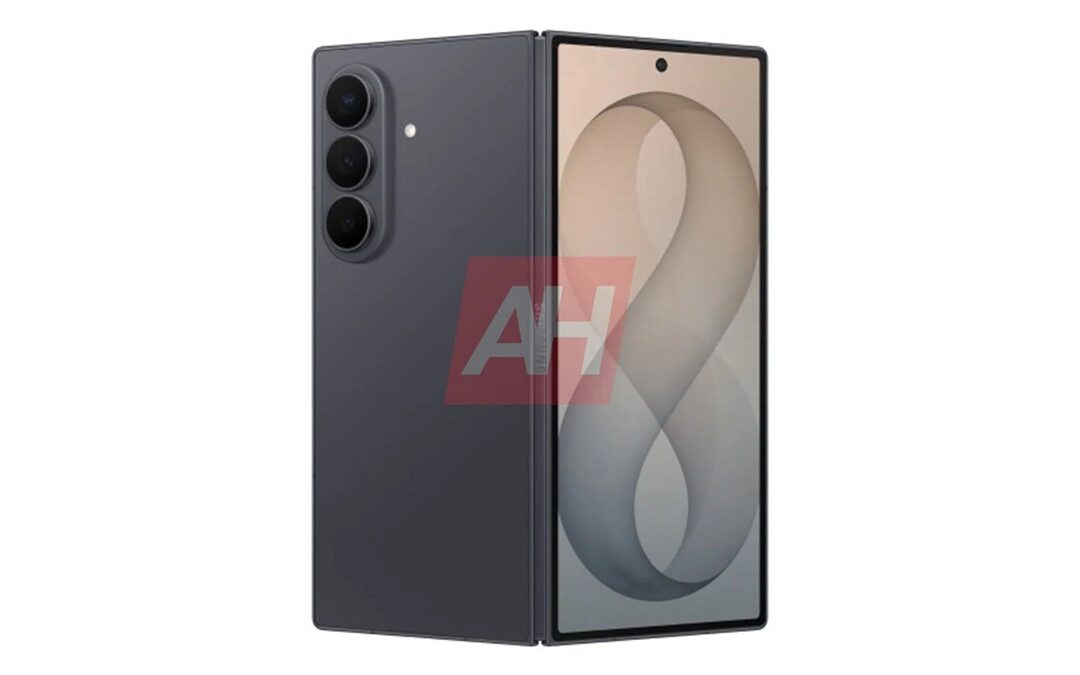
Galaxy Z Fold 8 Ultra May Borrow S26 Ultra’s Best Camera Features
Galaxy S26 Ultra camera experience may come to the Fold 8 Ultra

Samsung Increases Prices for Advanced Foundry Processes
This could support a return to quarterly profitability