Exclusive: Galaxy Watch 9’s Wearable App Reveals New Galaxy AI and Health Features

SammyGuru is reader-supported. We have affiliate and sponsored partnerships, so we may earn a commission when you buy through links on our site — at no extra cost to you. Learn more.
In this article
- Galaxy Wearable adopts Samsung’s newest One UI design language
- Home tab now puts your watch front and center
- Watch faces tab gets a proper preview experience
- Settings adopts a cleaner look
- About watch gets some love
- One UI 9.0 Watch image branding already appears throughout the app
- Galaxy AI has a new trick up its sleeve for your tiles
- All the new Heath features coming with One UI 9 Watch
- Outdoor features appear to target the Ultra lineup
Samsung is preparing more than just new Galaxy Watches for this year’s Galaxy Unpacked. Today, we exclusively reveal a major redesign coming to the Galaxy Wearable app alongside One UI 9 Watch. It brings Samsung’s latest design language, updated layouts, and several previously unseen Galaxy AI and health features.
Thanks to fellow SammyGuru writer, Josh Skinner, and Galaxy Techie, we got an early look at the upcoming Galaxy Watch Manager for the Galaxy Watch 9. We also saw it for the Galaxy Watch Ultra 2.
ALSO READ | Exclusive: First Look at the Galaxy Watch 9 and Galaxy Watch Ultra 2 Watch Faces
Galaxy Wearable adopts Samsung’s newest One UI design language
The redesigned Galaxy Wearable app feels more modern. Samsung replaces the older flat black backgrounds with subtle blue-purple gradients and floating UI elements. The new look matches One UI 8.5 and the One UI 9 design language we’ve already seen across Samsung’s latest software.
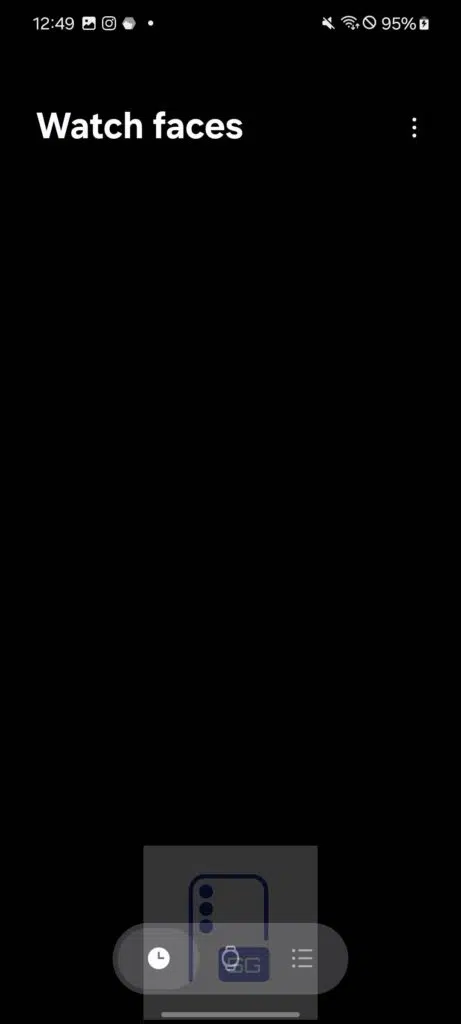
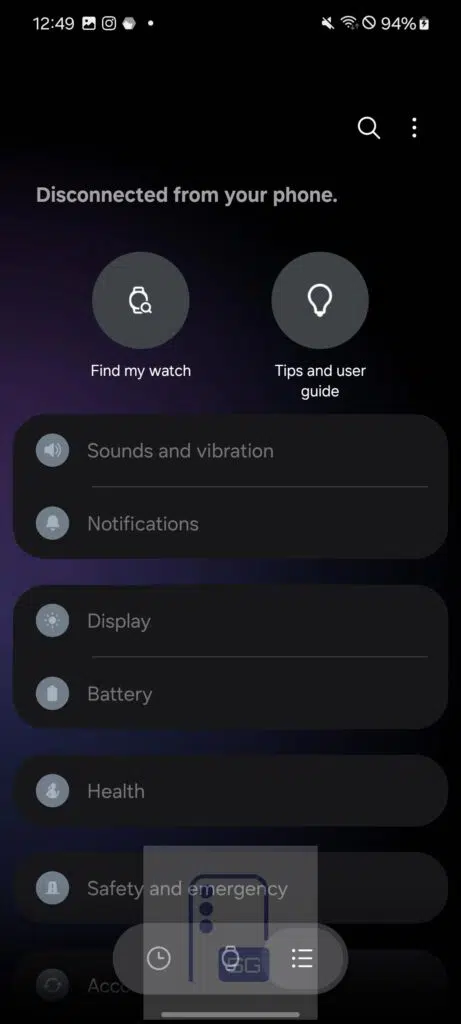
The app is now organized into three main tabs: Watch faces, Home, and Settings. Everything feels cleaner and more consistent with Samsung’s recent interface redesign.
Home tab now puts your watch front and center
The biggest change appears on the Home page. Instead of showing mostly settings, Galaxy Wearable now displays a large render of your exact Galaxy Watch model and color. It also shows battery percentage and estimated remaining battery life.
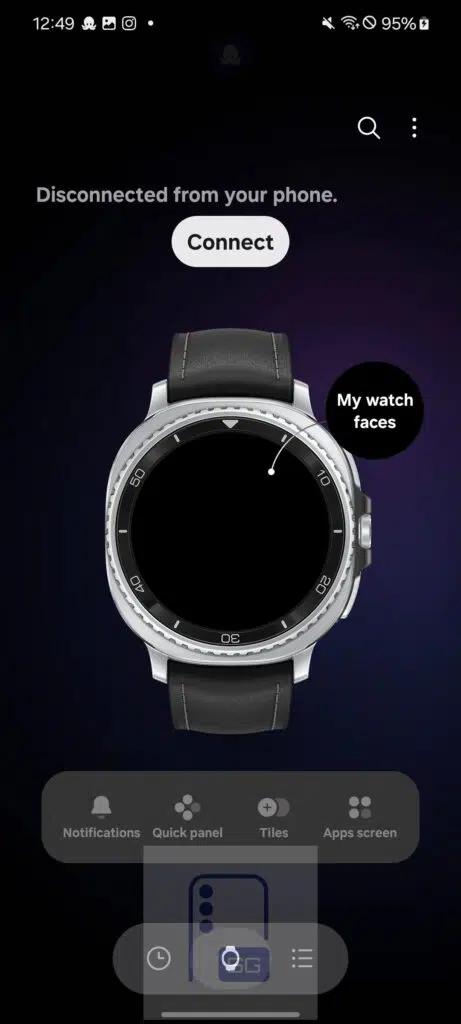
Samsung also surfaces the four controls people probably use the most: Notifications, Quick panel, Tiles, and Apps screen. As a result, the Home tab feels much closer to the newer device management experience found throughout One UI.
Watch faces tab gets a proper preview experience
Samsung has also redesigned the Watch faces section. Instead of showing only watch face previews, the app now renders your entire watch body. This means you can preview exactly how every watch face will look before applying it.
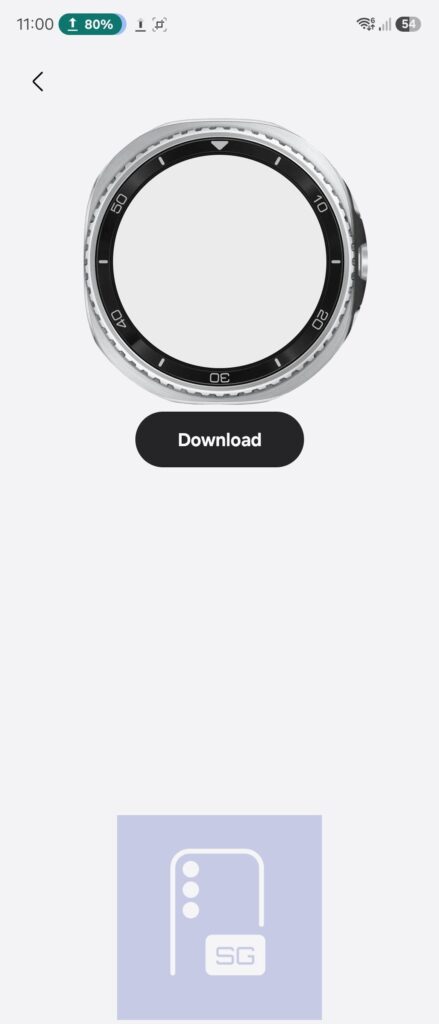
Users will still be able to browse watch faces by categories, customize them, download new ones, and install updates just like before, but the presentation looks considerably more polished.
Settings adopts a cleaner look
The Settings page keeps most of the existing options but refreshes nearly everything visually. Samsung replaces the colorful icons with monochrome gray icons. Additionally, the new gradient background makes the interface feel much closer to One UI 9.
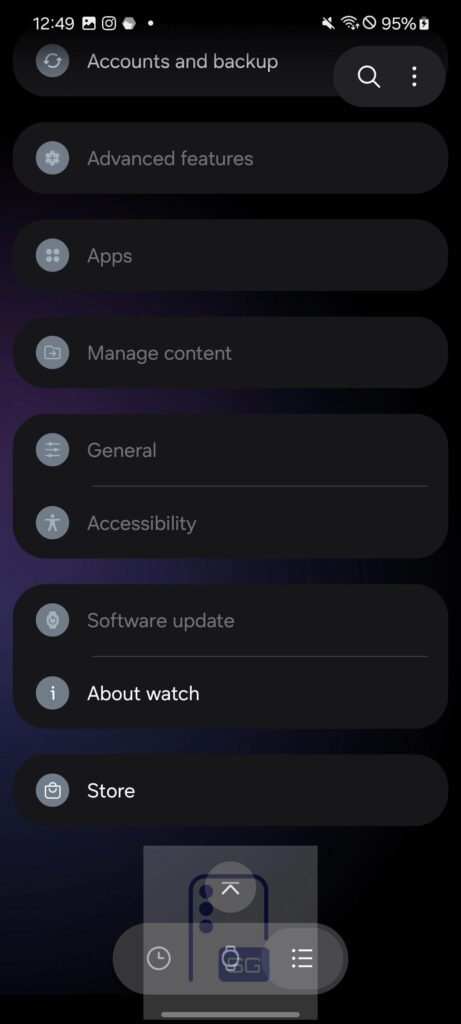
Two shortcuts now move to the very top: Find my watch and Tips and user guide. Previously, both options were mixed with the rest of the settings.
About watch gets some love
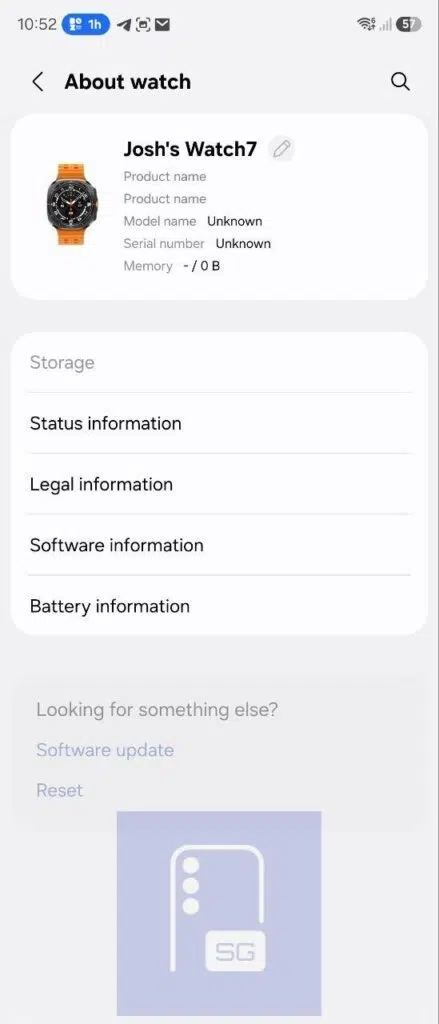
The About watch page receives perhaps the nicest visual upgrade. Samsung now displays an image of the connected Galaxy Watch, similar to how One UI 9 displays Galaxy phones inside the About phone menu. The current build still shows placeholder information, including an Ultra image for a Galaxy Watch 7. This suggests Samsung hasn’t finalized these assets yet.
One UI 9.0 Watch image branding already appears throughout the app
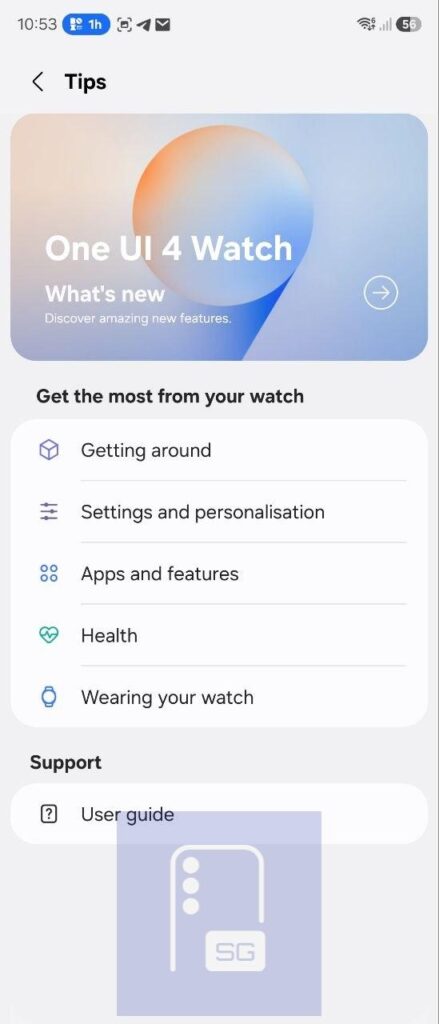
The Tips and user guide section already contains Samsung’s upcoming One UI 9 Watch banner in “What’s new”. Current placeholder text still references One UI 4 Watch, which is odd because One UI 4 Watch was released in 2022. However, everything else clearly points toward Samsung preparing the final One UI 9 rollout.
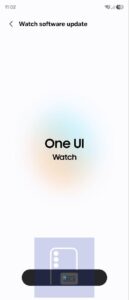
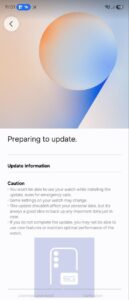
The Software update pages also receive a visual refresh, featuring a new gradient look alongside One UI Watch branding. Interestingly, that screen still uses the softer One UI 8.5 colors instead of the final One UI 9 colors featured on the banner. This suggests Samsung is still polishing the experience before launch.
Galaxy AI has a new trick up its sleeve for your tiles
Digging through the Watch manager also uncovered several new features that weren’t present in the Galaxy Watch 7 or Galaxy Watch 8 companion apps. One of the biggest additions is AI-generated custom Tiles.
Instead of manually choosing widgets, users will apparently be able to ask Galaxy AI to generate personalized Tiles based on their interests. Samsung specifically mentions sports scores, stock prices, news headlines, and virtually anything else users want to track.
Raise your wrist, and Gemini is there for you
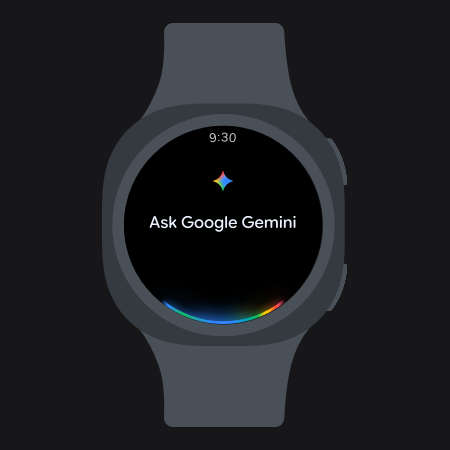
Another addition lets users talk to Gemini simply by raising their wrist. Rather than long-pressing the Home button to launch Gemini, raising the watch appears to automatically activate voice listening, making interactions much more natural.

All the new Heath features coming with One UI 9 Watch
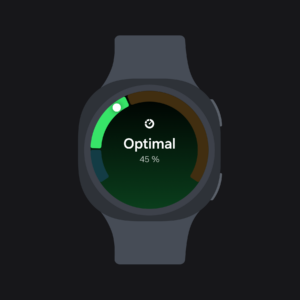
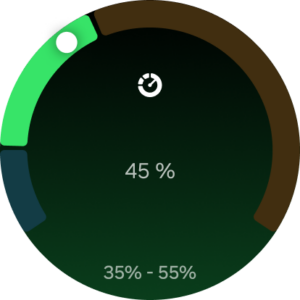
With One UI 9.0 Watch, Samsung will likely bring a load of new health tools. Daily Cardio Load now recommends an ideal amount of cardiovascular exercise based on your recent workouts. It also uses your overall fitness history.
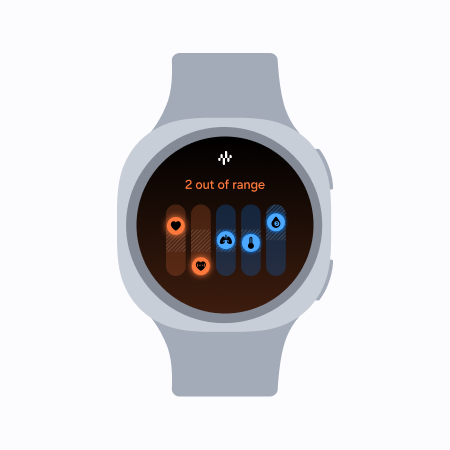
The app also references Vitals, which tracks changes in your overnight vital signs while you sleep, helping users notice meaningful shifts in heart rate, respiratory rate, temperature, and other sleep-related metrics.
Samsung is also preparing Sound Exposure, which monitors environmental noise from both the watch itself and connected headphones to help protect long-term hearing.
Outdoor features appear to target the Ultra lineup
Several newly discovered features, which we saw a few weeks ago, appear to target Samsung’s Ultra watches. These include:
- Trail Run with real-time elevation information
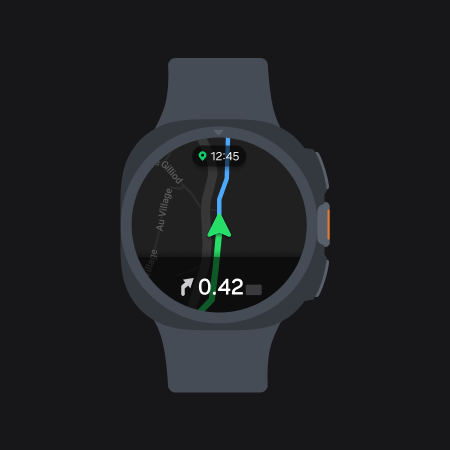
- Trackback and waypoint saving
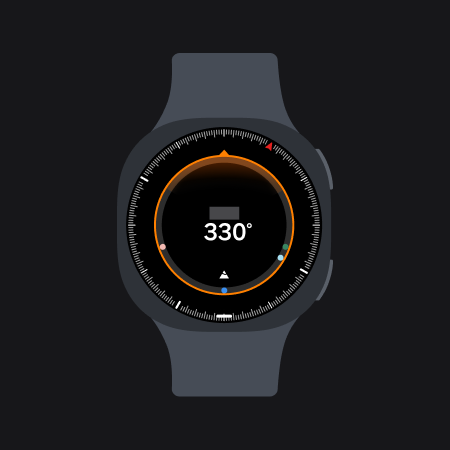
- Auto-launching dive mode at a selected depth
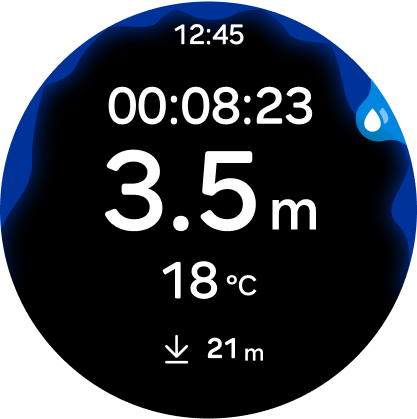
- Companion app controls for Samsung’s Depth application
Samsung hasn’t confirmed whether these features are exclusive, but Trail Run and Diving Mode will likely be limited to the Galaxy Watch Ultra series due to its rugged focus.
Overall, Samsung appears to be building a smarter companion app with Galaxy AI and expanded health features. The redesigned interface also aligns with the company’s latest One UI design language.
With Galaxy Unpacked scheduled likely on July 22 in London, it won’t be long before Samsung officially unveils the Galaxy Watch 9 and Galaxy Watch Ultra 2.
If you’re planning to pick up the Galaxy Watch 9 or Galaxy Watch Ultra 2 alongside upcoming foldables like the Galaxy Z Fold 8, Galaxy Z Fold 8 Ultra, or Galaxy Z Flip 8, you may want to sign up for our Mystery Box program. With every eligible order, we’ll send you a bundle of free accessories. (US only.)

Written by
David BuligaDavid Buliga is a Romanian writer at SammyGuru, where he covers the Samsung and Android ecosystem with a focus on apps, software features, and the trends shaping how we actually use our devices — from Galaxy Watch apps to One UI 9, plus the occasional opinion piece. He joined SammyGuru in 2026 after previously creating entertainment content on YouTube, producing animations and gameplay videos. Currently pursuing a Bachelor's degree in Applied Electronics and Telecommunications, David is passionate about consumer technology and enjoys getting under the hood of smartphones to see what makes them tick. Outside of tech, he loves listening to music, reading books, photography, and exploring the random ideas that often inspire his next story.

Follow us on Google Discover & set us as a preferred source in Google News
Share this Post
___________________________


New Blog Posts
___________________________
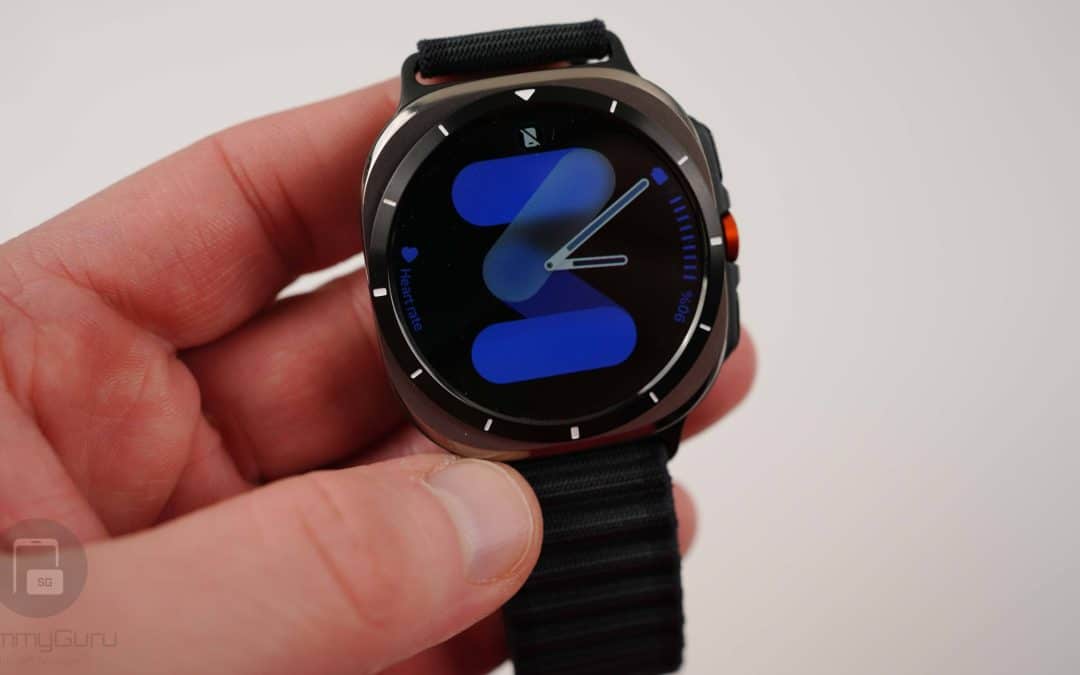
Exclusive: Here’s Your First Look at the Galaxy Watch 9 and Galaxy Watch Ultra 2 Watch Faces
Five new faces
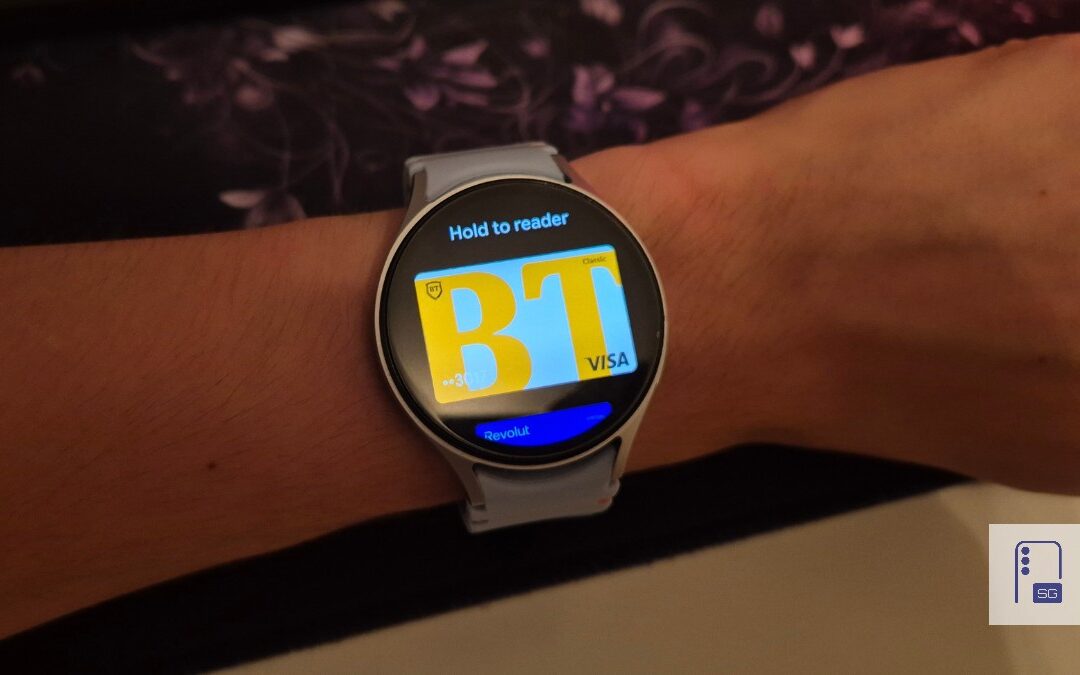
Google Wallet Finally Fixes One of Its Most Annoying Wear OS Quirks
Finally, one can manage all of my receipts from both devices

Samsung Quietly Listed a New Entry Level 990 PCIe 4.0 SSD
It drops DRAM for HMB