
Galaxy Watch 4, Watch FE, Watch 5 & Watch 6 Get New Update
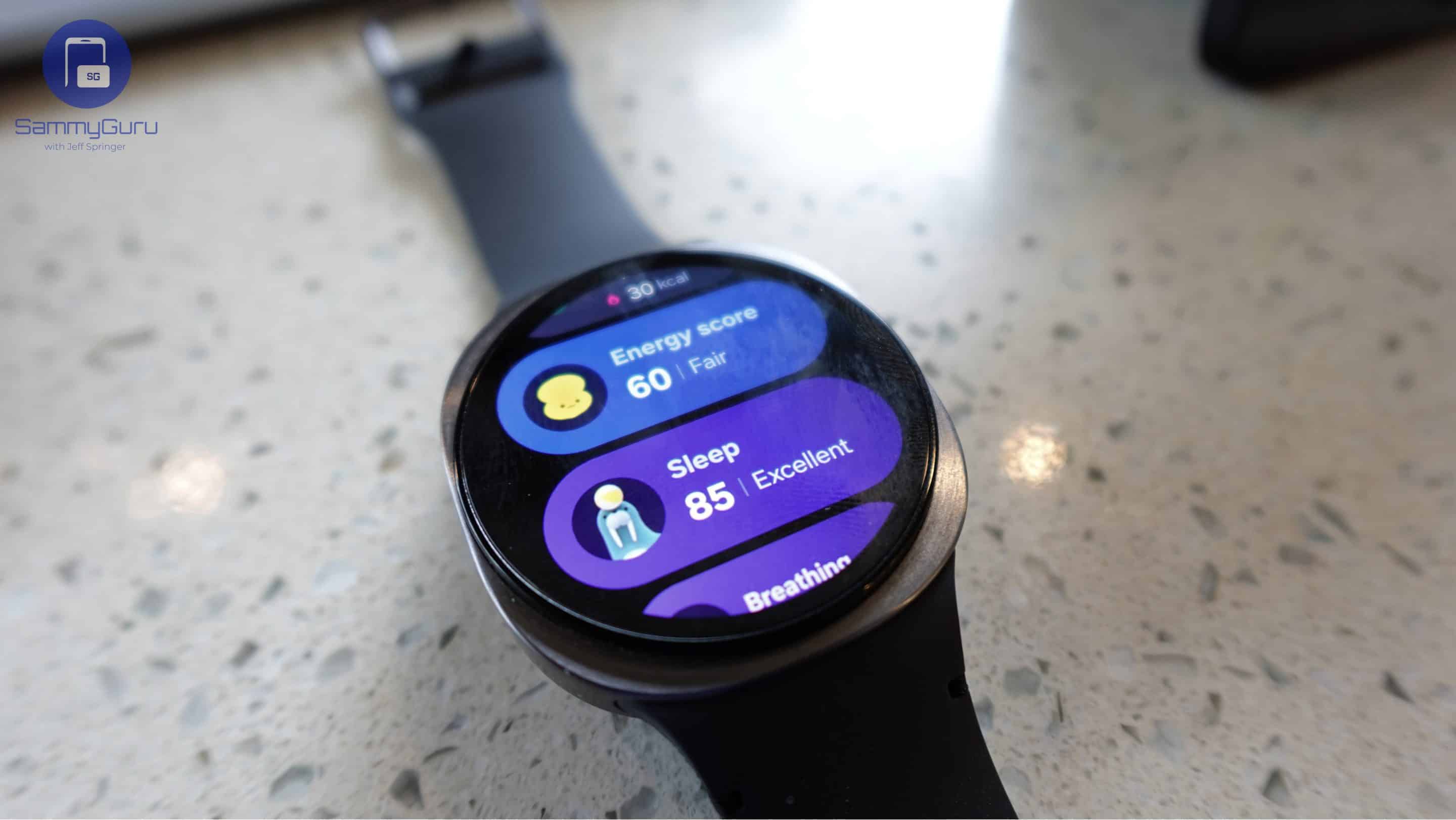
Samsung is bringing its latest smartwatch update to more Galaxy Watch models. After initially releasing the update for the Galaxy Watch 7, Watch 8, and Watch Ultra, the company has now extended the rollout to its wearables. The latest firmware release recently hit the Galaxy Watch 4, Watch FE, Watch 5, and Watch 6 lineups in Korea. A global rollout may begin in a few days.
More Galaxy Watch models get Samsung’s latest firmware update
Earlier this month, Samsung released new updates for its Wear OS smartwatches from the past two years. The rollout began in South Korea and gradually expanded to the rest of the world. Now that the company has updated the Galaxy Watch 7, Watch 8, and Watch Ultra globally, it has begun pushing the update to older models, covering its entire Wear OS fleet.
The Galaxy Watch 4, Watch FE, Watch 5, and Watch 6 models are picking up their latest updates with the firmware build versions ending in ZE1, the same as the newer models. The changelog is identical too, with Samsung rolling out nothing more than security fixes and some software optimizations. More precisely, the devices get the May 2026 security release containing several important patches.
The update size varies depending on the model, size, and connectivity variant, but expect it to weigh less than 200MB. After all, it doesn’t contain any new features or functional upgrades. Samsung may have included some additional bug fixes for enhanced stability and reliability, but do not expect any substantial improvements or changes in everyday performance.
Nonetheless, this release shows Samsung remains committed to supporting its Wear OS watches, including devices that are several years old. The latest update should gradually expand beyond Korea over the next few days. Users can manually check for the update through the Galaxy Wearable app by navigating to Watch Settings > Watch Software Update > Download and Install.

Follow us on Google Discover & set us as a preferred source in Google News
Share this Post
___________________________


New Blog Posts
___________________________
Samsung Eyes Humanoid Robots with Stake in Boston Dynamics
As of now, nothing has been confirmed
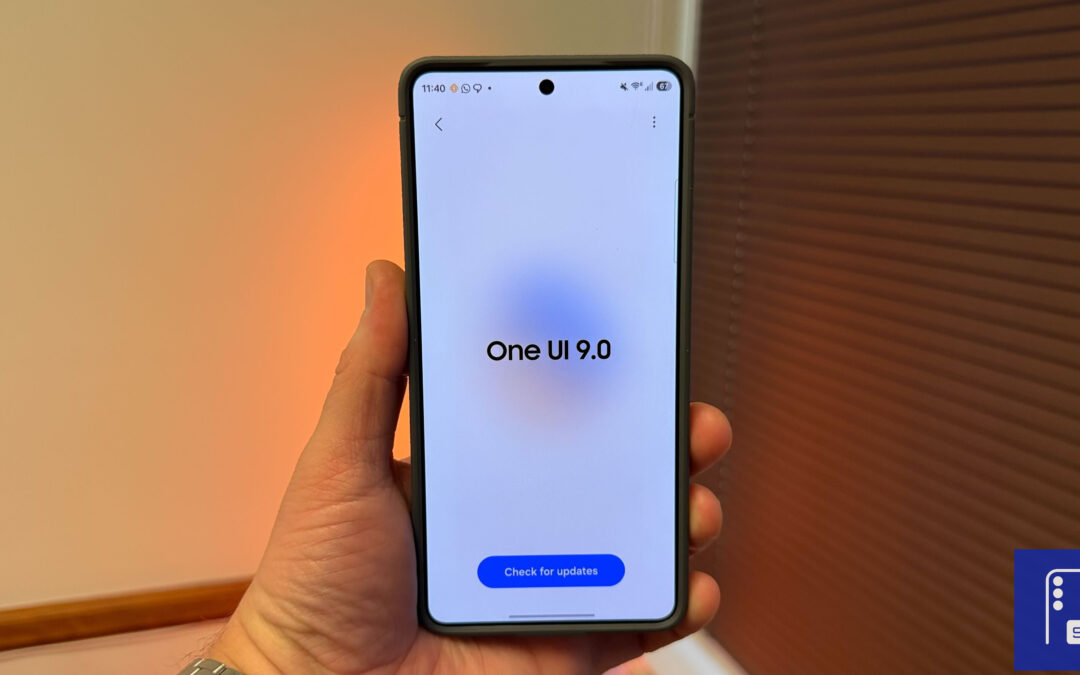
Breaking! Samsung Releases Massive One UI 9 Beta 3 for Galaxy S26
It carries a hefty download size of approximately 1.8GB

Samsung Supports Career Pathways Through Device Repair Training
The company lets students earn industry-recognized credentials


