
Samsung Expands May 2026 Security Update to Seven More Galaxy Devices
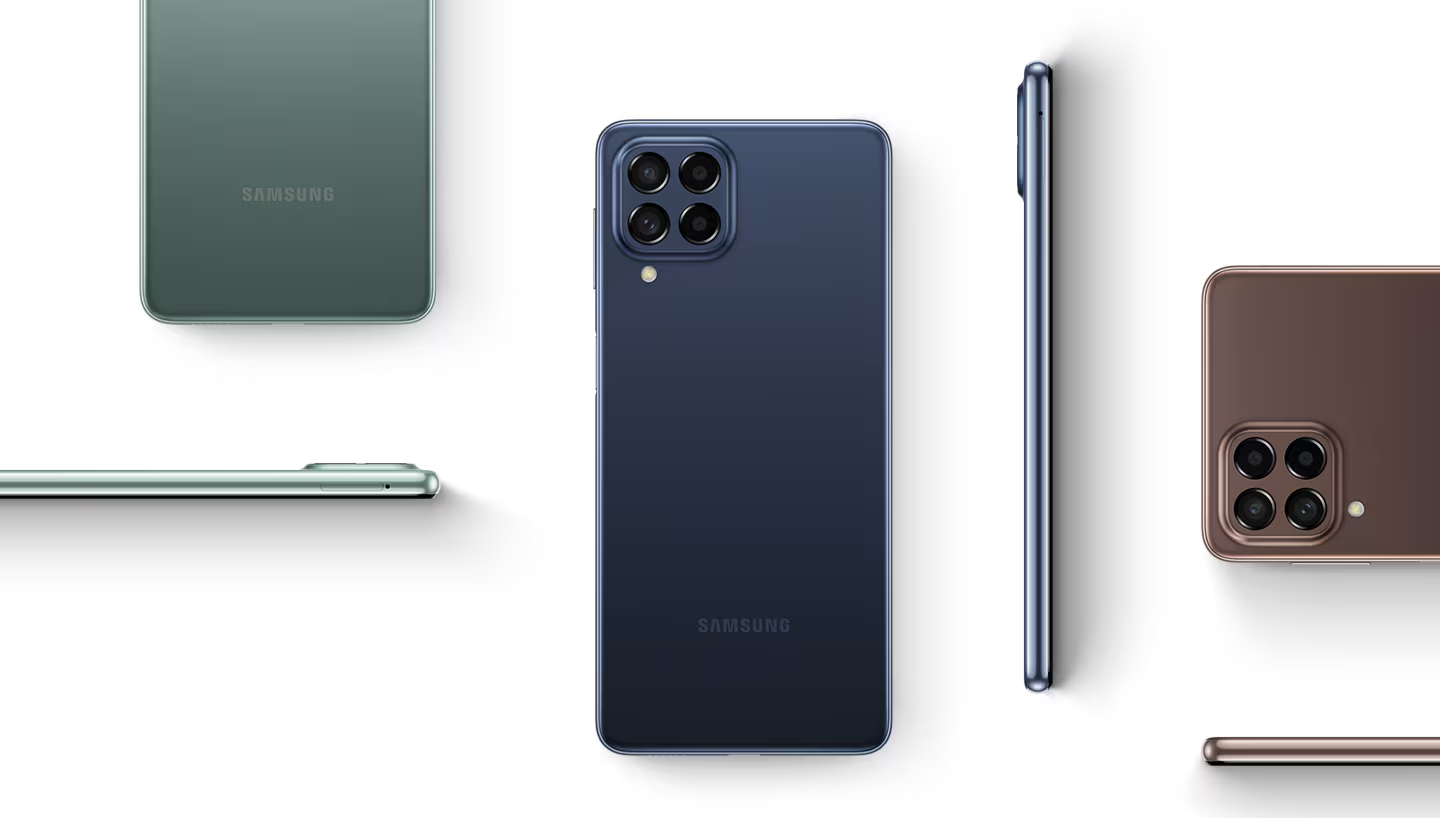
Samsung began the May 2026 security patch rollout last week, and the update is now expanding to more Galaxy devices. The latest devices to receive the update patch are the Galaxy Z Fold 4, Galaxy Z Flip 4, Galaxy A24, Galaxy A33, Galaxy A53, Galaxy A73, and Galaxy M53. At the same time, the company is also actively rolling out One UI 8.5 to eligible models.
Samsung releases May 2026 security patch for more Galaxy foldables and midrange devices
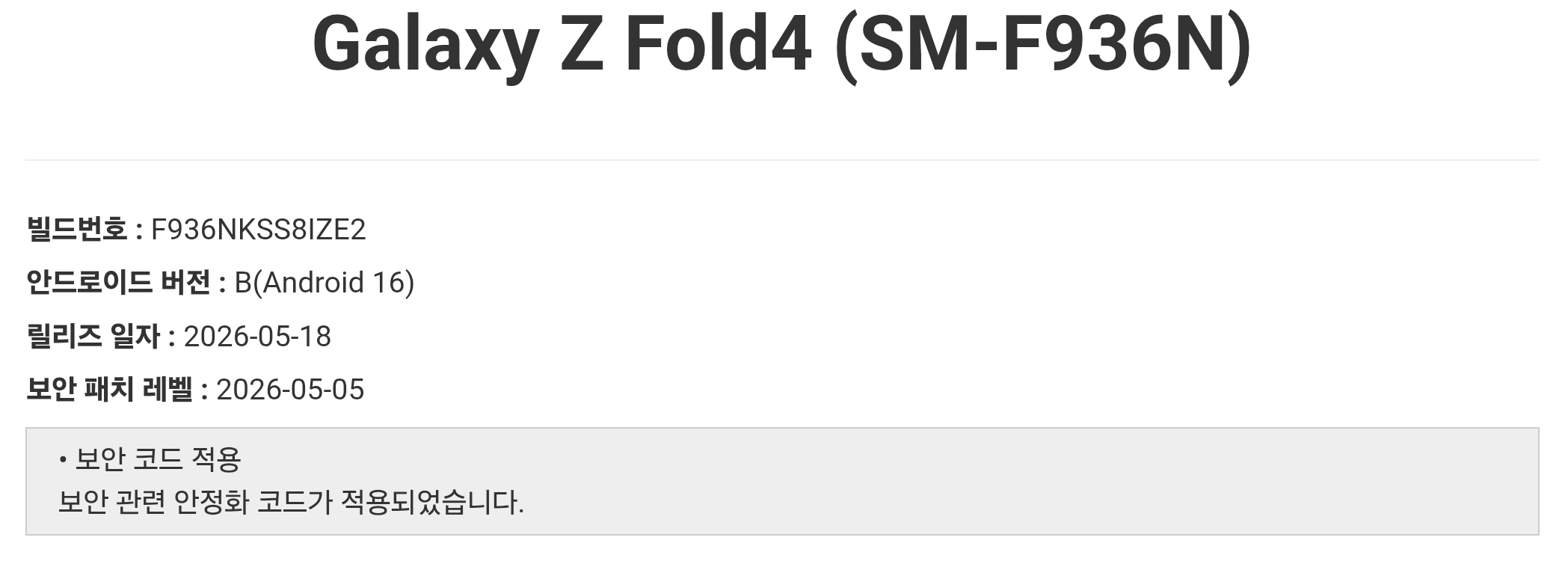
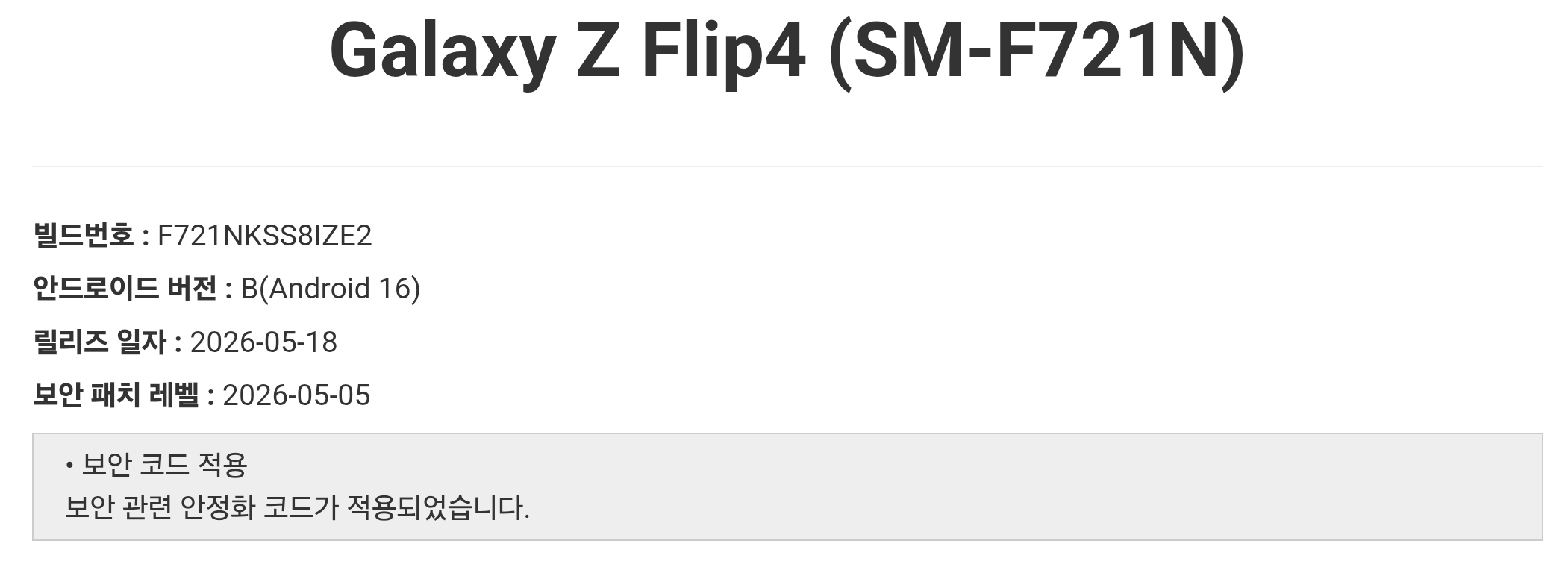
The Galaxy Z Fold 4 and Galaxy Z Flip 4 are now receiving the May 2026 security update in Samsung’s home country, South Korea. The Fold 4 gets the firmware build number F936NKSS8IZE2, while the Flip 4’s update comes with firmware version F721NKSS8IZE2. The rollout should expand to more regions soon.
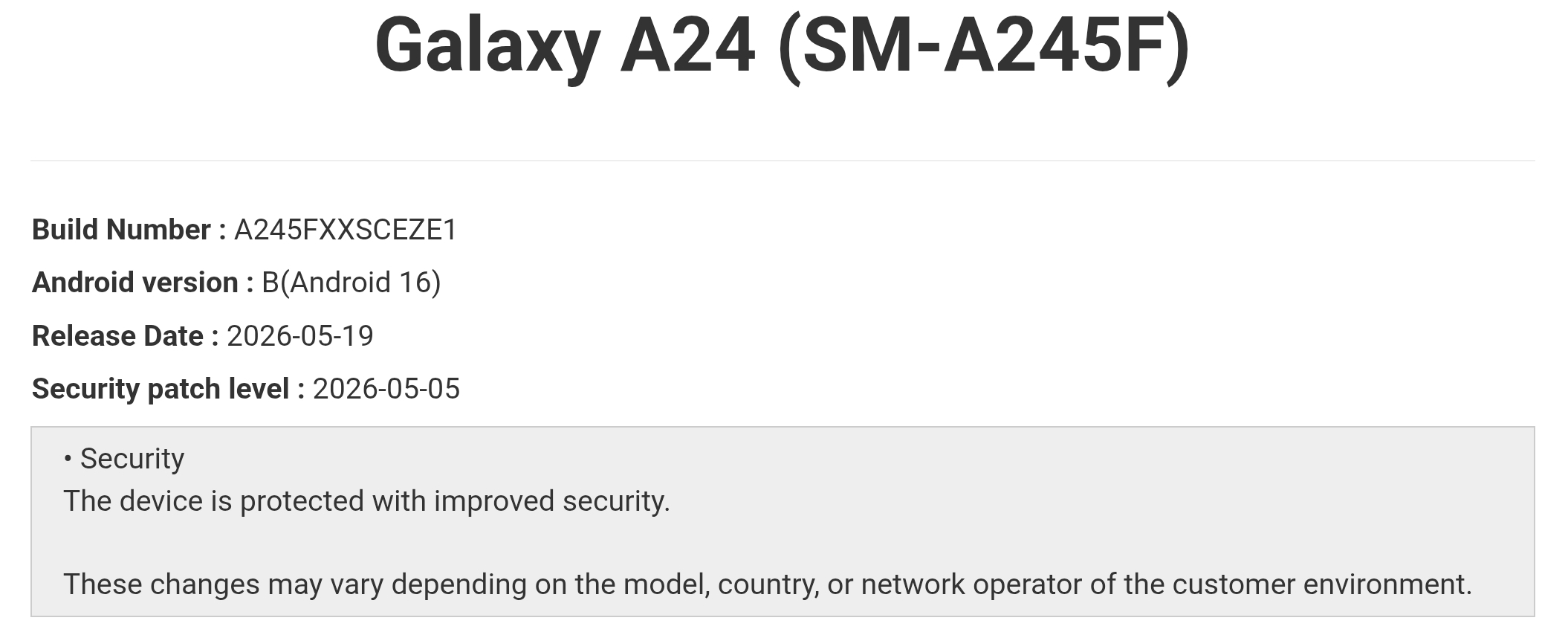
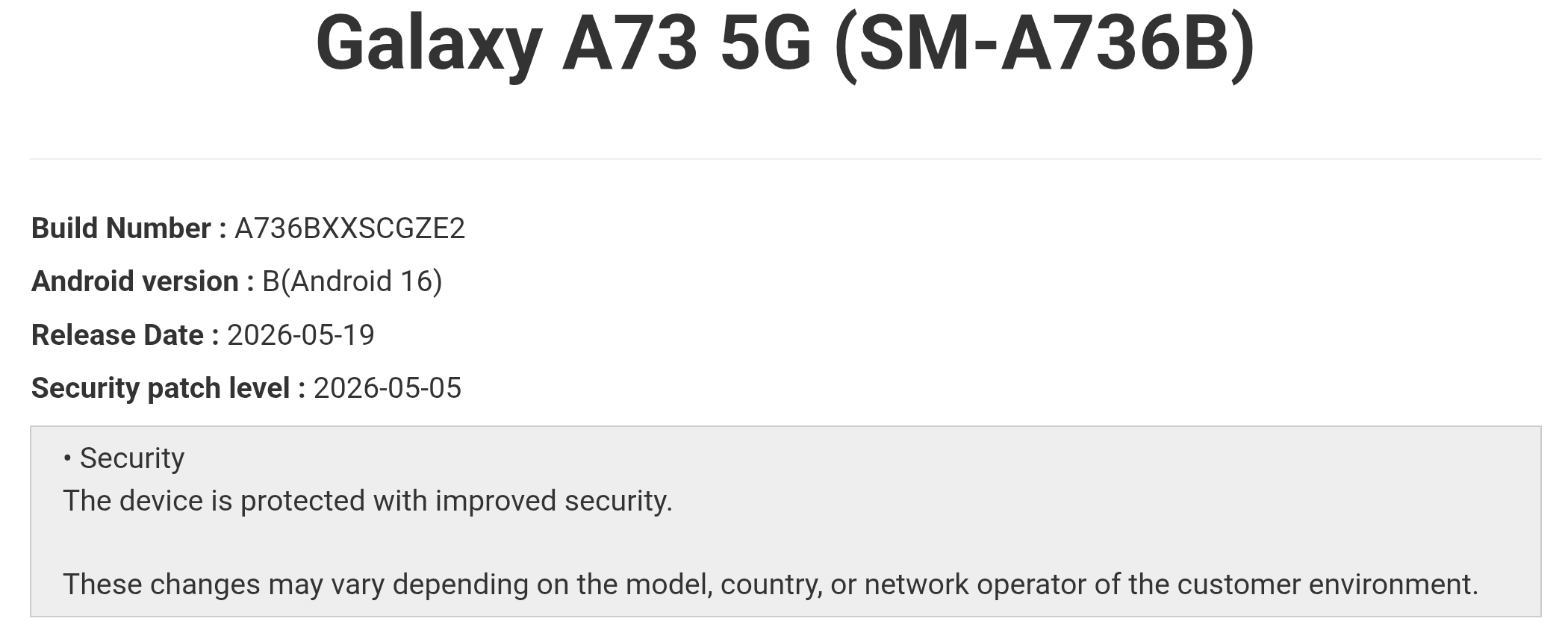
The Galaxy A24 has already picked up the May 2026 update in several Southeast Asian markets, including Thailand, Malaysia, Vietnam, and the Philippines. The update carries firmware version A245FXXSCEZE1. Meanwhile, the bigger Galaxy A73 is also picking up the update in Malaysia with build number A736BXXSCGZE2.
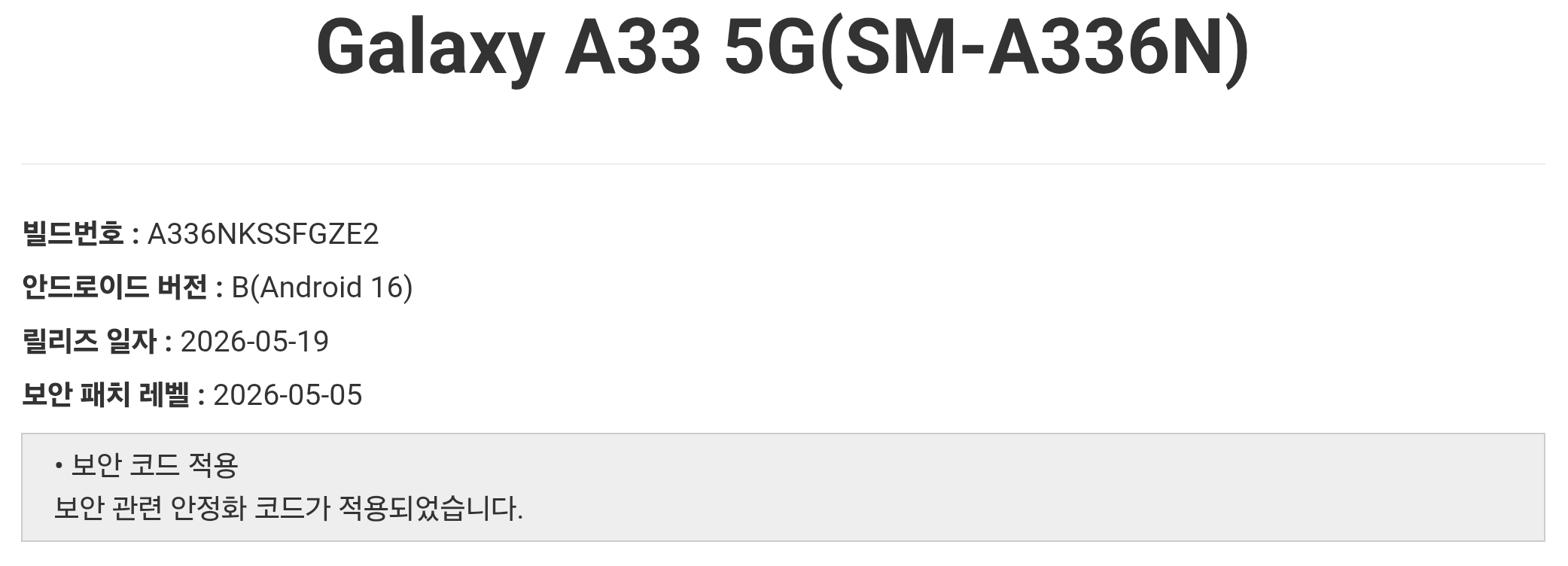
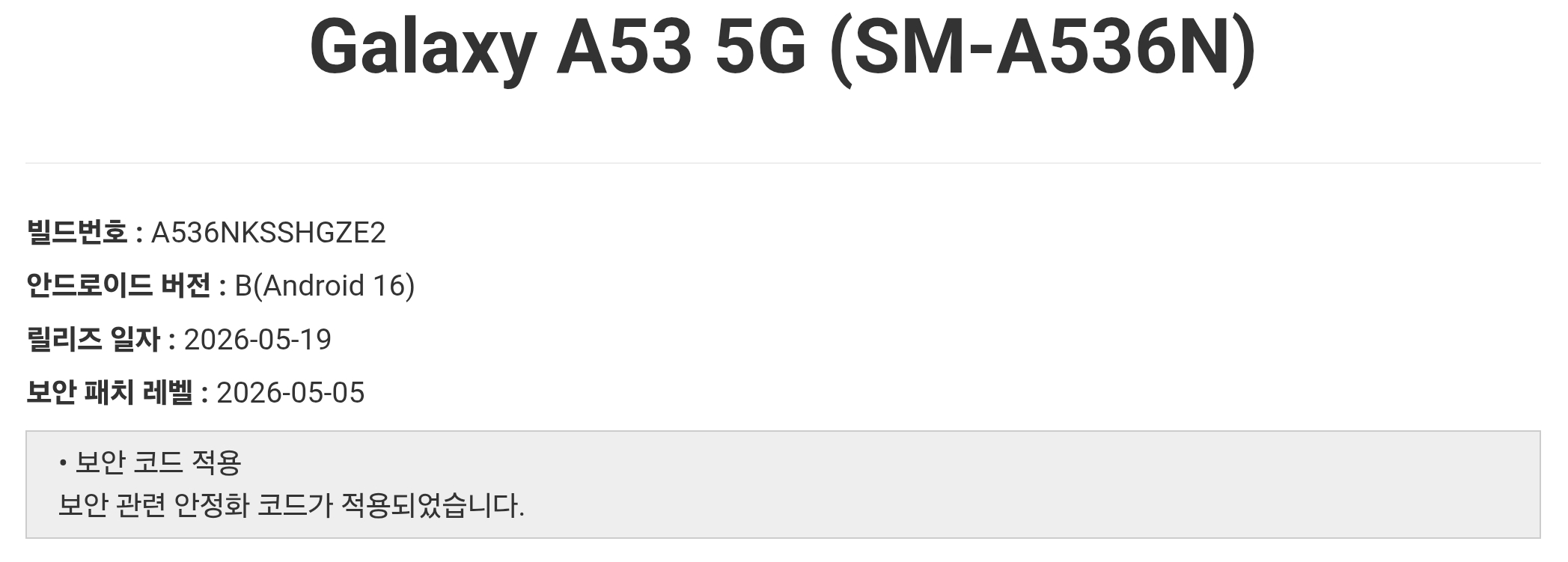
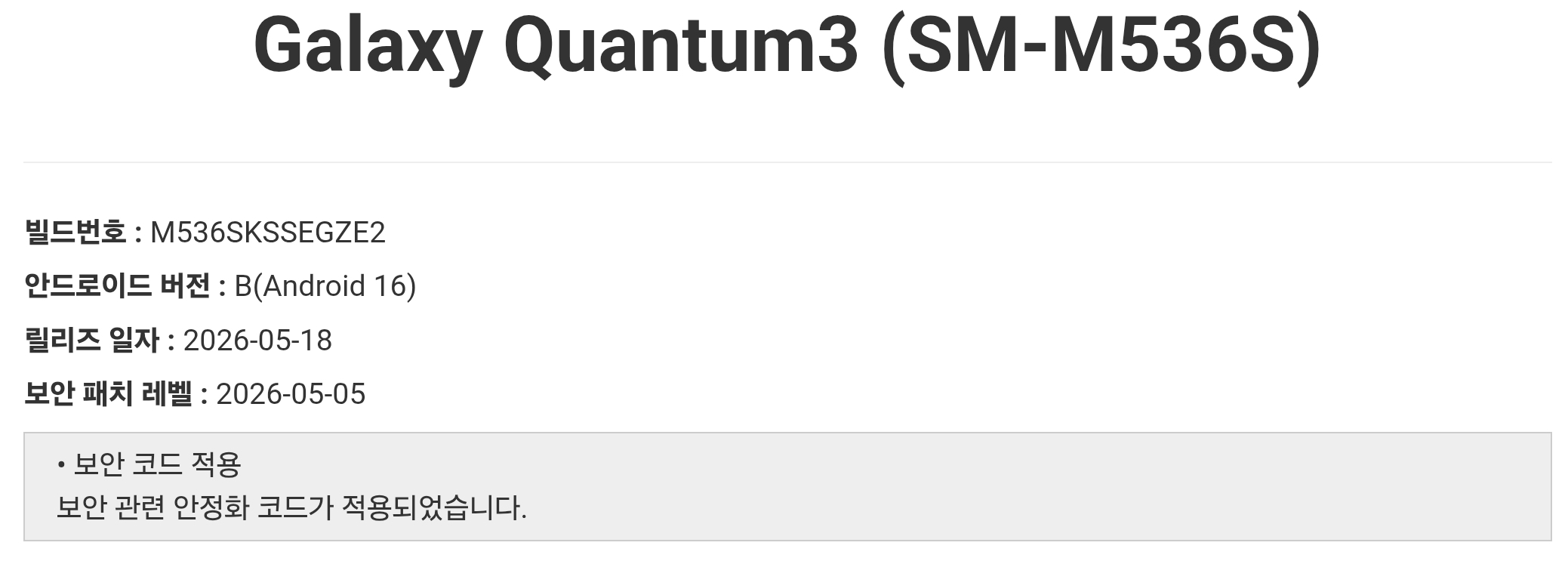
Samsung has also released the May 2026 security update for more Galaxy devices in Korea. The Galaxy A33, Galaxy A53, and Galaxy M53 are receiving this month’s security patch. The phones get build numbers A336NKSSFGZE2, A536NKSSHGZE2, and M536SKSSEGZE2, respectively.
The May 2026 patch fixes 39 vulnerabilities identified by Samsung, Google, and partner companies. While the update does not introduce major new features, it improves system security, stability, and overall user safety.
Looking ahead, the next update for these devices will mostly be Android 16 QPR2-based One UI 8.5. Samsung is currently focusing on its recent flagship and foldable lineup, while older foldables and midrange devices like the ones mentioned above are expected to receive the update around the end of June, if everything goes according to plan.
If you own any of these Galaxy devices, you can check for the latest update by going to Settings > Software update > Download and install. Once downloaded, tap Install now. Your device will reboot to complete the installation.

Follow us on Google Discover & set us as a preferred source in Google News
Share this Post
___________________________


New Blog Posts
___________________________

Samsung’s Shipbuilding Arm Pushes Floating Data Centers for AI Boom
Samsung is building ships designed to run AI data centers

World Cup 2026 Could Decide Samsung vs Hisense MiniLED Battle: Counterpoint
Samsung leads MiniLED race, but World Cup may flip it, says Counterpoint
Galaxy S25 FE Drops to $449 in Solid 31% Discount Deal
Galaxy S25 FE gets a nice price cut to $449


