Samsung Pushes February 2026 Update to Galaxy Watch 8 Series
SammyGuru is reader-supported. We have affiliate and sponsored partnerships, so we may earn a commission when you buy through links on our site — at no extra cost to you. Learn more.
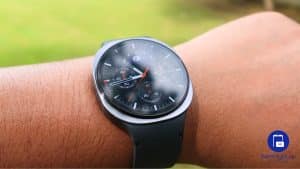
A couple of days ago, Samsung rolled out the February 2026 security update for the Galaxy Watch 7. Now, the same update is showing up for Galaxy Watch 8 users. The new software package is already rolling out widely across various markets, including the US.
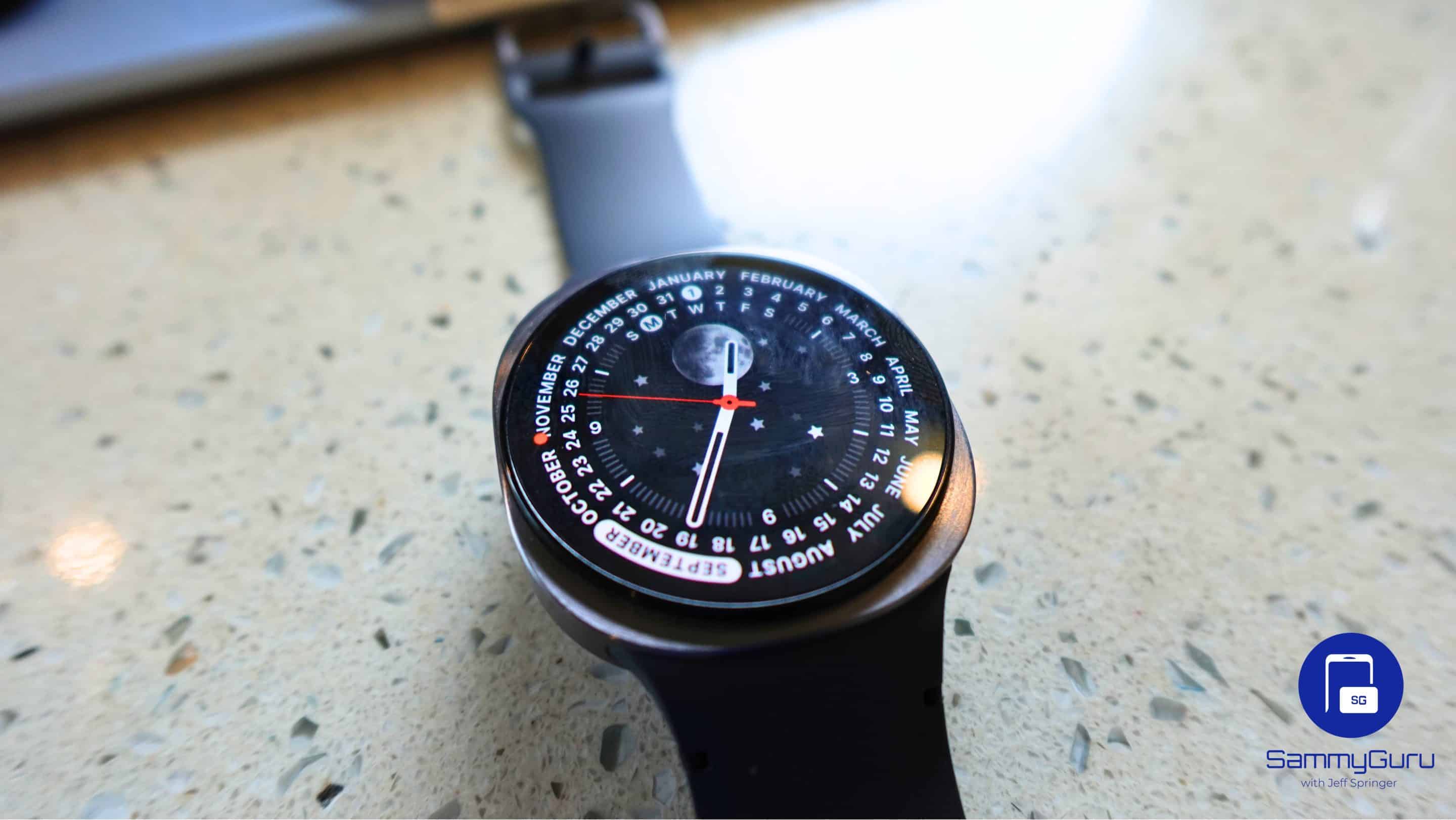
February 2026 security patch arrives for Samsung’s Galaxy Watch 8 series
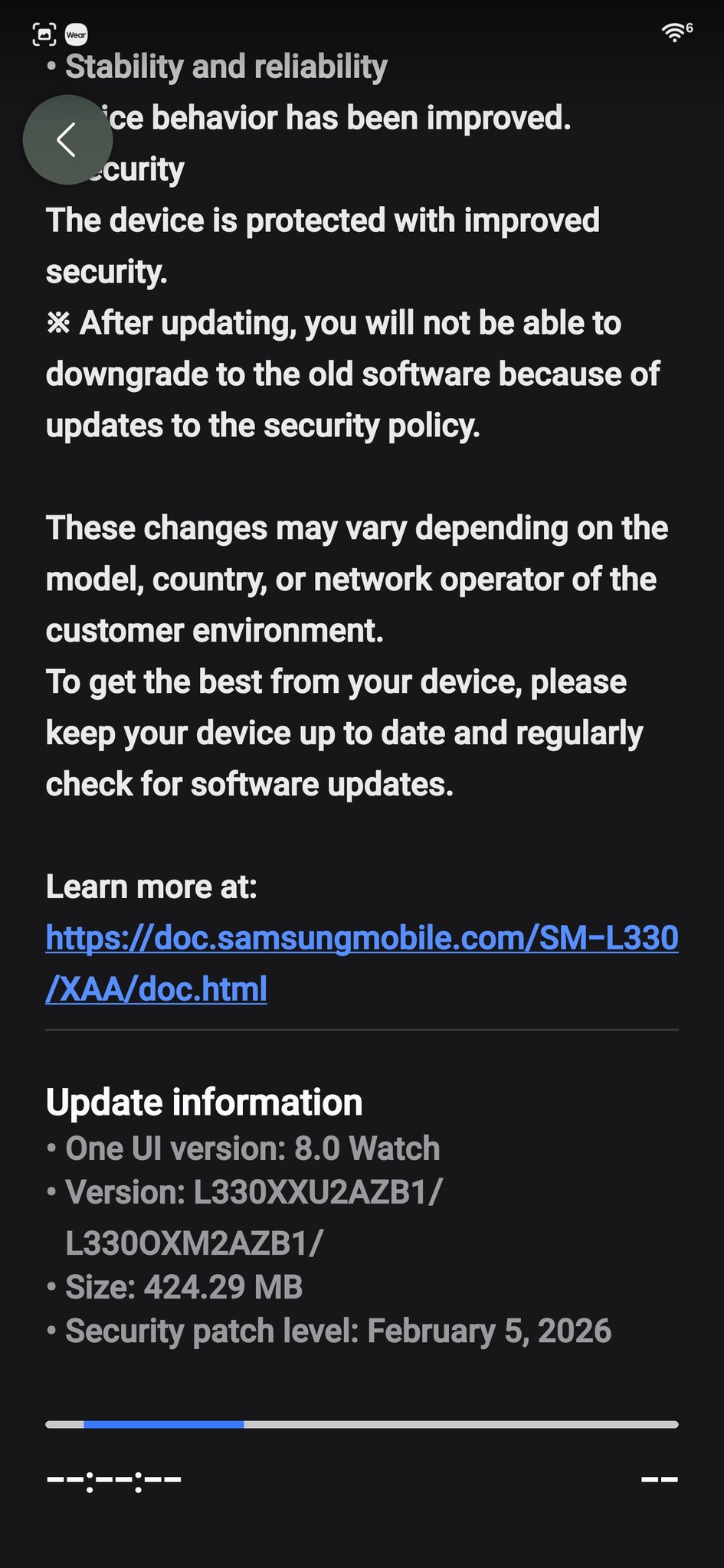
The latest update for the Galaxy Watch 8 and Watch 8 Classic carries firmware version AZB1. The OTA (over the air) package weighs 424MB for the 44mm Watch 8 (h/t @F15Mechanic63), though the exact size may vary depending on the model, size, and region. The changelog mentions the February 2026 security patch and some system stability and reliability improvements.
Samsung has already confirmed that last month’s security release addresses over 30 vulnerabilities. That’s the total number of patches across the Galaxy family, including smartphones, tablets, and watches. They address issues in Android OS/ Wear OS and One UI components.
As far as the aforementioned system stability and reliability improvements are concerned, those typically mean software optimizations and minor bug fixes aimed at improving the everyday functioning of the device. Do not expect any new features, though. Samsung is unlikely to roll out a new feature update for its watches until the second half of the year. It may launch the Galaxy Watch 9 series in July 2026, running a new One UI version. Existing watches should receive the update a few months later.
Nonetheless, if you own a Galaxy Watch 8 or any other model, you should install new security updates when available. Samsung rolls out one every 2-3 months, and you shouldn’t skip any. To check for updates, open the Settings app on your watch and navigate to Watch software update > Download and install. Alternatively, the update can also be installed through the Galaxy Wearable app on a connected smartphone.

Written by
Sumit AdhikariSumit, a life-long Samsung user, is passionate about technology and has been professionally writing on tech since 2017. He’s a mathematics graduate by education and enjoys teaching basic mathematics tricks to school kids in his spare time. Sumit believes in artificial intelligence and dreams of a fully open, intelligent and connected world.

Follow us on Google Discover & set us as a preferred source in Google News
Share this Post
___________________________


New Blog Posts
___________________________
Samsung is Reportedly Seeking Millions From Triller Over an Unpaid App Deal
That’s going to leave a mark…
Galaxy Buds 4 Pro’s Best Deal in the US Hasn’t Gone Away
Galaxy Buds 4 Pro’s best deal brings back $169.99 price
Samsung Galaxy Weekly Updates Roundup (June 15-21)
Samsung released the June 2026 update for 30+ devices this week