Chrome Autofill Update Brings Two-Line UI and Google Wallet Integration

SammyGuru is reader-supported. We have affiliate and sponsored partnerships, so we may earn a commission when you buy through links on our site — at no extra cost to you. Learn more.
Google continues to make Chrome helpful, and its latest update to Autofill is another step in that direction. The company has introduced a bunch of upgrades to Autofill, including a refreshed design, better form-filling tools, and integration with Google Wallet. They will make day-to-day tasks, such as shopping, booking travel, or filling out online forms, quicker.
Google improves Autofill in Chrome with clearer suggestions and smarter tools
Until now, Chrome’s autofill suggestions showed up as single-line entries above the keyboard. This made it difficult to choose between different saved details. Thankfully, Google now brings two-line autofill suggestions for all form types on Android. The company says that this expanded view gives you more information about each suggestion, whether it’s a password, an address, or a payment method. Simply put, it helps you instantly understand the content so you can choose the correct option faster.
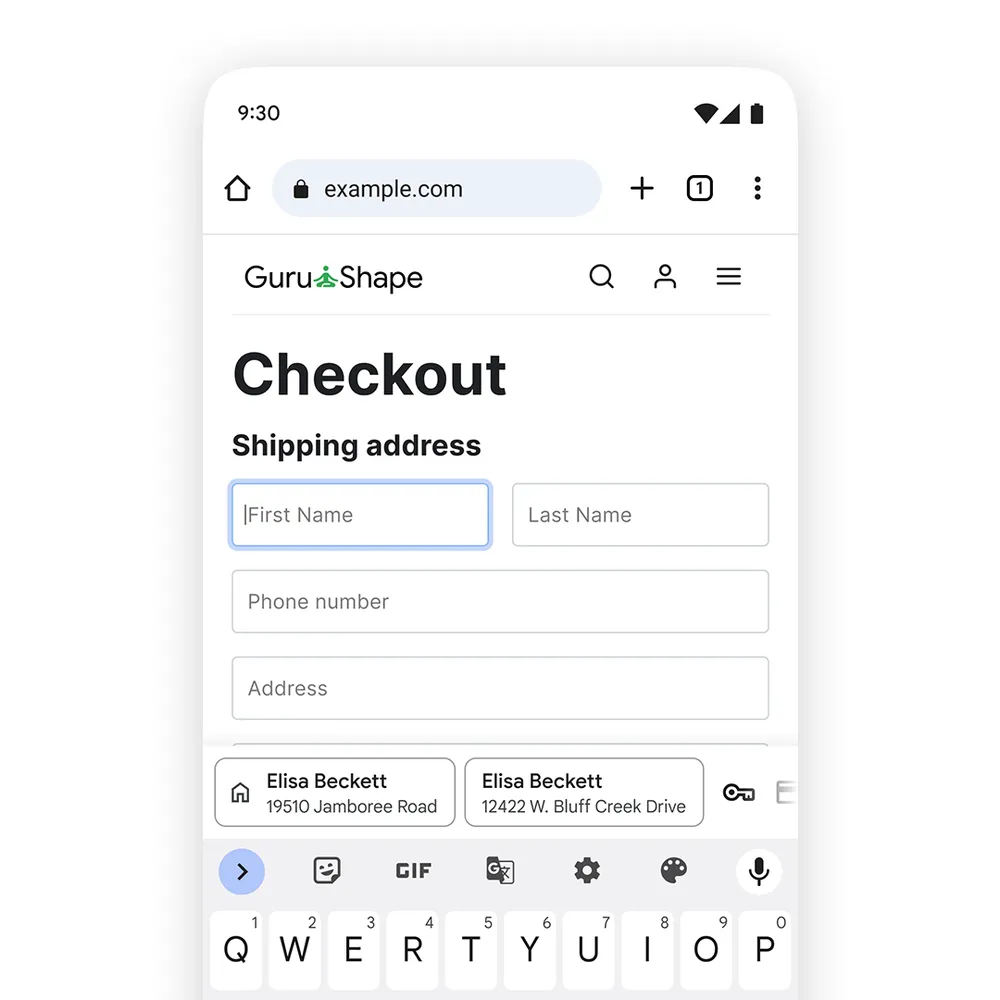
Another key upgrade is the integration of Chrome Autofill with Google Wallet for both desktop and Android. This eliminates the need to remember details like loyalty card numbers, travel details, and vehicle information. For example, when checking out on a shopping website, Chrome can now autofill your loyalty card number. This ensures you earn points without needing to pull out a physical card. Likewise, it makes travel-related tasks easier by automatically filling in your saved flight and trip details. If you want these new filling features, make sure to turn on enhanced autofill in your Chrome settings.

Last but not least, Google is also improving how Chrome pulls basic information from your Google Account. When you’re shopping or signing up for a service, Chrome can now access and fill in your Home and Work addresses saved in your account. This ability works across desktop, Android, and iOS. Meanwhile, Google is also testing the Vertical Tabs feature in Chrome for desktop.

Written by
Binay KonwarBinay Konwar started his blogging journey in 2014 and has since written plenty of tech articles. At present, he is working as a News Writer at SammyGuru, covering everything about Samsung. He holds a Master's degree in Mathematics, but his real passion lies in tech and writing. In his free time, he enjoys playing chess and watching movies.

Follow us on Google Discover & set us as a preferred source in Google News
Share this Post
___________________________


New Blog Posts
___________________________

Save $400 Off Galaxy Z Fold 7 Before Prime Day Even Begins
Galaxy Z Fold 7’s best deal in the US is back

Samsung Loses Top Spot in Korea’s Market Value Rankings
SK Hynix is now at the top of the chart
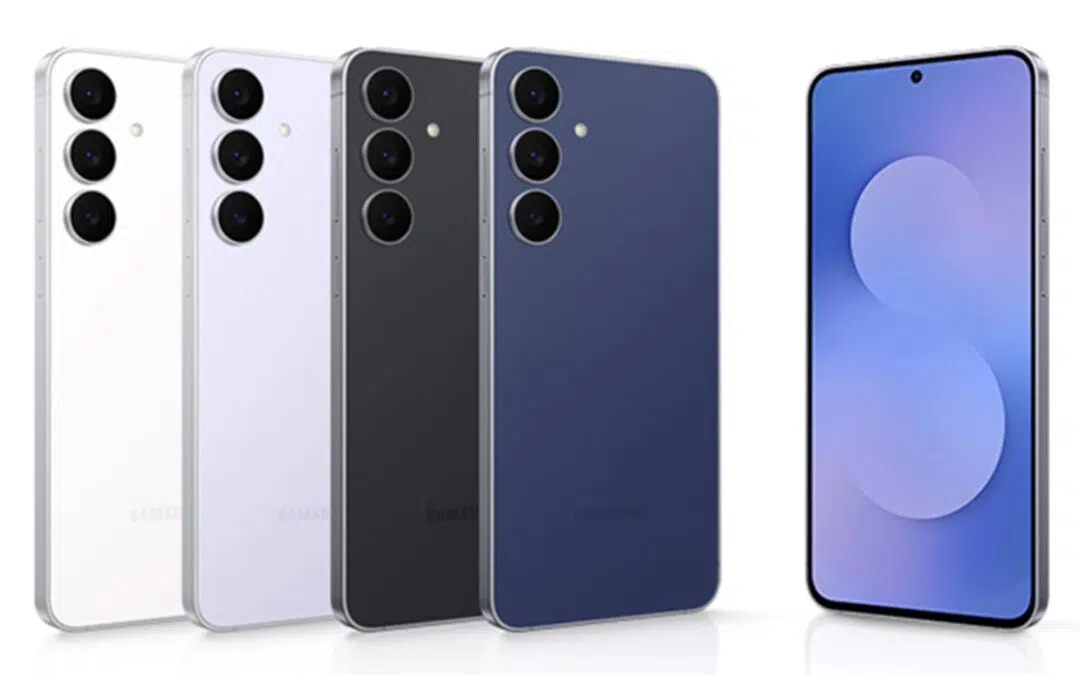
Galaxy S26 FE Global Variant Spotted on Geekbench
Galaxy S26 FE’s global variant spotted with Exynos 2500