With Galaxy Watch 8 Launch, Google Announces Gemini for Wear OS

SammyGuru is reader-supported. We have affiliate and sponsored partnerships, so we may earn a commission when you buy through links on our site — at no extra cost to you. Learn more.
Samsung’s 2025 Galaxy smartwatch lineup arrives with Wear OS 6-based One UI 8 Watch out of the box. The next-gen software also brings Google’s AI-powered assistant, Gemini, to the latest watches. If you own an older Galaxy Watch, don’t worry — you will also soon experience Gemini right from your wrist. Google has recently started rolling out Gemini to several Galaxy smartwatches running Wear OS 4+.
Gemini AI assistant rolling out to Wear OS 4+ watches
Samsung has deepened Gemini integration on several smartphones, including the Galaxy S25 series and the latest Galaxy A models. You can launch the AI chatbot by simply pressing the power button, and get instant answers to your questions. That same convenience is now coming to Wear OS.
As promised, at the Unpacked event, Google Gemini debuted on next-generation Galaxy Watches, including the Galaxy Watch 8, Galaxy Watch 8 Classic, and Watch Ultra (2025). Now, Google has begun rolling out Gemini to Wear OS watches from other brands in addition to older Samsung smartwatches.
The good news is that your device does not need to be running Wear OS 6 to receive Gemini. As long as your smartwatch is running Wear OS 4 or later, it will be eligible for the update. This includes a bunch of devices from Samsung, from the Galaxy Watch 4 to the Galaxy Watch 7.
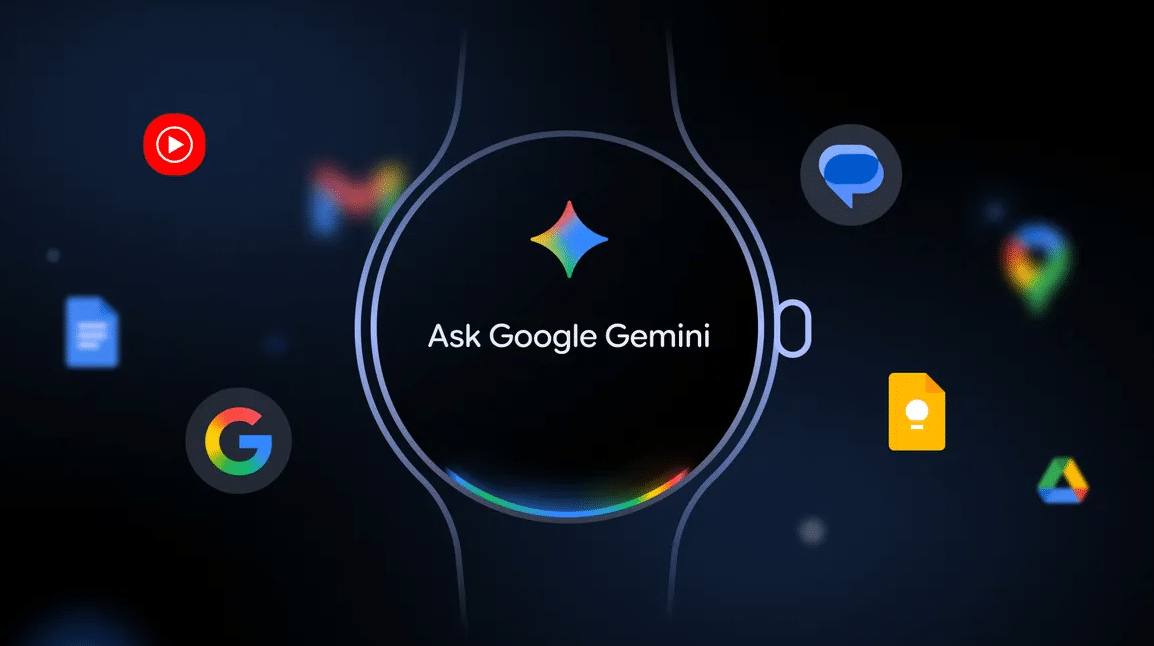
In its blog post, Google wrote, “Using the same advanced AI models that make Gemini so helpful on your phone, you’ll now have a consistent, smart assistant right on your wrist. This means a more natural, intelligent, and capable way to manage tasks and access information, without needing to take out your phone.”
Speaking of how you can interact with Gemini, just say Hey Google and start your conversation. You can also press and hold the side button on your watch to activate the chatbot. Another way is to tap the Gemini app icon on your watch screen. Keep an eye on your Galaxy Watch, as the AI assistant may land any day now.

Written by
Binay KonwarBinay Konwar started his blogging journey in 2014 and has since written plenty of tech articles. At present, he is working as a News Writer at SammyGuru, covering everything about Samsung. He holds a Master's degree in Mathematics, but his real passion lies in tech and writing. In his free time, he enjoys playing chess and watching movies.

Follow us on Google Discover & set us as a preferred source in Google News
Share this Post
___________________________


New Blog Posts
___________________________
Google Wallet Finally Fixes One of Its Most Annoying Wear OS Quirks
Finally, one can manage all of my receipts from both devices

Samsung Quietly Listed a New Entry Level 990 PCIe 4.0 SSD
It drops DRAM for HMB

Samsung’s First Bone-Conduction Earbuds May Be Called Galaxy Able
Name hidden no more