There’s An Official Way to Download TikTok on Your Galaxy Phone
SammyGuru is reader-supported. We have affiliate and sponsored partnerships, so we may earn a commission when you buy through links on our site — at no extra cost to you. Learn more.
Things haven’t been going well for TikTok lately. Since January 19, it’s been pulled down from both the Play Store and the iOS App Store. So, in case you’ve uninstalled the app, what’s the best way to get it back? There are several third-party sites that allow you to download Android apps, including TikTok. However, since we’re focusing on official methods, I won’t be recommending that route.
Here’s how you can download the TikTok app on your Galaxy and Android devices, officially
TikTok may still be unavailable on app stores in the US, but there’s actually a foolproof way to download it on your Galaxy or any Android phone. Over the weekend, TikTok announced on X that it has developed Android Package Kits (APKs), allowing Android users in the US to install the app officially. This is one of the key advantages of Android phones, which support sideloading, unlike iPhones, which don’t allow it.
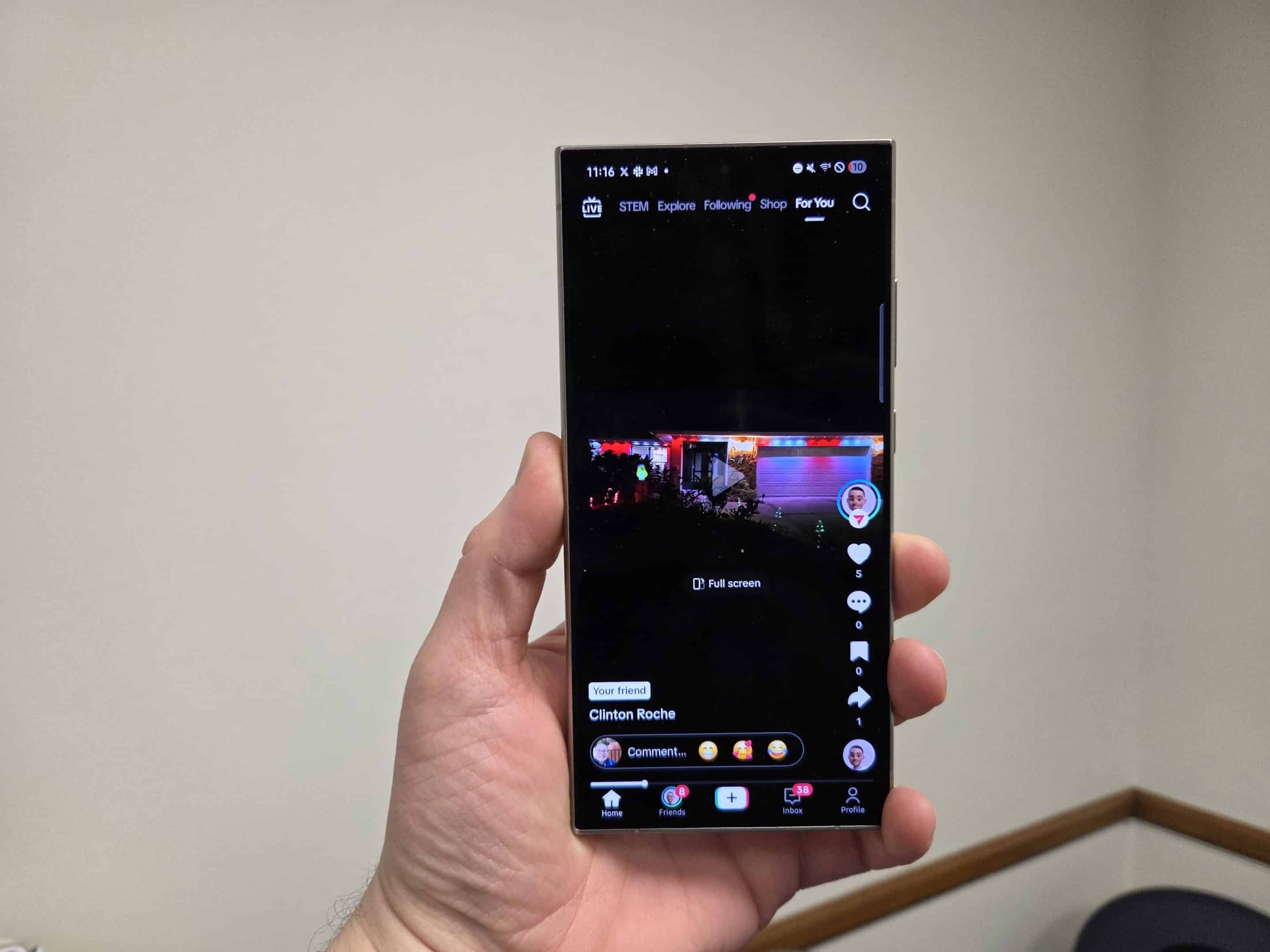
Before I show you how to install TikTok on your Galaxy or any Android device, keep in mind that sideloading isn’t generally encouraged due to the potential risks. However, as long as you’re downloading from reliable or official sources, you can usually be confident that it won’t harm your device. Now, let’s get started.
Go to tiktok.com/download on your browser and download either TikTok or TikTok Lite. TikTok Lite has fewer features, built for regions with limited internet access. When you try to install it, a pop-up will ask you to enable installation from unknown sources. Tap on Settings and toggle on the permission to allow it. Once that’s out of the way, you’ll be all set to install and open TikTok on your Galaxy.

Written by
Abhinav AnandAbhinav Anand is the News Editor at SammyGuru and a technology journalist based in New Delhi. Before joining SammyGuru, he contributed to numerous outlets, including Android Headlines, ExtremeTech, The Mac Observer, Financial Express, Economic Times, iGeeksBlog, KnowTechie, PhonesWiki, SlashGear, and more. You can reach him at [email protected].

Follow us on Google Discover & set us as a preferred source in Google News
Share this Post
___________________________


New Blog Posts
___________________________
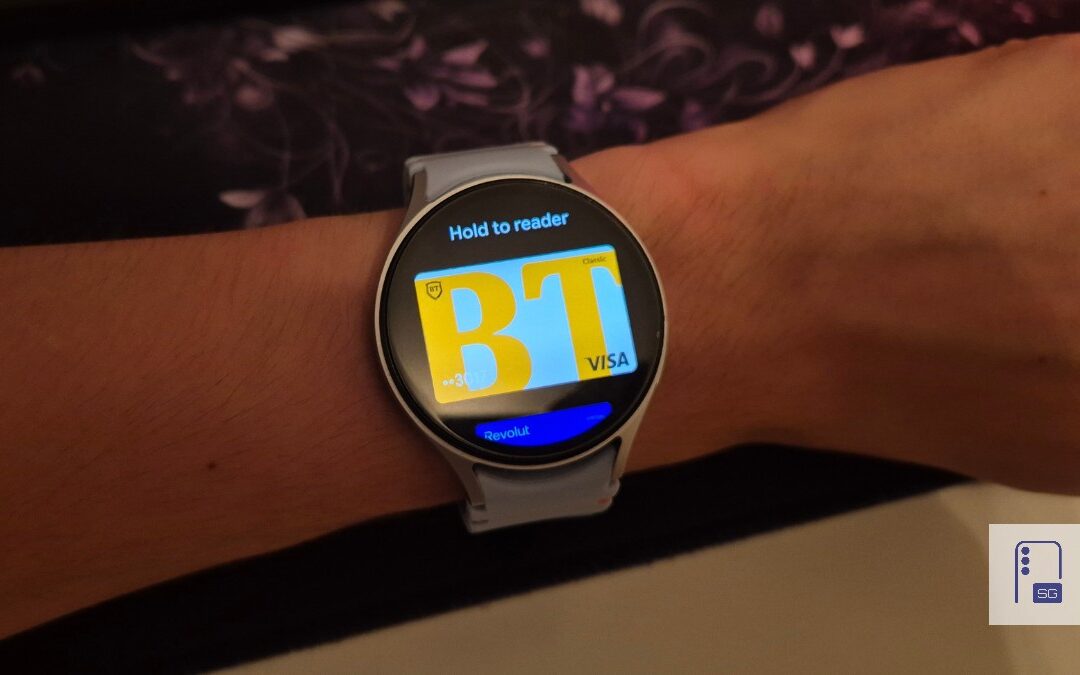
Google Wallet Finally Fixes One of Its Most Annoying Wear OS Quirks
Finally, one can manage all of my receipts from both devices

Samsung Quietly Listed a New Entry Level 990 PCIe 4.0 SSD
It drops DRAM for HMB

Samsung’s First Bone-Conduction Earbuds May Be Called Galaxy Able
Name hidden no more