Samsung Improves SmartThings Developer Center for Faster Integrations
SammyGuru is reader-supported. We have affiliate and sponsored partnerships, so we may earn a commission when you buy through links on our site — at no extra cost to you. Learn more.
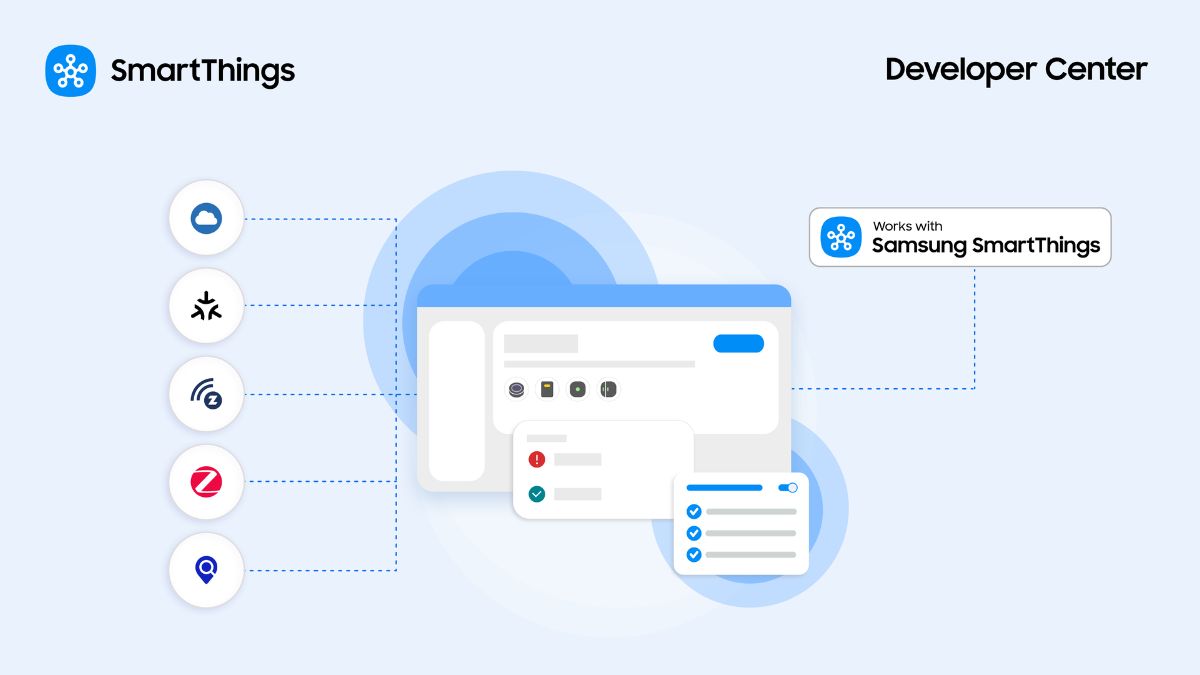
Samsung’s SmartThings Developer Center allows developers to create smart home devices and services for the SmartThings ecosystem. The company has now redesigned the platform to offer a unified experience, bringing all the tools and workflows in one place. This makes it easier for partners to complete integrations faster than ever.
SmartThings Developer Center gets a major redesign
SmartThings continues to expand, supporting more device categories and service integrations. As such, the company wants to help developers bring their ideas to life with ease. The new Developer Center offers a redesigned journey from end to end in a single, intuitive console.
One of the key improvements is a step-by-step guided workflow. Developers get easy instructions with progress indicators during the integration process. This reduces errors, helping partners get work with SmartThings (WWST) approval quickly. They can also benefit from real-time status updates in one summary view across sections such as device profiles and setup & support profiles.
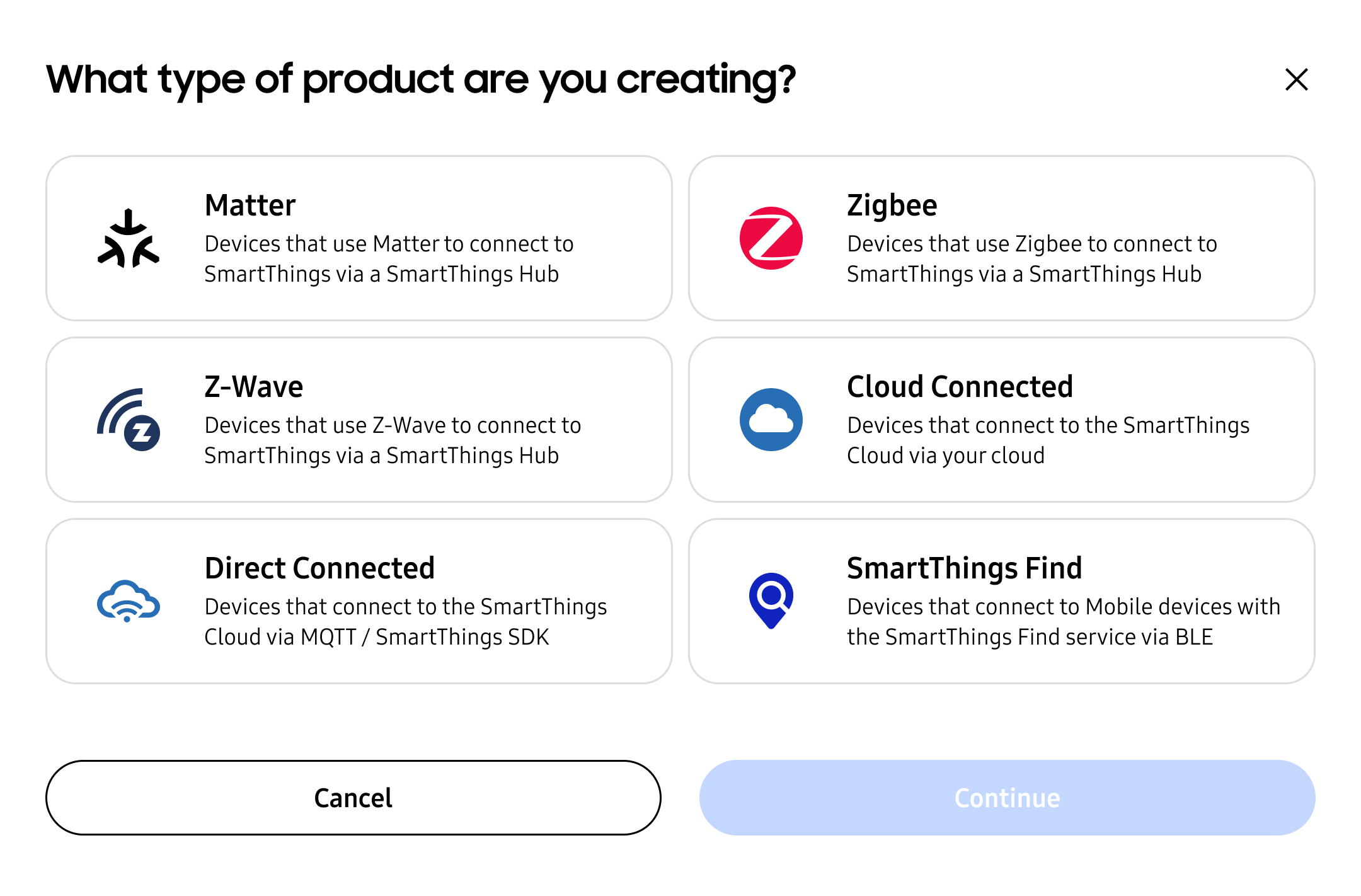
Furthermore, Samsung streamlined the testing in the Developer Center. The Test Suite allows developers to self-test most devices for WWST certification. This reduces the need to send devices to a lab, enhancing self-serve integrations. The platform also supports multiple integration types, including local connections via Matter, Zigbee, or Z-Wave.
Moreover, partners can authenticate using a SmartThings Schema app. Likewise, the SmartThings Device SDK allows devices to connect directly to the SmartThings Cloud. The company also promises to bring SmartThings Find devices in the simplified integration journey soon.
Apart from integration and testing improvements, the Developer Center features Partner Analytics. These analytics offer insights into how users interact with products. For example, developers can see the most-used features and the top sources of product sales.
Meanwhile, the Shareable Routines feature lets partners create ready-made routines that users can easily import into the SmartThings app. Likewise, a single console makes it easy for teams to collaborate and track work. You can head over to the Developer Center from here to try the new experience.

Written by
Binay KonwarBinay Konwar started his blogging journey in 2014 and has since written plenty of tech articles. At present, he is working as a News Writer at SammyGuru, covering everything about Samsung. He holds a Master's degree in Mathematics, but his real passion lies in tech and writing. In his free time, he enjoys playing chess and watching movies.

Follow us on Google Discover & set us as a preferred source in Google News
Share this Post
___________________________


New Blog Posts
___________________________
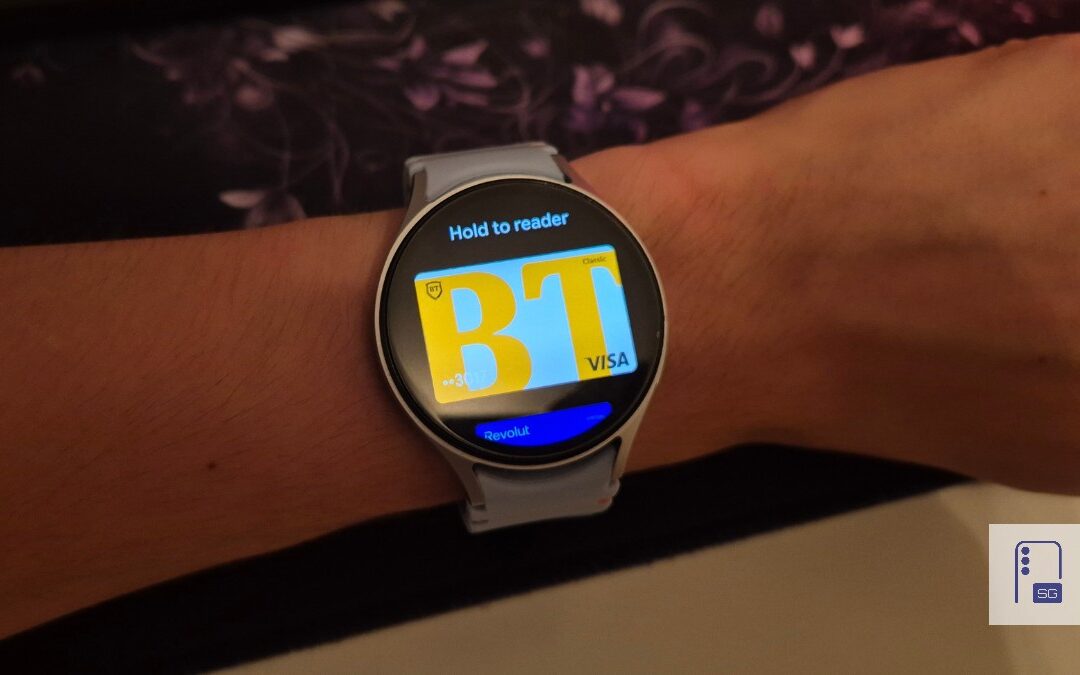
Google Wallet Finally Fixes One of Its Most Annoying Wear OS Quirks
Finally, one can manage all of my receipts from both devices

Samsung Quietly Listed a New Entry Level 990 PCIe 4.0 SSD
It drops DRAM for HMB

Samsung’s First Bone-Conduction Earbuds May Be Called Galaxy Able
Name hidden no more