Samsung February 2026 Security Update Fixes 37 Vulnerabilities
SammyGuru is reader-supported. We have affiliate and sponsored partnerships, so we may earn a commission when you buy through links on our site — at no extra cost to you. Learn more.
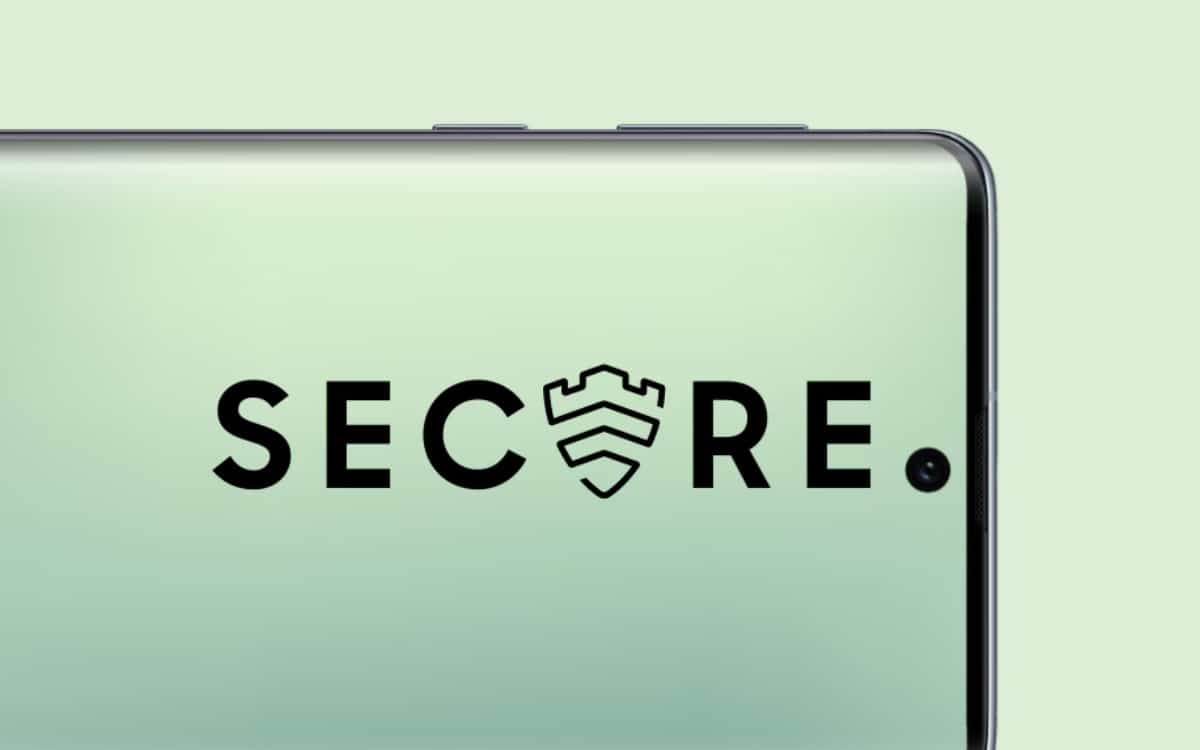
Samsung has detailed its February 2026 Security Maintenance Release (SMR) for Galaxy devices. This monthly update fixes 37 security issues in both Samsung software and Google’s Android system. The update should begin rolling out to eligible devices in the next few days.
Samsung outlines its February 2026 security patch for Galaxy devices
As technology advances, security has become one of the key features of our smartphones. Thanks to Samsung, Galaxy devices offer strong protection against threats. However, new vulnerabilities are constantly popping up, which is why the Korean firm releases monthly patches to fix such issues. These updates make sure your devices remain secure and protect personal data.
The February 2026 security update addresses 25 high-severity vulnerabilities discovered in Android. It also fixes 12 Samsung-specific issues, known as Samsung Vulnerabilities and Exposures (SVEs). The Android-related fixes come from Google and apply to the core system, while the Samsung fixes apply to its firmware for Galaxy devices. This means other Android brands will not receive Galaxy-specific security patches.
Some of the key SVEs patched in this update could allow attackers to take control of some functions. For example, an issue in Emergency Sharing could let local attackers interrupt its operation. The update fixes this with proper access control. Likewise, attackers could launch arbitrary activity in the Samsung Dialer app, which has now been fixed. The patch also fixes issues in areas like KnoxGuardManager, PACM, FacAtFunction, and ShortcutService.
As always, Samsung will push the February 2026 security update in phases, based on region, carrier, and device model. To check for the update, you can go to this route: Settings > Software update > Download and install. Once available, you should install the update as soon as possible to protect your device from the latest security threats. We’ll let you know when the update starts hitting Galaxy devices. Meanwhile, you can visit our January security patch tracker to check whether your device has already received the last month’s update.

Written by
Binay KonwarBinay Konwar started his blogging journey in 2014 and has since written plenty of tech articles. At present, he is working as a News Writer at SammyGuru, covering everything about Samsung. He holds a Master's degree in Mathematics, but his real passion lies in tech and writing. In his free time, he enjoys playing chess and watching movies.

Follow us on Google Discover & set us as a preferred source in Google News
Share this Post
___________________________


New Blog Posts
___________________________

Exynos 2700 Could Run Cooler Thanks to a Major Hardware Change
Will Exynos finally outshine competition with this trick?
Google Maps May Soon Let Ask Maps Order Food for You With Gemini
Are you excited?

Missed Prime Day? This Galaxy A57 Deal Is Back
Your chance to save $100 on the Galaxy A57