Samsung Acknowledges Members App Not Working, Fix Underway
SammyGuru is reader-supported. We have affiliate and sponsored partnerships, so we may earn a commission when you buy through links on our site — at no extra cost to you. Learn more.
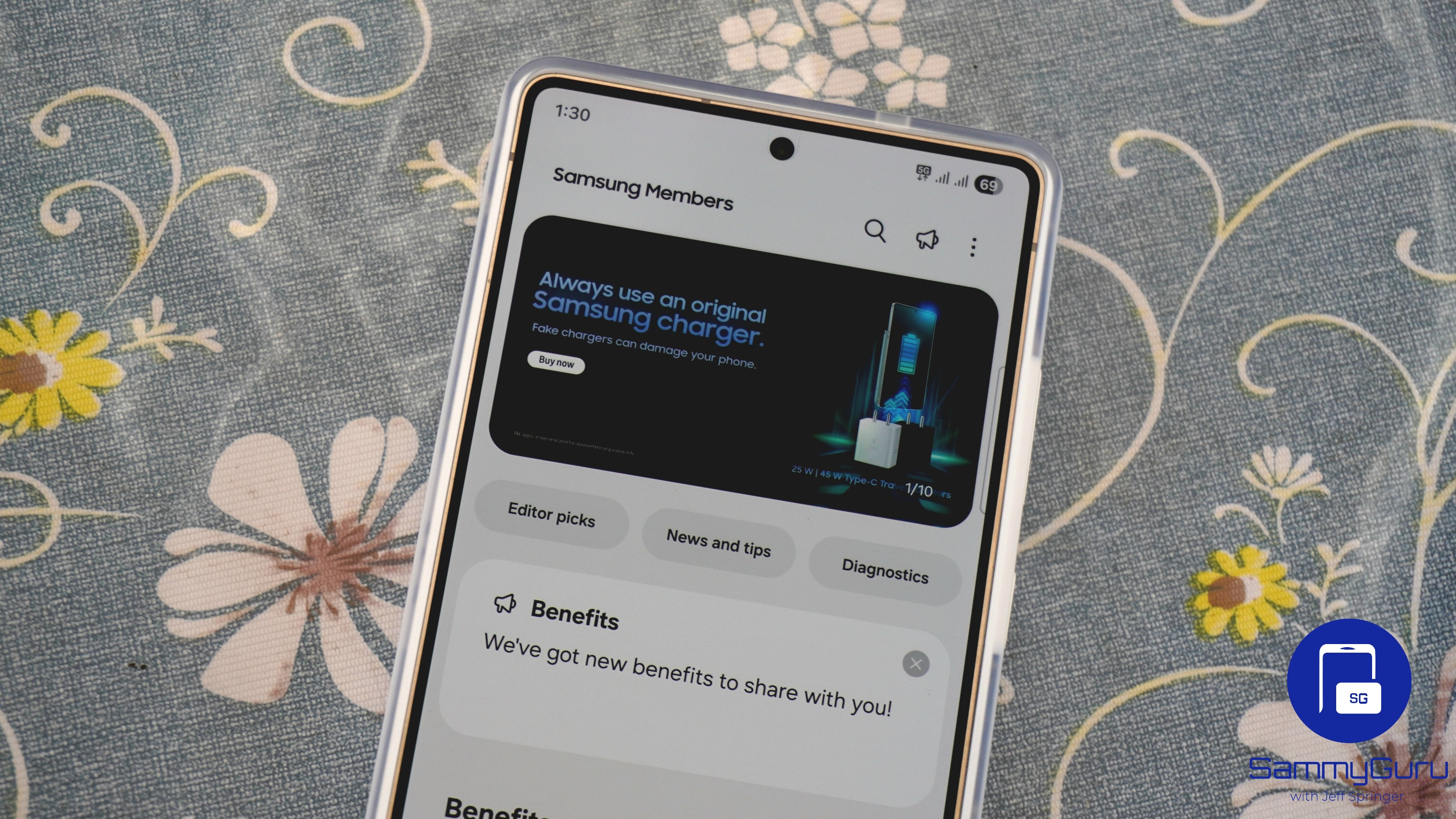
Are you unable to open the Samsung Members app on your Galaxy device? Well, you are not alone. Several users recently reported that the app shows error messages when they try to access it. The good news is that Samsung has acknowledged the issue and, as of this writing, it appears to be fixed for many users.
Several Galaxy users report Samsung Members app errors
Samsung Members app offers a host of features for Galaxy device users. For example, it provides device diagnostics, allowing users to test hardware components. Likewise, expert support helps users with troubleshooting and maintenance. Moreover, it features a community section where users can ask questions, share tips, and more.
However, for the past few days, the app has been experiencing problems on several devices. Users reported seeing messages like “Samsung Members isn’t supported by your phone’s system software,” and “Server error. Try again later.” The issue affected a bunch of devices, including the Galaxy S25 Ultra, S24 Ultra, and Tab S9. Some users said the issue triggered after a December software update, while others had no problem even on the latest build.
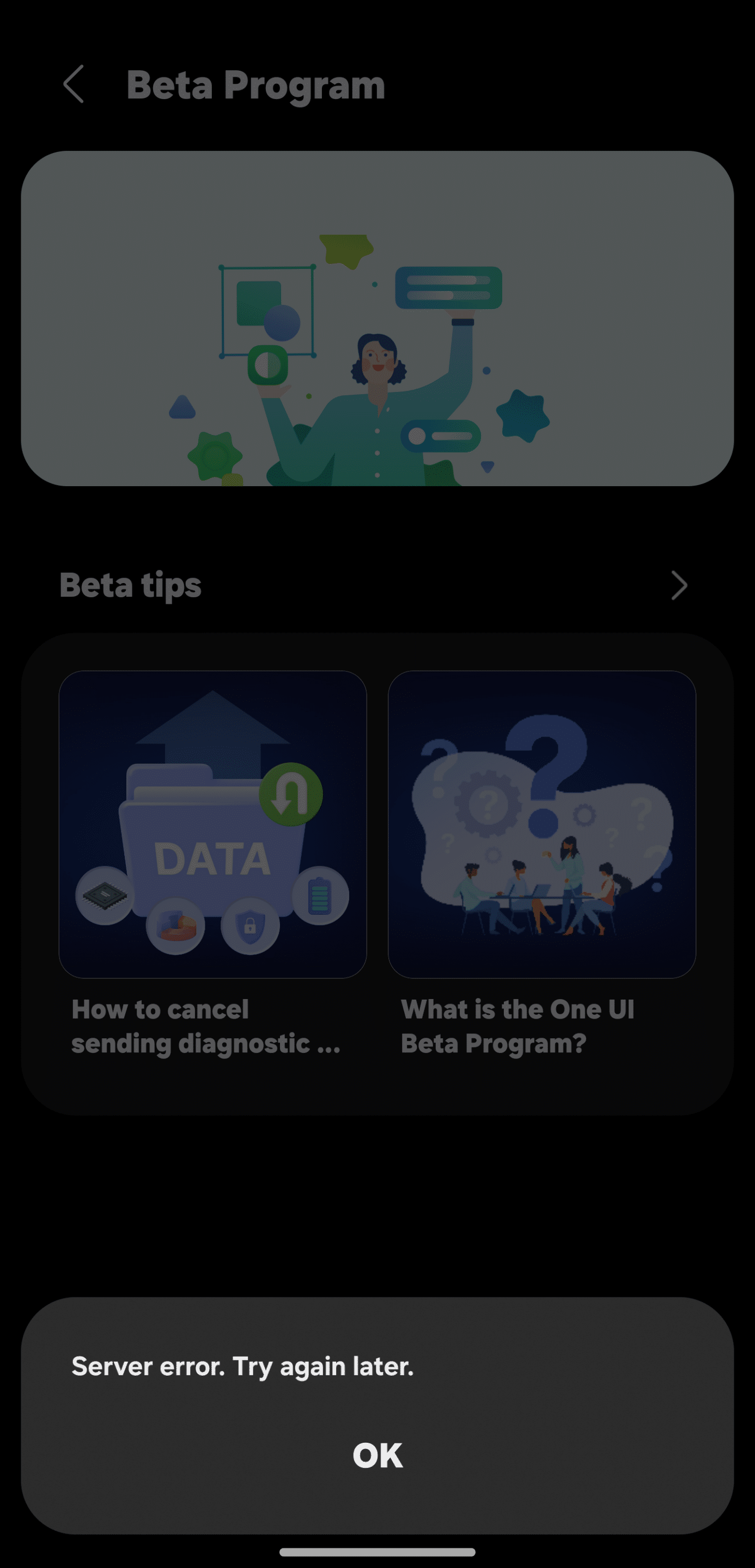
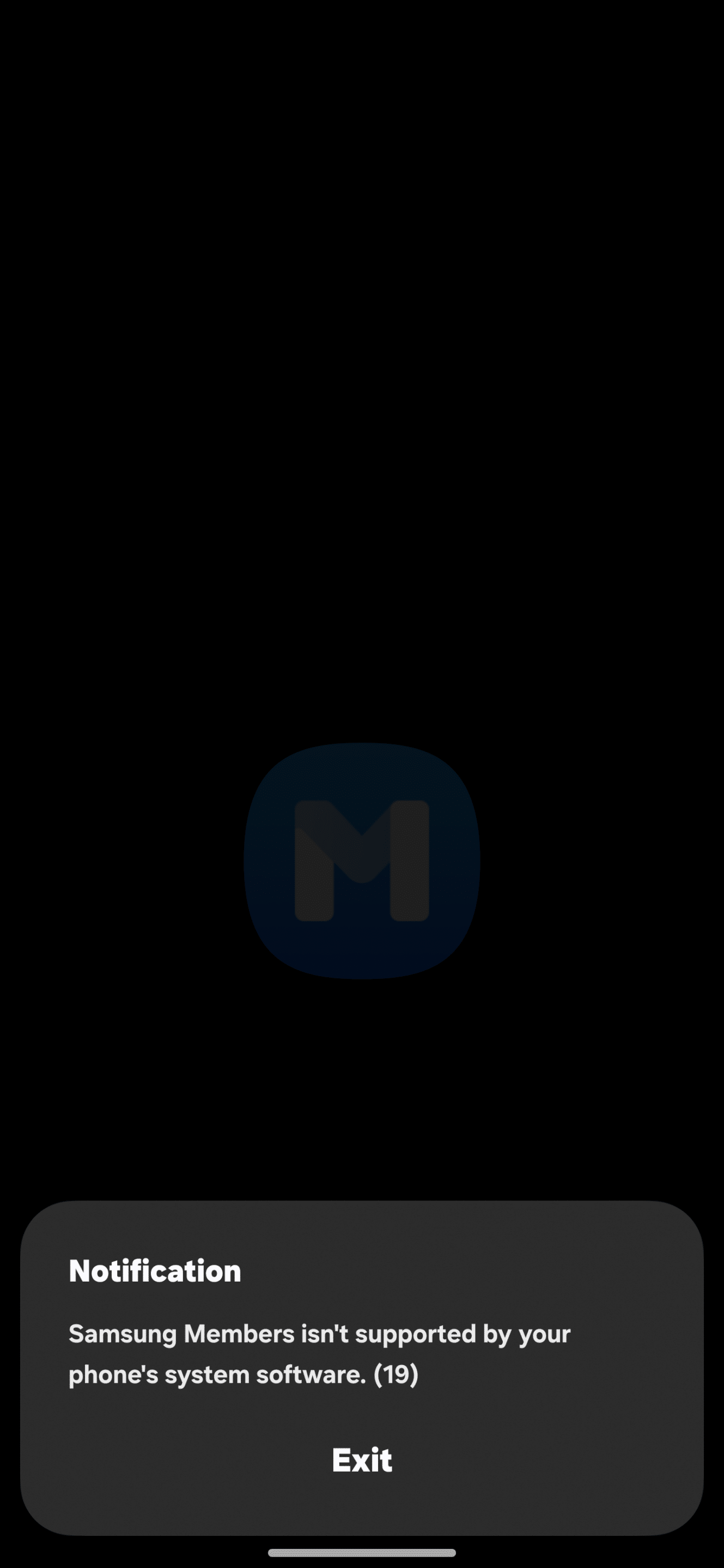
Thankfully, Samsung has officially acknowledged the problem and is working on a fix. “We are currently experiencing issues accessing the Samsung Members app. The department in charge is currently taking action,” said a community manager. While the Korean firm did not mention the exact reason behind the issue, error messages point to a server-related bug.
The community manager also said that the web version of Samsung Members remains fully functional. So, if you need to use the app, you can access it in a browser. However, Samsung now appears to have fixed the issue, as several users have reported that the app is working again. You can try opening the app to see if it functions normally.

Written by
Binay KonwarBinay Konwar started his blogging journey in 2014 and has since written plenty of tech articles. At present, he is working as a News Writer at SammyGuru, covering everything about Samsung. He holds a Master's degree in Mathematics, but his real passion lies in tech and writing. In his free time, he enjoys playing chess and watching movies.

Follow us on Google Discover & set us as a preferred source in Google News
Share this Post
___________________________


New Blog Posts
___________________________
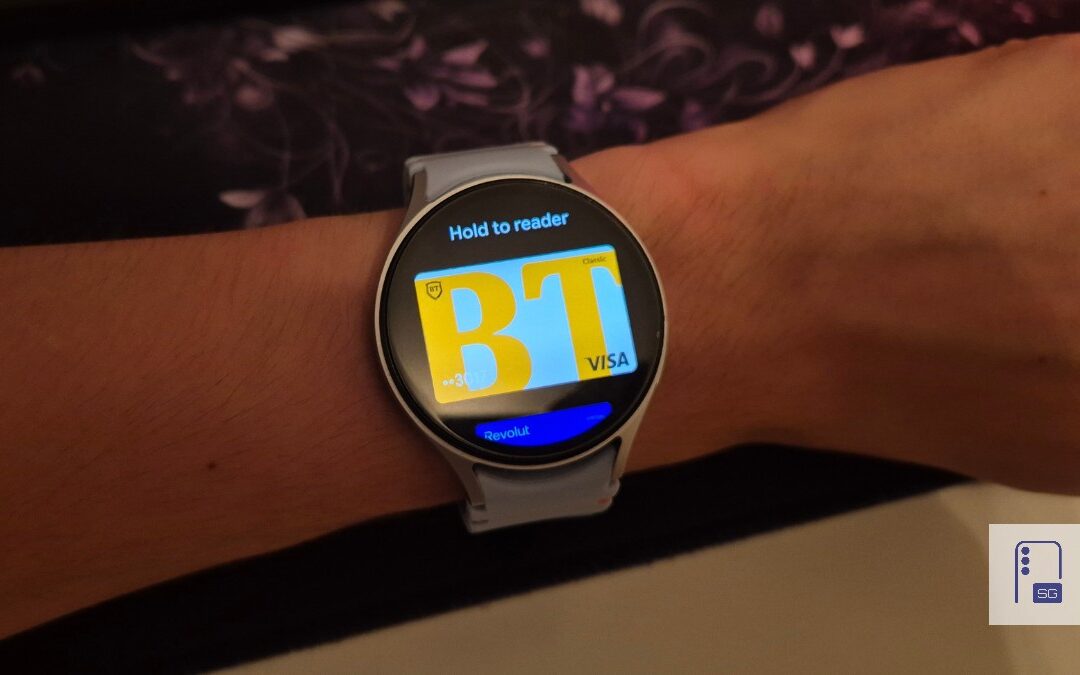
Google Wallet Finally Fixes One of Its Most Annoying Wear OS Quirks
Finally, one can manage all of my receipts from both devices

Samsung Quietly Listed a New Entry Level 990 PCIe 4.0 SSD
It drops DRAM for HMB

Samsung’s First Bone-Conduction Earbuds May Be Called Galaxy Able
Name hidden no more