Galaxy S26 Ultra’s Display Woes Remedied by One UI 9

SammyGuru is reader-supported. We have affiliate and sponsored partnerships, so we may earn a commission when you buy through links on our site — at no extra cost to you. Learn more.
Since the release of the Galaxy S26 Ultra, one constant criticism has stood out. The display sharpness was worse compared to the Galaxy S25 Ultra. While it may be true, I always had a theory that the aesthetics of One UI 8.5 are making the “downgrade” feel far more severe than it really was. One UI 9 Beta confirms it, as Samsung’s latest aesthetic changes reduce the “grainy” look.
Why is the display not as sharp?
The Galaxy S26 Ultra’s display may look fine for the most part and for most people. But those with a keen eye will be able to notice that something isn’t right with the display. The display has a pixelated look to it, more noticeable at an angle or in low light.
It’s due to the Privacy Display. When you enable it, you can immediately tell there is a noticeable drop in resolution and visibility, even when looking at it straight on. This isn’t too surprising, as it is the first iteration. Privacy Display changes the pixel viewing angles on a hardware level, so no amount of software can fix a hardware issue.
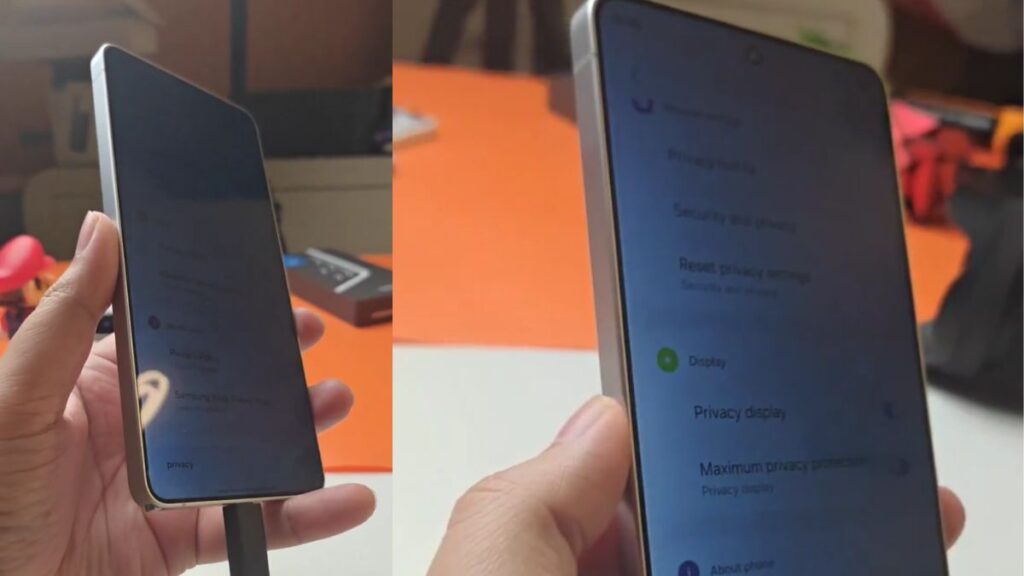
I’d argue the benefits far outweigh the downsides of the Privacy Display feature. But it seems the One UI 8.5 design may have played a part in making the downside seem worse than it really was.
One UI 9 Refinements have Improved Display Sharpness
-
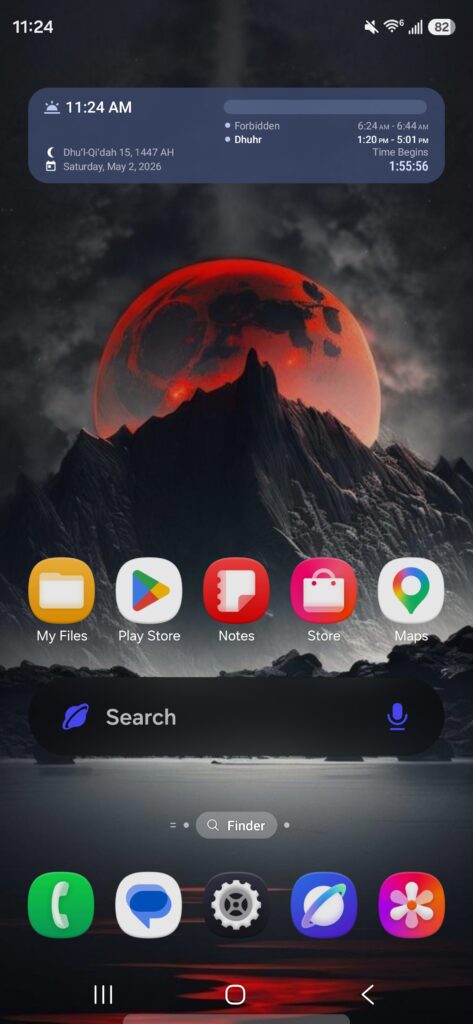
- One UI 8.5
-
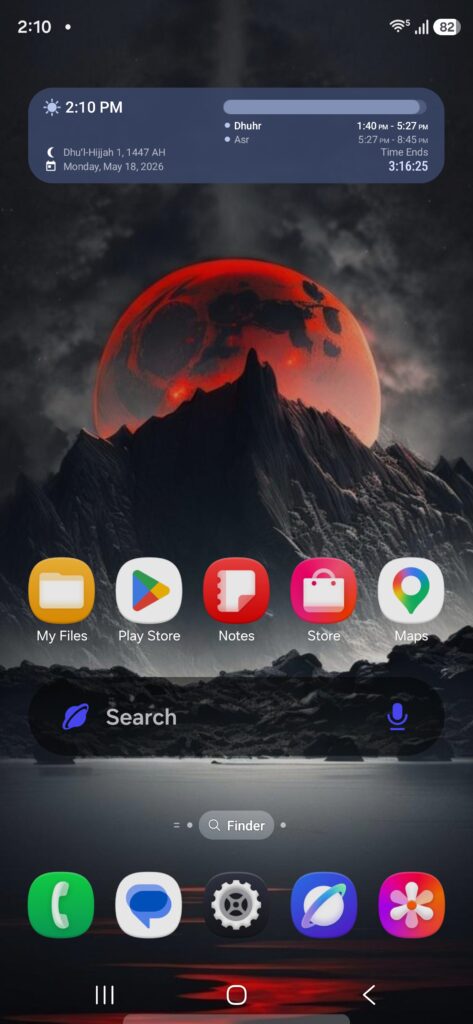
- One UI 9
At a glance, nothing seems to have changed. But there are subtle design tweaks like a slightly smaller search bar, refined status bar icons, and even an adjusted widget corner radius. But if you take a closer look at the text, app icons, and background, you’ll notice a slight jump in clarity and color vibrancy.
-
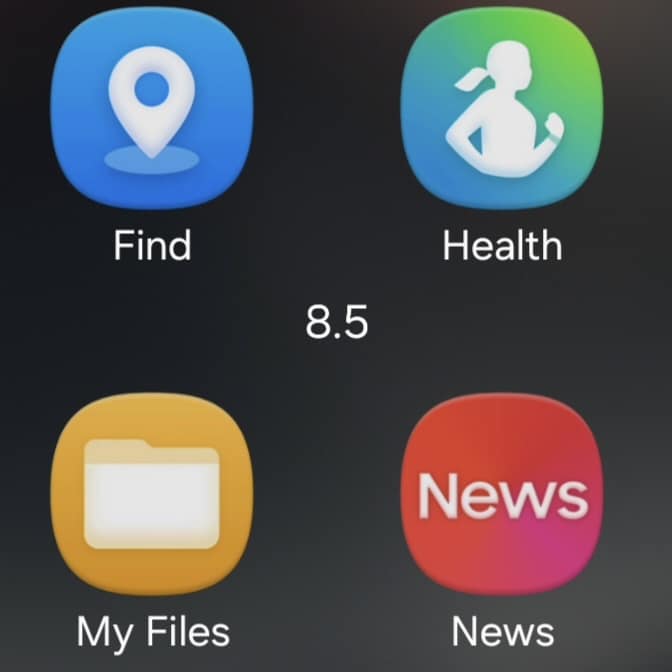
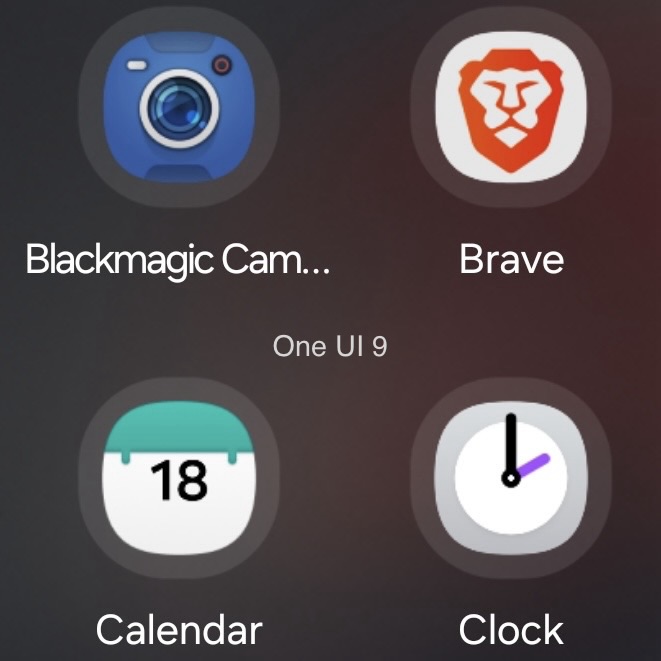
- One UI 8.5 Folder Zoomed In
-
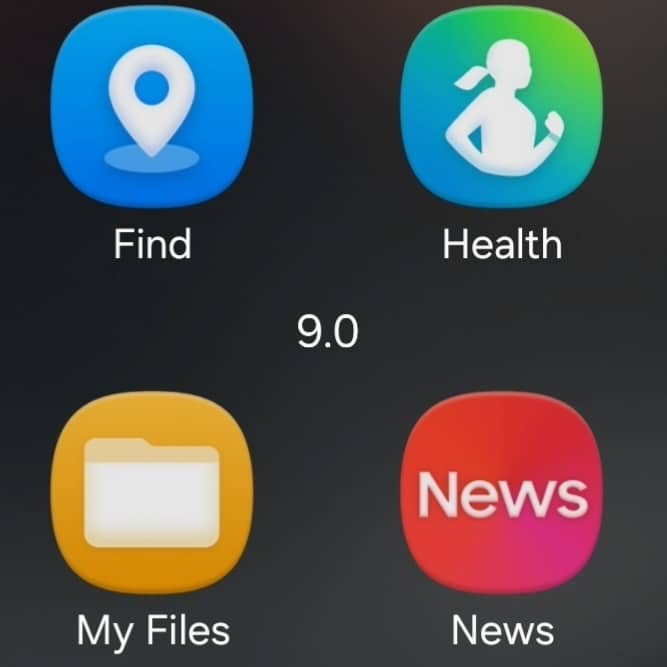
- One UI 9 Folder Zoomed in
-
- One UI 8.5 App Screen Zoomed In
-
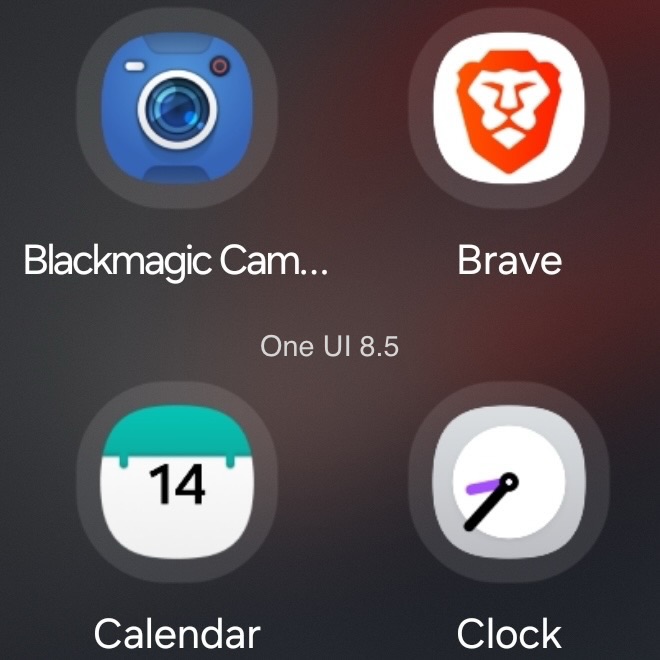
- One UI 0 App Screen Zoomed In
When I installed One UI 9 Beta 1, I couldn’t put my finger on why the overall display experience felt better. It became clear when I opened an app folder. There used to be a slight grainy haze in the background blur with One UI 8.5, but it doesn’t seem to exist on One UI 9. When zooming in on the app folder icons and text, colors are no longer dull, and the text looks not only sharper but also fuller.
Software updates are catching up to hardware
This is reminiscent of when the camera broke on the Galaxy S25 Ultra after a software update. With the release of One UI 8, Expert RAW stopped working properly and reverted to Galaxy S24-style processing.
It’s a similar situation here. There’s no denying the sharpness drop on the Galaxy S26 Ultra, but it’s now clear that One UI 8.5’s design played a significant part in making it feel worse than it actually was. One UI 9 is adding the finishing touches, and future buyers can rest assured that Samsung is actively improving the experience.

Written by
Aladdien FadhelAladdien Fadhel provides Samsung reviews and in-depth analysis for SammyGuru. By tracking the development of One UI and exploring Samsung's product roadmap, he delivers insights designed to benefit both the manufacturer and the user. A dedicated tinkerer, Aladdien prefers fine-tuning his current hardware to maximize its potential rather than opting for an immediate upgrade.

Follow us on Google Discover & set us as a preferred source in Google News
Share this Post
___________________________


New Blog Posts
___________________________
Samsung’s Odyssey G8 Will Power Crimson Desert Demos at Gamescom 2026
In Cologne, August 36-August 30
Galaxy S25+ and Galaxy Tab A11 Are Cheaper Than Ever at Walmart
Your wallet will thank you
Samsung Develops GAIA Accelerator to Power AI PCs
The accelerator will use a 4nm semiconductor process