Keys Cafe 1.8.0.13 Update Brings Major UI Overhaul and Gesture Customization
SammyGuru is reader-supported. We have affiliate and sponsored partnerships, so we may earn a commission when you buy through links on our site — at no extra cost to you. Learn more.
Samsung has rolled out a major update for its Keys Cafe app with version 1.8.0.13. The update revamped the UI and home screen, while also bringing enhanced keyboard customization along with bug fixes. It is currently available on select Galaxy devices running One UI 8, with a wider global rollout expected in the coming weeks.
Samsung rolls out a new update for Keys Cafe with major upgrades
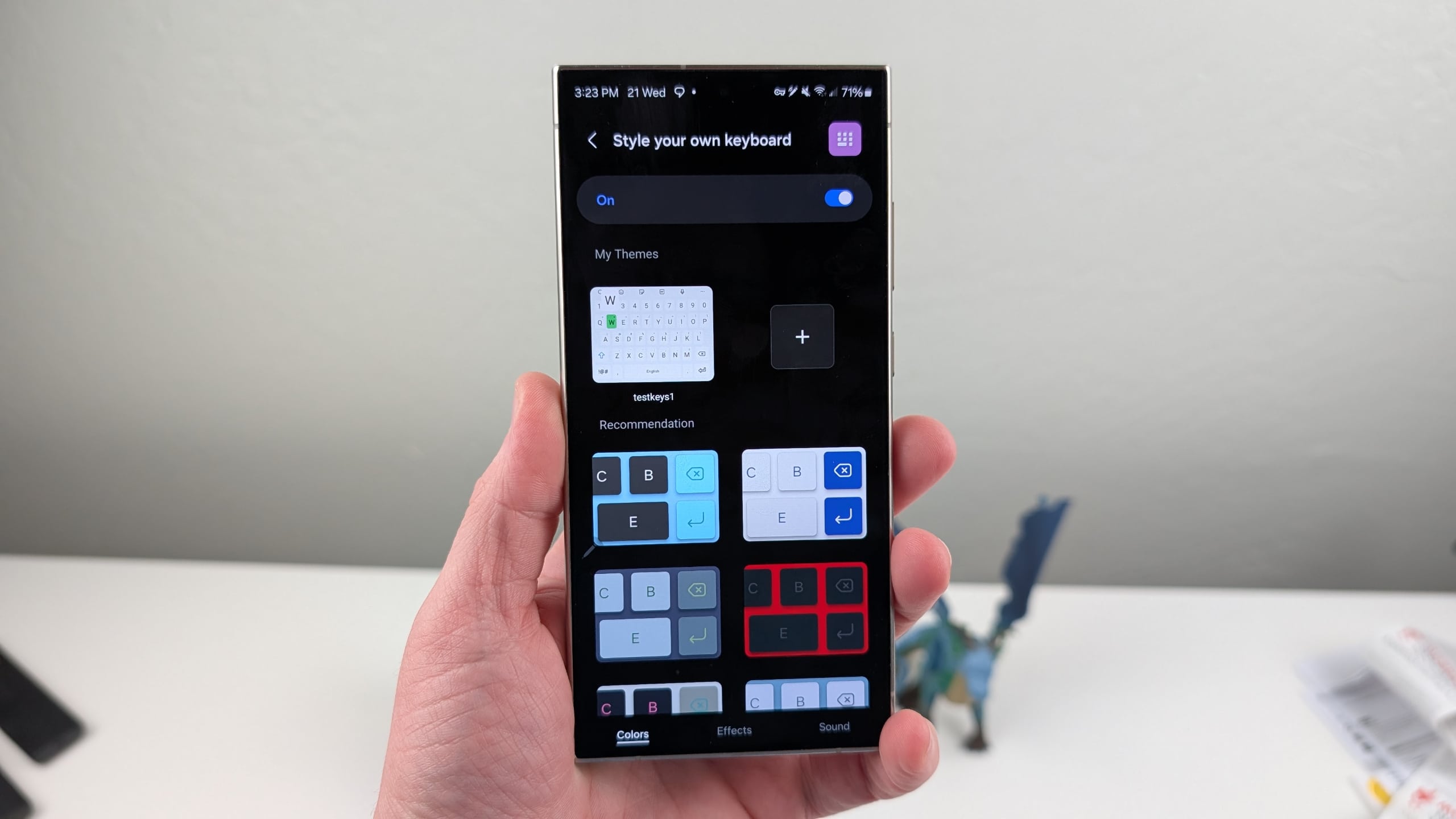
Part of Good Lock, the Keys Cafe module lets you customize the Samsung keyboard according to your preferences. For example, you can increase the sizes of keys while mapping your favorite emoticons to locations of your choosing. Furthermore, you can add fun effects to your keyboard, change its color, and even adjust the touch sound. Now, the latest update has completely refined the experience with a more intuitive design.
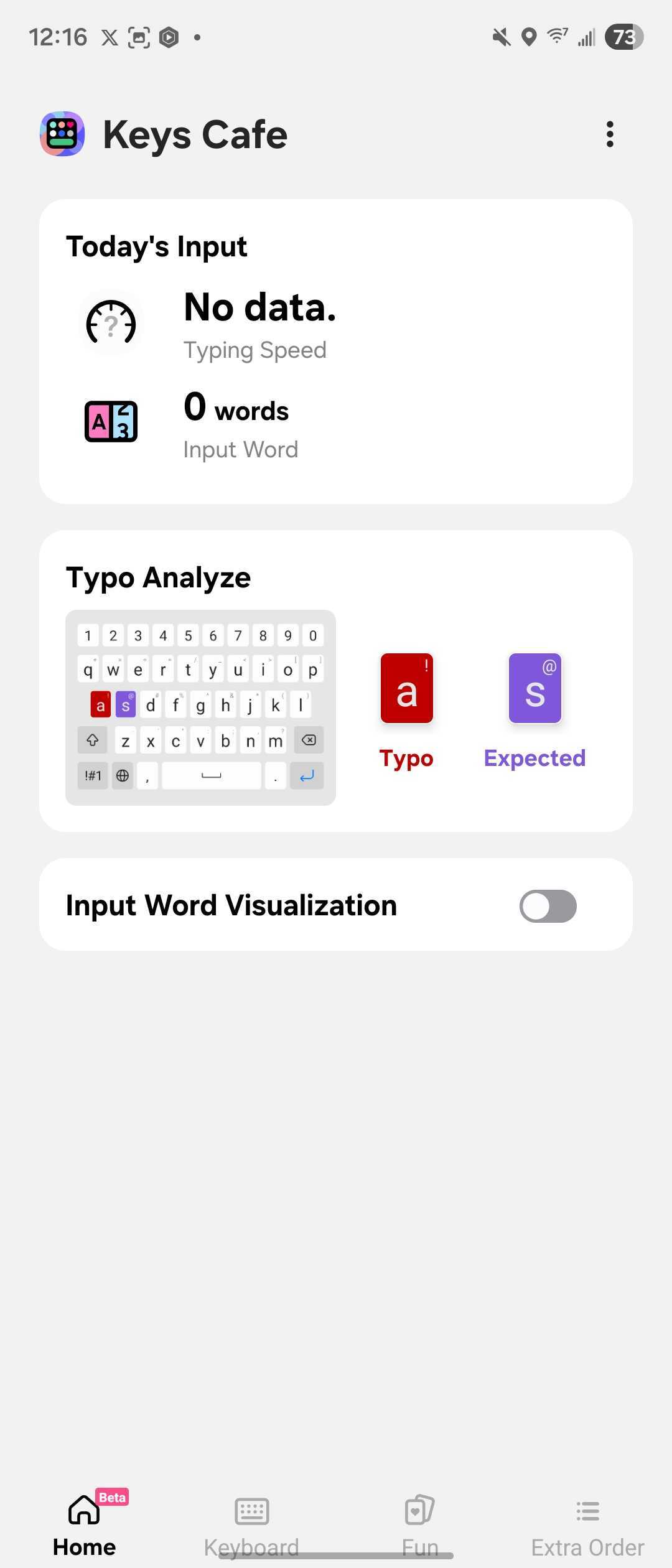
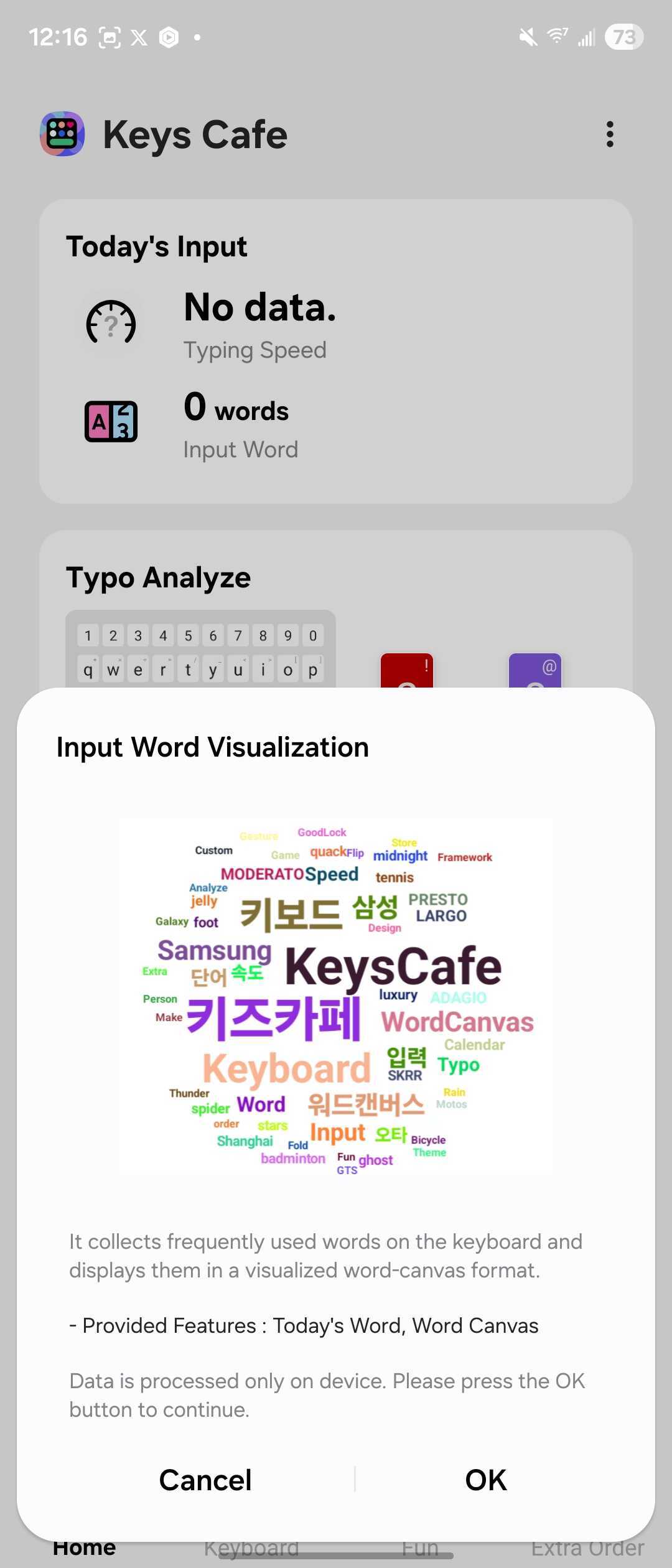
On the home screen, users can now track daily typing statistics such as speed, word count, and common typos. The app also collects frequently used words on the keyboard and displays them in a visualized word-canvas format. Moreover, the company has added the option to create and save multiple keyboard themes simultaneously. It also expanded customization of key shapes and colors, allowing you to design the keyboard exactly the way you like.

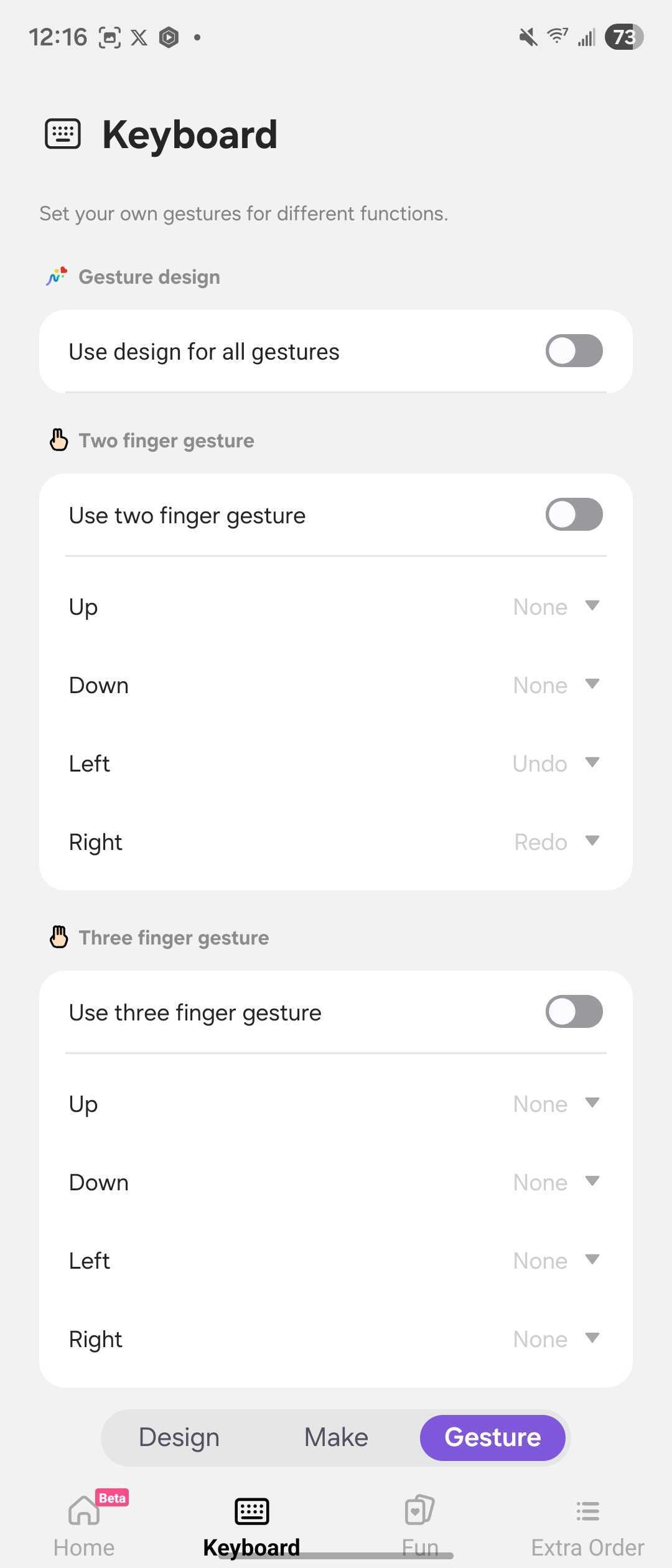
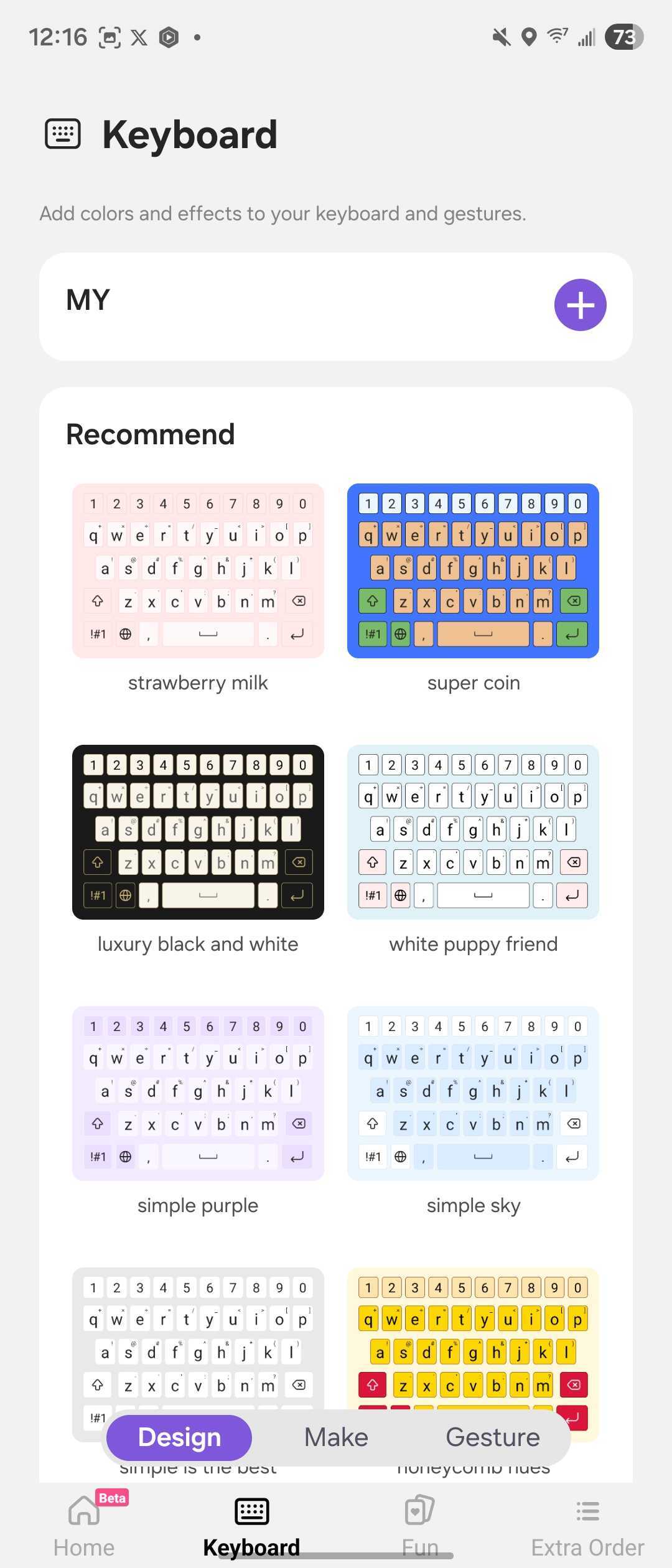
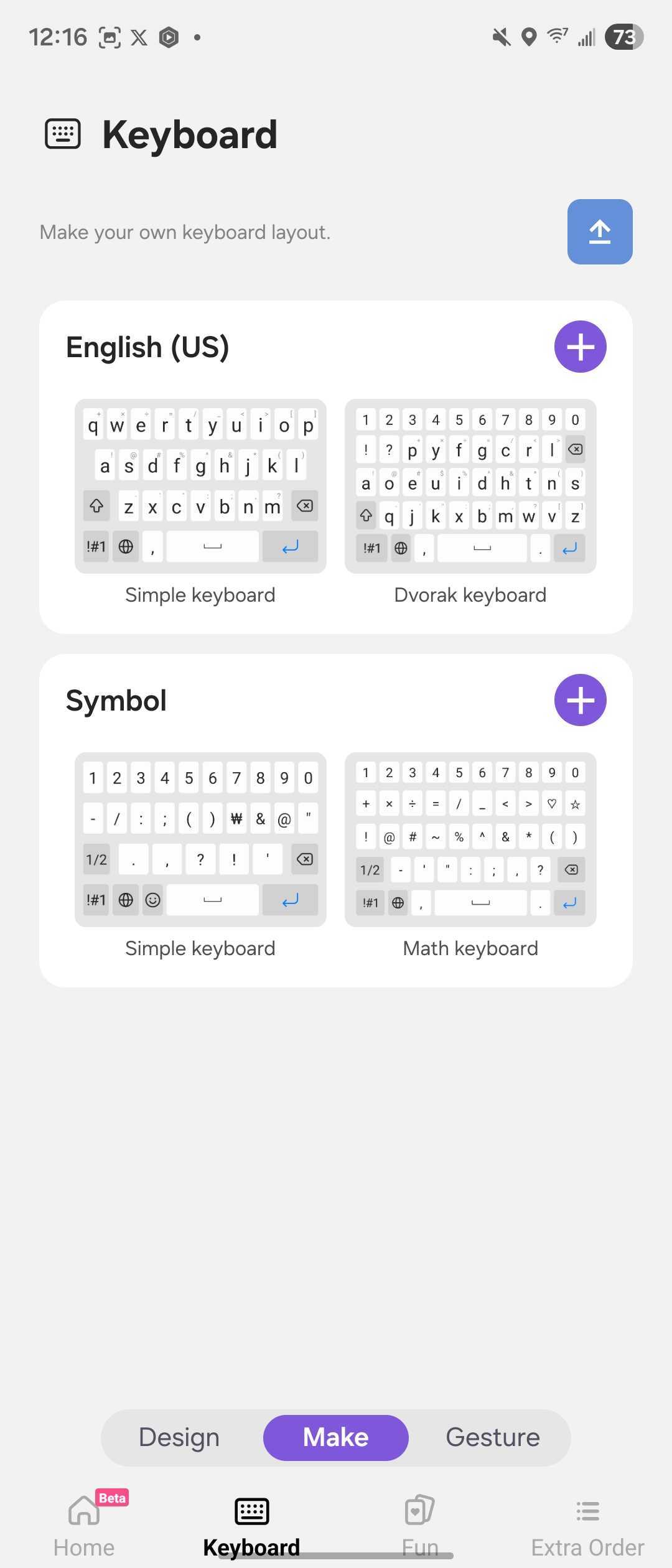
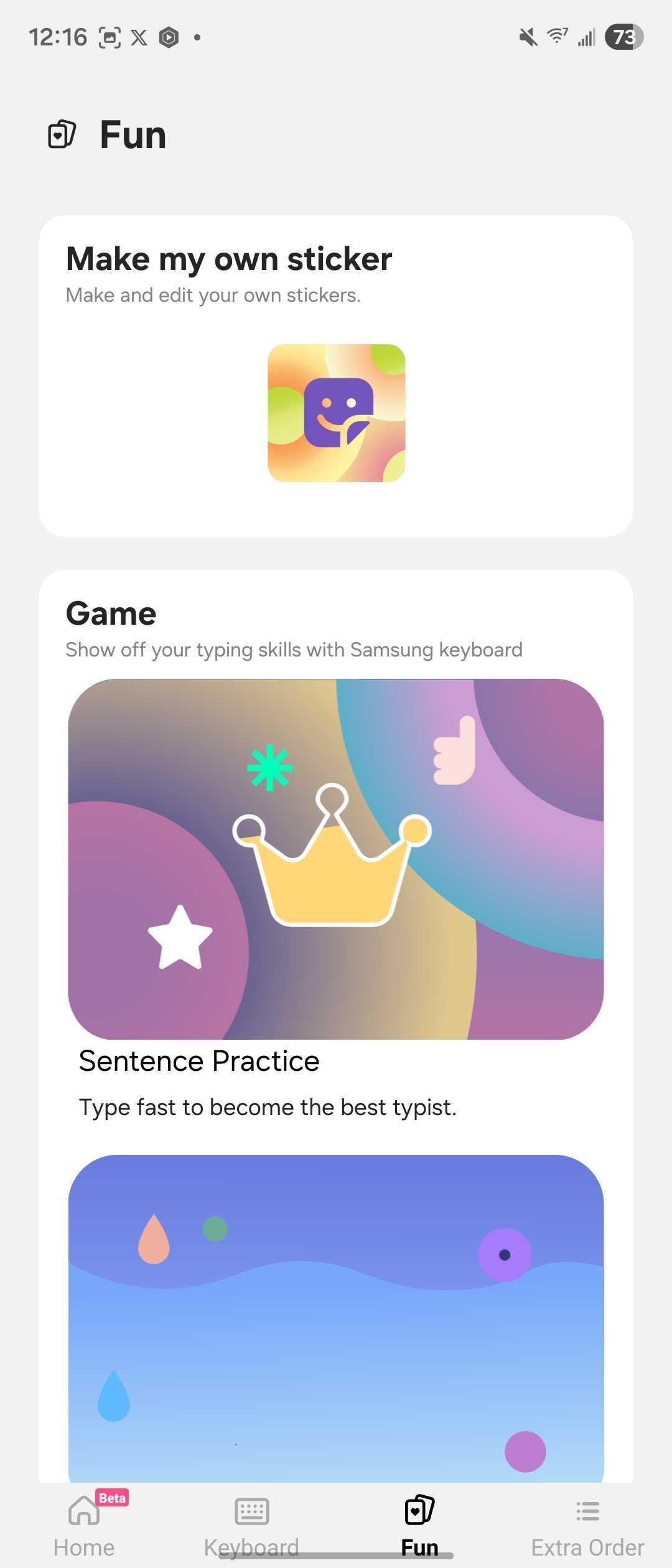
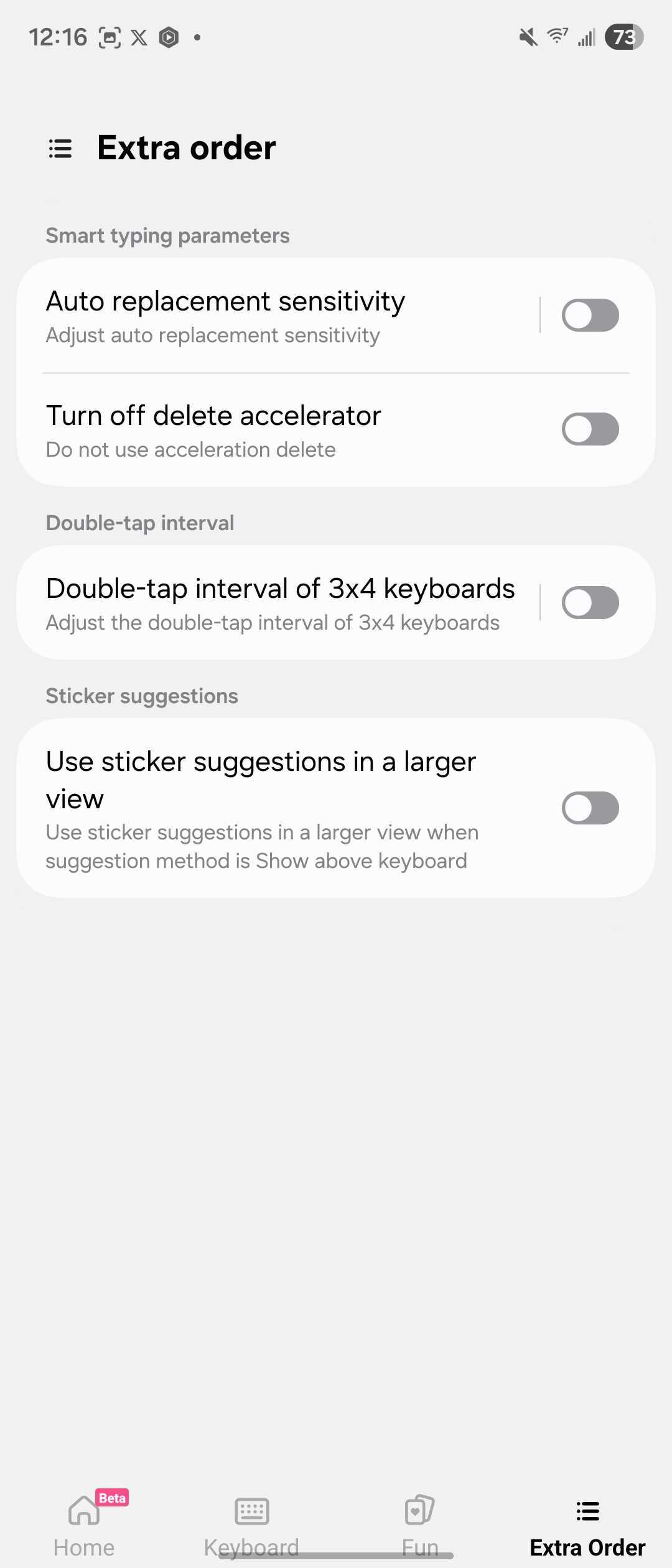
The most notable addition is the ability to customize gestures. You can now assign two-finger or three-finger gestures to execute functions quickly. In addition to introducing new features, the release notes also mention stability improvements and bug fixes. So, you can expect a seamless experience when customizing the keyboard.
If you love giving a fresh look to the keyboard, you should update to the latest version of Keys Cafe when it arrives on your device. You can keep an eye on the Plugins tab within Good Lock, as Samsung may make the new build available at any time. Alternatively, you can go to the Galaxy Store and search for the app.

Written by
Binay KonwarBinay Konwar started his blogging journey in 2014 and has since written plenty of tech articles. At present, he is working as a News Writer at SammyGuru, covering everything about Samsung. He holds a Master's degree in Mathematics, but his real passion lies in tech and writing. In his free time, he enjoys playing chess and watching movies.

Follow us on Google Discover & set us as a preferred source in Google News
Share this Post
___________________________


New Blog Posts
___________________________
Samsung Brings Eclipsa Audio and Multi-Cam to Samsung TV Plus
Both of them will first be available on Samsung TV Network (STN)

Samsung, SK Hynix Urged to Expand US Memory Chip Manufacturing
This comes as demand for AI memory chips rises
One UI 9’s Voice Recorder Reveals Cloud Transcription and More
Voice Recorder is getting cloud transcription, file conversion, and a fresh look