Google Fixes Gmail’s Most Frustrating Limitation After Years
SammyGuru is reader-supported. We have affiliate and sponsored partnerships, so we may earn a commission when you buy through links on our site — at no extra cost to you. Learn more.
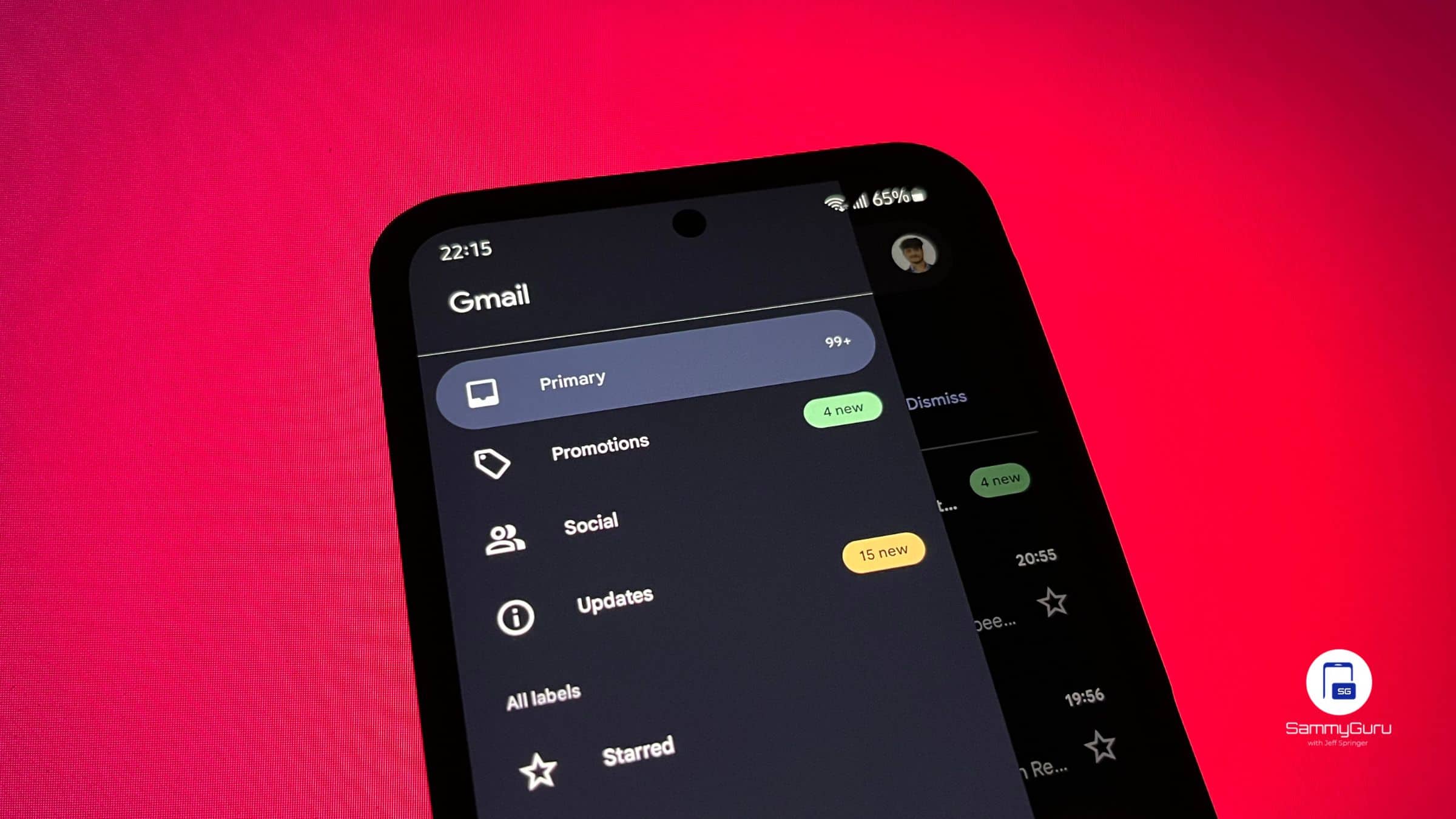
For years, your Gmail address was basically permanent. Whether you picked something cringe in high school or just outgrew your old username, there was no real way to change it without starting over. Google started testing this a few months ago. Now, it’s time for US users to get this sweet news.
A long-overdue change for Gmail users is now rolling out in the US
With this update, you can finally change the part before “@gmail.com” on your existing Google Account, without losing your data, emails, or access to services. Google announced it has started rolling out the ability to change your Gmail username, and now it’s widely available for users in the US.
That means you won’t need to create a new account or migrate emails or files. In addition, you will have no broken access to apps tied to your Google account (for example: Spotify). Even better, your old Gmail address doesn’t disappear. Instead, it becomes an alternate address. You’ll still receive emails sent to it and can even use it to sign in if needed.
There are some limitations, however
As useful as this feature is, Google is putting some limits in place. You can only change your Gmail username once every 12 months. There’s a lifetime cap of up to 3 new usernames total. Combined with the old one, that’s a total of 4 usernames. Also, your new username can’t be reused for another Google account. So yeah, choose wisely this time.
How to change your Gmail username
If the feature is available on your account, here’s how you can do it:
- Open Gmail or any Google app
- Tap your profile picture
- Go to Manage your Google Account
- Navigate to Personal info > Email
- Select Google Account email
- Tap Change Google Account email and follow the steps shown on your screen
If you don’t see the option yet, it likely hasn’t rolled out to your region.
This is a big shift for Gmail. Until now, your email address was essentially locked forever unless you created a new account, which meant losing continuity across services. Now, Google is finally treating your email like something that can evolve with you.

Written by
David BuligaDavid Buliga is a Romanian writer at SammyGuru, where he covers the Samsung and Android ecosystem with a focus on apps, software features, and the trends shaping how we actually use our devices — from Galaxy Watch apps to One UI 9, plus the occasional opinion piece. He joined SammyGuru in 2026 after previously creating entertainment content on YouTube, producing animations and gameplay videos. Currently pursuing a Bachelor's degree in Applied Electronics and Telecommunications, David is passionate about consumer technology and enjoys getting under the hood of smartphones to see what makes them tick. Outside of tech, he loves listening to music, reading books, photography, and exploring the random ideas that often inspire his next story.

Follow us on Google Discover & set us as a preferred source in Google News
Share this Post
___________________________


New Blog Posts
___________________________
Exclusive: Here’s Your First Look at the Galaxy Watch 9 and Galaxy Watch Ultra 2 Watch Faces
Five new faces
Google Wallet Finally Fixes One of Its Most Annoying Wear OS Quirks
Finally, one can manage all of my receipts from both devices

Samsung Quietly Listed a New Entry Level 990 PCIe 4.0 SSD
It drops DRAM for HMB