ChatGPT Brings New Scheduled Task System to Automate Work
SammyGuru is reader-supported. We have affiliate and sponsored partnerships, so we may earn a commission when you buy through links on our site — at no extra cost to you. Learn more.
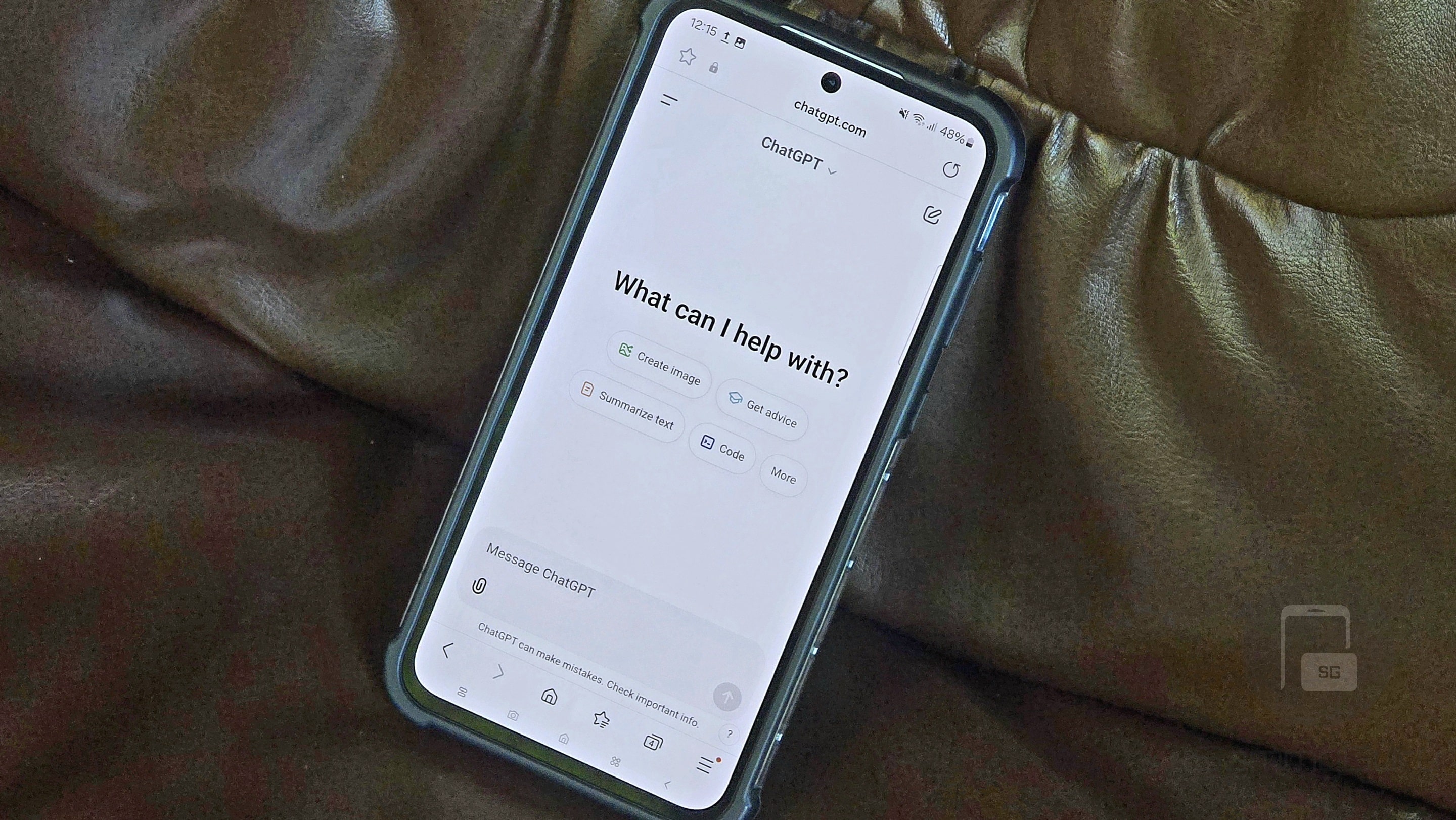
ChatGPT now lets you schedule one-off and recurring tasks more easily. The AI chatbot has introduced a dedicated Scheduled page so you can manage all your automated tasks in one place. This feature is rolling out on the mobile app and web version, though you will need to pay for it.
OpenAI now makes task scheduling easier in ChatGPT
OpenAI now offers a better automated task experience in ChatGPT with a dedicated Scheduled page. You can ask the bot to send reminders, handle recurring work, or monitor things for you. “This update makes tasks easier to find and manage, faster and more reliable, with more useful notifications,” said the company.
ChatGPT now gets a Scheduled option in the sidebar. Once you click the option, a new page opens serving as a hub for all your active tasks. The page lets you create a task and choose when it should run. Alternatively, you can directly ask the AI to create a task.
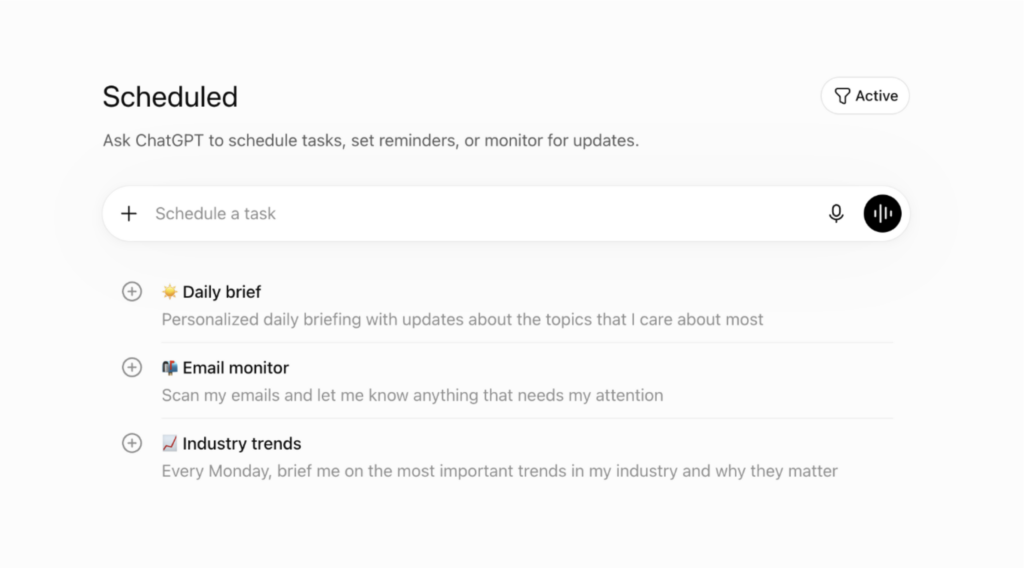
You can schedule tasks for exact times or for general periods, such as morning, afternoon, or evening. After submitting a task, ChatGPT will show a confirmation message. You can turn notifications on or off in ChatGPT Web settings. These settings let you handle push notifications, email alerts, or both.
If you need to change something later, you can do so easily. First, click the task title or task pill in your chat to view all task details. From there, you can edit the task, pause it, manage its settings, or delete it completely if you no longer need it.
While the feature makes scheduling tasks easier, it is not available for free users. Only Go, Plus, Pro, Business, and Enterprise users can enjoy it. Note that the number of active tasks depends on the plan. For example, if you are a Go you can run up to 3 active tasks, while Pro users can run up to 15.

Written by
Binay KonwarBinay Konwar started his blogging journey in 2014 and has since written plenty of tech articles. At present, he is working as a News Writer at SammyGuru, covering everything about Samsung. He holds a Master's degree in Mathematics, but his real passion lies in tech and writing. In his free time, he enjoys playing chess and watching movies.

Follow us on Google Discover & set us as a preferred source in Google News
Share this Post
___________________________


New Blog Posts
___________________________

Galaxy S25+ and Galaxy Tab A11 Are Cheaper Than Ever at Walmart
Your wallet will thank you

Samsung Develops GAIA Accelerator to Power AI PCs
The accelerator will use a 4nm semiconductor process

Galaxy Watch 9, Galaxy Watch Ultra 2 Prices Leak Ahead of Unpacked
More expensive