Android Auto Update brings Siri-Like Google Assistant to your Galaxy
SammyGuru is reader-supported. We have affiliate and sponsored partnerships, so we may earn a commission when you buy through links on our site — at no extra cost to you. Learn more.
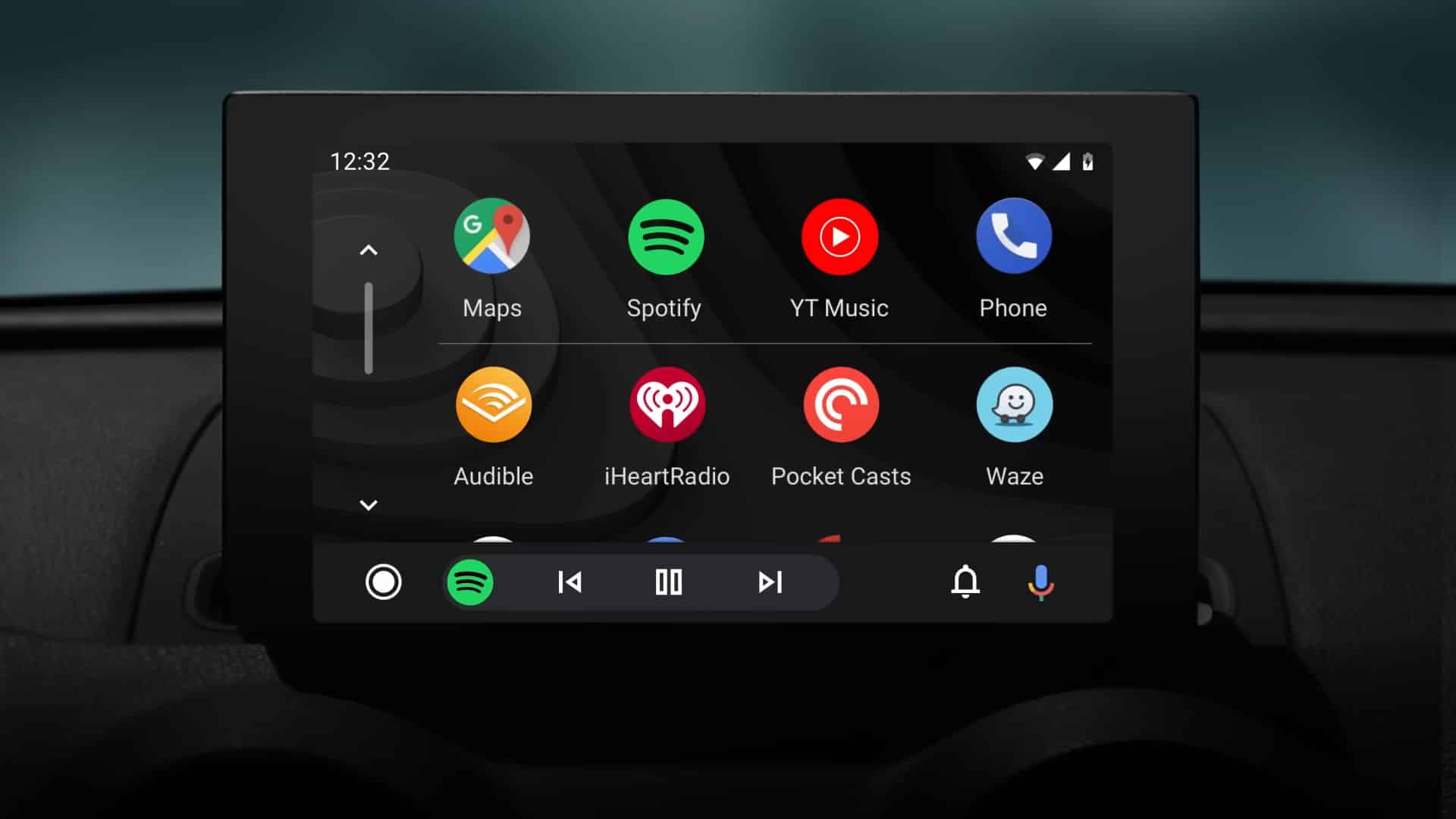
If you use Android Auto via your Galaxy phone while driving, brace yourself for an interesting Google Assistant makeover. The Assistant app for your car has received a UI update, and it’s hard not to notice the striking resemblance to Apple’s Siri. The design language Google chose is surprisingly similar to Siri on Apple CarPlay.
Google Assistant for Android Auto gets a Siri-like makeover
Google recently rolled out a minor UI update for Assistant on Android Auto. It added a circular UI element that appears during voice interactions. The new UI element doesn’t replace the existing bottom bar that pops up when you first summon the virtual assistant. Instead, it serves as a standby icon simplifying that Google Assistant is actively listening to you.
The colored circle reacts when you speak or when Google Assistant replies. It goes away after a few seconds of inactivity from both sides. While it’s a handy addition, the design choice from Google is a bit surprising. It could have introduced an indicator that fits in the bottom bar that first shows up. Instead, the company decided to copy Apple’s Siri on CarPlay.
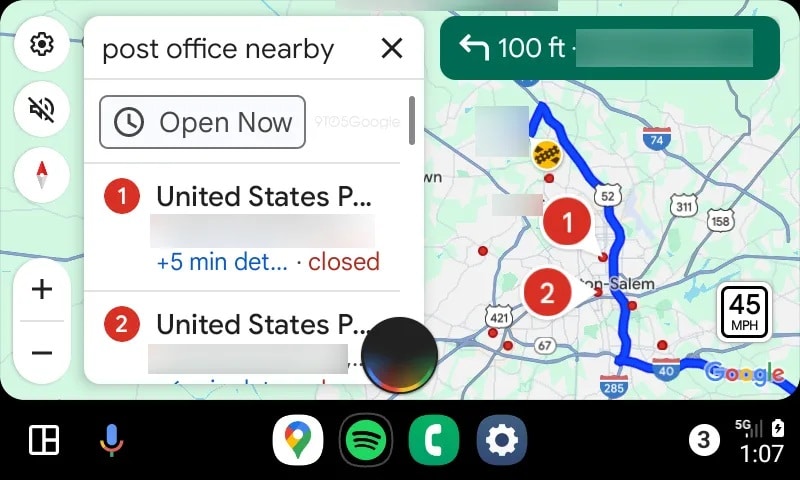
Siri offers a similar circular indicator when active on the car display. It’s disappointing that Google couldn’t develop a more original UI design for this purpose. While it doesn’t look bad, the Android maker could have done without copying Apple. Anyway, for better or worse, the change is now rolling out to users. It should be available widely in the coming days.
The folks at 9to5Google spotted the new UI element for Google Assistant on Android Auto with the latest update (v12.5) on the Galaxy Z Fold 6. The new version doesn’t seem to bring any feature enhancement. Usually, updates are installed automatically, but you can still manually check for it on the Play Store. If the update isn’t available for you, check back in a few days.

Written by
Sumit AdhikariSumit, a life-long Samsung user, is passionate about technology and has been professionally writing on tech since 2017. He’s a mathematics graduate by education and enjoys teaching basic mathematics tricks to school kids in his spare time. Sumit believes in artificial intelligence and dreams of a fully open, intelligent and connected world.

Follow us on Google Discover & set us as a preferred source in Google News
Share this Post
___________________________


New Blog Posts
___________________________
Google Chrome for Android Finally Gets a Dedicated Back Button
Small change, big impact
Google Photos Rolls Out New Floating Bottom Bar on Android
It floats
Introducing SammyGuru Rewards — Read, Earn, and Redeem
Our biggest update yet