How to Create a WhatsApp Username and Keep Your Phone Number Private
SammyGuru is reader-supported. We have affiliate and sponsored partnerships, so we may earn a commission when you buy through links on our site — at no extra cost to you. Learn more.
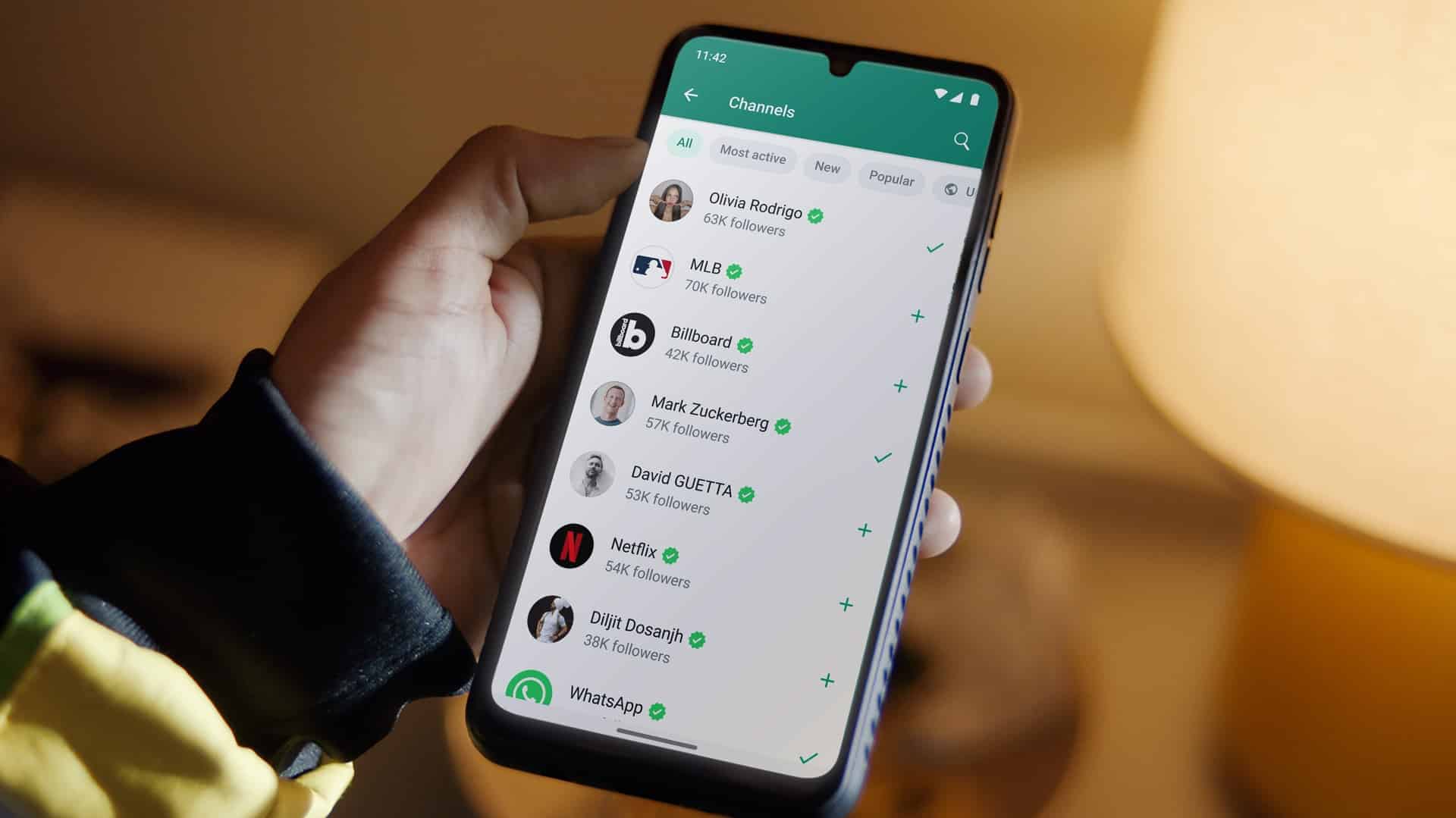
WhatsApp recently introduced a major new privacy feature: usernames. Instead of sharing your phone number with everyone, you’ll be able to create a unique username that people can use to contact you. Here’s how to create a username for your WhatsApp account and use it.
Note that people who already have your phone number saved will continue seeing your number as usual.
How to create or reserve a WhatsApp username
The feature is rolling out gradually over the next few months, so it may not be available on your account yet. If you don’t see it, make sure you’re using the latest version of WhatsApp and check back later. In many regions, you can already reserve your preferred username before the feature officially goes live. Simply follow the steps below:
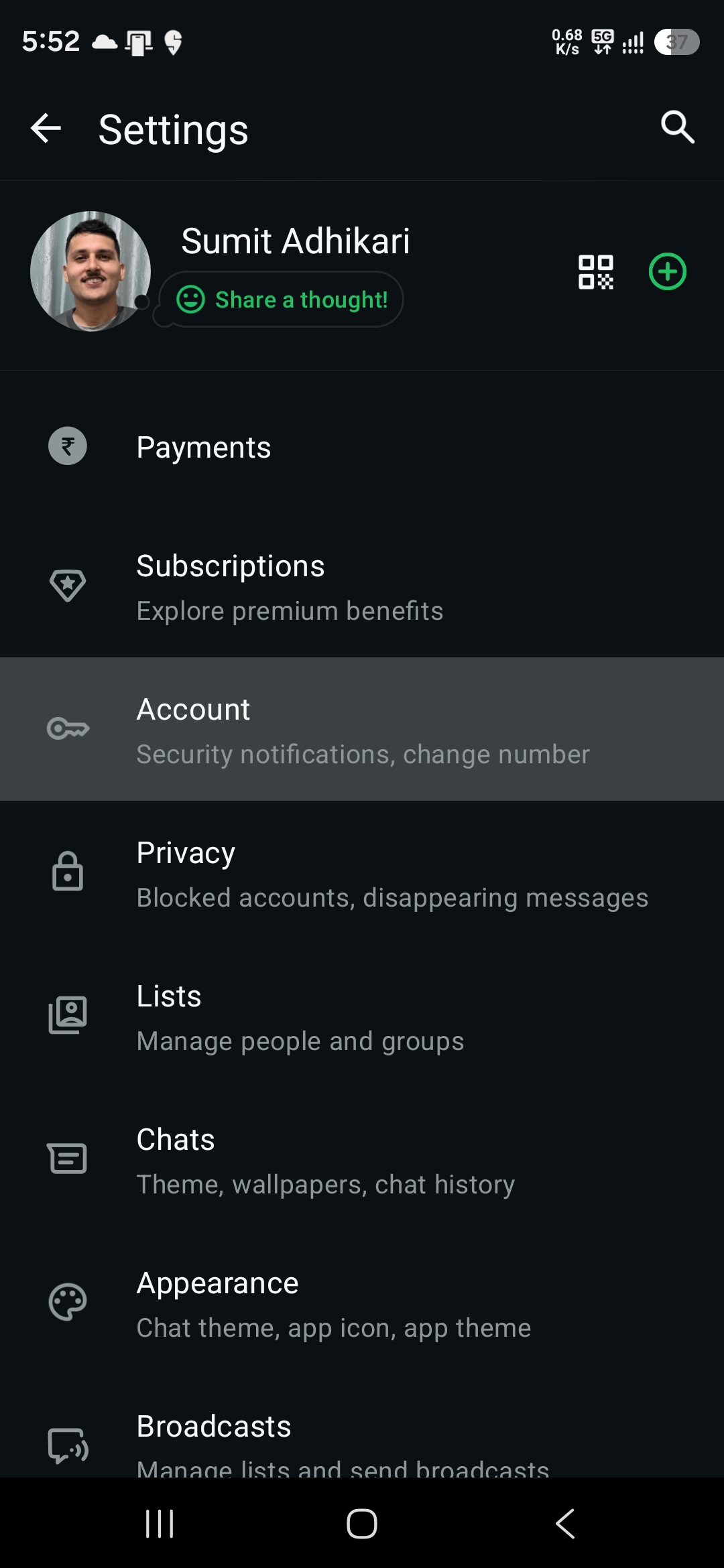
- Open WhatsApp
- Tap the three-dot menu in the top-right corner
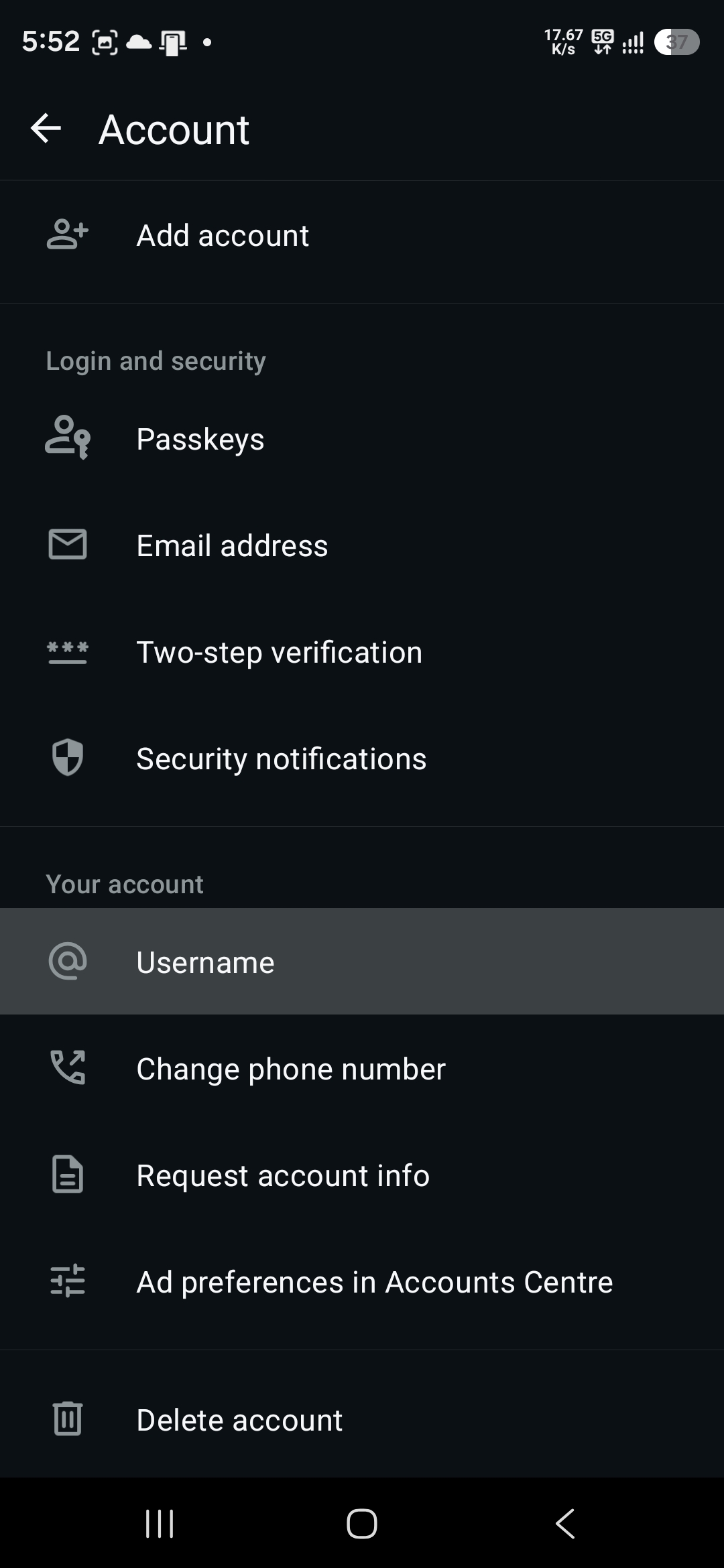
- Go to Settings and select Account
- Select Username
Now, enter a username you like. If it’s available, WhatsApp will let you save it. If taken, the app will flag it accordingly, so you have to change it. You can use the built-in username suggestions to select a different username or create your own. Tap Save to confirm your username.
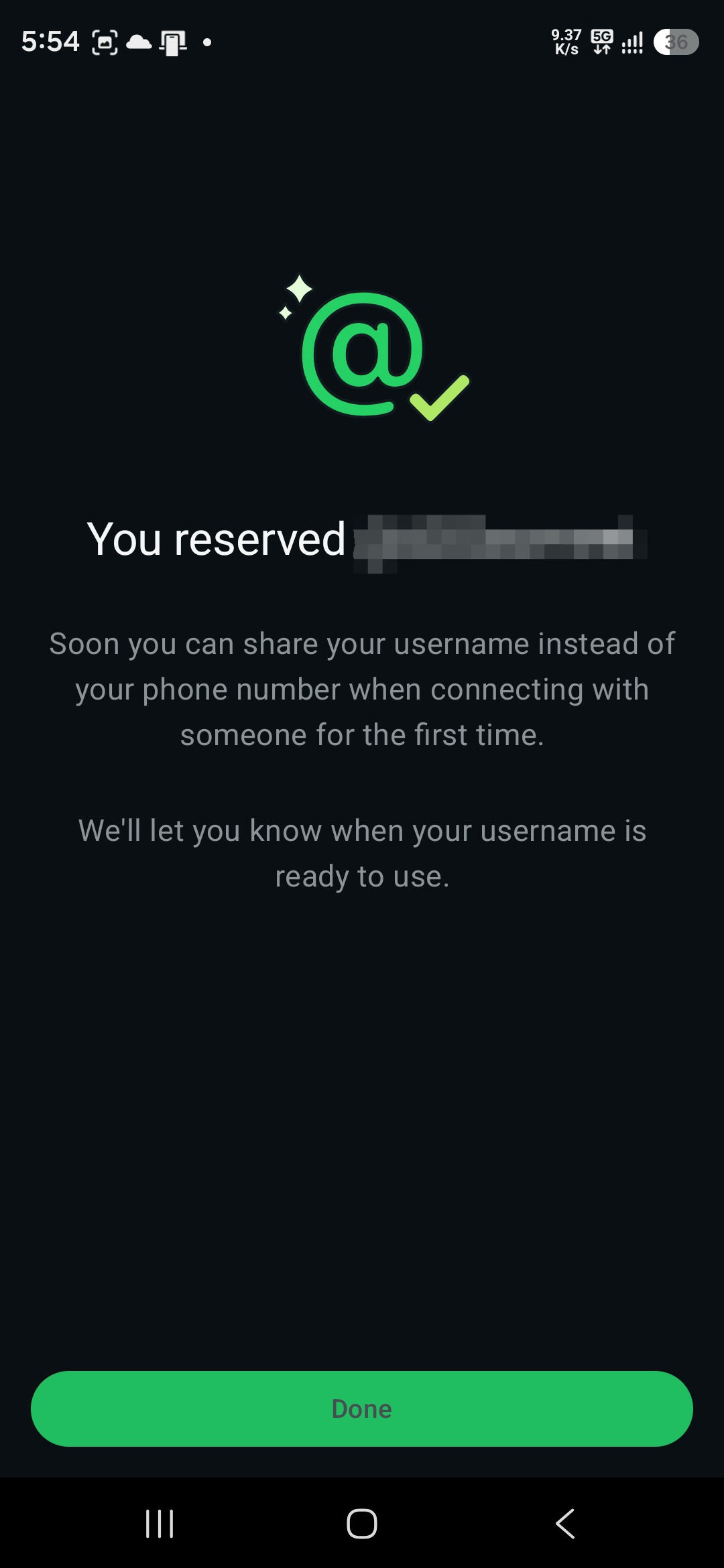
If you’re reserving a username, it won’t become active immediately. WhatsApp will notify you once usernames officially launch in your region.
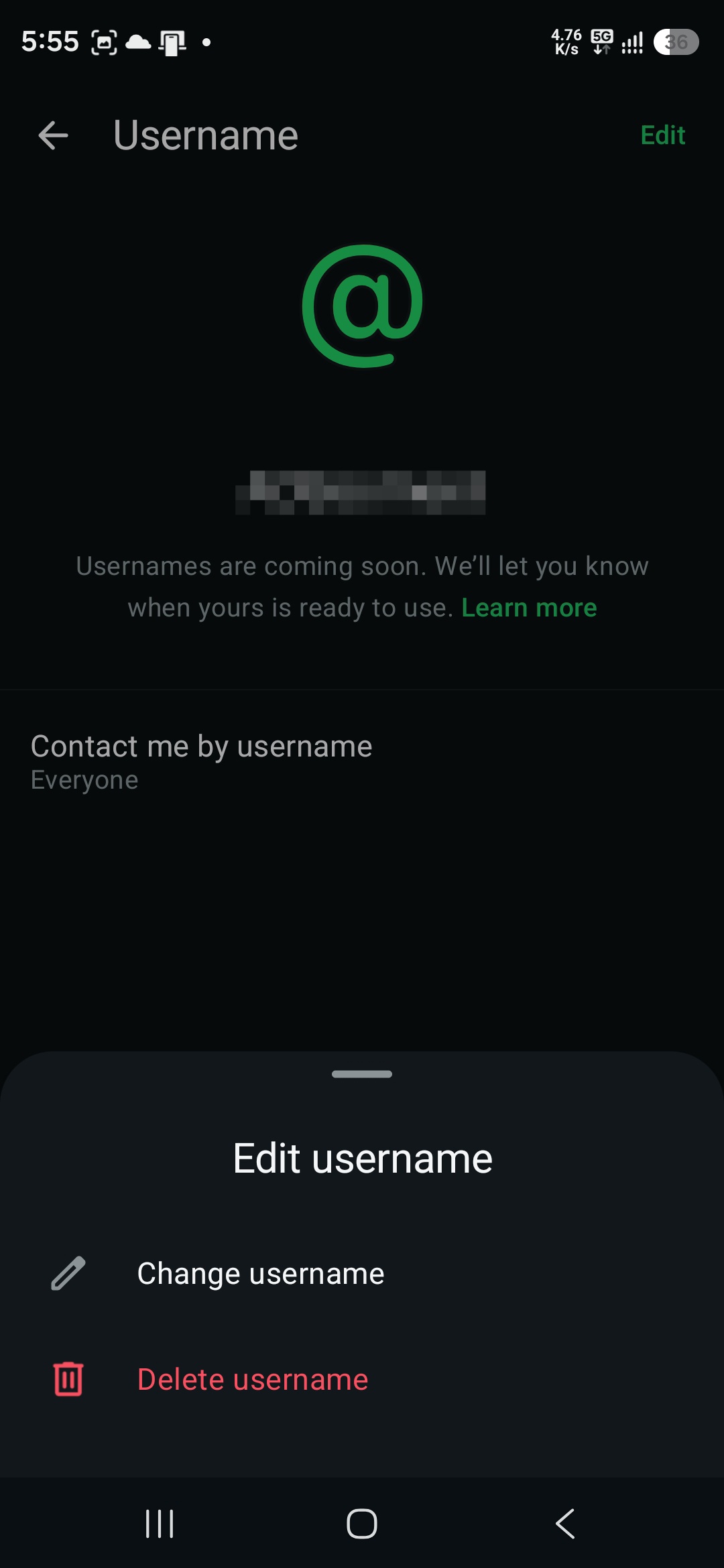
If you decide to use something different later, go back to the same menu and change your username. Remember that WhatsApp limits how often you can change usernames, and your old username may immediately become available for someone else to claim. You also get the option to delete your username if you do not want to use it. Once you request a delete, you have 14 days to reclaim your old username before it’s released to other users.
How to claim your Instagram or Facebook username
Want the same username across Meta’s apps? WhatsApp lets you reserve your existing Instagram or Facebook username, provided it’s still available. The option is available from the same Settings page. Instead of creating a fresh username, you can tap Use Instagram username or Use Facebook username to proceed. Follow the on-screen instructions to add your accounts to the same Accounts Center and link your username to WhatsApp.
If already linked, WhatsApp will let you directly use that username as long as someone else hasn’t taken it yet.
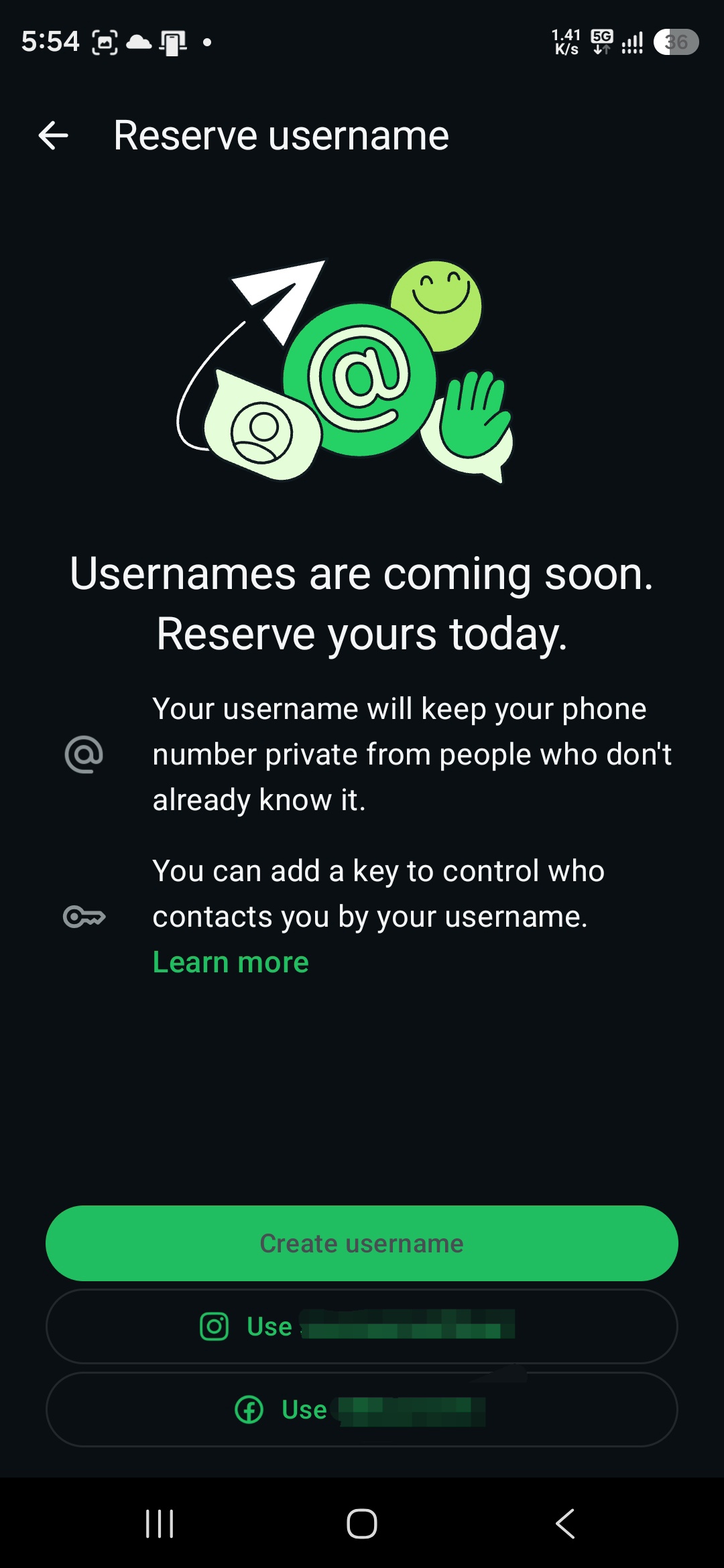
Once linked, your Instagram or Facebook username will be reserved for WhatsApp, provided no one else has already claimed it. Adding WhatsApp to Accounts Center is optional. If multiple people use the same username across Facebook and Instagram, the first person to claim it on WhatsApp gets it. Moreover, changing your Instagram or Facebook username later won’t automatically update your WhatsApp username.

Written by
Sumit AdhikariSumit, a life-long Samsung user, is passionate about technology and has been professionally writing on tech since 2017. He’s a mathematics graduate by education and enjoys teaching basic mathematics tricks to school kids in his spare time. Sumit believes in artificial intelligence and dreams of a fully open, intelligent and connected world.

Follow us on Google Discover & set us as a preferred source in Google News
Share this Post
___________________________


New Blog Posts
___________________________

Where is One UI 9 Watch Beta, Samsung? Time is Running Out
One UI 9 Watch Beta should have been rolling out by now
No More Ultra-Exclusive: Samsung Could Bring Privacy Display to All Galaxy S27 Models
Privacy Display could become a flagship standard with Galaxy S27 series

Galaxy Jump 5 Arrives With Awesome Intelligence Features
It is based on the recently launched Galaxy A27 5G