Exclusive: Here’s Your First Look at the Galaxy Glasses Manager App
SammyGuru is reader-supported. We have affiliate and sponsored partnerships, so we may earn a commission when you buy through links on our site — at no extra cost to you. Learn more.
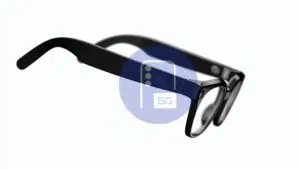
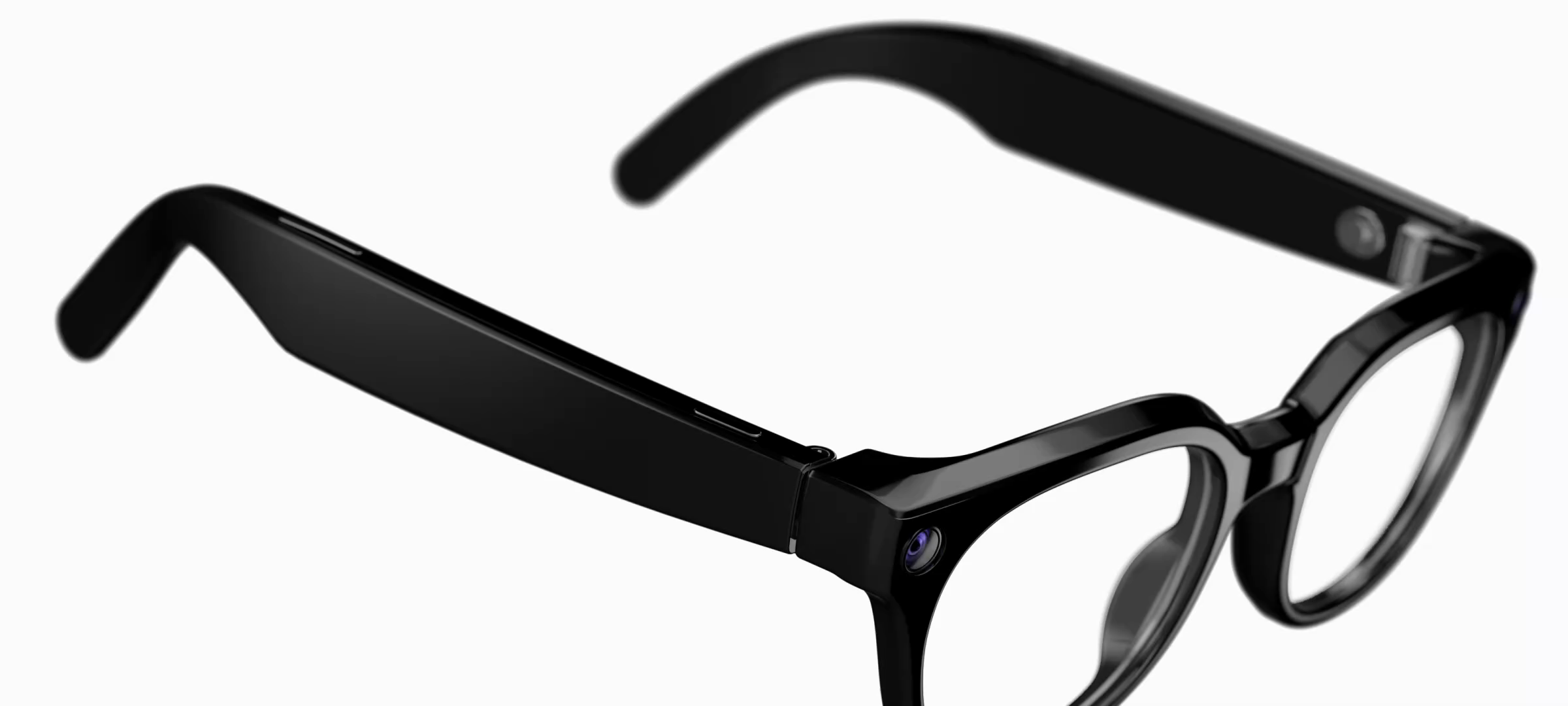
The much-anticipated Galaxy Glasses are coming later this fall, and we’re getting a closer look at Samsung’s upcoming wearable ahead of its debut. We’ve managed to get hold of the Galaxy Glasses manager app, which you’ll use to pair the glasses and manage their features. Here’s everything we’ve found so far.
Setting up your Galaxy Glasses
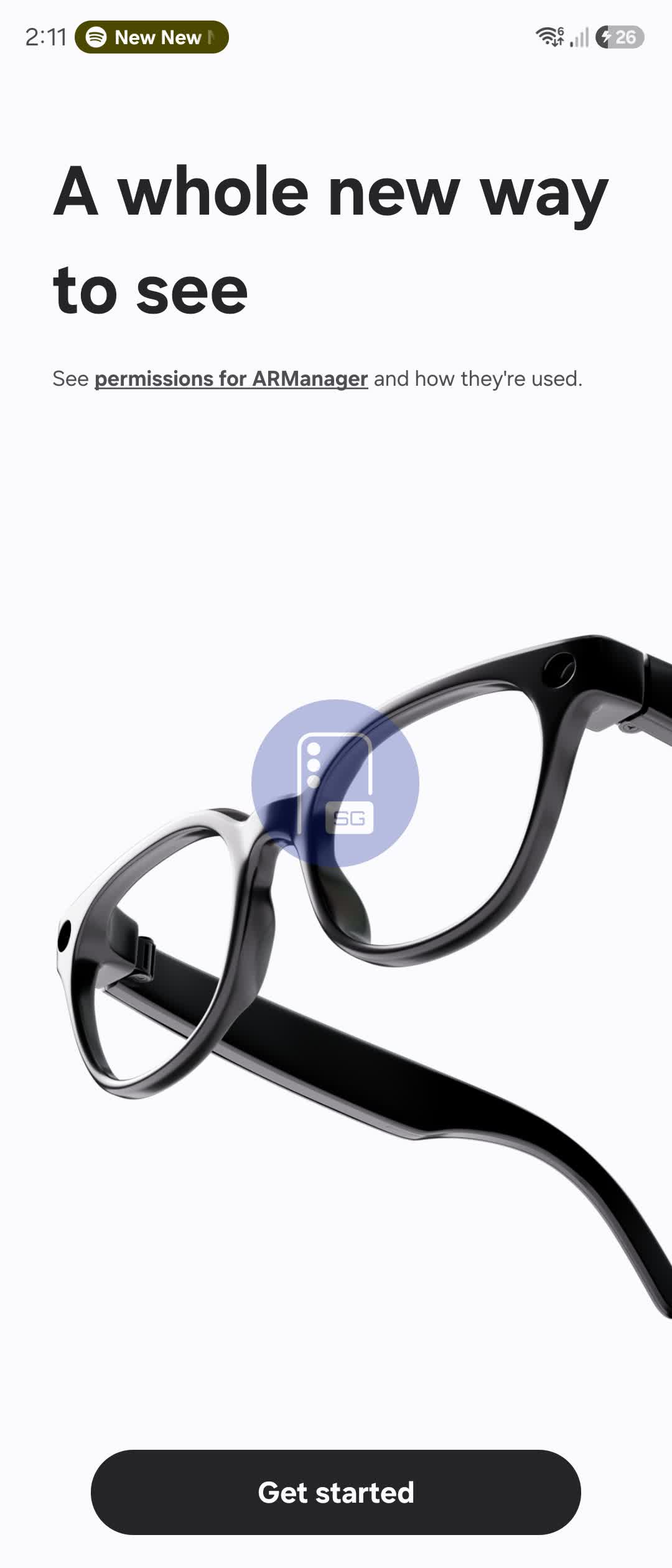
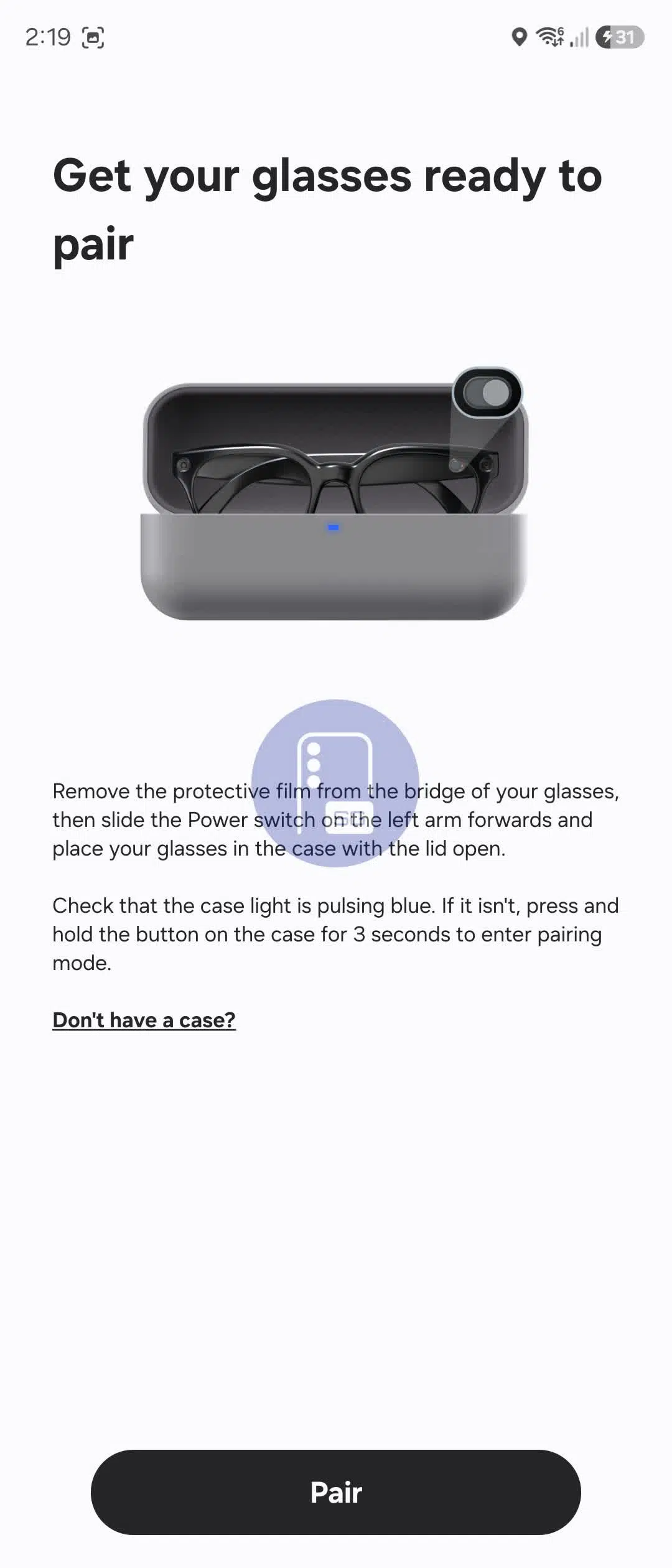
We managed to install the app and go through the out-of-box experience (OOBE). After granting the required permissions, the app walks you through putting the glasses into pairing mode before connecting them. Here’s what the setup process looks like.
The glasses shown here are the Warby Parker model.
The Galaxy Glasses manager app
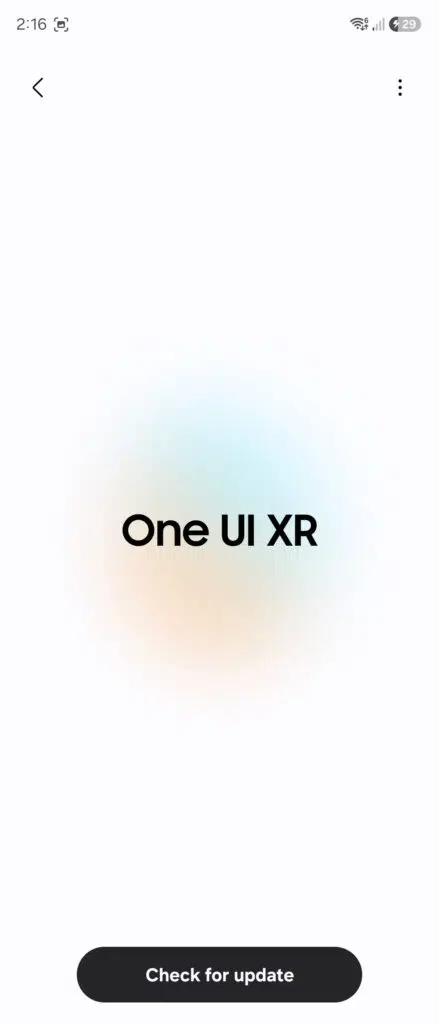
The Galaxy Glasses app is the central hub for everything related to your smart glasses. It lets you manage settings, install software updates, and enable or disable features. Without a pair of glasses connected, we couldn’t explore much of the interface. Even so, what we found is interesting.
The glasses run One UI XR, just like Samsung’s Galaxy XR headset. It’s built on top of Android XR, the platform developed through a collaboration between Samsung, Google, and Qualcomm.
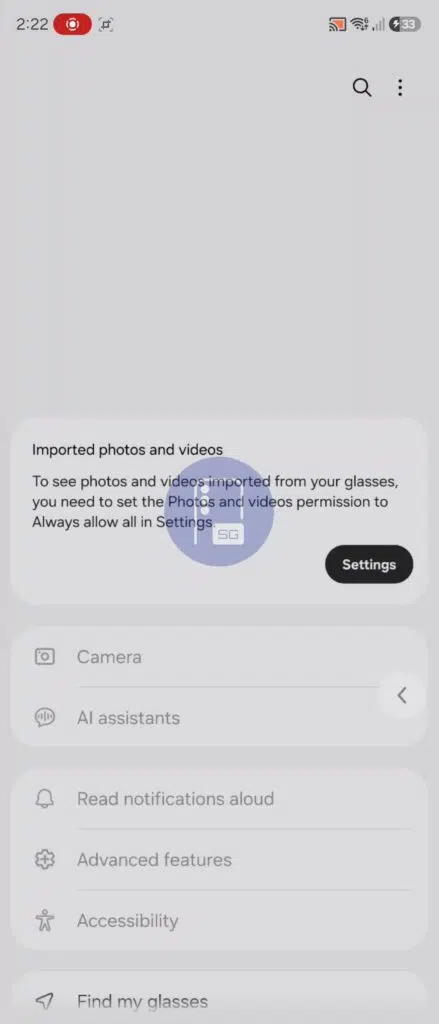
The app’s main screen reveals quite a bit. Your paired glasses appear at the top, presumably along with their battery level. There’s also an option to automatically import photos and videos captured with the glasses to your phone after granting the necessary permissions.
Below that are menu options for Camera, AI assistants, Read notifications aloud, Advanced features, Accessibility, and Find my glasses. There are likely more settings available, but we couldn’t access them without a connected pair of glasses.
Integrations with other Galaxy wearables
We’ve also spotted signs that Galaxy Watches and even the Galaxy Ring will integrate with the glasses in some interesting ways.
On the smartwatch side, Samsung appears to be developing a dedicated Galaxy Glasses Controller app that comes pre-installed on Galaxy Watches. We also found references suggesting the Galaxy Ring will support gesture controls for the glasses through a receiver component.
The following strings point to the feature:
com.samsung.android.ring.GESTURE_ACTION
com.samsung.android.ringplugin.gesture.ACTION_GLASSES_START
com.samsung.android.ringplugin.gesture.ACTION_GLASSES_STOP
That wraps up our early look at the Galaxy Glasses manager app. While we couldn’t explore every feature without a connected pair of glasses, there’s already plenty to unpack. There’s a chance Samsung could offer another teaser at Galaxy Unpacked on July 22 in London, but don’t expect a full launch just yet.
Thanks to @evowizz for helping us uncover these details.

Written by
Josh SkinnerJosh is a freelance writer, graphic and user interface designer, and content creator. He has a sizable following on Twitter/X, with his deep insights, extensive knowledge and design skills attracting audiences. He also loves lego, video games and tech as a whole.

Follow us on Google Discover & set us as a preferred source in Google News
Share this Post
___________________________


New Blog Posts
___________________________
Exclusive: Here’s How Every Button and Gesture on the Galaxy Glasses Works
Galaxy Glasses, up close

Samsung’s AI RAN Speed Optimizer Boosts 5G Speeds by Up to 52%
The system optimizes parameters for each individual cell
Samsung Galaxy Z Fold 8 (Wide) Preview: Everything You Need to Know
Samsung prepares a wider, productivity-focused foldable