
Samsung Browser Now Lets You Ask Anything… Literally
A short while ago, Samsung Browser (then called Samsung Internet) was testing a new feature called Ask AI. The feature allowed you to tap the Galaxy AI button on any webpage and ask questions about it. But Samsung wasn’t happy with that branding, and has since changed it to “Ask anything”.
You can now ask your browser anything
With Samsung Browser version v30.0.2.45, Samsung snuck in a subtle branding change to their AI chat feature. Gone is “Ask AI”, in comes “Ask anything”. This signifies that you can ask the chatbot literally anything, not just the contents of your page. You can start random conversations like you would with any other AI service.
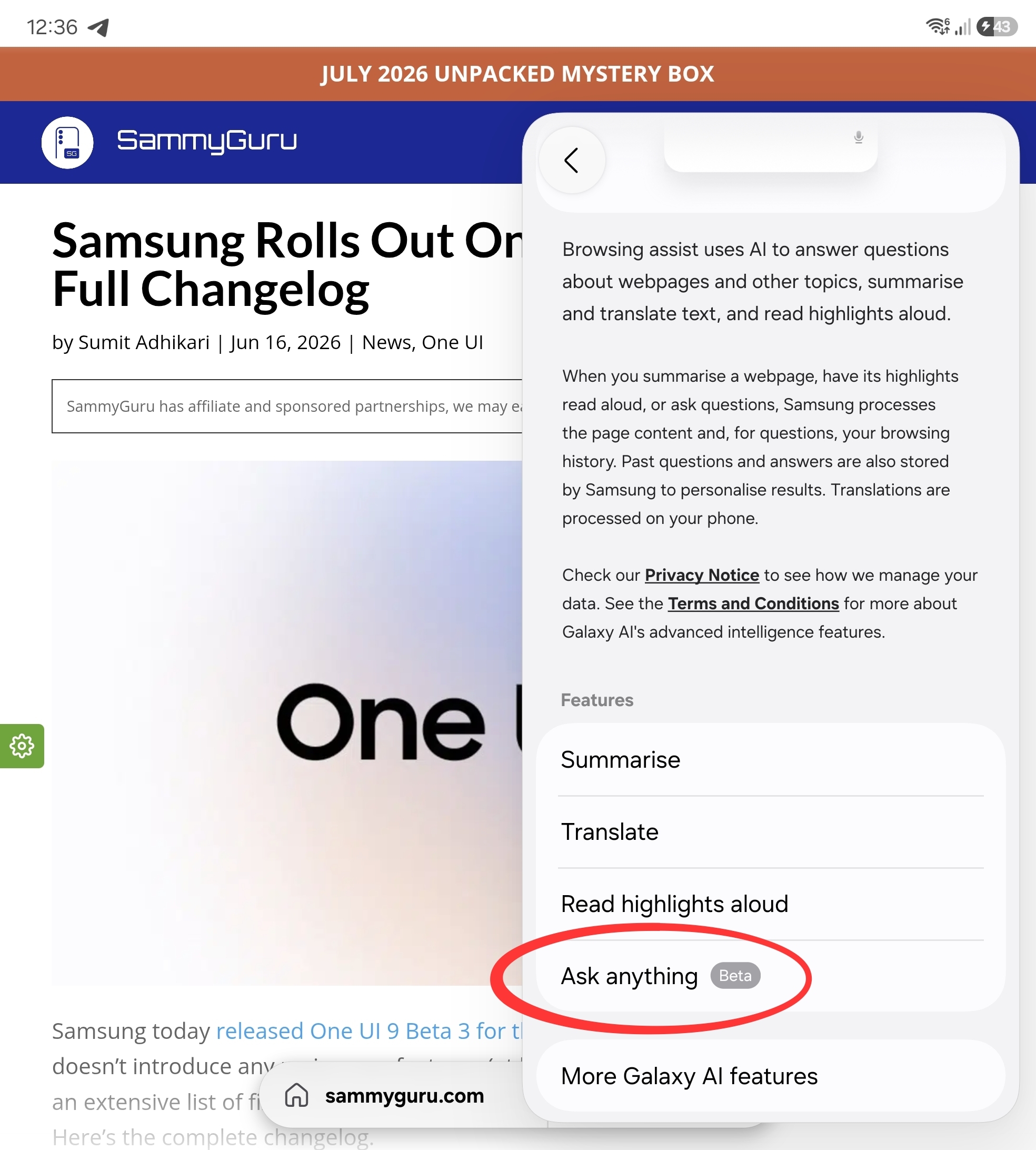
What makes this rebrand particularly interesting is a recent World Intellectual Property Organization (WIPO) trademark filing in the UK for the phrase “Ask anything”. Even more interesting is that Ask Anything is a tagline used by Perplexity, which also powers the feature within Samsung Browser. I may seem like that crazy red line meme from It’s Always Sunny in Philadelphia, but this all links together.
Some other changes
This isn’t all this new version of Samsung Browser has to offer. Tipster GalaxyTechie also spotted some visual enhancements to blur, and the ability to add, remove, and re-order elements in the three-dot menu. You can also now open PDF files directly into Samsung Notes, allowing for quick markups, signing documents, or checking an instruction manual.
[APK] One UI 9 Samsung Browser v30.0.2.45 has added real-time blur in all bars. You can now reorder, add and remove options in the 3-dots menu. Open PDFs in Notes option is added in settings. Some toggles and description layouts are updated. Let us know if you find more changes! pic.twitter.com/bPDdAhoG9Y
— Galaxy Techie (@GalaxyTechie) June 14, 2026
This version of Samsung Browser is not yet available to the public, though GalaxyTechie has provided an APK to try out. The Ask Anything feature remains limited to the Galaxy S26 series in the US and Korea.

Follow us on Google Discover & set us as a preferred source in Google News
Share this Post
___________________________


New Blog Posts
___________________________

Samsung Goes Big With Spider-Man Brand New Day Partnership
Samsung confirms Galaxy Z Flip 7 and Fold 7 in Spider-Man Brand New Day
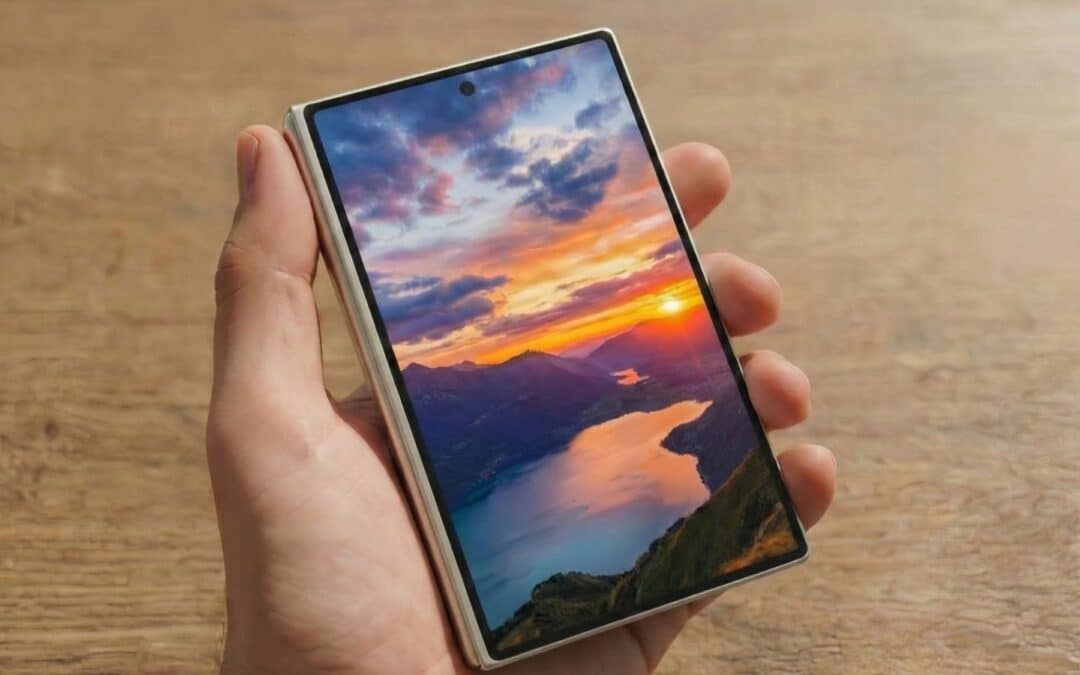
Samsung Obtains FCC Approval for its “Wide” Galaxy Z Fold 8
Galaxy Z Fold 8 stops by FCC for approval

June 2026 Google Play System Update: What’s New?
The update brings improvements to Android’s core services


