Galaxy S25 FE Gets One UI 8.5 Fingerprint Booster Before S25 Ultra
SammyGuru is reader-supported. We have affiliate and sponsored partnerships, so we may earn a commission when you buy through links on our site — at no extra cost to you. Learn more.
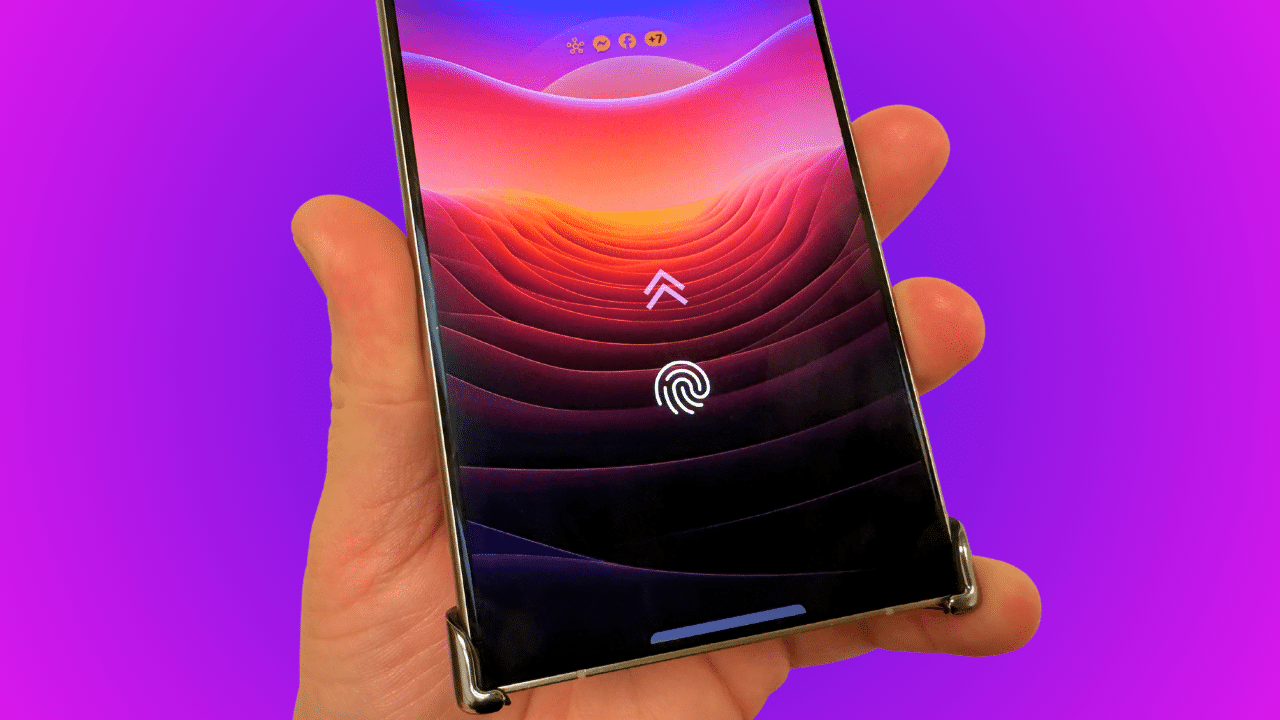
Samsung introduced a useful new security feature with One UI 8.5 on the Galaxy S26 series. It improves fingerprint recognition accuracy by letting users add up to ten additional scans to an already registered fingerprint. The feature is now beginning to expand to older Galaxy devices, but surprisingly, the first phone outside the S26 lineup to receive it is the Galaxy S25 FE. Even the Galaxy S25 Ultra doesn’t have it yet.
One UI 8.5’s fingerprint accuracy booster rolls out to Galaxy S25 FE
Galaxy smartphones already let you register multiple fingerprints for quick unlocking with any finger. Many users smartly use this feature to re-register the same finger multiple times, potentially improving recognition speed. With One UI 8.5, you no longer need to use this workaround. Once you register a fingerprint, you can now rescan it ten times to improve accuracy and reduce the chances of failure when your fingerprints aren’t perfectly clean.
The introduction of this feature also means you do not have to sacrifice fingerprint slots for the sake of accuracy. You can register multiple fingerprints and rescan each of them an additional ten times. It’s a small but useful security enhancement Samsung debuted on the Galaxy S26 series.
While the company was expected to push the tool to older models wth One UI 8.5, it didn’t. However, the May security patch for the Galaxy S25 FE, which arrived a couple of weeks after One UI 8.5, appears to have added this fingerprint accuracy booster. User reports coming from Korea confirm its addition (via X/@Alfaturk16).
Interestingly, the rest of the Galaxy S25 lineup, including the S25 Ultra, also received the May patch around the same time, but the new security feature remains missing. It’s unclear why Samsung chose to push it to the Fan Edition model ahead of its main 2025 flagship. Hopefully, it won’t be long before this feature reaches more Galaxy devices globally.
How to use this feature?
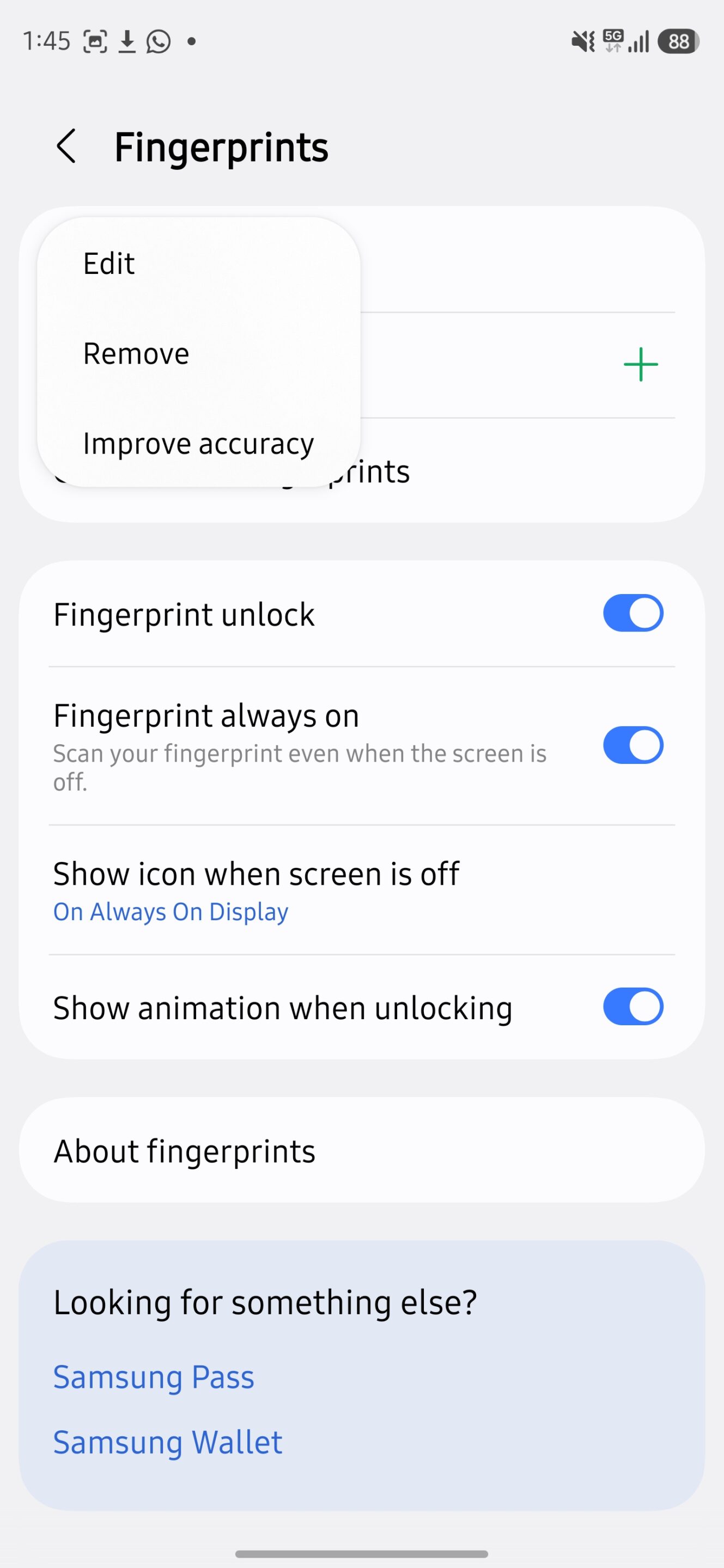
When available, you can find the option under your existing fingerprint settings. Open the Settings app and go to Security and privacy, select Screen lock and biometrics, enter your lock code/PIN, and tap Continue. Now, select Fingerprints and tap any registered fingerprint (tap once; do not press and hold). Select Improve accuracy from the floating menu and proceed to rescan your finger.
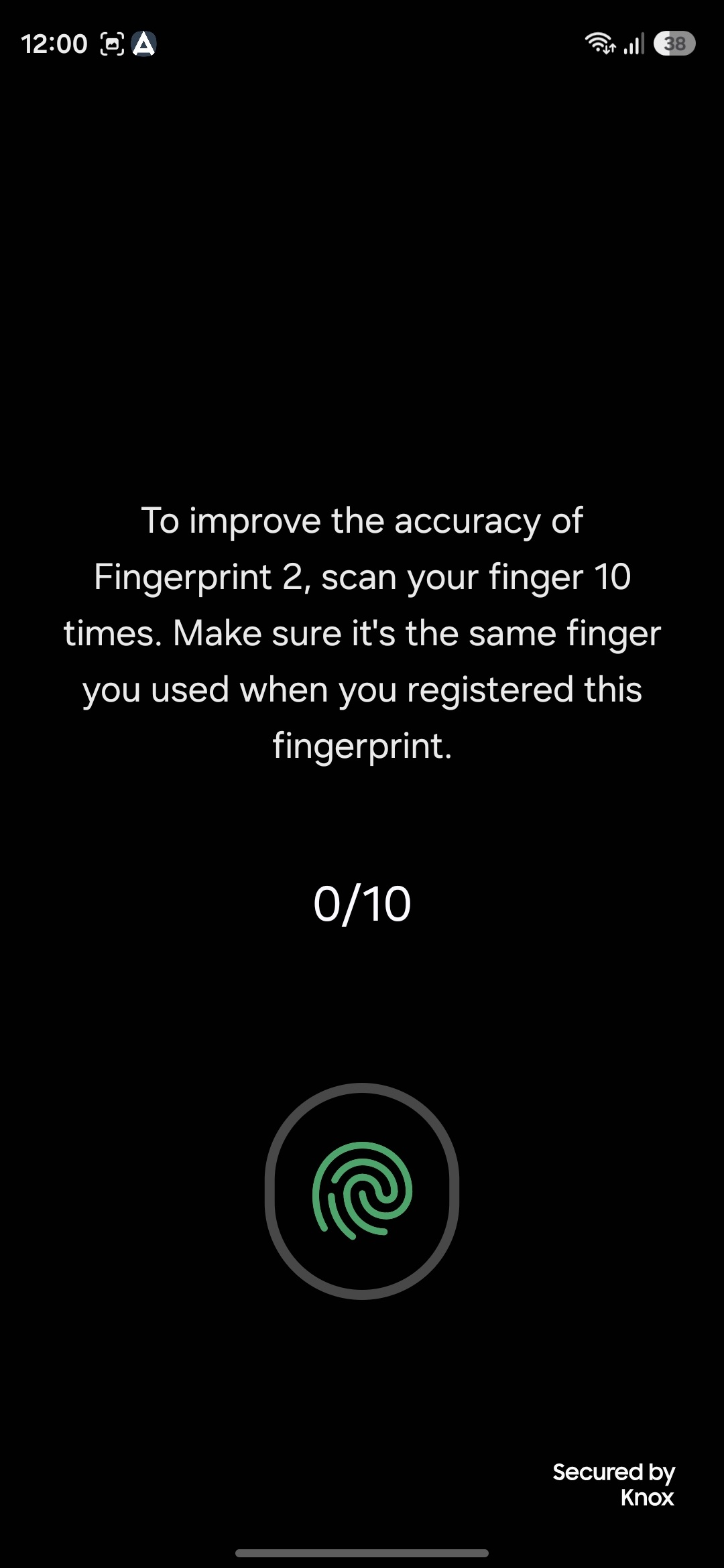
Note that you must rescan the same finger you used to register the original fingerprint. If you have already registered multiple fingerprints and are unsure which is which, you can check from the same settings page. You will find a Check added fingerprints option just below your fingerprint list. We will let you know when this One UI 8.5 feature arrives on more devices.

Written by
Sumit AdhikariSumit, a life-long Samsung user, is passionate about technology and has been professionally writing on tech since 2017. He’s a mathematics graduate by education and enjoys teaching basic mathematics tricks to school kids in his spare time. Sumit believes in artificial intelligence and dreams of a fully open, intelligent and connected world.

Follow us on Google Discover & set us as a preferred source in Google News
Share this Post
___________________________


New Blog Posts
___________________________

Galaxy F70 Pro Spotted on Bluetooth SIG Ahead of Launch
Galaxy F70 Pro set to launch soon
Exclusive: Galaxy Watch 9’s Wearable App Reveals New Galaxy AI and Health Features
Quite a glow up
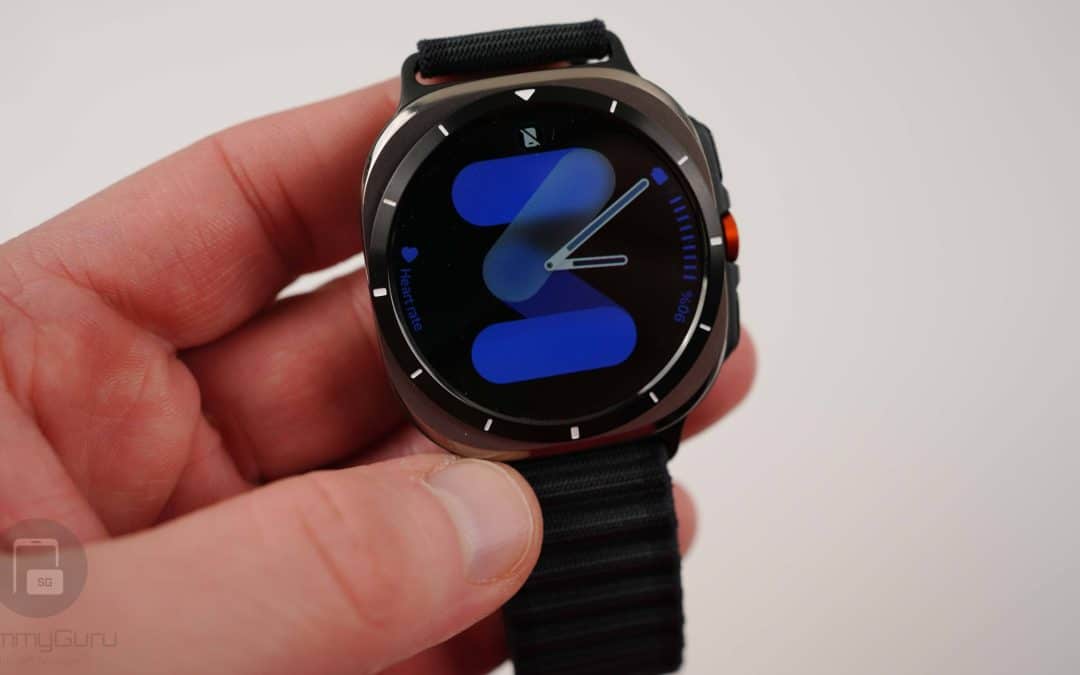
Exclusive: Here’s Your First Look at the Galaxy Watch 9 and Galaxy Watch Ultra 2 Watch Faces
Five new faces