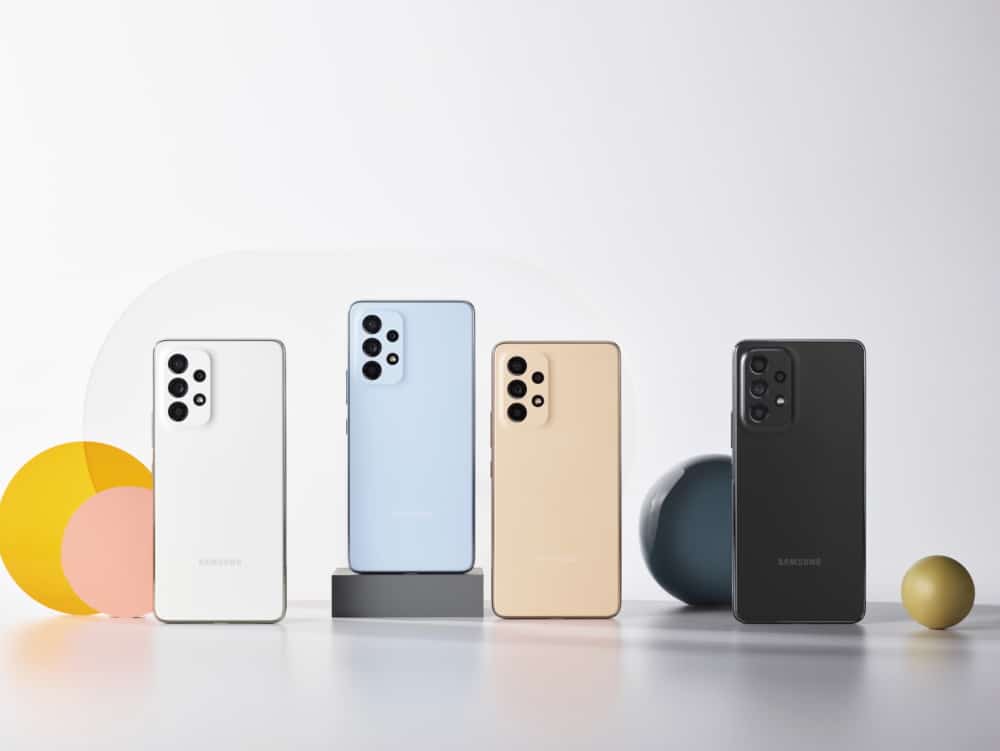
Galaxy A33, Galaxy A53 Receive One UI 8 Update in India
SammyGuru is reader-supported. We have affiliate and sponsored partnerships, so we may earn a commission when you buy through links on our site — at no extra cost to you. Learn more.
Shortly after the One UI 8 rollout slowed down in India, Samsung has picked up pace. It’s now rolling out the One UI 8 update for the Galaxy A33 and Galaxy A53 in India. Last week, Samsung gifted the Galaxy A73 5G with latest update. The One UI 8 software marks the final Android OS update for all three devices: the Galaxy A33, Galaxy A53, and Galaxy A73. Samsung had promised 4 years of major OS updates. With this rollout, that concludes, and they’ll likely receive one more “point” update.
One UI 8 update expands to Galaxy A33 and Galaxy A53 in India
Samsung has started rolling out the Android 16-based One UI 8 update to the Galaxy A33 and Galaxy A53 in India. The latest update brings September 2025 security patch to both the devices. For the Galaxy A33, the update size is around 2.5GB. Meanwhile, the Galaxy A53’s update weighs about 2.3GB (h/t: Vedant Kalore, Abdul Sarkar). The build versions in question for the models are A336EDXUEGY18 and A536EXXUHGY19 respectively.


You’d probably know that the One UI 8 update brings a ton of features along. Some of the favorites that you’re sure to enjoy include the 90:10 split-screen ratio, new clock styles, and a completely redesigned Weather app. There are also a few minor design tweaks and better overall stability.
As this is the last major OS update for the A33, A53, and A73, these devices will no longer receive Android 17 in the future. But they could receive One UI 8.5 when that rolls out. Of course, that will take time, but chances are they’ll have it. Additionally, Samsung will continue to provide security patches and stability updates for some more time.
If you own a Galaxy A33 or Galaxy A53, you can check for the update by going to Settings > Software update > Download and install. Tap Install now once the download is complete, and your device will restart with the latest One UI 8 software.

Written by
Mohammed KhatriMohammed Khatri is a tech writer at SammyGuru focused on Samsung's software side — tracking One UI updates, internal builds, and which Galaxy devices are next in line. He also covers early device leaks, certifications, and retail listings. Beyond tech, he has a keen interest in finance and automobiles, and enjoys exploring the latest trends and developments in both industries.

Follow us on Google Discover & set us as a preferred source in Google News
Share this Post
___________________________


New Blog Posts
___________________________
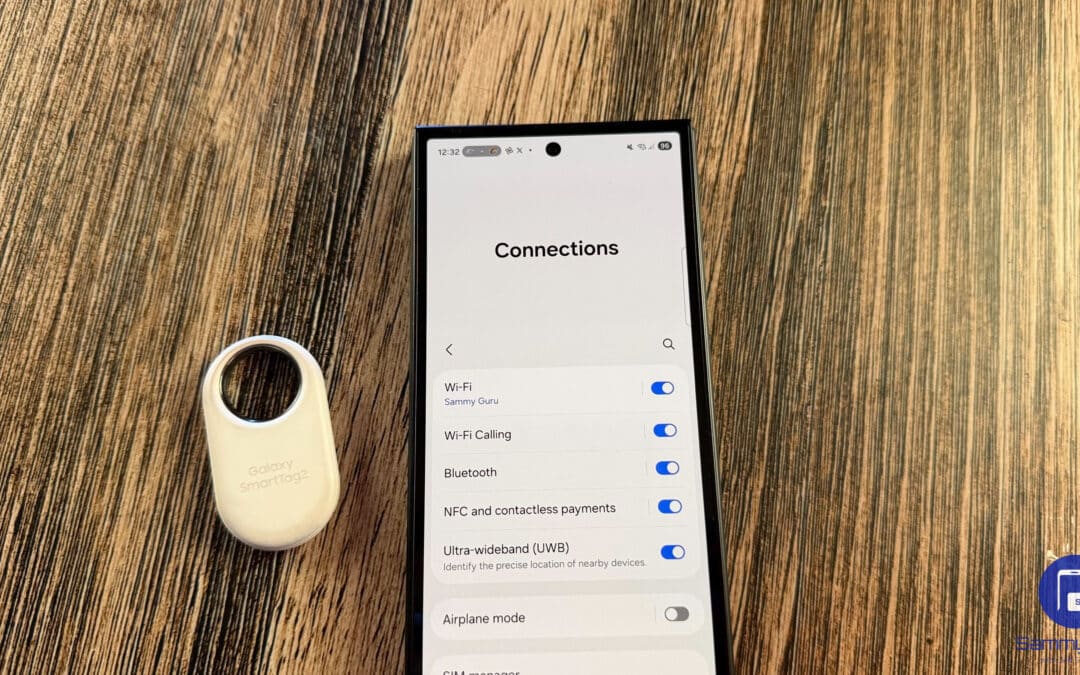
Galaxy SmartTag 3 Could Launch Sooner Than Expected
Tipped to launch alongside the Galaxy S26 FE

Own This MagSafe Battery Charger? Stop Using It Right Away
It could be a fire hazard
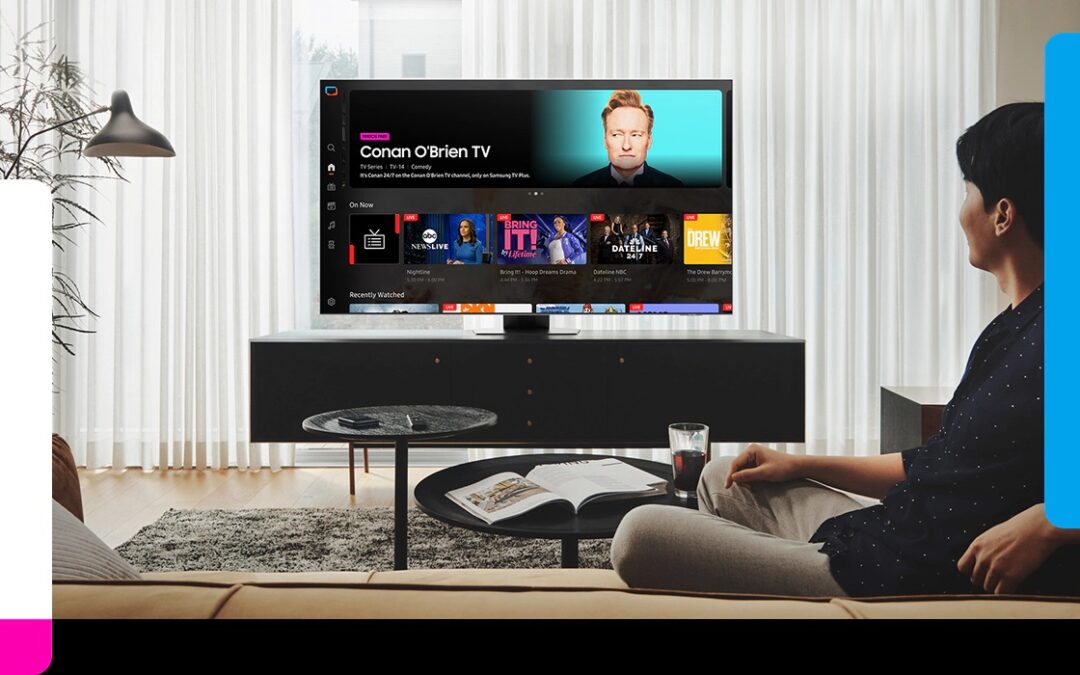
Samsung Brings Eclipsa Audio and Multi-Cam to Samsung TV Plus
Both of them will first be available on Samsung TV Network (STN)